Account Registration CAPTCHA / Google reCaptcha V1
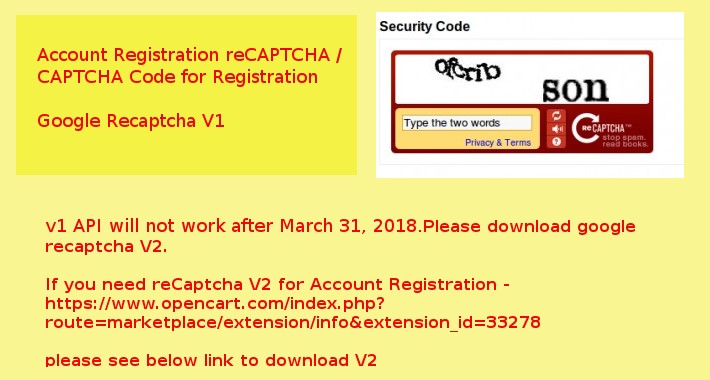

Googel reCaptcha V1 API will not work after March 31, 2018
If you new , please download reCaptch V2 for Account Registration - https://www.opencart.com/index.php?route=marketplace/extension/info&extension_id=33278
If you already purchased V1, please contact us via codeexs@gmail.com.
Account registration reCAPTCHA adds the Google reCAPTCHA (CAPTCHA) on your create account page to protect spam and other types of automated abuse.
If you need reCaptch V2 for Account Registration - https://www.opencart.com/index.php?route=marketplace/extension/info&extension_id=33278
If you need reCaptch for All - http://www.opencart.com/index.php?route=extension/extension/info&extension_id=17830
Demo Links: Front Demo and Admin Demo

1.protect your created account page form spam and other types of automated abuse
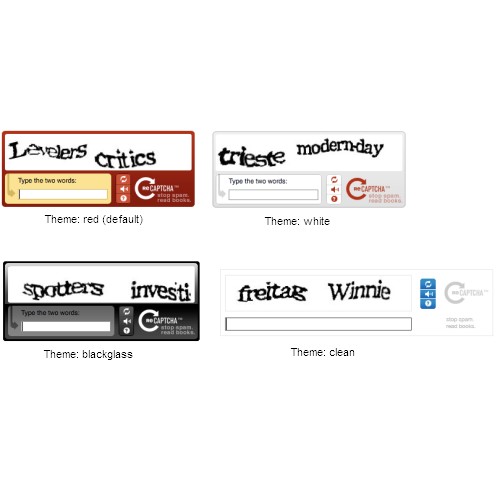
2.Four themes (Red, White, Blackglass, Clean)
3.enable/disable option in admin->module
4.It will not overwrite any of your Opencart files [vQmod]
5.easy to use
6. support for 1.5.2 to latest. tested with 2.0.0.0, 2.0.1.0, 2.0.1.1, 2.0.2.0, 2.0.3.1, 2.1.0.1, 2.1.0.2, 1.5.2, 1.5.2.1, 1.5.3, 1.5.3.1, 1.5.4, 1.5.4.1, 1.5.5, 1.5.5.1, 1.5.6, 1.5.6.1, 1.5.6.2, 1.5.6.3, 1.5.6.4

1. Opencart 1.5.2 to latest
2. vQmod 1.2 or later
3. reCAPTCHA PHP library (Included with the download)
4. google reCAPTCHA public key and private key
(you can create here https://www.google.com/recaptcha/admin/create )

Copy the contents of the "upload" folder to your Opencart store's top level directory, preserving the directory structure of the upload folder.
1.Log into the Back end
2.Go to Extensions ->Modules
3. Install Account Registration reCAPTCHA
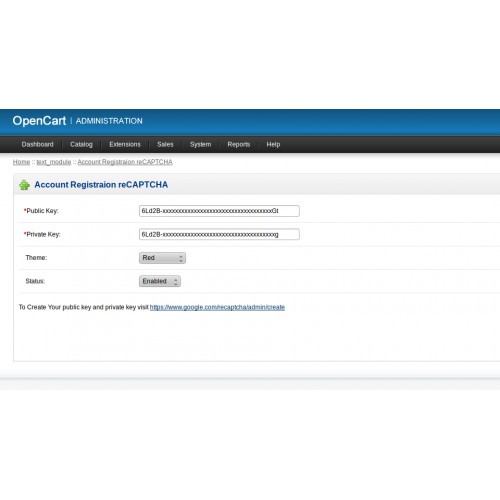
4. edit Account Registration reCAPTCHA
5. Enter public key , private key, and change status to enable
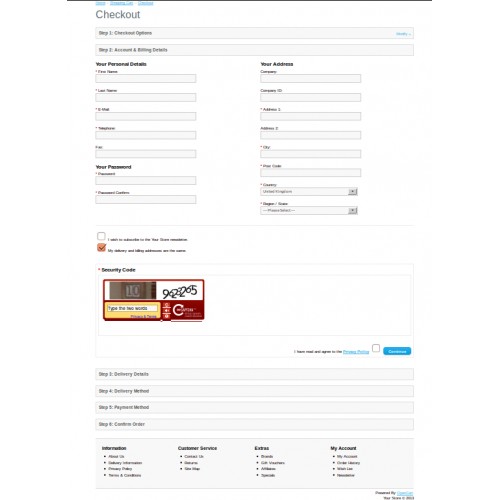
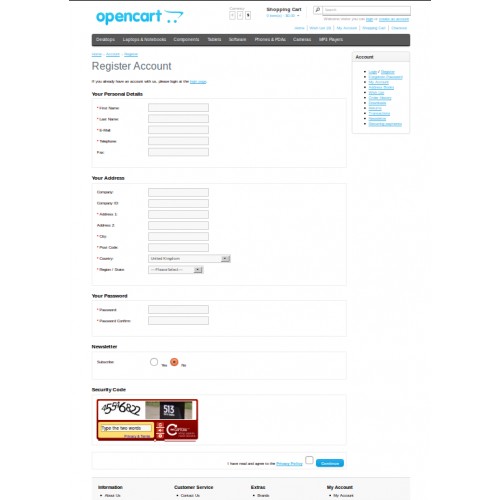
4.reCAPTCHA will appear on create account page and checkout page user registration

Email : codeexs@gmail.com
Price
$20.00
- Developed by OpenCart Community
- 12 Months Free Support
- Documentation Included
Rating
Compatibility
2.0.0.0, 2.0.1.0, 2.0.1.1, 2.0.2.0, 2.0.3.1, 2.1.0.1, 2.1.0.2, 1.5.2, 1.5.2.1, 1.5.3, 1.5.3.1, 1.5.4, 1.5.4.1, 1.5.5, 1.5.5.1, 1.5.6, 1.5.6.1, 1.5.6.2, 1.5.6.3, 1.5.6.4
Last Update
10 Jul 2021
Created
15 Sep 2013
49 Sales
22 Comments

Login and write down your comment.
Login my OpenCart Account