Background Image Change(VQMOD) Pro 2.2

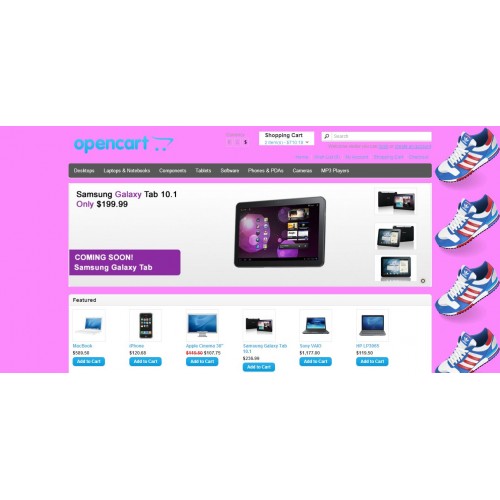
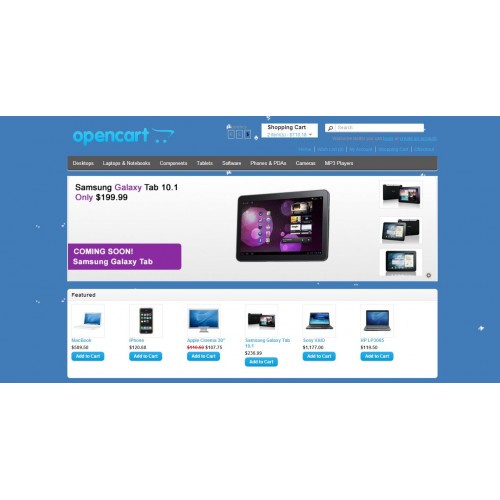
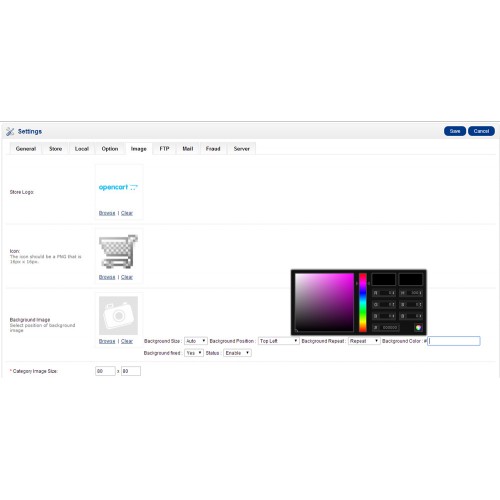
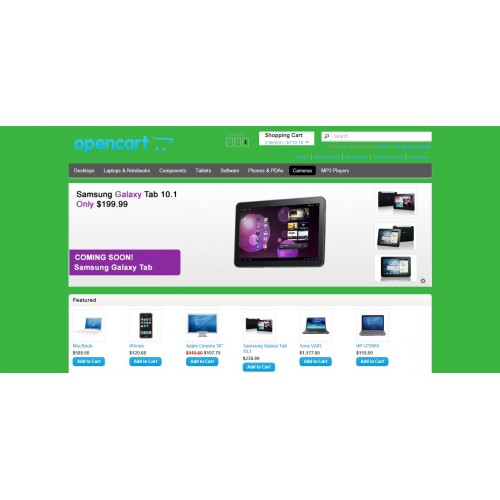
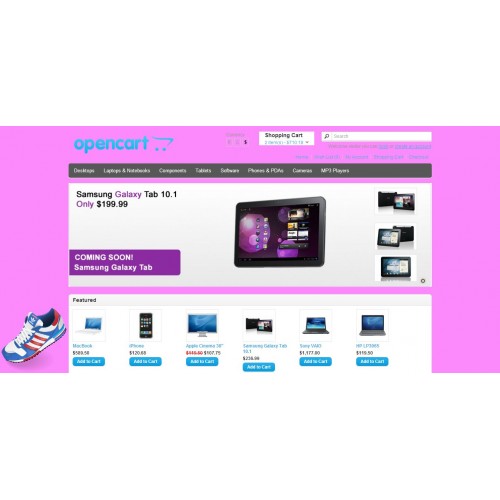
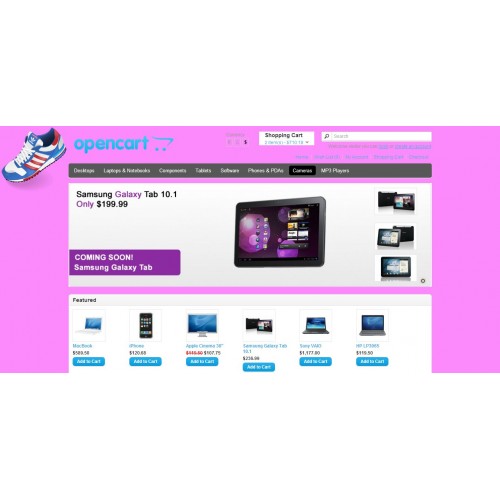
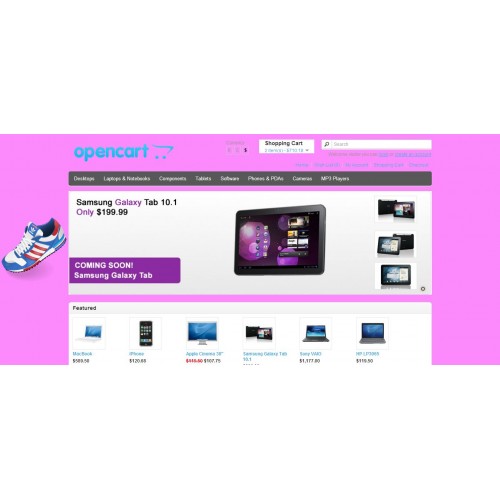
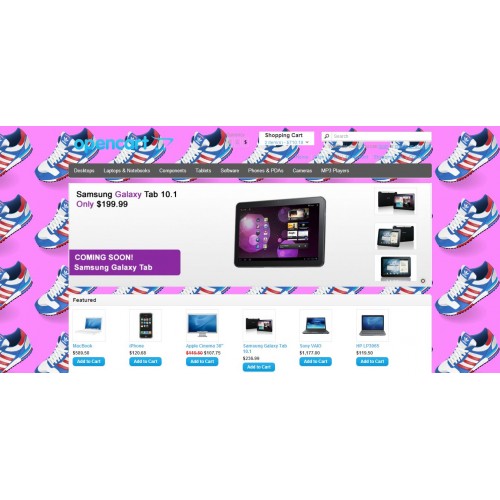
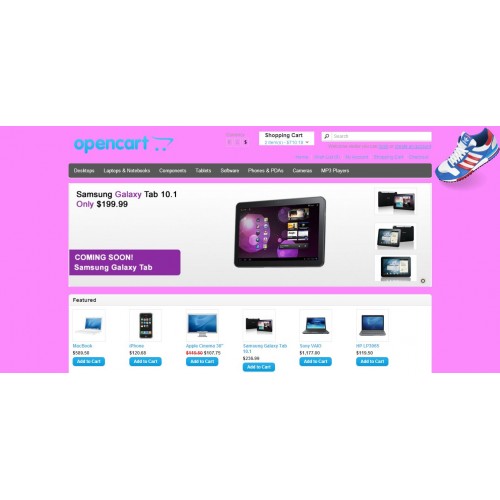
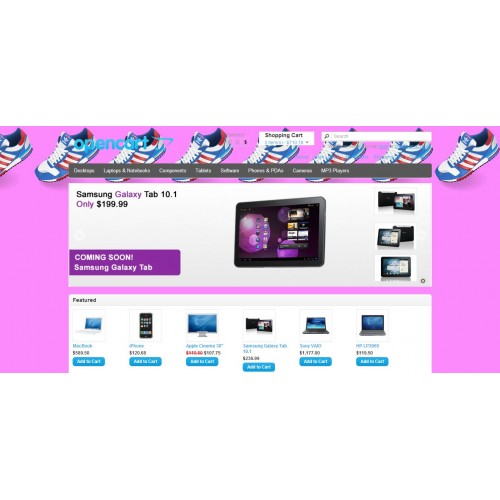
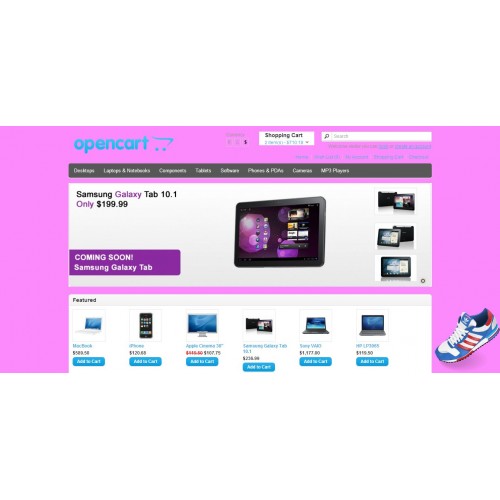
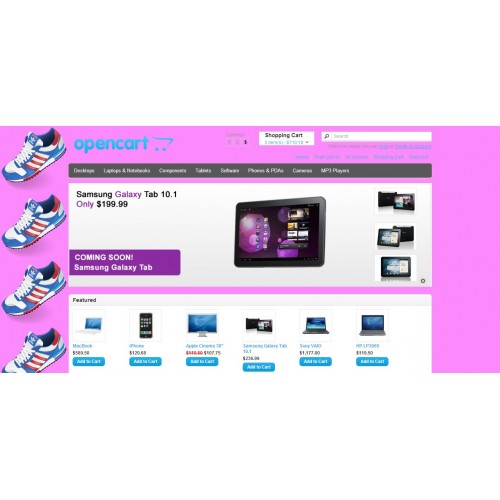
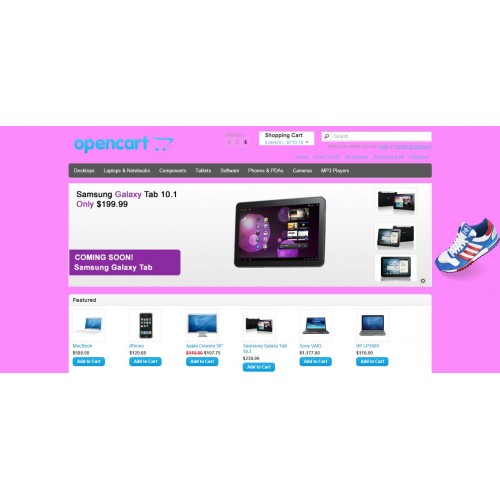
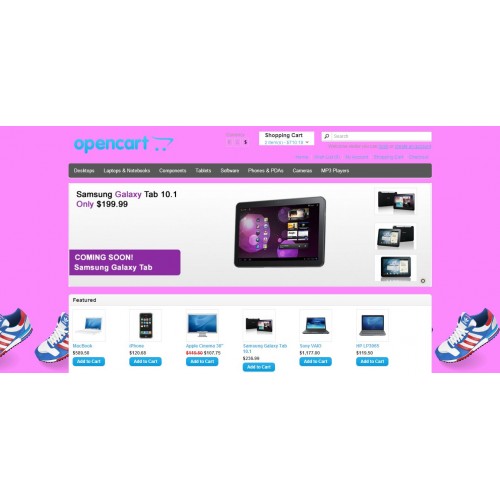
Download our Extension (VQMOD). Upload your web root directory. Now go back to your store setting and change your store's boring background image with multiple positions. .
Easy to use. Easy to installation. No change will occur in your core opencart files.
Features:
1). Supportable Multiple Stores.
2). You can change you store’s, each product, manufacture and category background color with a color picker.
3). You can Change your store’s background image with multiple positions like.
3.1) Top Left
3.2) Top Center
3.3) Top Right
3.4) Center Left
3.5) Center Center
3.6) Center Right
3.7) Bottom Left
3.8) Bottom Right
3.9) Bottom Center,
4). Background Repeat
4.1) Repeat
4.2) No Repeat
4.3) Repeat on x Axis
4.4) Repeat on y Axis
Similarly,
5) you can change your product pages background.
6) You can change Category pages background.
7) You can change Manufacturer pages background.
8) You can change Information pages background.
9) Each product, Category and Manufacturer page has its own background Image and color.
10) In the admin panel
• Go to your store setting, under the image tab you will see background image option. You can add your store’s background image here and color here. We call it “Default Extension Setting”.
Note: If you are using multiple store then go to sub-store setting, under the image tab you will see background image extension options. This setting will be your “Default Extension Setting” for that store.
• On product page, Under the Product image you will see background image option. You can add background image and other options here, this setting will appear on the background of that product page on Front end. If you will not set background image and other options of any product then “Default Extension Setting” will appear on front end.
• On category page, under the image you will see background image option. You can add background image and other options here, this setting will appear on the background of that category page on Front end. If you will not set background image and other options of any category then “Default Extension Setting” will appear on front end.
• On Manufacturer page, under the image you will see background image option. You can add background image and other options here, this setting will appear on the background of that Manufacturer page on Front end. If you will not set background image and other options of any Manufacturer then “Default Extension Setting” will appear on front end.
11) You can change image with background position fixed and cover.
12) Supported will all “OPENCART” themes.
13) Supported with responsive theme.
14) Cross browser supported.
15) Compatible with all mobile and tablet devices.
16) After updating “OPENCART”, extension will work normal.
17) Supported animated Images.
Thank you.
Error Log:
O.C version 2.x :
1) Extension is added on Information pages.
2) Product page, category page tab error removed.
Note: If you find any issue during the installation OR you need support(free) from me. You can email me with the following details
1) Extension purchase id
2) You opencart admin and FTP access.
After my support, if extension still does not work on you store then your payment will be refunded. Feel free to buy the extension.
You can find my email address in the extension OR comment here for support, i'll contact you.
Easy to use. Easy to installation. No change will occur in your core opencart files.
Features:
1). Supportable Multiple Stores.
2). You can change you store’s, each product, manufacture and category background color with a color picker.
3). You can Change your store’s background image with multiple positions like.
3.1) Top Left
3.2) Top Center
3.3) Top Right
3.4) Center Left
3.5) Center Center
3.6) Center Right
3.7) Bottom Left
3.8) Bottom Right
3.9) Bottom Center,
4). Background Repeat
4.1) Repeat
4.2) No Repeat
4.3) Repeat on x Axis
4.4) Repeat on y Axis
Similarly,
5) you can change your product pages background.
6) You can change Category pages background.
7) You can change Manufacturer pages background.
8) You can change Information pages background.
9) Each product, Category and Manufacturer page has its own background Image and color.
10) In the admin panel
• Go to your store setting, under the image tab you will see background image option. You can add your store’s background image here and color here. We call it “Default Extension Setting”.
Note: If you are using multiple store then go to sub-store setting, under the image tab you will see background image extension options. This setting will be your “Default Extension Setting” for that store.
• On product page, Under the Product image you will see background image option. You can add background image and other options here, this setting will appear on the background of that product page on Front end. If you will not set background image and other options of any product then “Default Extension Setting” will appear on front end.
• On category page, under the image you will see background image option. You can add background image and other options here, this setting will appear on the background of that category page on Front end. If you will not set background image and other options of any category then “Default Extension Setting” will appear on front end.
• On Manufacturer page, under the image you will see background image option. You can add background image and other options here, this setting will appear on the background of that Manufacturer page on Front end. If you will not set background image and other options of any Manufacturer then “Default Extension Setting” will appear on front end.
11) You can change image with background position fixed and cover.
12) Supported will all “OPENCART” themes.
13) Supported with responsive theme.
14) Cross browser supported.
15) Compatible with all mobile and tablet devices.
16) After updating “OPENCART”, extension will work normal.
17) Supported animated Images.
Thank you.
Error Log:
O.C version 2.x :
1) Extension is added on Information pages.
2) Product page, category page tab error removed.
Note: If you find any issue during the installation OR you need support(free) from me. You can email me with the following details
1) Extension purchase id
2) You opencart admin and FTP access.
After my support, if extension still does not work on you store then your payment will be refunded. Feel free to buy the extension.
You can find my email address in the extension OR comment here for support, i'll contact you.
What customers say about Background Image Change(VQMOD) Pro 2.2

Thank You for your great work and speedy support. This is the best most versatile and comprehensive background image and color change mod available ( Yes I have tried them all ). Works perfect on 3.0.3.1. I would recommend adnan00733's Mod to everyone great work!
~HemiDart
~HemiDart
Price
$20.00
- Developed by OpenCart Community
- Documentation Included
Rating
Compatibility
3.0.0.0, 3.0.1.0, 3.0.1.1, 3.0.1.2, 3.0.1.3, 3.0.2.0, 4.x.x.x, 3.0.3.0, 3.0.3.1, 3.0.3.2, 3.0.3.3, 3.0.3.5, 3.0.3.6, 3.0.3.7, 1.5.4, 1.5.4.1, 1.5.5, 1.5.5.1, 1.5.6, 1.5.6.1, 1.5.6.2, 1.5.6.3, 1.5.6.4, 2.0.0.0, 2.0.1.0, 2.0.1.1, 2.0.2.0, 2.0.3.1, 2.1.0.1, 2.1.0.2, 2.2.0.0, 2.3.0.0, 2.3.0.1, 2.3.0.2
Last Update
27 Mar 2021
Created
8 Jun 2014
62 Sales
52 Comments

Login and write down your comment.
Login my OpenCart Account