Popup After Login
===============================================
OPENCART 2.x Popup After Login
===============================================
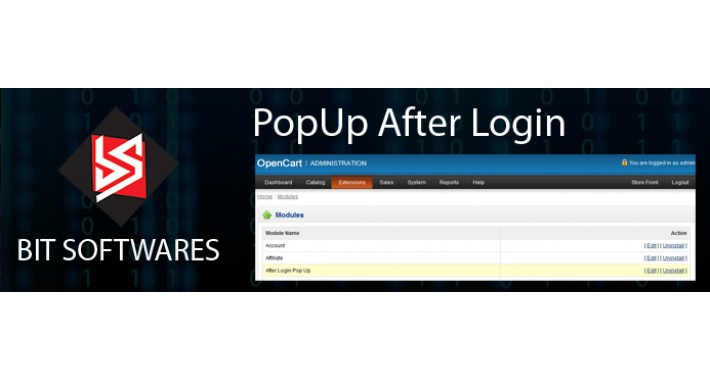
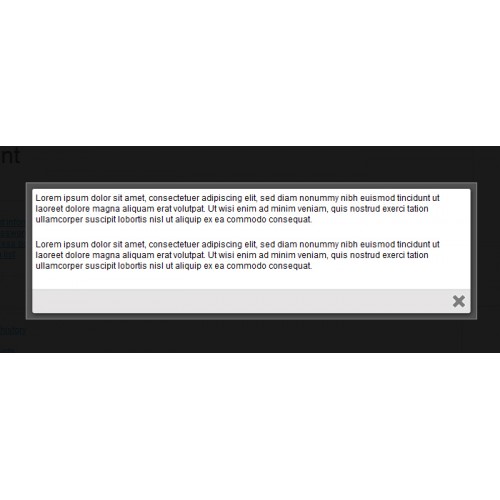
This extension shows content in pop up after customer logged In, admin is able to enable/disable pop up at any time.
Supported OpenCart Versions:
================
v1.5.x
v2.0.x
WARNING:
=========
If you are updating it from older version, then you might get warning/notice in Amdin panel for description, no need to worry about, please upload your content again and "SAVE".
What does it do:
================
This extension shows content in pop up after customer logged In, admin is able to enable/disable pop up at any time.
Requirements:
================
For Versions 1.5.x --- This mod requires you to install the vQmod Engine v2.0 or later from http://vQmod.com
Main features:
==============
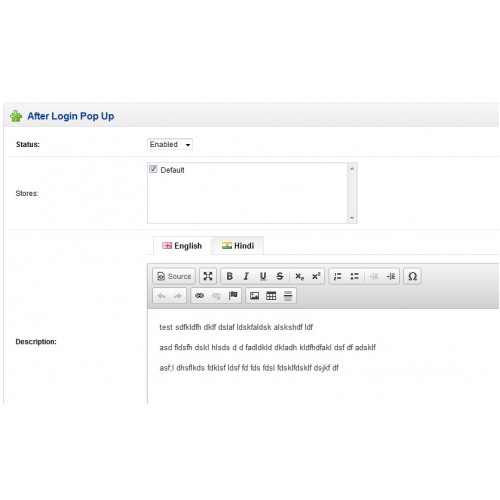
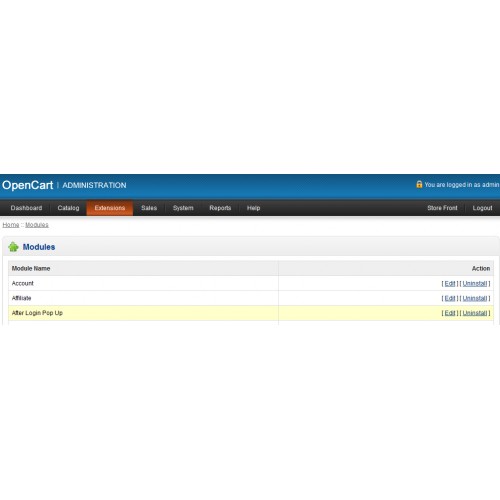
* Admin is able to enable/disable it from Admin >> Extension >> Module >> After Login Pop Up (edit)
* Editor for adding content for pop up.
How to install it: ( v1.5.x )
==================
1) Install vQmod 2.4 or later if you haven't already (http://vQmod.com)
2) Unzip files
3) Upload the contents to the root directory of your OpenCart installation, preserving directory structure
4) Enable it from admin panel and add content.
How to install it: (v2.0.x)
==================
1) Unzip files
2) Upload "afterloginpop.ocmod" zip package, from Admin >> Extension Installer
3) Rebuild your modification cache, from Admin >> Modification ( click on refresh button )
3) Enable this extension from Admin >> Module >> After Login Pop Up.
4) Add content.
That's it!
OPENCART 2.x Popup After Login
===============================================
This extension shows content in pop up after customer logged In, admin is able to enable/disable pop up at any time.
Supported OpenCart Versions:
================
v1.5.x
v2.0.x
WARNING:
=========
If you are updating it from older version, then you might get warning/notice in Amdin panel for description, no need to worry about, please upload your content again and "SAVE".
What does it do:
================
This extension shows content in pop up after customer logged In, admin is able to enable/disable pop up at any time.
Requirements:
================
For Versions 1.5.x --- This mod requires you to install the vQmod Engine v2.0 or later from http://vQmod.com
Main features:
==============
* Admin is able to enable/disable it from Admin >> Extension >> Module >> After Login Pop Up (edit)
* Editor for adding content for pop up.
How to install it: ( v1.5.x )
==================
1) Install vQmod 2.4 or later if you haven't already (http://vQmod.com)
2) Unzip files
3) Upload the contents to the root directory of your OpenCart installation, preserving directory structure
4) Enable it from admin panel and add content.
How to install it: (v2.0.x)
==================
1) Unzip files
2) Upload "afterloginpop.ocmod" zip package, from Admin >> Extension Installer
3) Rebuild your modification cache, from Admin >> Modification ( click on refresh button )
3) Enable this extension from Admin >> Module >> After Login Pop Up.
4) Add content.
That's it!
Price
$20.00
- Developed by OpenCart Community
- Documentation Included
Rating
Compatibility
1.5.0, 1.5.0.1, 1.5.0.2, 1.5.0.3, 1.5.0.4, 1.5.0.5, 1.5.1, 1.5.1.1, 1.5.1.2, 1.5.1.3, 1.5.2, 1.5.2.1, 1.5.3, 1.5.3.1, 1.5.4, 1.5.4.1, 1.5.5, 1.5.5.1, 1.5.6, 1.5.6.1, 1.5.6.2, 1.5.6.3, 1.5.6.4, 2.0.0.0, 2.0.1.0, 2.0.1.1
Last Update
1 Jan 2015
Created
29 Jul 2014
1 Sales
18 Comments

Login and write down your comment.
Login my OpenCart Account