Import Category and Product Data (VQMOD)
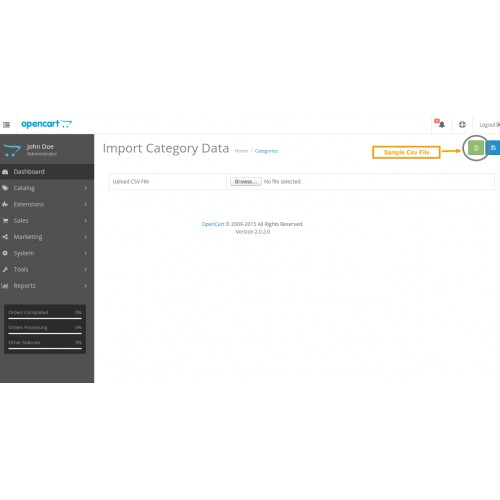
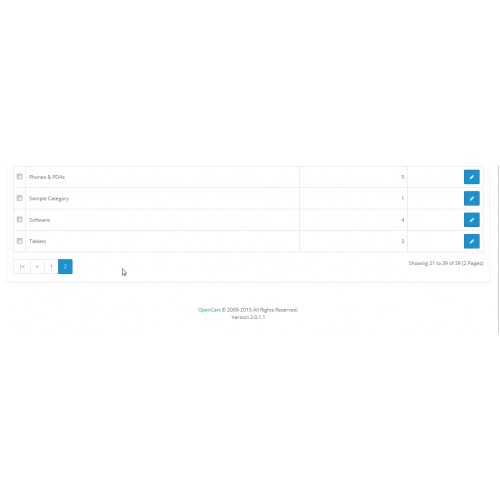
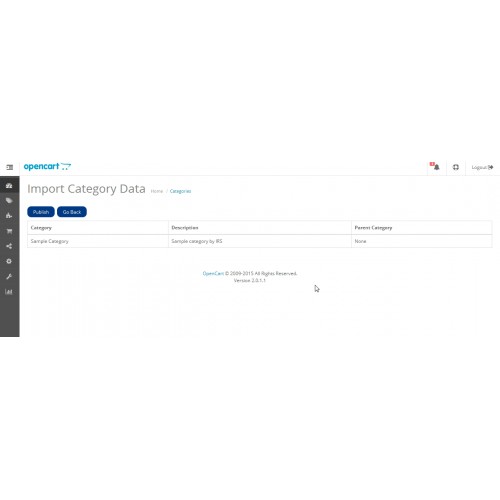
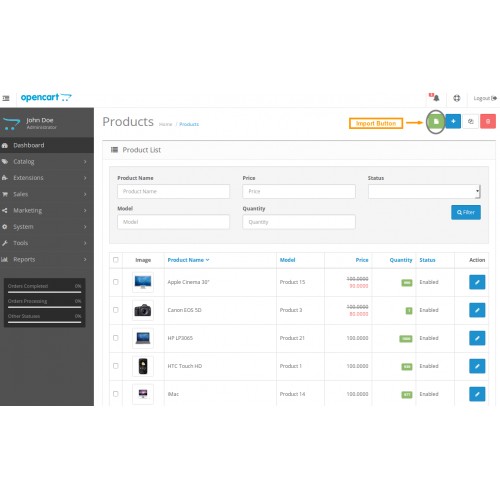
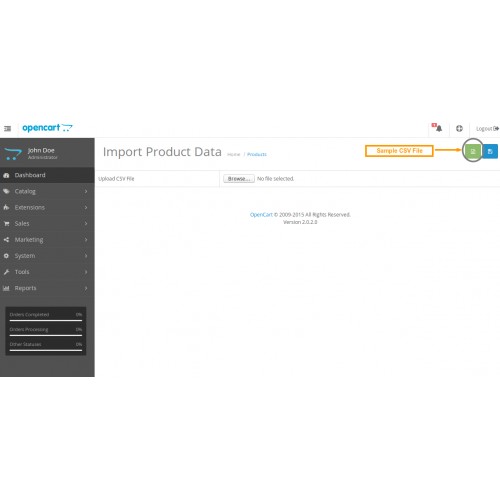
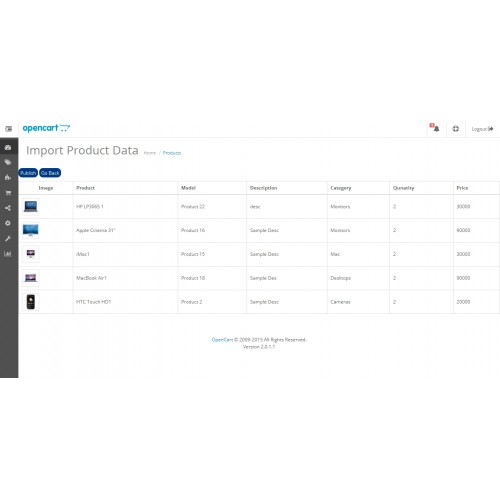
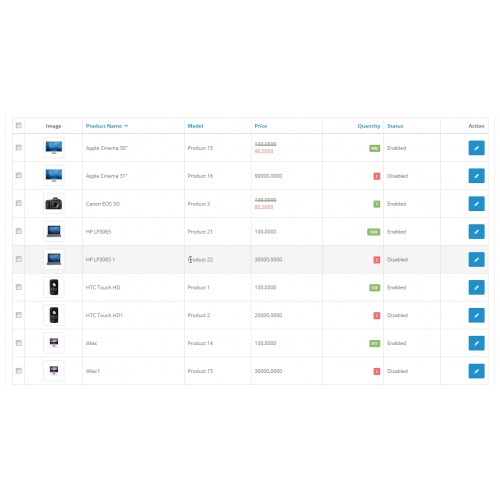
Import Category and Product Data module has required "vQmod".
Import Category and Product Data Module/Extension has import bulk Categories and Products using CSV/XLS file in your open cart shop.
That CSV file contains following column order is must to import.
----------------------------------------
Category
-----------------------------------------
1. Category Name (*) [we use this field as Primary Key to import bulk Products.If Product Name has exists, can not insert again only update.]
2. Category Description
3. Parent Category [MUST as the same as Database]
4. Status [Enabled/Disabled]
-------------------------------------------
Product
-------------------------------------------
1. Product Name(*) [we use this field as Primary Key to import bulk Products.If Product Name has exists, can not insert again only update.]
2. Model(*)
3. Product Description
4. Categories(*) [MUST as the same as Database]
5. SKU
6. UPC
7. EAN
8. JAN
9. ISBN
10. MPN
11. Location
12. Quantity(*)
13. Minimum
14. Subtract [Yes/No]
15. Stock Status(*) [MUST as the same as Database,like Apple, Canon]
16. Date Available [YYYY-MM-DD]
17. Manufacturer(*) [MUST as the same as Database,like Apple, Canon]
18. Shipping [Yes/No]
19. Price
20. Weight
21. Weight Class [MUST as the same as Database,like Gram, Kilogram]
22. Length
23. Width
24. Height
25. Length Class [MUST as the same as Database,like Centimeter, Inch]
26. Tax Class [MUST as the same as Database,like Downloadable Products, Taxable Goods]
27. Sort Order
28. Meta Title [Only for opencart version 2.0+]
29. Meta Key
30. Meta Description
31. Tag
32. Keyword
33. Image [Like data/demo/yourimage.jpg]
34. Additional Images [Like data/demo/yourimage1.jpg,data/demo/yourimage2.jpg]
35. Status [Enabled/Disabled]
--------------------------------------------------------------------------
Important Note for Images :-
=> First you must upload images in your opencart site/image/data/demo.
=> Primary Image in CSV column [only one image].
=> Additional Images in CSV column [multiple images with comma seperated].
Note:
=> Product Category MUST as the same as Database. [If you want to import new Product Category. First you must add Category before import Products.]
=> Stock Status, Manufacturer, Weight Class, Length Class and Tax Class MUST as the same as Database.
Demo at Documentation tab
Export Category and Product Extension
More detail :
You will find the installation.txt file and Demo folder in the ZIP file
Opencart Default Theme Demo:

User Name : import_product
Password : import_product
We will provide a good support to you. If you have any queries please leave a mail to
opencartsupport@irssoft.com
You will get a reply within 48 hours...
Please Rate this Module!.....
Click Here to view Our All Extensions
Official website :- www.irssoft.com
Click Here to like this module :- Facebook
Import Category and Product Data Module/Extension has import bulk Categories and Products using CSV/XLS file in your open cart shop.
That CSV file contains following column order is must to import.
----------------------------------------
Category
-----------------------------------------
1. Category Name (*) [we use this field as Primary Key to import bulk Products.If Product Name has exists, can not insert again only update.]
2. Category Description
3. Parent Category [MUST as the same as Database]
4. Status [Enabled/Disabled]
-------------------------------------------
Product
-------------------------------------------
1. Product Name(*) [we use this field as Primary Key to import bulk Products.If Product Name has exists, can not insert again only update.]
2. Model(*)
3. Product Description
4. Categories(*) [MUST as the same as Database]
5. SKU
6. UPC
7. EAN
8. JAN
9. ISBN
10. MPN
11. Location
12. Quantity(*)
13. Minimum
14. Subtract [Yes/No]
15. Stock Status(*) [MUST as the same as Database,like Apple, Canon]
16. Date Available [YYYY-MM-DD]
17. Manufacturer(*) [MUST as the same as Database,like Apple, Canon]
18. Shipping [Yes/No]
19. Price
20. Weight
21. Weight Class [MUST as the same as Database,like Gram, Kilogram]
22. Length
23. Width
24. Height
25. Length Class [MUST as the same as Database,like Centimeter, Inch]
26. Tax Class [MUST as the same as Database,like Downloadable Products, Taxable Goods]
27. Sort Order
28. Meta Title [Only for opencart version 2.0+]
29. Meta Key
30. Meta Description
31. Tag
32. Keyword
33. Image [Like data/demo/yourimage.jpg]
34. Additional Images [Like data/demo/yourimage1.jpg,data/demo/yourimage2.jpg]
35. Status [Enabled/Disabled]
--------------------------------------------------------------------------
Important Note for Images :-
=> First you must upload images in your opencart site/image/data/demo.
=> Primary Image in CSV column [only one image].
=> Additional Images in CSV column [multiple images with comma seperated].
Note:
=> Product Category MUST as the same as Database. [If you want to import new Product Category. First you must add Category before import Products.]
=> Stock Status, Manufacturer, Weight Class, Length Class and Tax Class MUST as the same as Database.
Demo at Documentation tab
Export Category and Product Extension
More detail :
You will find the installation.txt file and Demo folder in the ZIP file
Opencart Default Theme Demo:
User Name : import_product
Password : import_product
We will provide a good support to you. If you have any queries please leave a mail to
opencartsupport@irssoft.com
You will get a reply within 48 hours...
Please Rate this Module!.....
Click Here to view Our All Extensions
Official website :- www.irssoft.com
Click Here to like this module :- Facebook
Price
$20.00
- Developed by OpenCart Community
- 12 Months Free Support
- Documentation Included
Rating
Compatibility
3.0.0.0, 3.0.1.0, 3.0.1.1, 3.0.1.2, 3.0.1.3, 3.0.2.0, 1.5.4, 1.5.4.1, 2.0.1.0, 2.0.1.1, 2.0.0.0, 1.5.5, 1.5.5.1, 1.5.6, 1.5.6.1, 1.5.6.2, 1.5.6.3, 1.5.6.4, 2.0.2.0, 2.0.3.1, 2.1.0.1, 2.1.0.2, 2.3.0.0, 2.3.0.1, 2.3.0.2
Last Update
9 Aug 2018
Created
20 Oct 2014
98 Sales
40 Comments

Login and write down your comment.
Login my OpenCart Account