Import Category and Product Data (OCMOD)
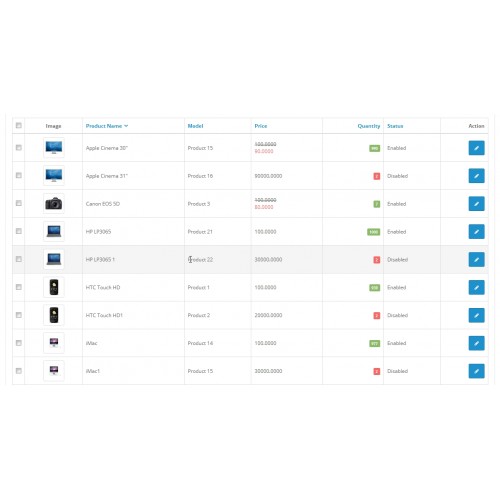
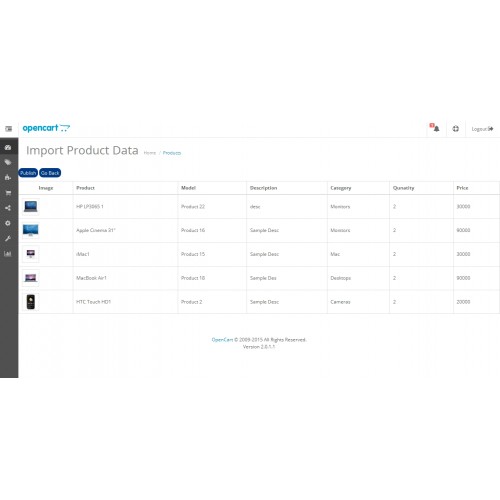
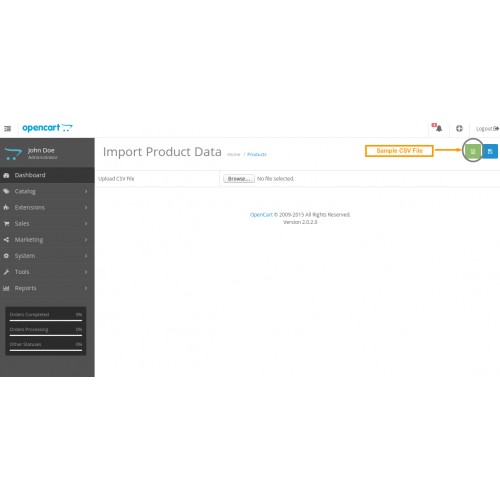
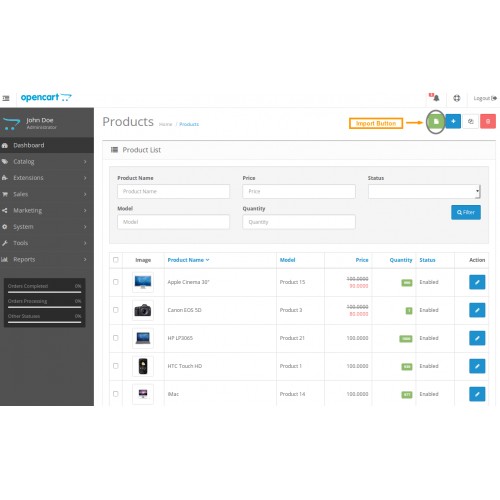
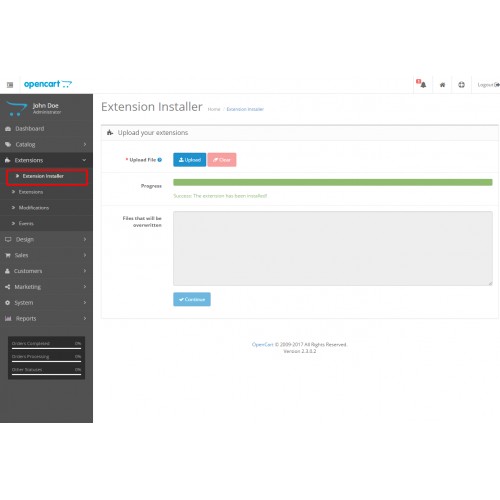
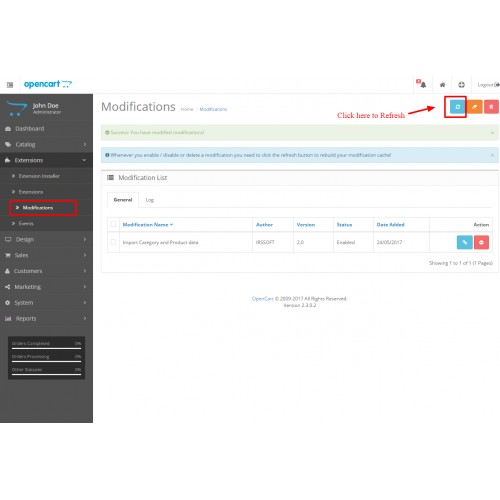
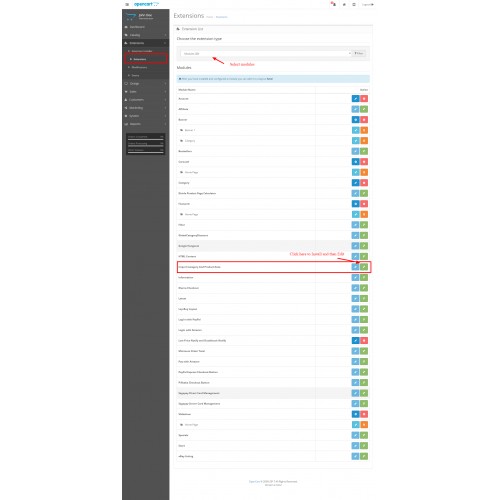
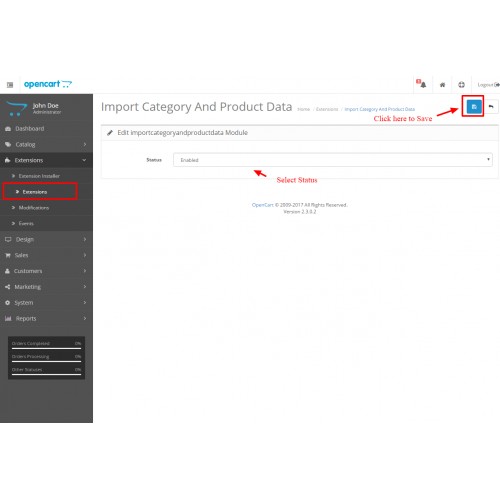
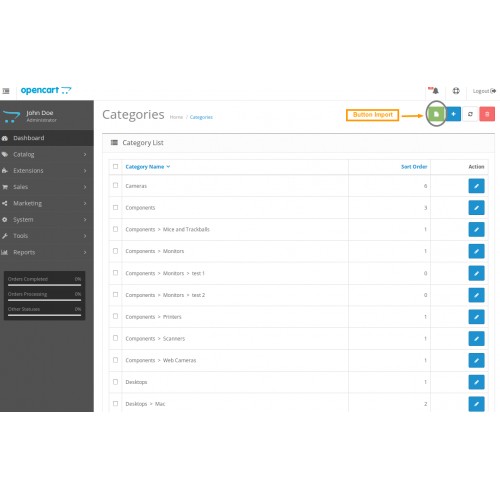
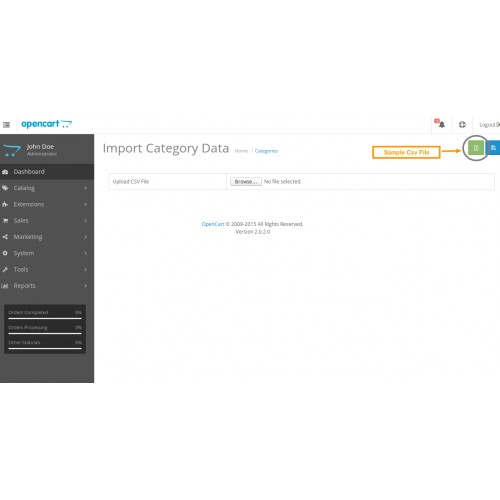
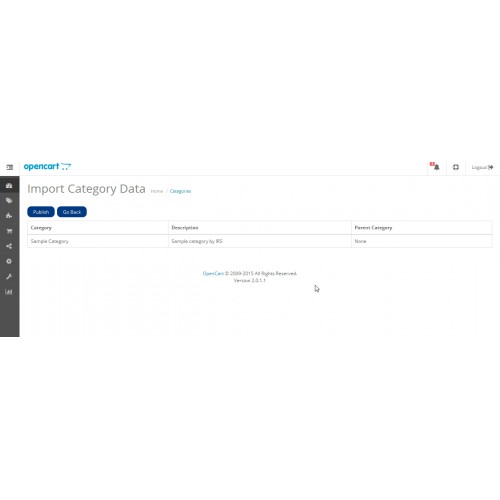
Import Category and Product Data Module/Extension has import bulk Categories and Products using CSV/XLS file in your open cart shop.
That CSV file contains following column order is must to import.
----------------------------------------
Category
-----------------------------------------
1. Category Name (*) [we use this field as Primary Key to import bulk Products.If Product Name has exists, can not insert again only update.]
2. Category Description
3. Parent Category [MUST as the same as Database]
4. Status [Enabled/Disabled]
-------------------------------------------
Product
-------------------------------------------
1. Product Name(*) [we use this field as Primary Key to import bulk Products.If Product Name has exists, can not insert again only update.]
2. Model(*)
3. Product Description
4. Categories(*) [MUST as the same as Database]
5. SKU
6. UPC
7. EAN
8. JAN
9. ISBN
10. MPN
11. Location
12. Quantity(*)
13. Minimum
14. Subtract [Yes/No]
15. Stock Status(*) [MUST as the same as Database,like Apple, Canon]
16. Date Available [YYYY-MM-DD]
17. Manufacturer(*) [MUST as the same as Database,like Apple, Canon]
18. Shipping [Yes/No]
19. Price
20. Weight
21. Weight Class [MUST as the same as Database,like Gram, Kilogram]
22. Length
23. Width
24. Height
25. Length Class [MUST as the same as Database,like Centimeter, Inch]
26. Tax Class [MUST as the same as Database,like Downloadable Products, Taxable Goods]
27. Sort Order
28. Meta Title
29. Meta Key
30. Meta Description
31. Tag
32. Keyword
33. Image [Like data/demo/yourimage.jpg]
34. Additional Images [Like data/demo/yourimage1.jpg,data/demo/yourimage2.jpg]
35. Status [Enabled/Disabled]
--------------------------------------------------------------------------
Important Note for Images :-
=> First you must upload images in your opencart site/image/data/demo.
=> Primary Image in CSV column [only one image].
=> Additional Images in CSV column [multiple images with comma seperated].
Note:
=> Product Category MUST as the same as Database. [If you want to import new Product Category. First you must add Category before import Products.]
=> Stock Status, Manufacturer, Weight Class, Length Class and Tax Class MUST as the same as Database.
Export Category and Product Extension
More detail :
You will find the installation.txt file and Demo folder in the ZIP file
Opencart Default Theme Demo:

User Name : import_product
Password : import_product
We will provide a good support to you. If you have any queries please leave a mail to
opencartsupport@irssoft.com
You will get a reply within 48 hours...
Please Rate this Module!.....
Click Here to view Our All Extensions
Official website :- www.irssoft.com
Click Here to like this module :- Facebook
That CSV file contains following column order is must to import.
----------------------------------------
Category
-----------------------------------------
1. Category Name (*) [we use this field as Primary Key to import bulk Products.If Product Name has exists, can not insert again only update.]
2. Category Description
3. Parent Category [MUST as the same as Database]
4. Status [Enabled/Disabled]
-------------------------------------------
Product
-------------------------------------------
1. Product Name(*) [we use this field as Primary Key to import bulk Products.If Product Name has exists, can not insert again only update.]
2. Model(*)
3. Product Description
4. Categories(*) [MUST as the same as Database]
5. SKU
6. UPC
7. EAN
8. JAN
9. ISBN
10. MPN
11. Location
12. Quantity(*)
13. Minimum
14. Subtract [Yes/No]
15. Stock Status(*) [MUST as the same as Database,like Apple, Canon]
16. Date Available [YYYY-MM-DD]
17. Manufacturer(*) [MUST as the same as Database,like Apple, Canon]
18. Shipping [Yes/No]
19. Price
20. Weight
21. Weight Class [MUST as the same as Database,like Gram, Kilogram]
22. Length
23. Width
24. Height
25. Length Class [MUST as the same as Database,like Centimeter, Inch]
26. Tax Class [MUST as the same as Database,like Downloadable Products, Taxable Goods]
27. Sort Order
28. Meta Title
29. Meta Key
30. Meta Description
31. Tag
32. Keyword
33. Image [Like data/demo/yourimage.jpg]
34. Additional Images [Like data/demo/yourimage1.jpg,data/demo/yourimage2.jpg]
35. Status [Enabled/Disabled]
--------------------------------------------------------------------------
Important Note for Images :-
=> First you must upload images in your opencart site/image/data/demo.
=> Primary Image in CSV column [only one image].
=> Additional Images in CSV column [multiple images with comma seperated].
Note:
=> Product Category MUST as the same as Database. [If you want to import new Product Category. First you must add Category before import Products.]
=> Stock Status, Manufacturer, Weight Class, Length Class and Tax Class MUST as the same as Database.
Export Category and Product Extension
More detail :
You will find the installation.txt file and Demo folder in the ZIP file
Opencart Default Theme Demo:
User Name : import_product
Password : import_product
We will provide a good support to you. If you have any queries please leave a mail to
opencartsupport@irssoft.com
You will get a reply within 48 hours...
Please Rate this Module!.....
Click Here to view Our All Extensions
Official website :- www.irssoft.com
Click Here to like this module :- Facebook
Price
$24.00
- Developed by OpenCart Community
- 12 Months Free Support
- Documentation Included
Rating
Compatibility
3.0.0.0, 3.0.1.0, 3.0.1.1, 3.0.1.2, 3.0.1.3, 3.0.2.0, 3.0.0.0, 3.0.1.0, 3.0.1.1, 3.0.1.2, 3.0.1.3, 3.0.2.0, 2.2.0.0, 2.0.1.0, 2.0.1.1, 2.0.2.0, 2.0.3.1, 2.1.0.1, 2.1.0.2, 2.3.0.0, 2.3.0.1, 2.3.0.2
Last Update
9 Aug 2018
Created
12 Feb 2015
17 Sales
7 Comments

Login and write down your comment.
Login my OpenCart Account