Featured Product Carousel OC 2.x
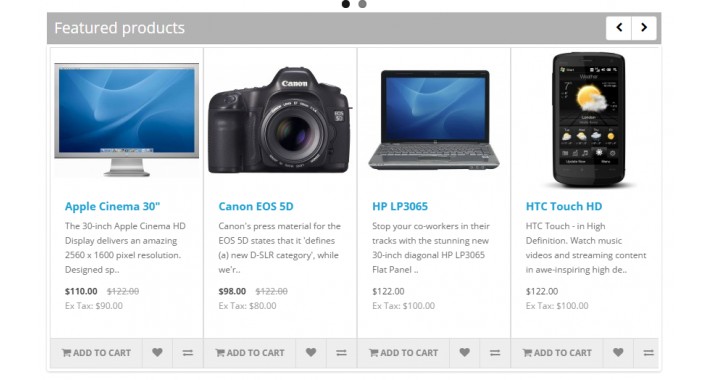
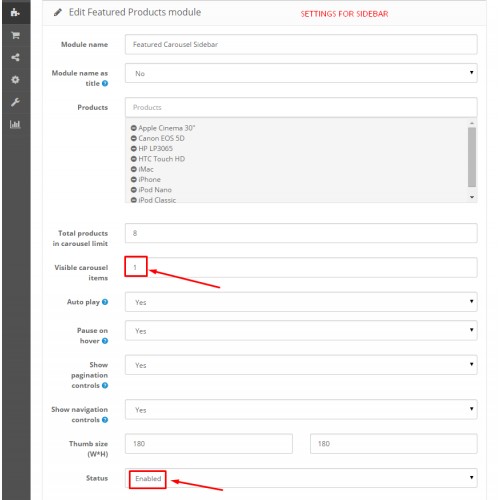
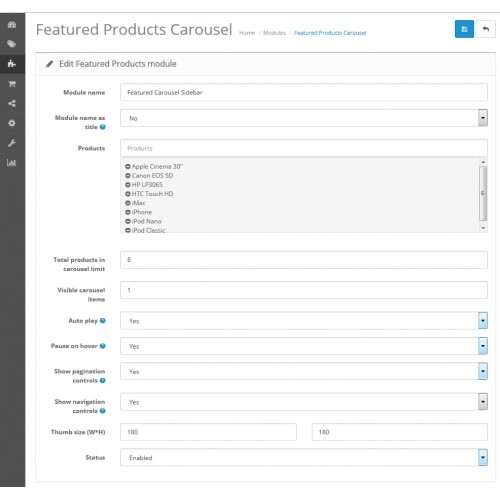
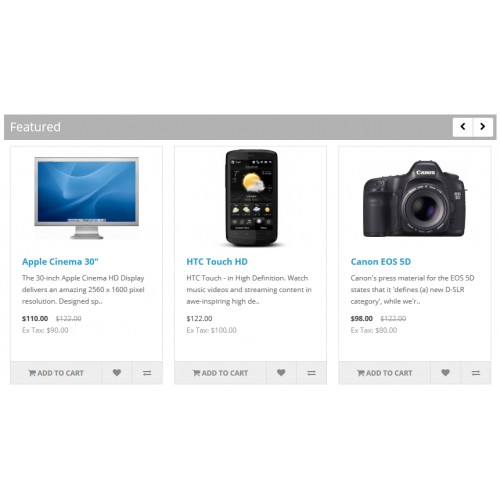
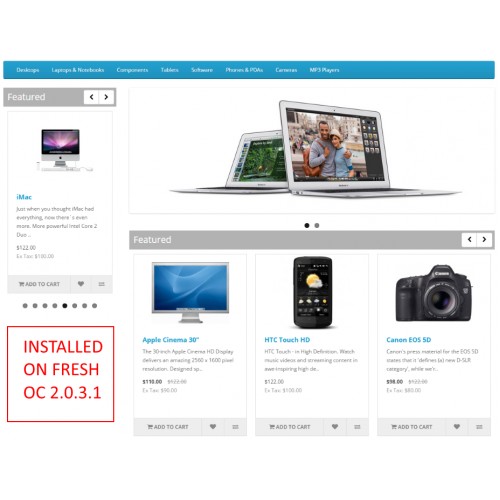
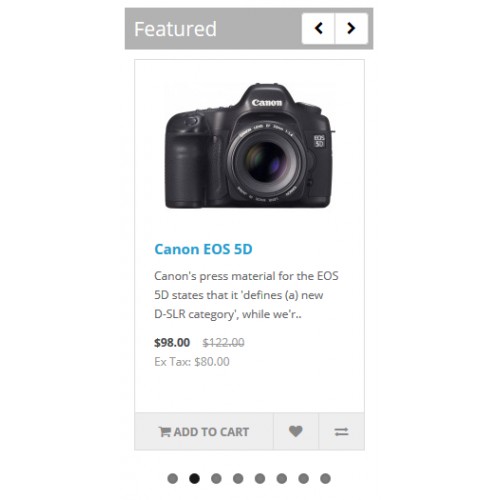
Featured Products Carousel module for Opencart 2.0.x
Install:
1. Download fpcarousel.ocmod.zip archive
2. Upload archive to your store using Extension Manager (no file will be modifed)
3. Check for user module permissions in: System>User Group>Administrators
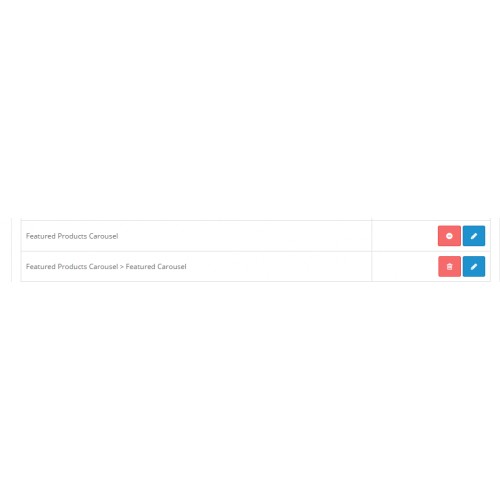
4. Enable Featured Product Carousel module and chose your options
5. Add Featured Product Carousel module to your store layouts
6. Adjust your CSS in: catalog/view/theme/default/stylesheet/fpcarousel.css
Have fun!
Module options:
- Autoplay (on/off)
- Pause on hover (on/off)
- Show pagination controls [Atention: Autoplay must be enabled] (on/off)
- Limit products in carousel
- Show navigation controls (on/off) (update)
- Shuffle products (update)
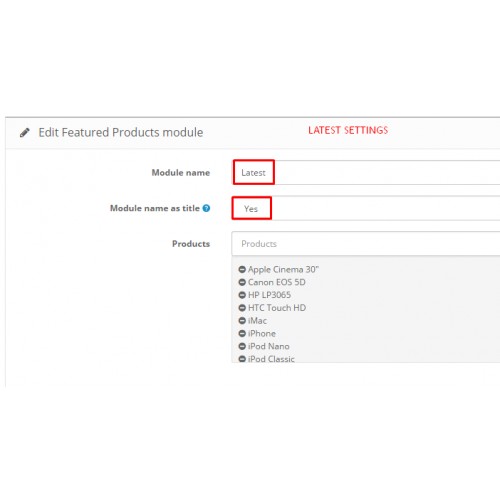
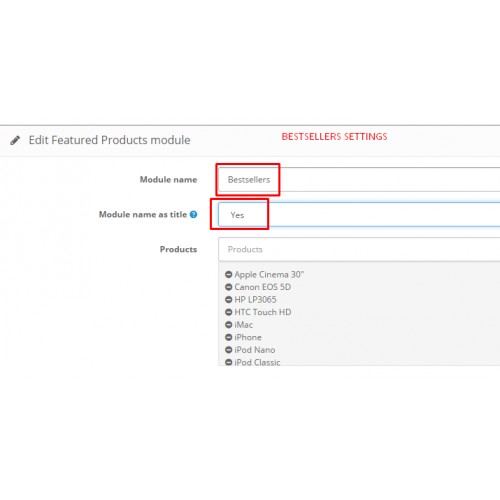
- Use module name as title (update)
- Multiple carousels on page (update)
- Gutter for products in carousel (css) (update)
- Russian language (update)
UPDATES:
26.06.2015 - fix automatic script and css of "owl carousel"
Contribute to this module:
If you have new ideas and want to contribute to this module,
please send your module archive to ustmaestro(at)gmail(dot)com or
make a pull request at https://github.com/ustmaestro/fpcarousel.ocmod
Support:
Need more help contact me at ustmaestro(at)gmail(dot)com or leave a comment.
PS:
If this module is realy usefull to you, don't forget to rate it.
This will make me to think, to do other great modules. :)
Install:
1. Download fpcarousel.ocmod.zip archive
2. Upload archive to your store using Extension Manager (no file will be modifed)
3. Check for user module permissions in: System>User Group>Administrators
4. Enable Featured Product Carousel module and chose your options
5. Add Featured Product Carousel module to your store layouts
6. Adjust your CSS in: catalog/view/theme/default/stylesheet/fpcarousel.css
Have fun!
Module options:
- Autoplay (on/off)
- Pause on hover (on/off)
- Show pagination controls [Atention: Autoplay must be enabled] (on/off)
- Limit products in carousel
- Show navigation controls (on/off) (update)
- Shuffle products (update)
- Use module name as title (update)
- Multiple carousels on page (update)
- Gutter for products in carousel (css) (update)
- Russian language (update)
UPDATES:
26.06.2015 - fix automatic script and css of "owl carousel"
Contribute to this module:
If you have new ideas and want to contribute to this module,
please send your module archive to ustmaestro(at)gmail(dot)com or
make a pull request at https://github.com/ustmaestro/fpcarousel.ocmod
Support:
Need more help contact me at ustmaestro(at)gmail(dot)com or leave a comment.
PS:
If this module is realy usefull to you, don't forget to rate it.
This will make me to think, to do other great modules. :)
Download
- Developed by OpenCart Community
- Documentation Included
Rating
Compatibility
2.0.0.0, 2.0.1.0, 2.0.1.1, 2.0.2.0, 2.0.3.1
Last Update
22 Apr 2021
Created
15 Jun 2015
1449 Downloads
48 Comments

Login and write down your comment.
Login my OpenCart Account