Featured Categories Carousel OC 2.x
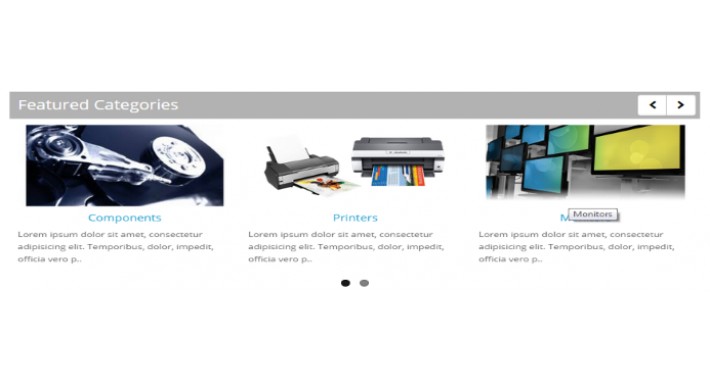
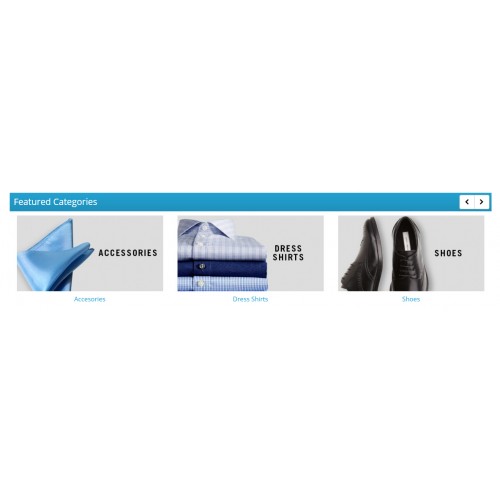
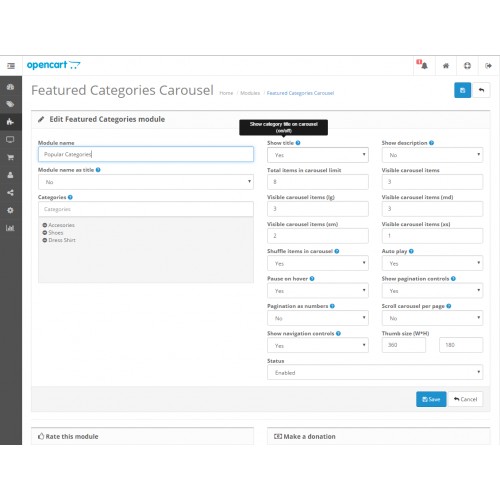
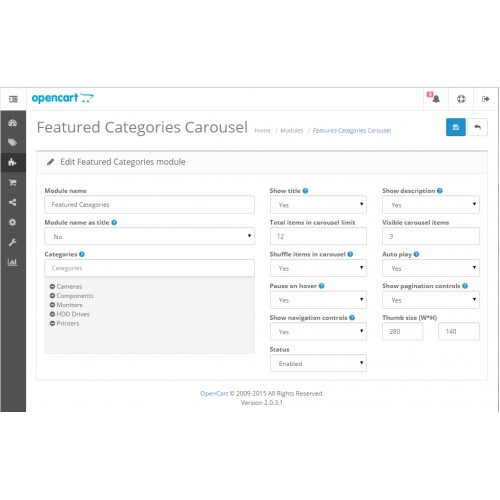
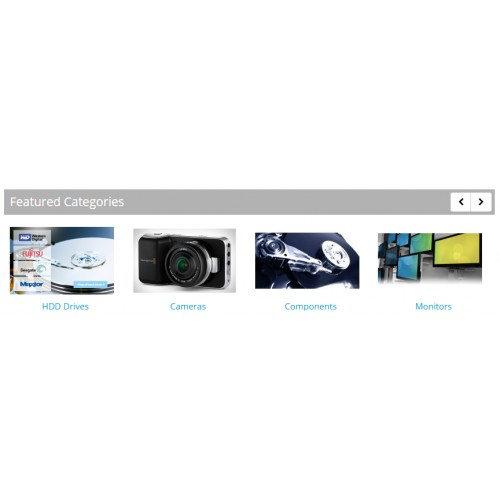
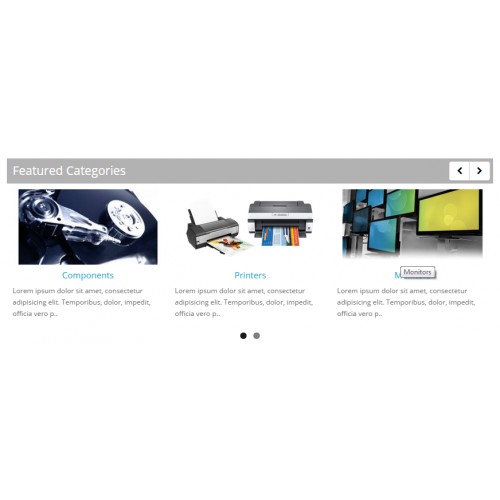
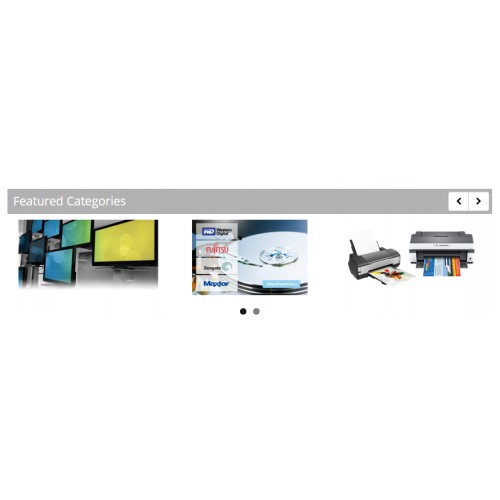
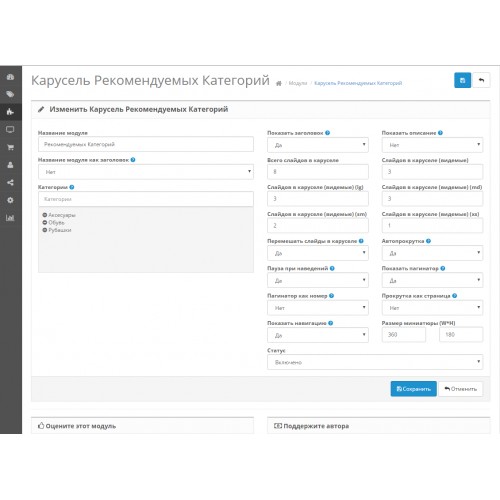
Featured Category Carousel module for Opencart 2.0.x and Opencart 2.2.x
INSTALL:
1. Download fccarousel.ocmod.zip archive
2. Upload archive to your store using Extension Manager (no core files will be modifed)
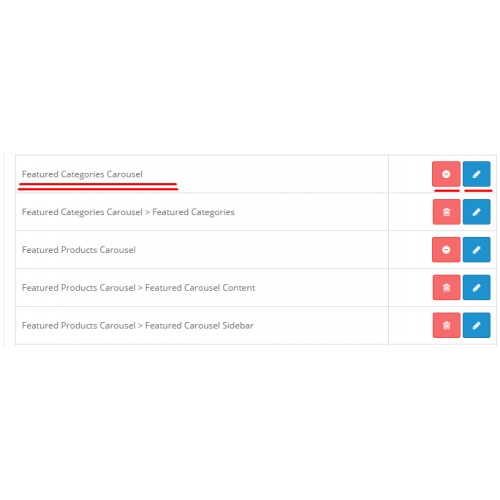
3. Check for user module permissions in: System>User Group>Administrators
USAGE:
1. Enable Featured Category Carousel module and chose your module options
2. Add Featured Category Carousel module to your store layouts
3. Adjust CSS in file: catalog/view/theme/default/stylesheet/fccarousel.css
MODULE OPTIONS:
- Show category title (on/off)
- Show categorydescription (on/off)
- Show navigation controls (on/off)
- Shuffle products (on/off)
- Custom module title
- Use module name as title (on/off)
- Autoplay (on/off)
- Pause on hover (on/off)
- Show pagination controls [Atention: Autoplay must be enabled] (on/off)
- Sow pagination as numbers instead of bullest
- Scroll per page not per items
- Limit category in carousel
- Multiple carousels on page
- English language
- Russian language
- Romanian language
UPDATES:
04.07.2016 - Fixed module for version 2.2.x, aditional options, cumulative bug fixes
08.07.2015 - Fixed category path
CONTRIBUTE TO THIS MODULE:
If you have new ideas and want to contribute to this module,
please send your module archive to ustmaestro(at)gmail(dot)com or
make a pull request at https://github.com/ustmaestro/fccarousel.ocmod
SUPPORT:
Need more help and support, contact me at ustmaestro(at)gmail(dot)com or leave a comment.
PS:
If this module is realy usefull to you, don't forget to rate it and give five stars.
This will make me to think, to do other great free and useful modules. :)
INSTALL:
1. Download fccarousel.ocmod.zip archive
2. Upload archive to your store using Extension Manager (no core files will be modifed)
3. Check for user module permissions in: System>User Group>Administrators
USAGE:
1. Enable Featured Category Carousel module and chose your module options
2. Add Featured Category Carousel module to your store layouts
3. Adjust CSS in file: catalog/view/theme/default/stylesheet/fccarousel.css
MODULE OPTIONS:
- Show category title (on/off)
- Show categorydescription (on/off)
- Show navigation controls (on/off)
- Shuffle products (on/off)
- Custom module title
- Use module name as title (on/off)
- Autoplay (on/off)
- Pause on hover (on/off)
- Show pagination controls [Atention: Autoplay must be enabled] (on/off)
- Sow pagination as numbers instead of bullest
- Scroll per page not per items
- Limit category in carousel
- Multiple carousels on page
- English language
- Russian language
- Romanian language
UPDATES:
04.07.2016 - Fixed module for version 2.2.x, aditional options, cumulative bug fixes
08.07.2015 - Fixed category path
CONTRIBUTE TO THIS MODULE:
If you have new ideas and want to contribute to this module,
please send your module archive to ustmaestro(at)gmail(dot)com or
make a pull request at https://github.com/ustmaestro/fccarousel.ocmod
SUPPORT:
Need more help and support, contact me at ustmaestro(at)gmail(dot)com or leave a comment.
PS:
If this module is realy usefull to you, don't forget to rate it and give five stars.
This will make me to think, to do other great free and useful modules. :)
Download
- Developed by OpenCart Community
- Documentation Included
Rating
Compatibility
2.0.0.0, 2.0.1.0, 2.0.1.1, 2.0.2.0, 2.0.3.1, 2.2.0.0
Last Update
22 Apr 2021
Created
7 Jul 2015
717 Downloads
16 Comments

Login and write down your comment.
Login my OpenCart Account