Featured Products By Category
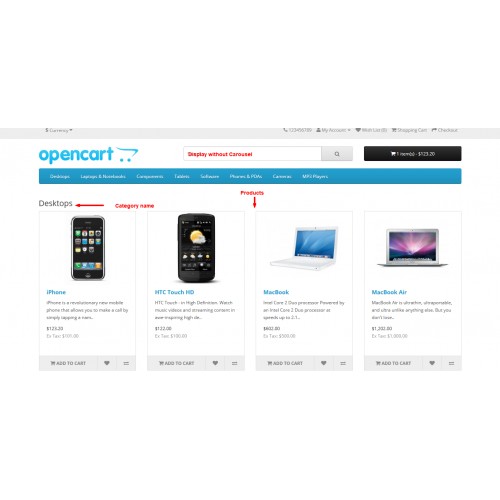
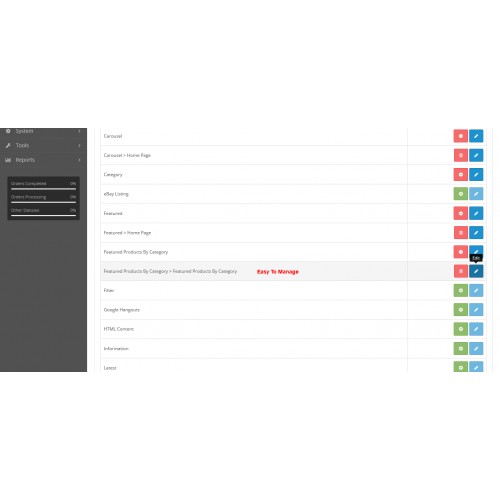
This module will allow you to display featured products by category.
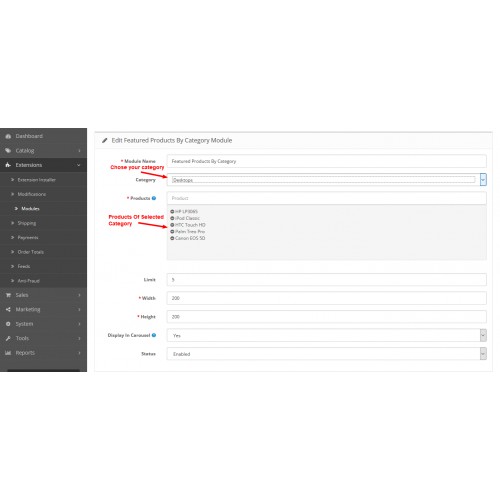
Steps:-
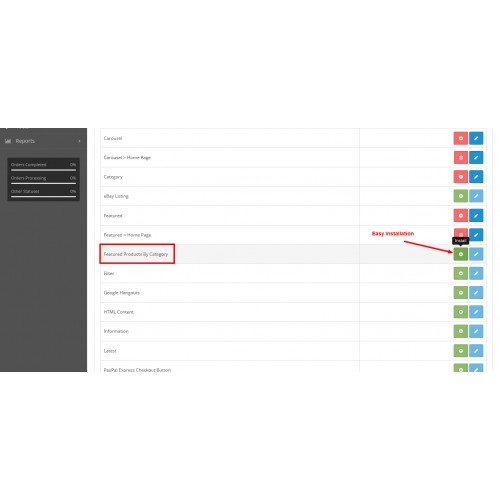
1. Install the module.
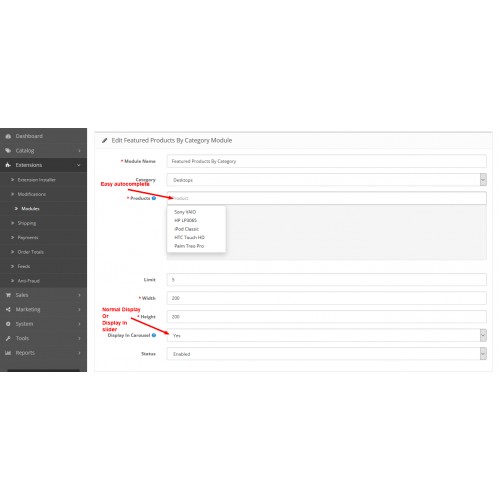
2. Select the category.
3. Select products of category you want to display.
4. Select display mode.
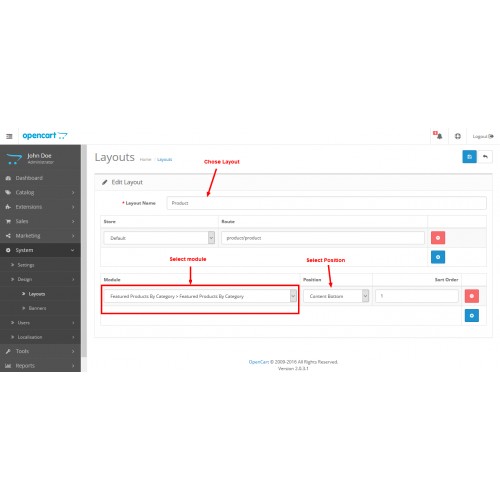
5. Chose layout and position.
6. Save
That's it.
The module comes with two display options.
1. Normal mode
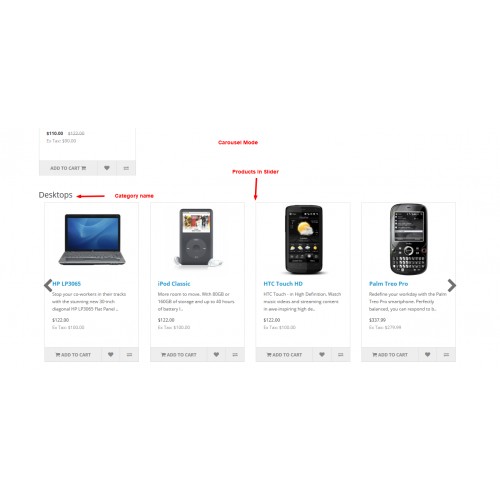
2. Carousel mode
Normal mode will display products normally.
Carousel mode will display products in a carousel. (Owl carousel)
(In the admin panel, only active categories and active products will be displayed.)
For any kind of support just email us on vidhyutpandya99@gmail.com
Donate If You Like My Work!
Steps:-
1. Install the module.
2. Select the category.
3. Select products of category you want to display.
4. Select display mode.
5. Chose layout and position.
6. Save
That's it.
The module comes with two display options.
1. Normal mode
2. Carousel mode
Normal mode will display products normally.
Carousel mode will display products in a carousel. (Owl carousel)
(In the admin panel, only active categories and active products will be displayed.)
For any kind of support just email us on vidhyutpandya99@gmail.com
Donate If You Like My Work!
Download
- Developed by OpenCart Community
- Documentation Included
Rating
Compatibility
2.0.0.0, 2.0.1.0, 2.0.1.1, 2.0.2.0, 2.0.3.1
Last Update
24 Jan 2020
Created
17 Apr 2016
639 Downloads
2 Comments

Login and write down your comment.
Login my OpenCart Account