Opencart Multi Vendor Pre Order
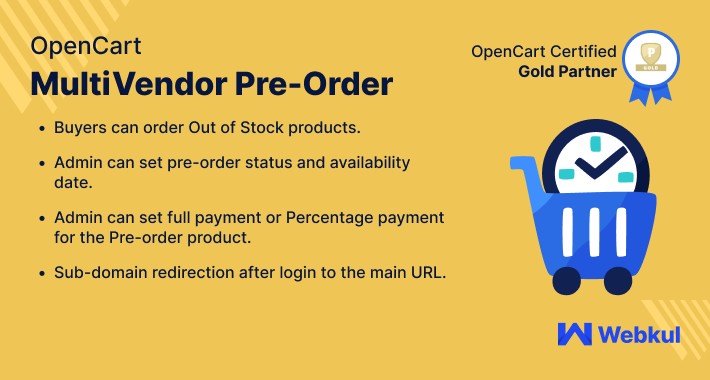
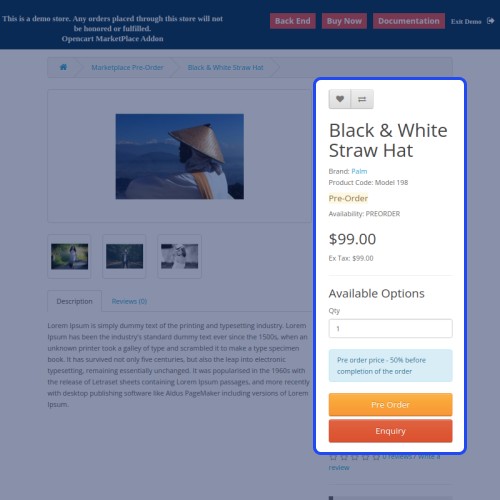

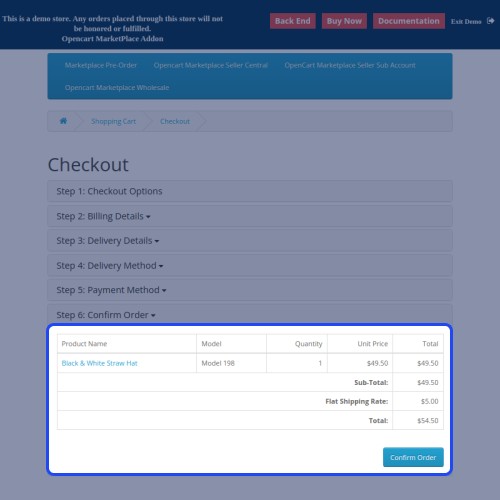
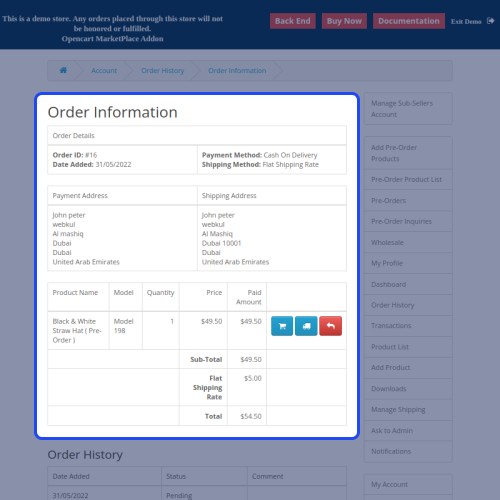
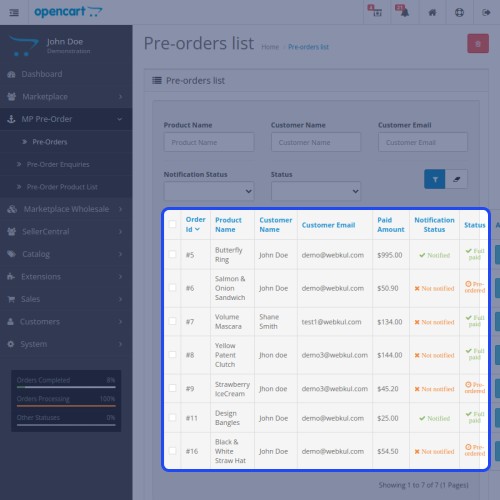
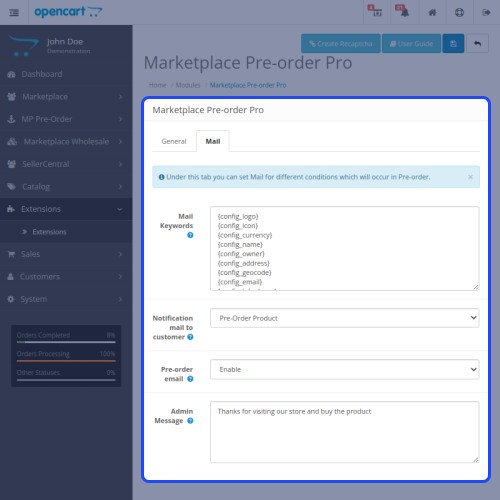
The Opencart Multi-vendor Pre Order provides the facility of adding pre-orders for unreleased products or out-of-stock products. Pre-orders will help customers, owners, and vendors.
Sellers can set the pre-order status and availability date for their preorder products with the payment mode type as full payment and percentage payment. Sellers will be able to send notification emails to buyers for their pre-ordered products.
As it’s an add-on for the marketplace module so it must be installed before installing the OpenCart Multi-Vendor pre-order.
Note:
1. This module supports all templates and themes including the Journal theme.
2. Opencart Marketplace Pre-order module supports the Multi-Store feature of default Opencart.

Use case
Pre-orders are used to attract buyers' attention to upcoming products that'll be added to the online store soon. Pre-orders are mostly used for products such as - mobile phones, movies, video games, e-books, etc.
Using this extension, the admin and vendor can allow the customers to make a full or partial payment for purchasing the preorder products. Apart from that, the customers can add multiple preorder products to the shopping cart and make a check out thereafter. Discounts can also be applied to the preorder products and thus the customers can enjoy even lower prices for the products they want to purchase.
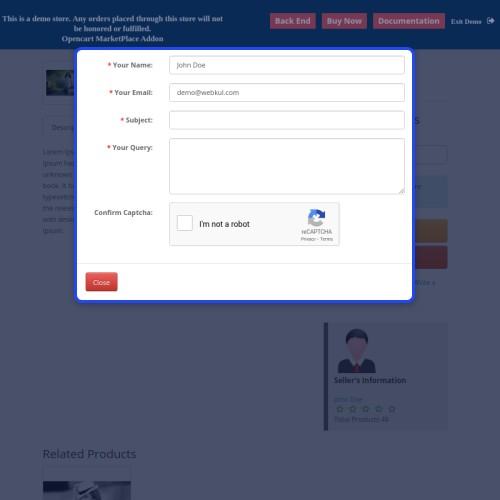
Whenever a preorder product gets purchased over the store, the admin and vendor receive a push notification for the same letting them know of the preorder product sale. The customers can also enquire about the preorder products via the preorder product page itself.


Features
Workflow Video
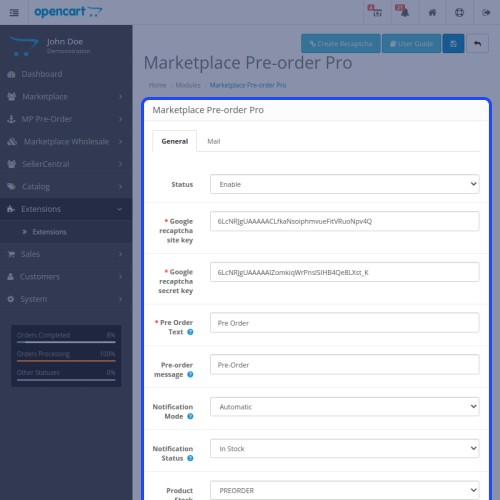
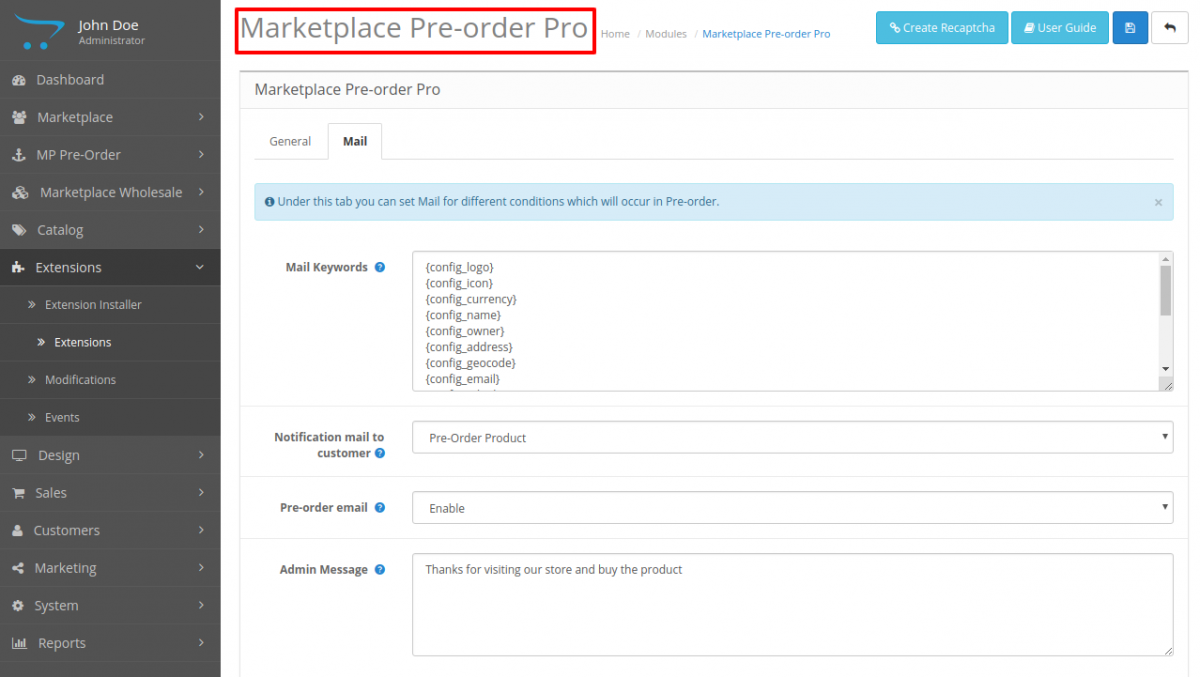
After the successful installation of the plugin, the admin needs to configure the module options for using the plugin with complete functionality.

Here, the admin will configure mail templates and various emails.
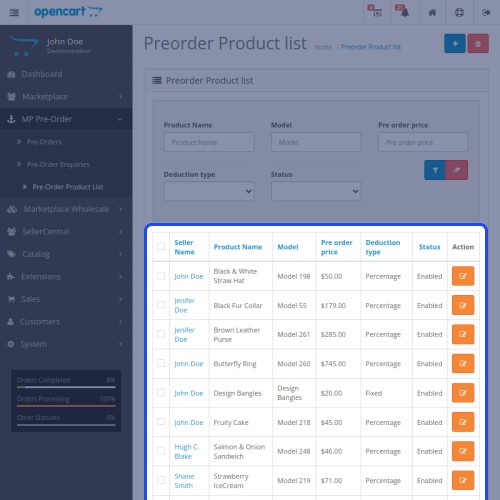
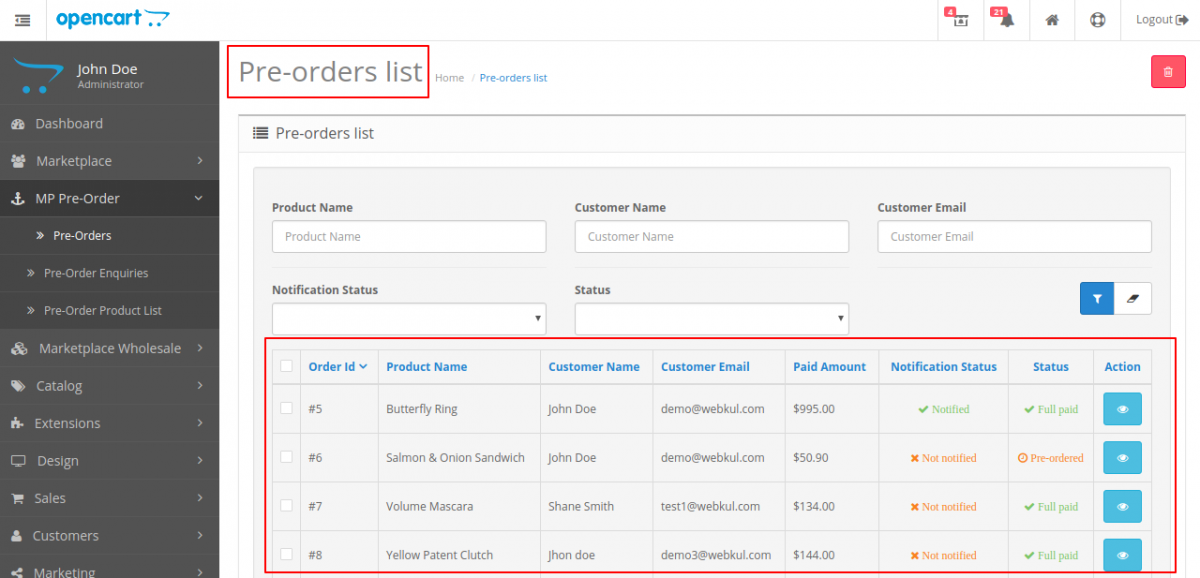
Furthermore, the admin will manage the pre-order list of the products that are placed by the customers.
Here, the admin can view the details of a pre-ordered product.

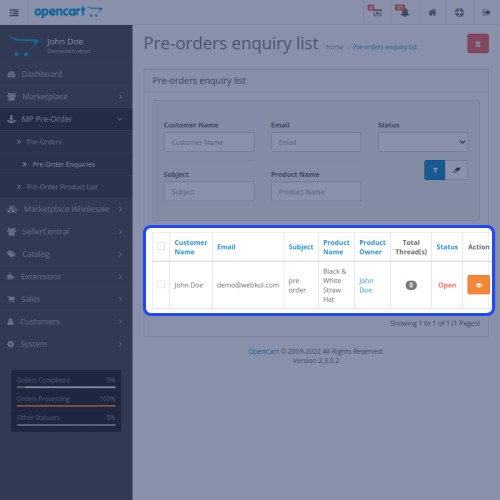
The admin can check all pre-ordered queries raised by the customers.

Here, the admin can reply to the queries and after that mark it as resolved or closed.





Some Moments Of Appreciation


Support Policy
Sellers can set the pre-order status and availability date for their preorder products with the payment mode type as full payment and percentage payment. Sellers will be able to send notification emails to buyers for their pre-ordered products.
As it’s an add-on for the marketplace module so it must be installed before installing the OpenCart Multi-Vendor pre-order.
Note:
1. This module supports all templates and themes including the Journal theme.
2. Opencart Marketplace Pre-order module supports the Multi-Store feature of default Opencart.
Use case
Pre-orders are used to attract buyers' attention to upcoming products that'll be added to the online store soon. Pre-orders are mostly used for products such as - mobile phones, movies, video games, e-books, etc.
Using this extension, the admin and vendor can allow the customers to make a full or partial payment for purchasing the preorder products. Apart from that, the customers can add multiple preorder products to the shopping cart and make a check out thereafter. Discounts can also be applied to the preorder products and thus the customers can enjoy even lower prices for the products they want to purchase.
Whenever a preorder product gets purchased over the store, the admin and vendor receive a push notification for the same letting them know of the preorder product sale. The customers can also enquire about the preorder products via the preorder product page itself.
Features
- Buyers can order Out Of Stock products.
- Admin can set custom text to display on the pre-order product.
- Admin can set preorder status and availability date.
- Admin can set Full payment or Percentage payment for the Preorder product.
- Admin can check the Preorder & Preorder inquiries in his panel.
- Admin can set the Preorder button to – Redirect to Contact Page, Add to Preorder Cart & Add to Cart.
- When the Preorder date is available customers will receive the email notification.
- Sellers can add preorder for their products.
- Sellers can check Preorder & Preorder inquiries in their panel.
- Sellers can set preorder status and availability dates.
- Sellers can set Full payment or Percentage payment for the Preorder product.
- Sellers can set the Preorder button to – Redirect to Contact Page, Add to Preorder Cart & Add to Cart.
Workflow Video
After the successful installation of the plugin, the admin needs to configure the module options for using the plugin with complete functionality.
Here, the admin will configure mail templates and various emails.
Furthermore, the admin will manage the pre-order list of the products that are placed by the customers.
Here, the admin can view the details of a pre-ordered product.
The admin can check all pre-ordered queries raised by the customers.
Here, the admin can reply to the queries and after that mark it as resolved or closed.
Some Moments Of Appreciation
Support Policy
Price
$119.00
- Developed by OpenCart Partner
- 3 Months Free Support
- Documentation Included
Rating
Compatibility
3.0.0.0, 3.0.1.0, 3.0.1.1, 3.0.1.2, 3.0.1.3, 3.0.2.0, 3.0.3.0, 3.0.3.1, 3.0.3.2, 3.0.3.3, 3.0.3.5, 3.0.3.6, 3.0.3.7, 3.0.3.8, 3.0.3.9, 3.0.4.0, 3.0.4.1
Last Update
26 Jun 2025
Created
9 May 2016
1 Sales
2 Comments

Login and write down your comment.
Login my OpenCart Account