Image Cropper Opencart 2 | Simple Image Editor

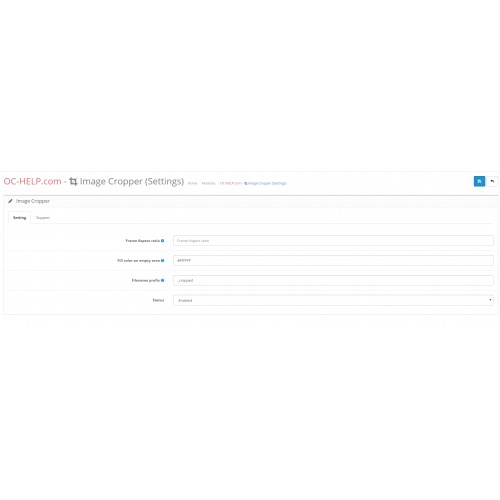
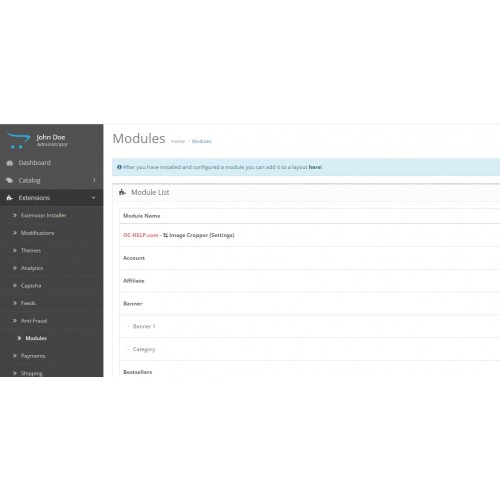
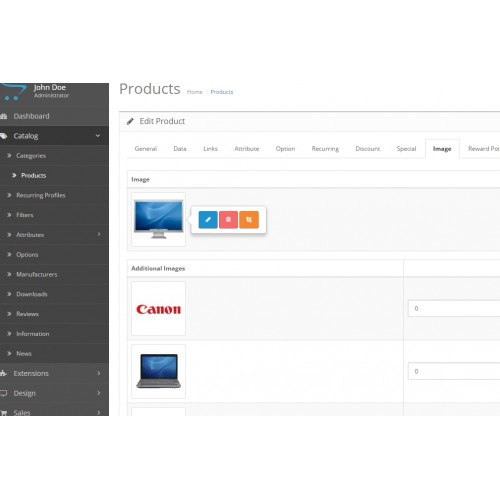
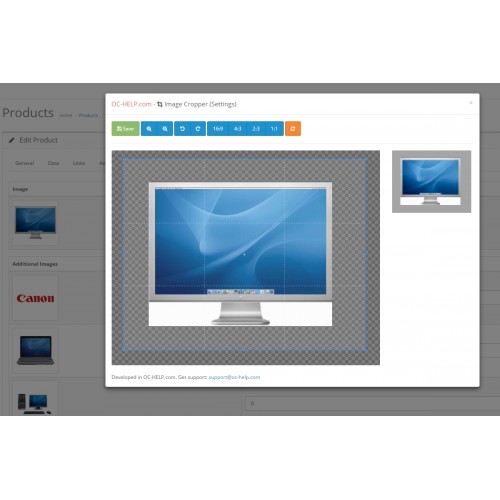

Image Cropper - OpenCart 2 module for easy editing/cropping all images from admin panel site.
It works everywhere in the OpenCart: Categories, Products, Manufacturers, Banners.
In the visual editor SummerNote module doesn't work!
Available features:
- image rotation (the buttons)
zoom (buttons, mouse wheel)
manual movement in a crop frame
save the image as original image format (jpg, png, gif)
other formats will miss.
adds a nameprefix to the name of the new image
changing the frame aspect ratio (buttons)
"Reset" button to discard the changes
The module settings you can set:
- Status: On / Off (If turned off, the buttons for editing will hidden)
The frame ratio (16: 9 - the default)
Color Fill an empty image field. By default, white (#FFFFFF)
The prefix to the name of the new image. Default: _cropped
Installation instructions:
- Module + ocmod modification
Install the ocmod.zip file (You don need to unzip it)
Update modifications cache
Set permission to view / modify System - Users - User Groups
Set module configuration - Extensions - Modules - Cropper image
Download
- Developed by OpenCart Community
- Documentation Included
Rating
Compatibility
2.0.0.0, 2.0.1.0, 2.0.1.1, 2.0.2.0, 2.0.3.1, 2.1.0.1, 2.1.0.2, 2.2.0.0, 2.3.0.0, 2.3.0.1, 2.3.0.2
Last Update
30 Mar 2026
Created
23 Aug 2016
20 Downloads
6 Comments

Login and write down your comment.
Login my OpenCart Account