Opencart Buy Now
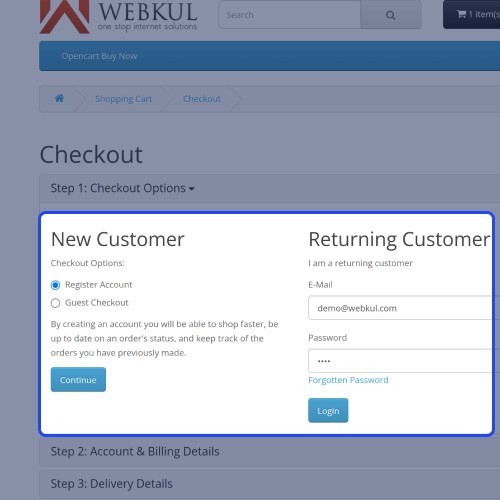
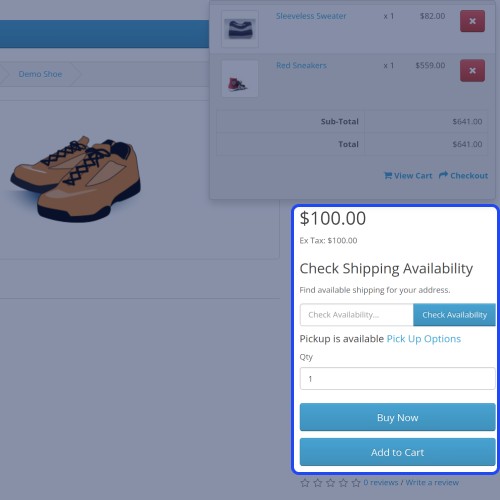
Opencart Buy Now: Opencart Buy Now allows customers to purchase a product quickly and easily. In fact, they can accomplish this by simply clicking the Buy Now button, which takes them directly to the checkout page to place their order.
The plugin functionality, which allows users to make a quick checkout with the respective product, can be enabled or disabled by the website admin. The admin can also specify a custom label for the Buy Now button that customers see at the storefront.

Use case:
The Opencart Buy Now plugin speeds up the checkout process while also increasing conversion rates. When customers click the "Buy now" button, they can directly pass to the cart and proceed directly to the checkout page.
Merchants can also hold the current cart and check out with the current product only and the cart will remain the same even after placing the order. It makes the customer hold on your website more.



Features
Video Tutorial
Workflow
The admin can go under Extensions> Modules to install/uninstall the Opencart Buy Now module.
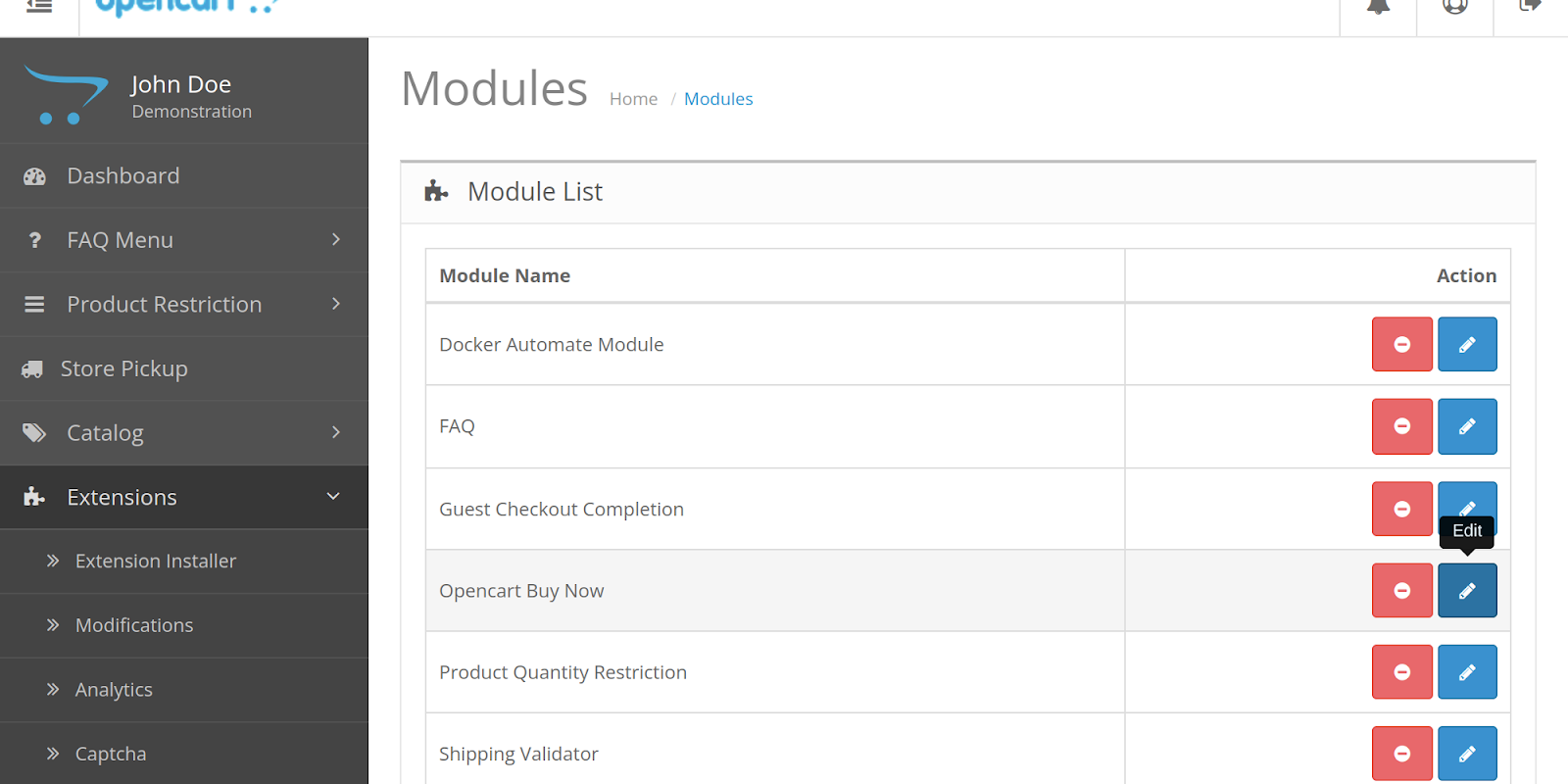
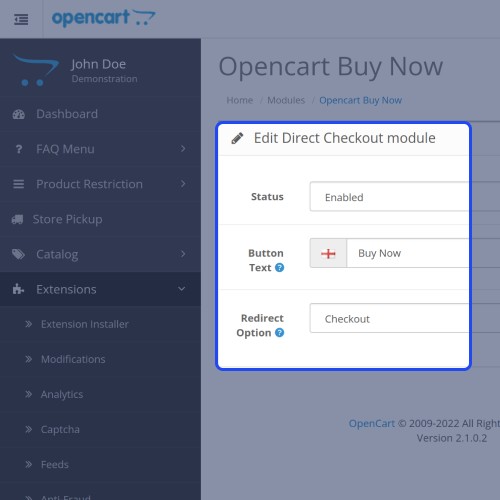
After the installation of the module, the admin can click on the edit button to configure it.
From here admin can enable/disable the module.
Enter the buy now button text.
Select whether you want a button to redirect the customer to the cart or checkout page.

After enabling the module, a customer can see the “Buy Now” button on the product page. The system will only process the checkout for the product and the other products will remain in the cart.
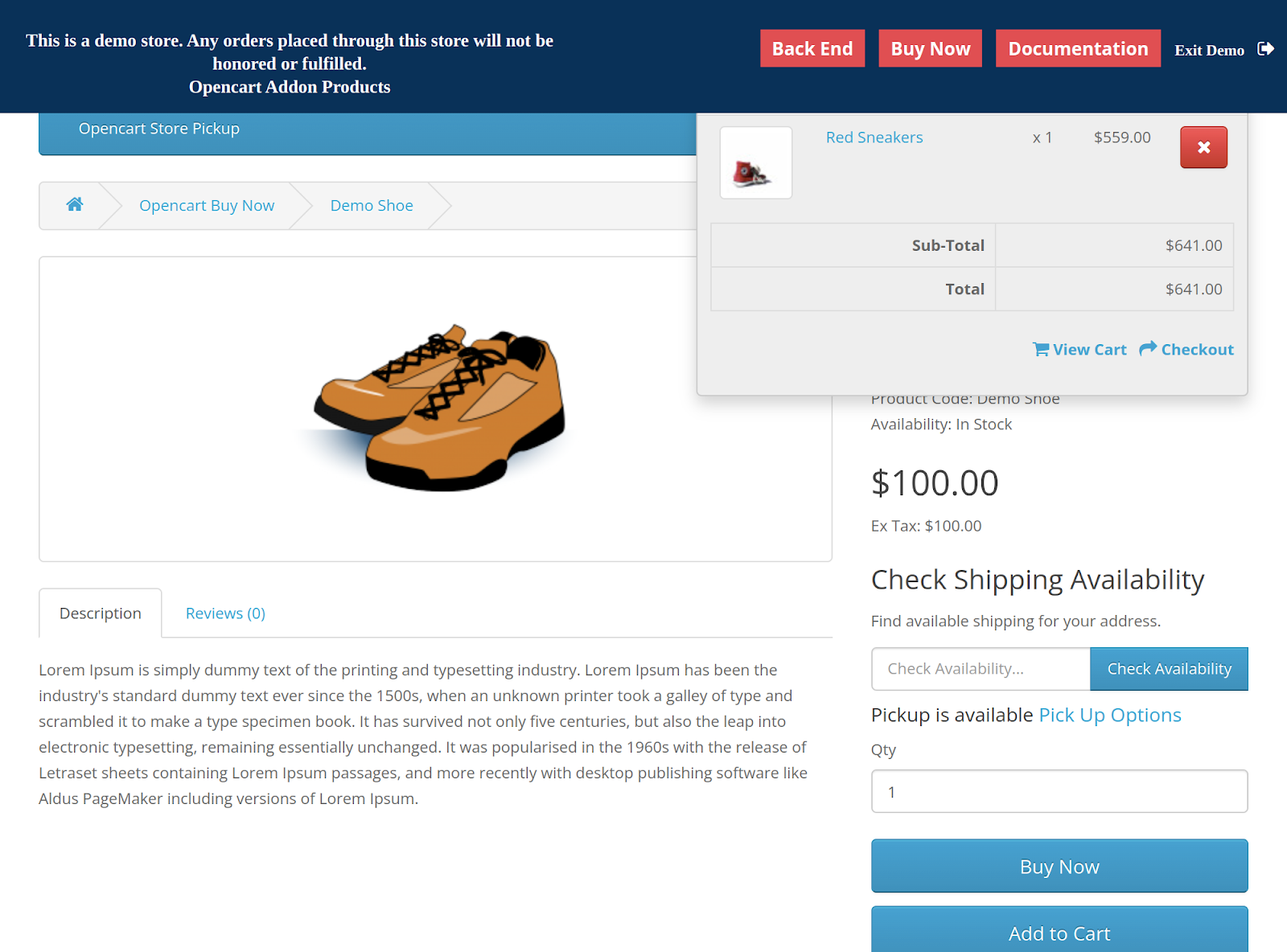
If the redirect option is selected as “cart” then the customer will be redirected to the cart page after clicking on the “Buy Now” button.
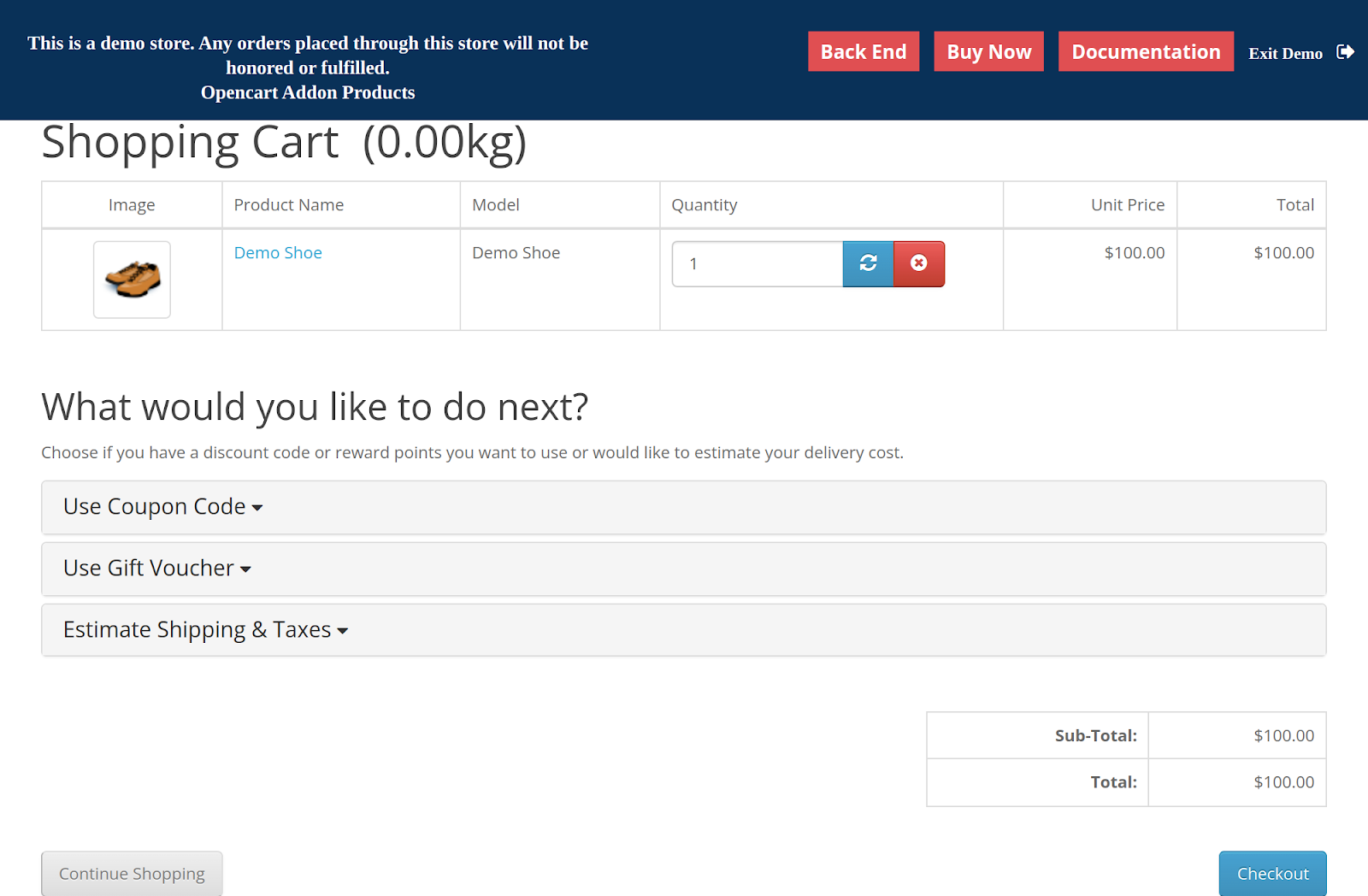
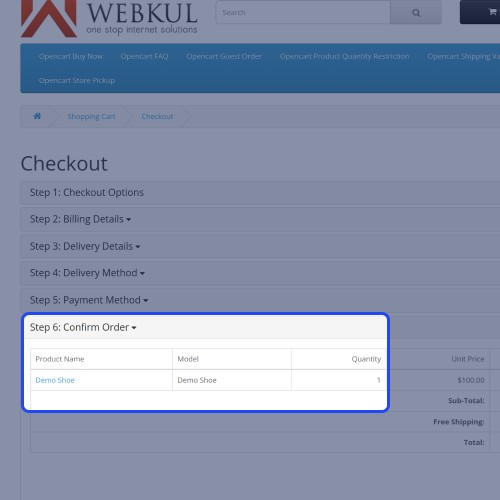
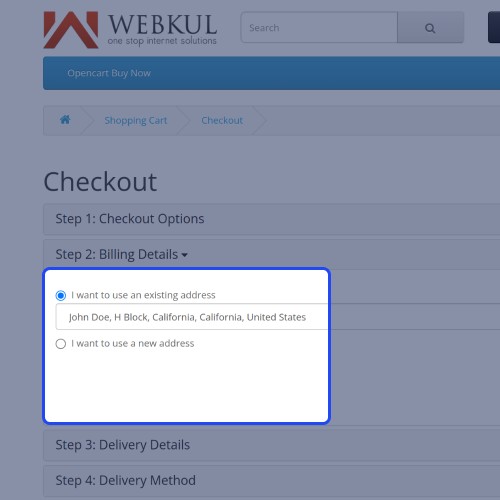
If the redirect option is selected as “Checkout” then the customer will be redirected to the checkout page after clicking on the “Buy Now” button. From here customers can enter billing & shipping addresses and select the shipping and payment method.
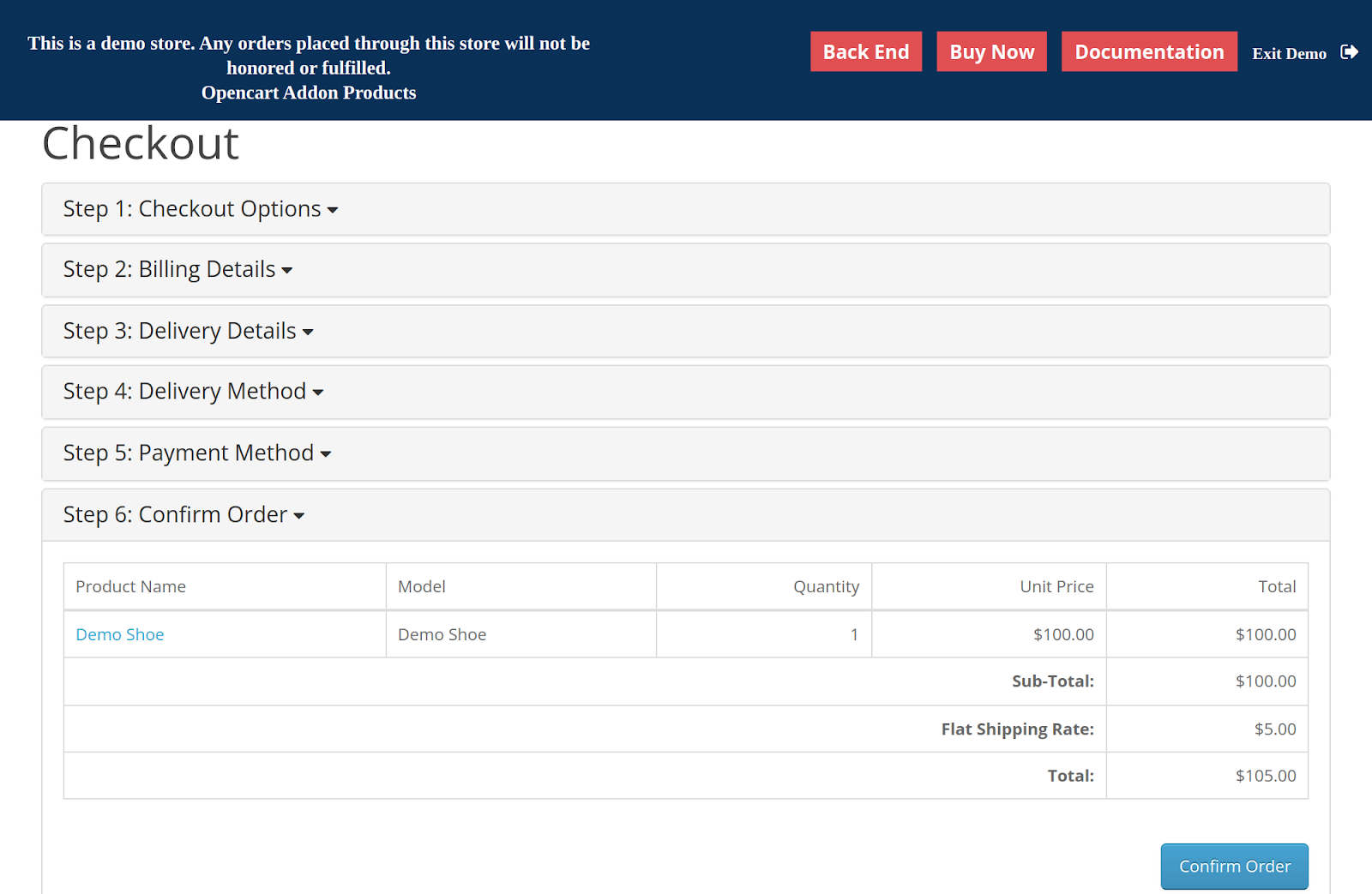
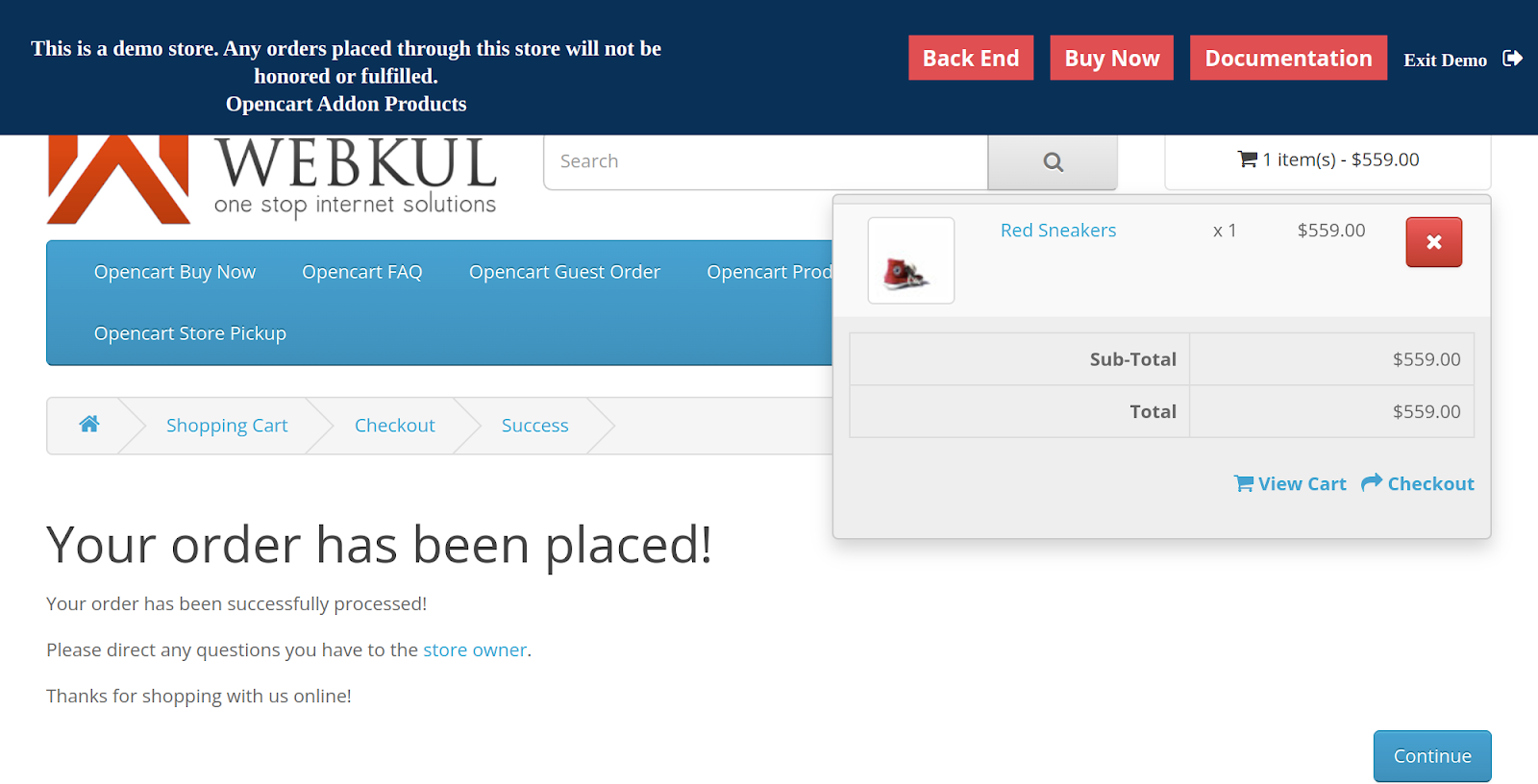
After completing the order, customers will be redirected to the “Your order has been placed ” page. And the product in the cart will remain the same.



Some Moments Of Appreciation



Support Policy
The plugin functionality, which allows users to make a quick checkout with the respective product, can be enabled or disabled by the website admin. The admin can also specify a custom label for the Buy Now button that customers see at the storefront.
Use case:
The Opencart Buy Now plugin speeds up the checkout process while also increasing conversion rates. When customers click the "Buy now" button, they can directly pass to the cart and proceed directly to the checkout page.
Merchants can also hold the current cart and check out with the current product only and the cart will remain the same even after placing the order. It makes the customer hold on your website more.
Features
- Adds the “Buy Now” button on the product page.
- Makes the purchase process fast.
- Makes the purchase process easy.
- Admin can enable/disable the module.
- Admin can edit the text of the buy now button.
- Admin can redirect Buy Now button to the Cart page.
- Admin can redirect Buy Now button to the Checkout page.
Video Tutorial
Workflow
The admin can go under Extensions> Modules to install/uninstall the Opencart Buy Now module.
After the installation of the module, the admin can click on the edit button to configure it.
From here admin can enable/disable the module.
Enter the buy now button text.
Select whether you want a button to redirect the customer to the cart or checkout page.
After enabling the module, a customer can see the “Buy Now” button on the product page. The system will only process the checkout for the product and the other products will remain in the cart.
If the redirect option is selected as “cart” then the customer will be redirected to the cart page after clicking on the “Buy Now” button.
If the redirect option is selected as “Checkout” then the customer will be redirected to the checkout page after clicking on the “Buy Now” button. From here customers can enter billing & shipping addresses and select the shipping and payment method.
After completing the order, customers will be redirected to the “Your order has been placed ” page. And the product in the cart will remain the same.
Some Moments Of Appreciation
Support Policy
Price
$79.00
- Developed by OpenCart Partner
- 3 Months Free Support
- Documentation Included
Rating
Compatibility
3.0.0.0, 3.0.1.0, 3.0.1.1, 3.0.1.2, 3.0.1.3, 3.0.2.0, 3.0.3.0, 3.0.3.1, 3.0.3.2, 3.0.3.3, 3.0.3.5, 3.0.3.6, 3.0.3.7, 3.0.3.8
Last Update
19 Jun 2025
Created
13 Dec 2016
5 Sales
4 Comments

Login and write down your comment.
Login my OpenCart Account