Product filter in admin by Category, Manufacturer, sku, upc
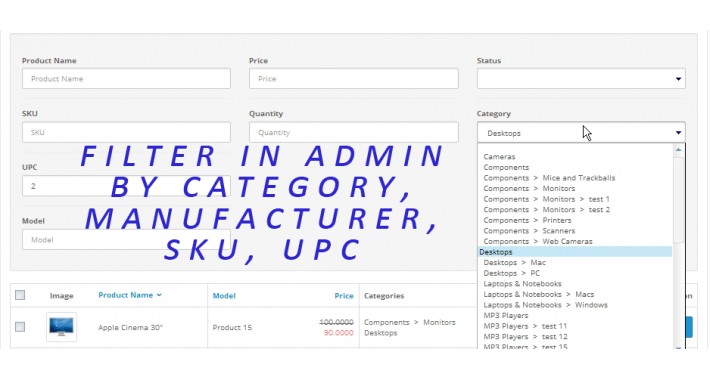
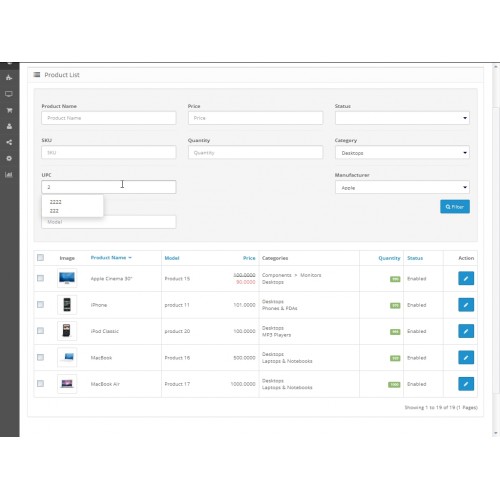
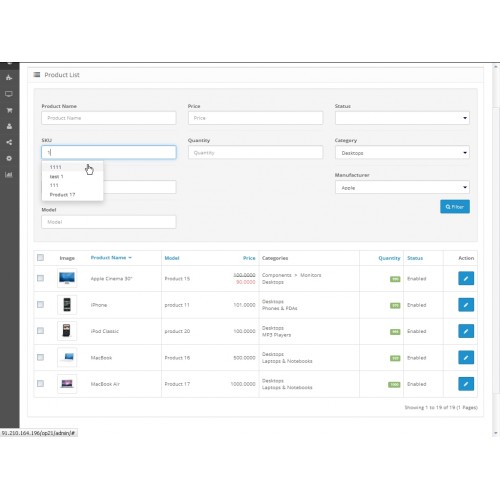
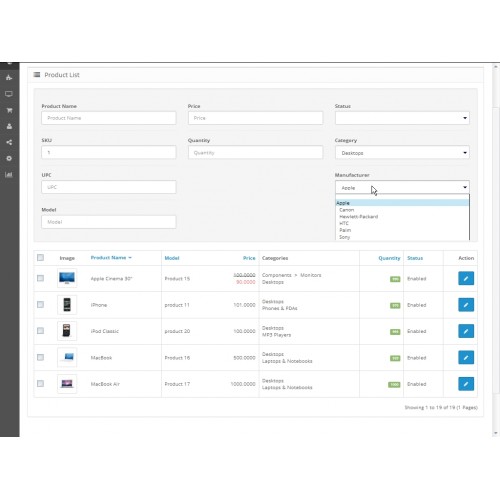
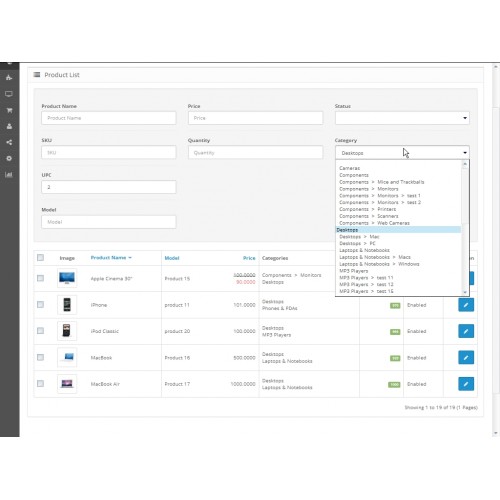
Product filter in admin by Category, Manufacturer, sku, upc
Install
1. Login into your administrator dashboard.
2. Go to Extension installer.
3. Upload ocmod.xml to install the extension.
4. If installed correctly, you should see a success message.
5. Go to Extensions->Modifications. You should see the “Product filter in admin by Category, Manufacturer, sku, upc” in the
list. Click the “refresh” button at the top left corner.
Contact:
For questions, suggestions & intergration with custom theme, please send an email to ololoww@gmail.com
Install
1. Login into your administrator dashboard.
2. Go to Extension installer.
3. Upload ocmod.xml to install the extension.
4. If installed correctly, you should see a success message.
5. Go to Extensions->Modifications. You should see the “Product filter in admin by Category, Manufacturer, sku, upc” in the
list. Click the “refresh” button at the top left corner.
Contact:
For questions, suggestions & intergration with custom theme, please send an email to ololoww@gmail.com
Price
$20.00
- Developed by OpenCart Community
- 12 Months Free Support
- Documentation Included
Rating
Compatibility
3.0.0.0, 3.0.1.0, 3.0.1.1, 3.0.1.2, 3.0.1.3, 3.0.2.0, 4.x.x.x, 3.0.3.0, 3.0.3.1, 3.0.3.2, 3.0.3.3, 3.0.3.5, 3.0.3.6, 3.0.3.7, 3.0.3.8, 3.0.0.0, 3.0.1.0, 3.0.1.1, 3.0.1.2, 3.0.1.3, 3.0.2.0, 4.x.x.x, 3.0.3.0, 3.0.3.1, 3.0.3.2, 3.0.3.3, 3.0.3.5, 3.0.3.6, 3.0.3.7, 3.0.3.8, 2.0.0.0, 2.0.1.0, 2.0.1.1, 2.0.2.0, 2.0.3.1, 2.1.0.1, 2.1.0.2, 2.2.0.0, 2.3.0.0, 2.3.0.1, 2.3.0.2
Last Update
23 Jun 2022
Created
20 Dec 2016
25 Sales
6 Comments

Login and write down your comment.
Login my OpenCart Account