Opencart Notify Me When Available
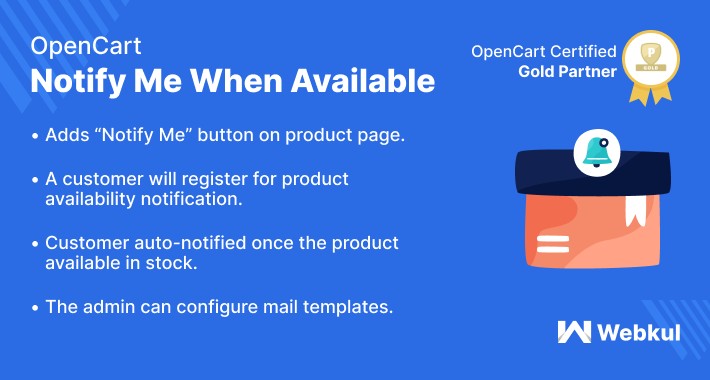
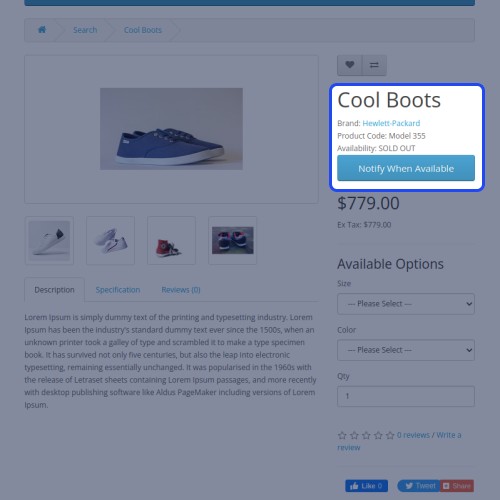
Opencart Notify Me When Available module allows the customers to register for the notification of product availability when the product is out of stock. This module adds a “Notify Me” button on the product page when the product becomes out of stock. The customer just needs to enter his/her name and email to register for product availability notification. Once the product becomes available the customer will be notified via mail regarding the availability of the product on the store.



Use Case
Keeping the right inventory and meet customer demand on time is a consistently evolving challenge. Due to out of stock inventory retailers lose their customers whether you're having a small or enterprise store.
Opencart Notify Me When Available module allows users to provide his/her email address to notify for the availability of out-of-stock products. So, instead of viewing again and again for the availability of the product, the customer can get the notification via email when the product is back to stock.
Features
Workflow
After the successful installation of the plugin, the admin needs to configure the module options for using the plugin with complete functionality. After the complete configuration, the customers can see the "Notify Me" button on the product page.
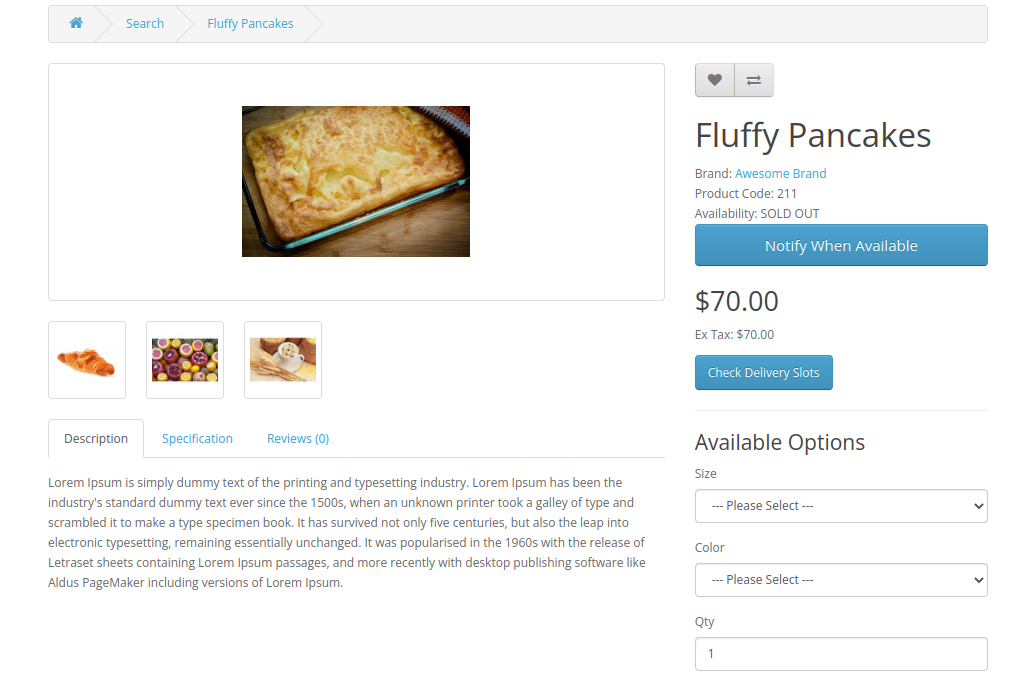
The customer gets two fields once will click on Notify button - Name and email of the customer.
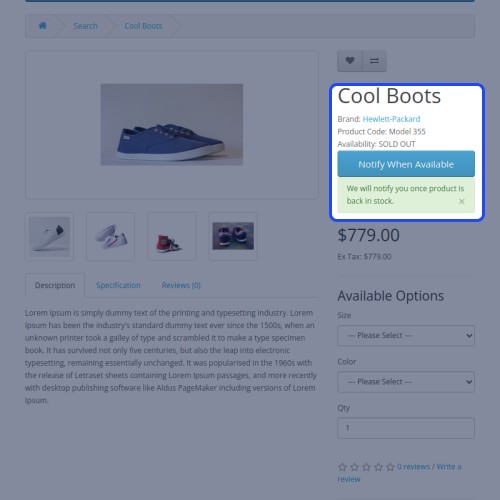
A successful registration message will be shown after filling the information and click on the submit button as shown below.

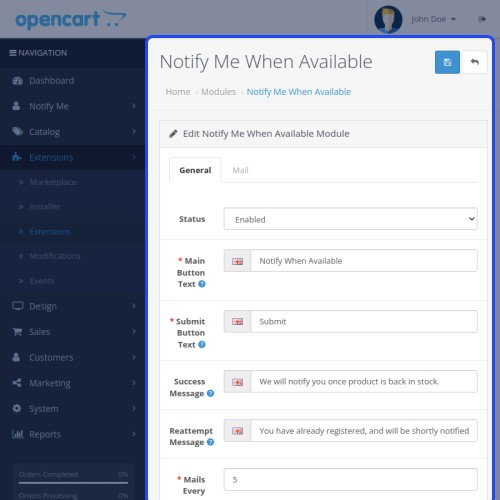
Moving towards the admin section, the admin can set up the main button and submit button text. The admin can even set the message success message or default success message that will be shown to the customer.

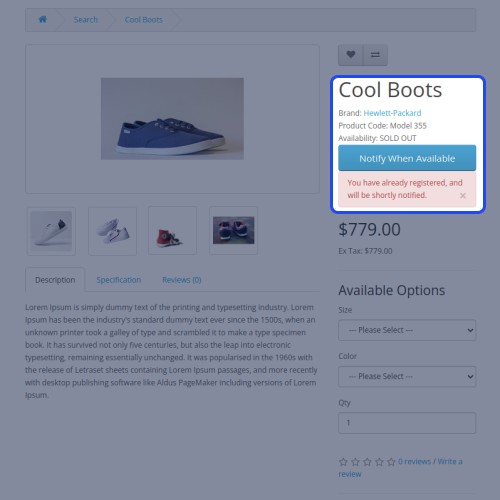
Therefore, the customer will try again to register for notification with the same registered mail ID. In that case, the customer will receive the message notification on the product page.

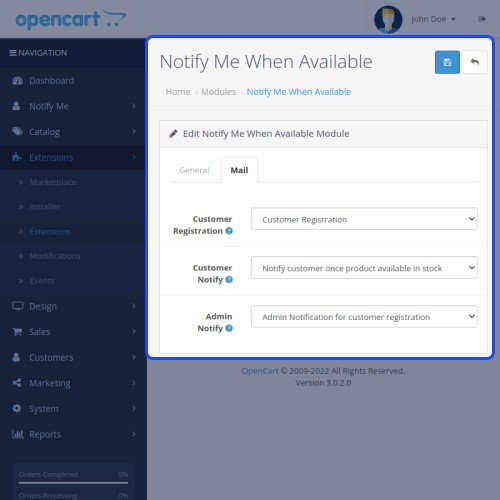
Apart from that, the admin can select the email template in respect of the customer, and the admin will send via email while registering and when the product back in stock.

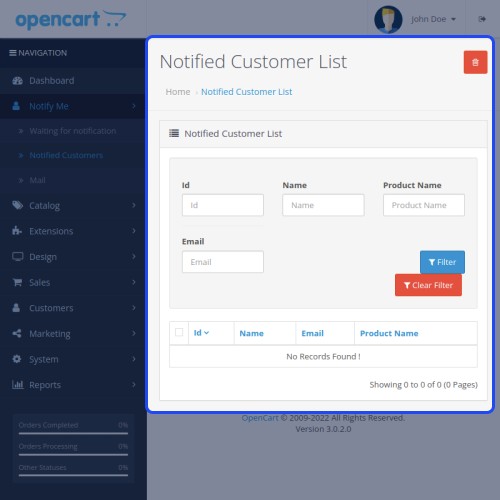
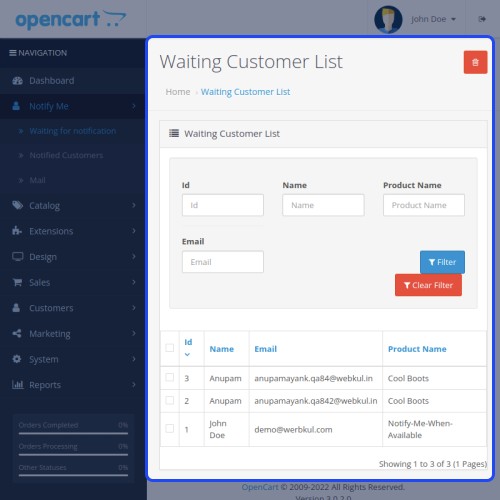
This module provides a separate option to manage the list of waiting customers and notified customers. This list includes customer name, email, and product name.

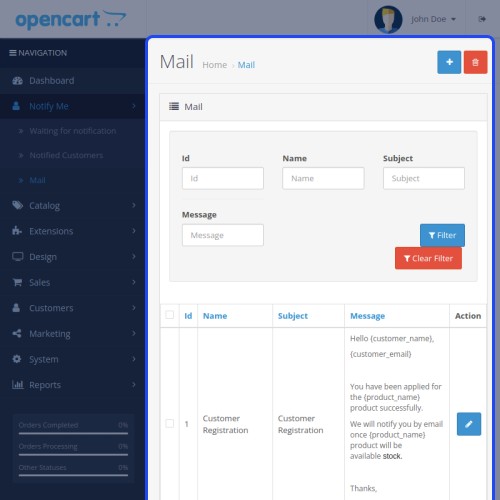
Also, the admin can edit and customize three respective email templates - Notify admin, Notify customer of registration, and customer notification for back in stock.




Some Moments Of Appreciation


Support Policy
Use Case
Keeping the right inventory and meet customer demand on time is a consistently evolving challenge. Due to out of stock inventory retailers lose their customers whether you're having a small or enterprise store.
Opencart Notify Me When Available module allows users to provide his/her email address to notify for the availability of out-of-stock products. So, instead of viewing again and again for the availability of the product, the customer can get the notification via email when the product is back to stock.
Features
- Adds the “Notify Me” button on the product page.
- The customer can register for product availability notification.
- The guest user can also register for notification.
- Customer auto-notified once the product available in stock.
- Admin can configure mail templates.
- Admin can enable/disable the module.
- Admin can edit the text of the “Notify Me” button.
- Admin can edit success message which appears after a successful registration.
Workflow
After the successful installation of the plugin, the admin needs to configure the module options for using the plugin with complete functionality. After the complete configuration, the customers can see the "Notify Me" button on the product page.
The customer gets two fields once will click on Notify button - Name and email of the customer.
A successful registration message will be shown after filling the information and click on the submit button as shown below.
Moving towards the admin section, the admin can set up the main button and submit button text. The admin can even set the message success message or default success message that will be shown to the customer.
Therefore, the customer will try again to register for notification with the same registered mail ID. In that case, the customer will receive the message notification on the product page.
Apart from that, the admin can select the email template in respect of the customer, and the admin will send via email while registering and when the product back in stock.
This module provides a separate option to manage the list of waiting customers and notified customers. This list includes customer name, email, and product name.
Also, the admin can edit and customize three respective email templates - Notify admin, Notify customer of registration, and customer notification for back in stock.
Some Moments Of Appreciation
Support Policy
Price
$79.00
- Developed by OpenCart Partner
- 3 Months Free Support
- Documentation Included
Rating
Compatibility
3.0.0.0, 3.0.1.0, 3.0.1.1, 3.0.1.2, 3.0.1.3, 3.0.2.0, 3.0.3.0, 3.0.3.1, 3.0.3.2, 3.0.3.3, 3.0.3.5, 3.0.3.6, 3.0.3.7, 3.0.3.8
Last Update
14 May 2025
Created
3 Jan 2017
35 Sales
7 Comments

Login and write down your comment.
Login my OpenCart Account