Quick Login/ Forgot Password | Colors/ Style fully customizable
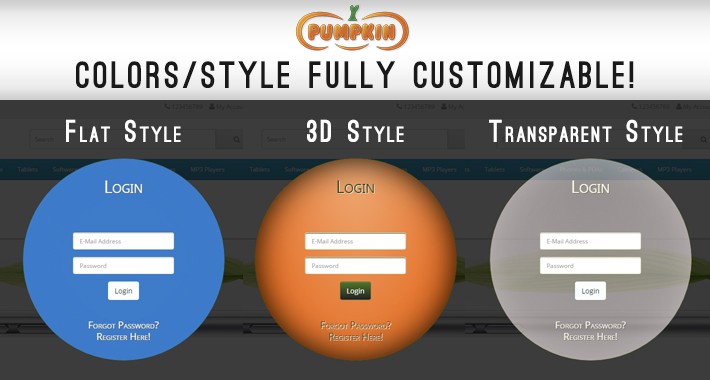
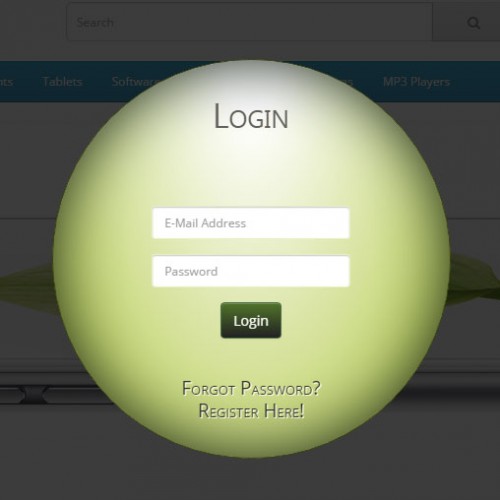
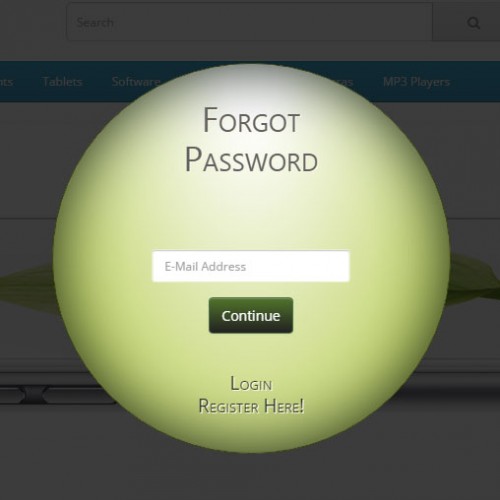
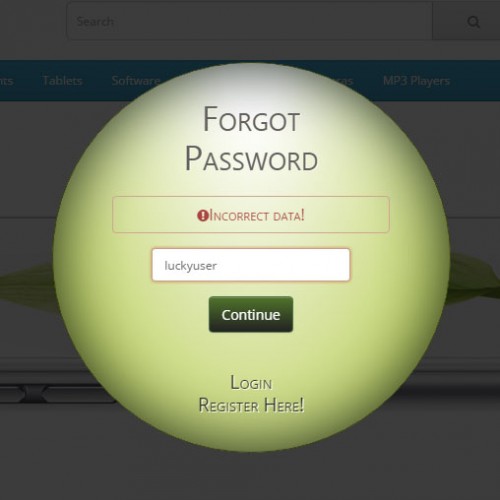
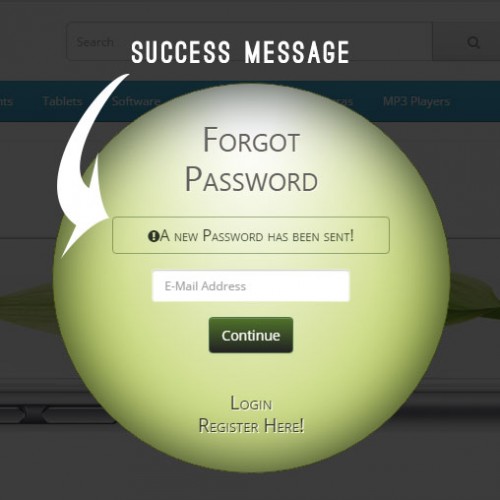
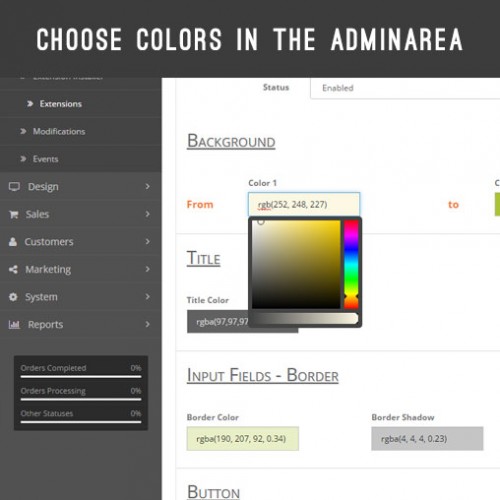
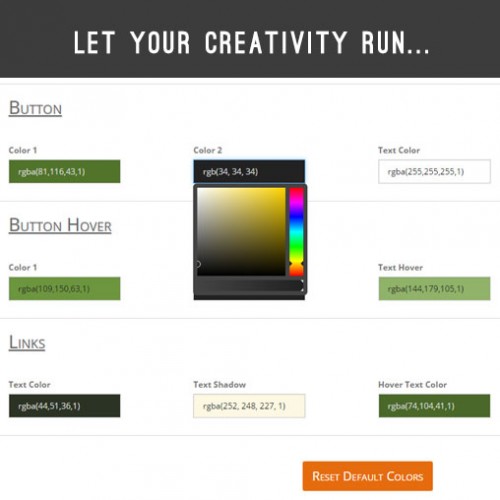
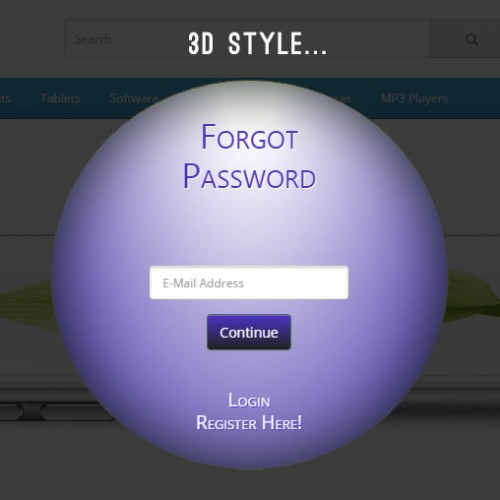
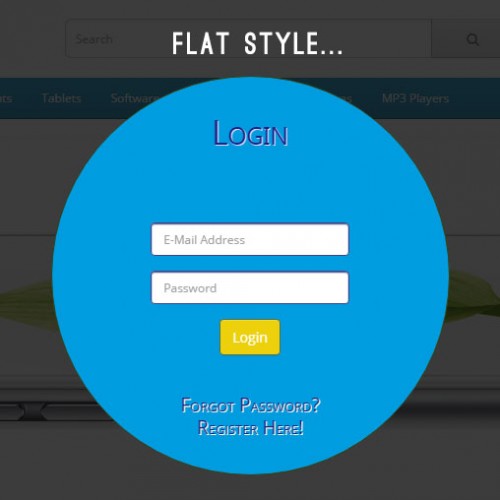
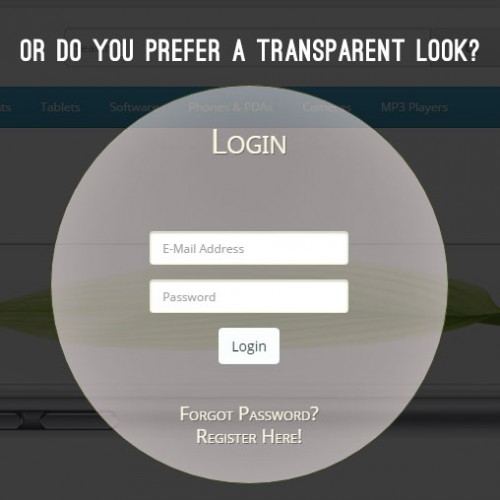
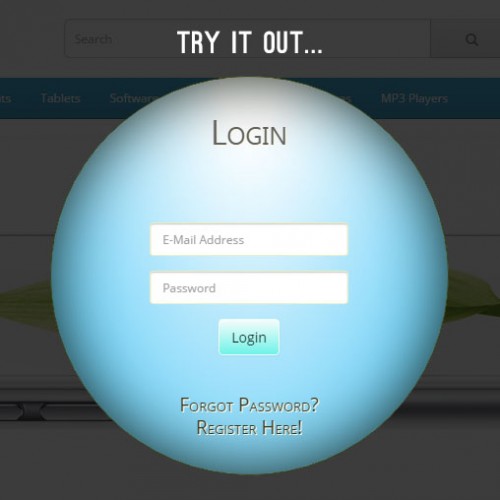
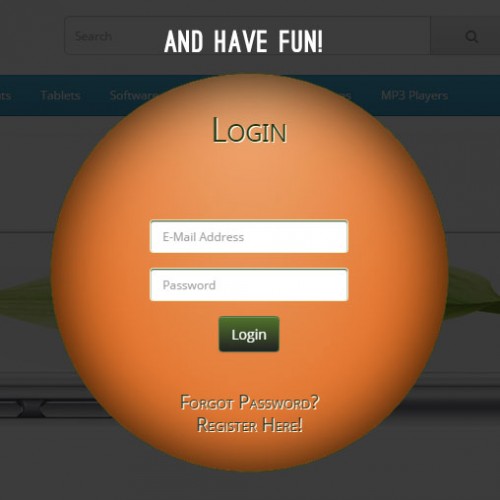
This fast and modern Ajax Quick Login Popup and Recover Password (switching form 2 in 1) will make your site stand out. But the full responsive Quick Login/ Reset Password is not limited on this particular look, all colors like the backgrounds, shadows, text, textshadows, buttons and many more are customizable in the Adminarea. You can give to the Quick Login Form a Flat Style, 3D Style or a Transparent Style or you invent something new! Check the Live Demo, let your creativity run and have fun!
Live Demo:
Front Page
Click on any link (except the registration link) in the header area or on any link on the right block "My Account" in the footer area.
Admin Module Page
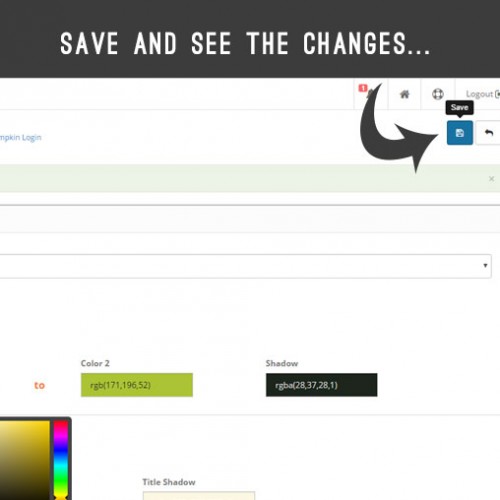
When you have choosed your preferred colors click on the Save-Button. Go to the"Front Page" and click on the black transparent space around the Login Module. The Login Pop Up will be closed. Open again the Quick Login/ Reset Password and see the changings you have done. To reset the Default Colors click on the bottom the button "Reset Default Colors" (Admin Page) and click save.
Features:
Additional Info:
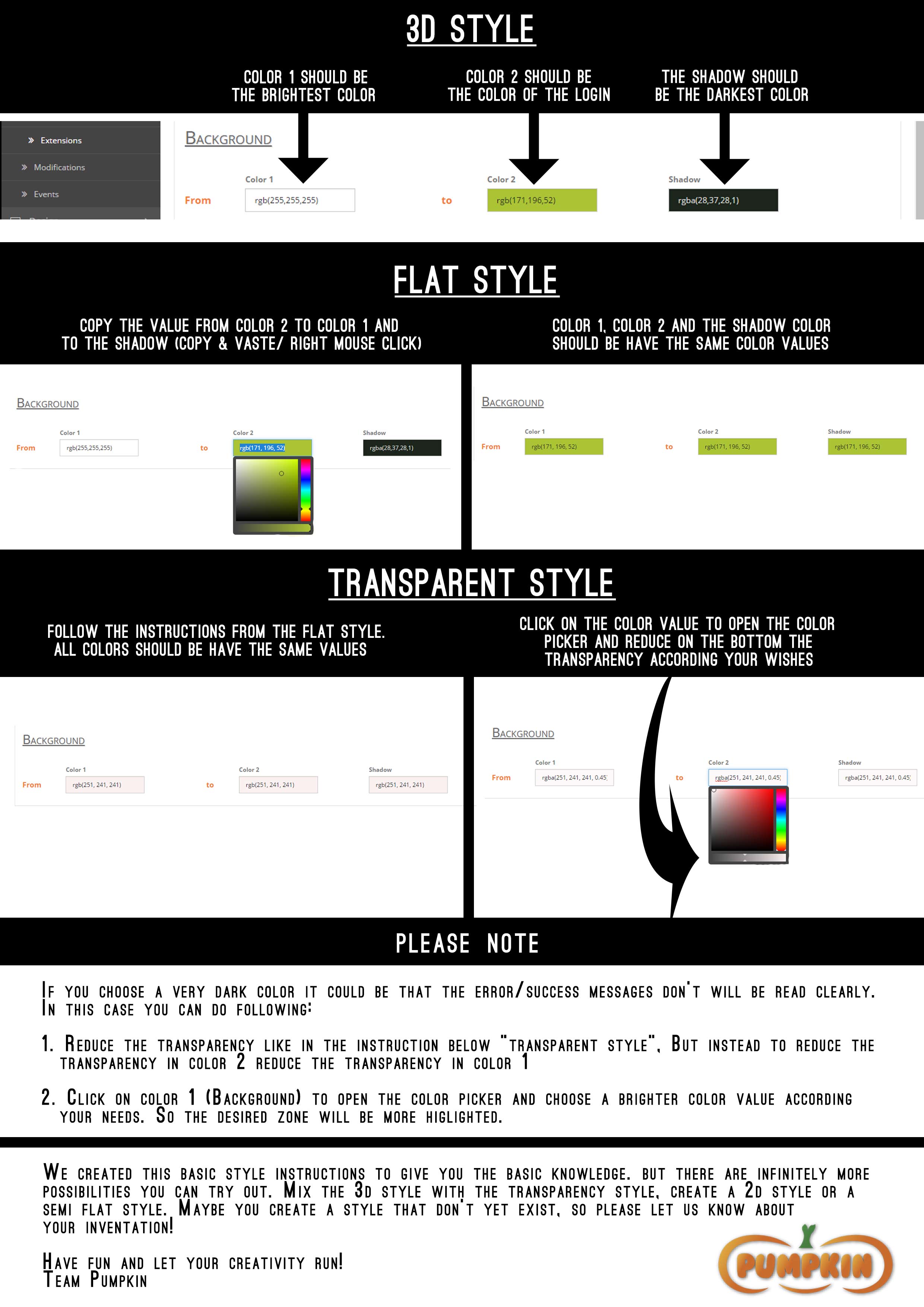
Style Instructions:
Support:
For support or other infos please contact us here.
Live Demo:
Front Page
Click on any link (except the registration link) in the header area or on any link on the right block "My Account" in the footer area.
Admin Module Page
When you have choosed your preferred colors click on the Save-Button. Go to the"Front Page" and click on the black transparent space around the Login Module. The Login Pop Up will be closed. Open again the Quick Login/ Reset Password and see the changings you have done. To reset the Default Colors click on the bottom the button "Reset Default Colors" (Admin Page) and click save.
Features:
- Mobile ready, 100% responsive
- Quick Ajax calls, without page loading, without reloading, without redirecting
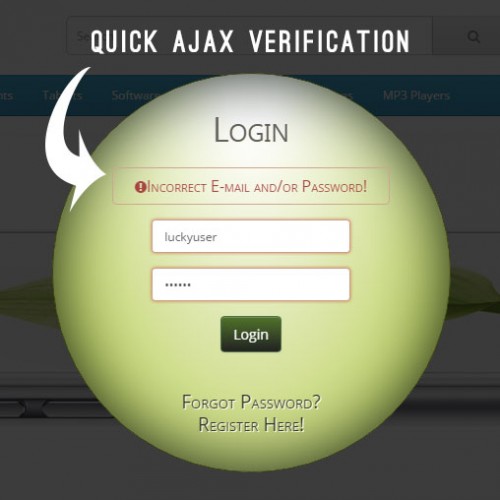
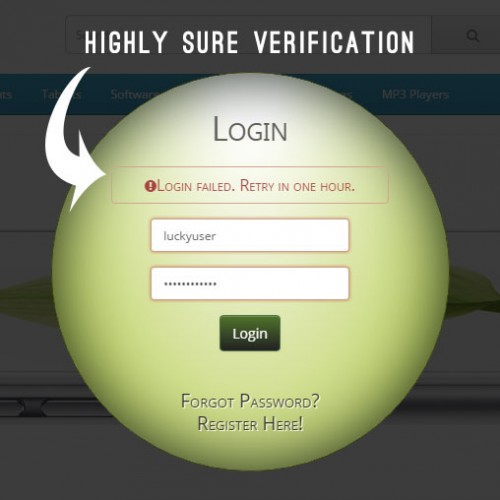
- Quick Ajax Validation for empty or wrong email/password (without page reloading)
- Quick Login Popup and Quick Forgotten Password Popup in one form (switching form | 2 in 1)
- Colors and Style fully customizable according your wishes in the admin area
- All changes are done by VQMOD, so the core files don't will be modified
- Style instructions included
Additional Info:
- The round form (circle) of the Login Module project to your clients/future clients a positive emotional message. Circles/ round/oval forms suggests community, unity, stability, perfection, integrity. So your potential or existing customers will get familiar with your shop and by using this Ajax Quick Login they will trust in your Business from the first decisive moment (Login).
- Because round shapes are less common in design they work well to attract attention and provide emphasis.
Style Instructions:
Support:
For support or other infos please contact us here.
Price
$23.00
- Developed by OpenCart Community
- 10 Months Free Support
- Documentation Included
Rating
Compatibility
2.2.0.0, 2.3.0.0, 2.3.0.1, 2.3.0.2
Last Update
5 Jun 2017
Created
27 Apr 2017
0 Sales
0 Comments

Login and write down your comment.
Login my OpenCart Account