Ci Popup Extension Version 1.0
Ci Popup Extension
Developer: Chutima Bunpiw
Created: 25 May 2017
Version: 1.0
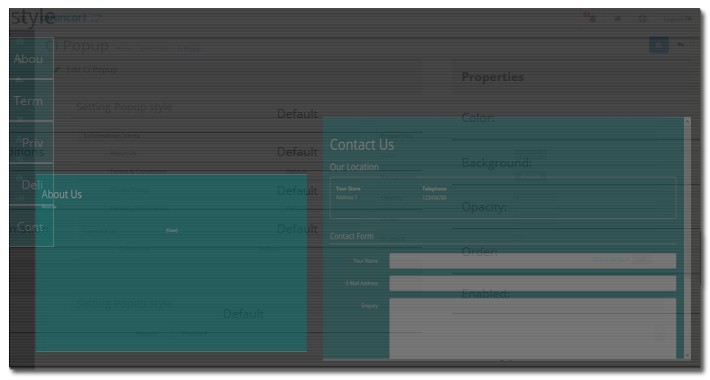
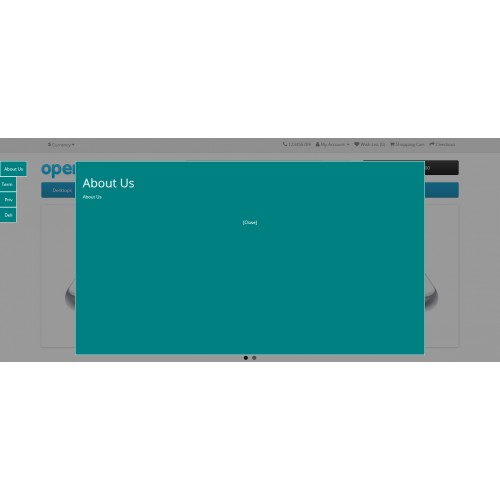
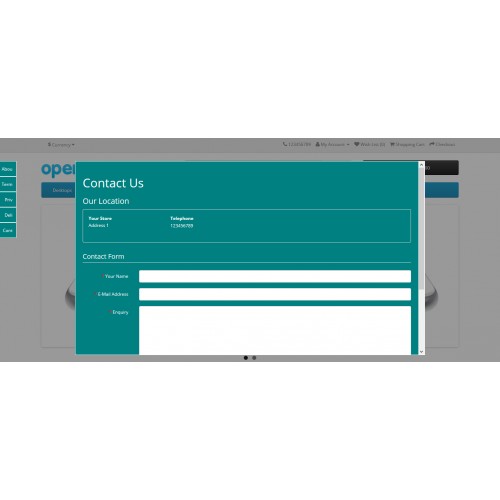
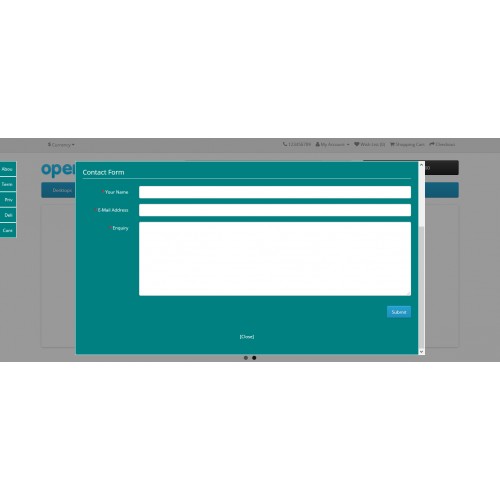
To show store information as you need and to access contact form in quick and easy way.
Shortcut menu fixed at the left side of every page. To click and view information and contact as modal popup.
Installation
- Installing Vqmod 2.6.1
1. Copy vqmod folder from cipopup_extension/vqmod-2.6.1/upload/ to your project's root directory.
2. Open browser, Go to <your app>/vqmod/install
- Browser'll display result as VQMOD HAS BEEN INSTALLED ON YOUR SYSTEM!
Or VQMOD ALREADY INSTALLED!
Now vqmod is installed.
- Installing Ci Popup
1. Copy cipopup_extension/cipopup-ocX.x.x.x/upload/ to your project's root directory.
2. Go to Admin > Extensions > Modules page.
3. Find Ci Popup in modules list, then click "install".
- Admin panel will display text Success: You have modified modules!
Now Ci Popup is installed.
Usage
- Config Extension
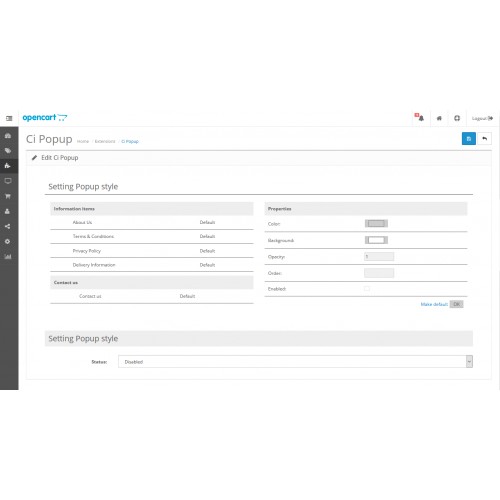
1. Set "status" value in the Setting Popup style section to "enabled" to enable extension
or set to "disabled" to disable extension.
- Config style
1. In modules list, Click "edit".
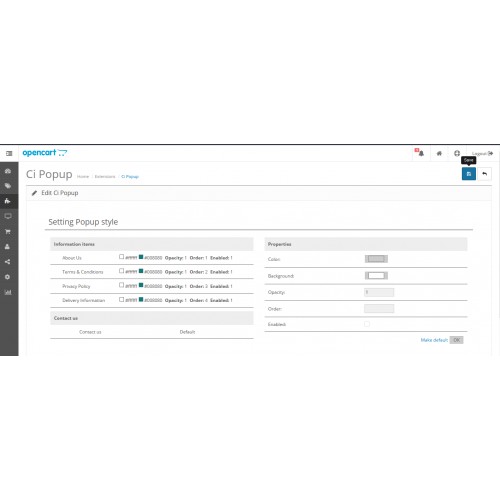
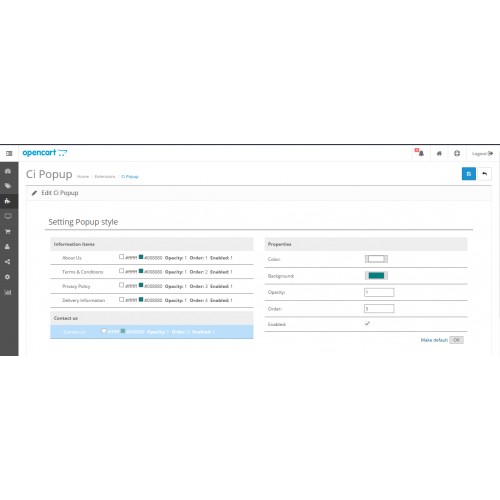
2. Select "Information" item or "Contact" item from left panel in the Setting Popup style section,
then the select item's style will display in the right panel.
3. Set "color", "background" and "opacity" value to styling the popup box.
4. Set "order" value to manage the item order.
5. Set "enabled" value to true (checked) if you want the item to display
or set "enabled" value to false (uncheck) if you don't want the item to display.
6. Click "Ok"
- To set the item style back to default style click "Make default"
7. Click "Save"
- Admin panel will display text Success: You have modified Ci Popup details!
Now Ci Popup style is configured.
After this, The Ci Popup menus will fixed at the left border of every page.
Now user can click those menus and view the shop information or contact information as you prepare.
Demo
Try the demonstration of the ci popup system here.
Username/password : admin/password
Developer: Chutima Bunpiw
Created: 25 May 2017
Version: 1.0
To show store information as you need and to access contact form in quick and easy way.
Shortcut menu fixed at the left side of every page. To click and view information and contact as modal popup.
Installation
- Installing Vqmod 2.6.1
1. Copy vqmod folder from cipopup_extension/vqmod-2.6.1/upload/ to your project's root directory.
2. Open browser, Go to <your app>/vqmod/install
- Browser'll display result as VQMOD HAS BEEN INSTALLED ON YOUR SYSTEM!
Or VQMOD ALREADY INSTALLED!
Now vqmod is installed.
- Installing Ci Popup
1. Copy cipopup_extension/cipopup-ocX.x.x.x/upload/ to your project's root directory.
2. Go to Admin > Extensions > Modules page.
3. Find Ci Popup in modules list, then click "install".
- Admin panel will display text Success: You have modified modules!
Now Ci Popup is installed.
Usage
- Config Extension
1. Set "status" value in the Setting Popup style section to "enabled" to enable extension
or set to "disabled" to disable extension.
- Config style
1. In modules list, Click "edit".
2. Select "Information" item or "Contact" item from left panel in the Setting Popup style section,
then the select item's style will display in the right panel.
3. Set "color", "background" and "opacity" value to styling the popup box.
4. Set "order" value to manage the item order.
5. Set "enabled" value to true (checked) if you want the item to display
or set "enabled" value to false (uncheck) if you don't want the item to display.
6. Click "Ok"
- To set the item style back to default style click "Make default"
7. Click "Save"
- Admin panel will display text Success: You have modified Ci Popup details!
Now Ci Popup style is configured.
After this, The Ci Popup menus will fixed at the left border of every page.
Now user can click those menus and view the shop information or contact information as you prepare.
Demo
Try the demonstration of the ci popup system here.
Username/password : admin/password
Price
$20.00
- Developed by OpenCart Community
- Documentation Included
Rating
Compatibility
2.0.3.1, 2.1.0.1, 2.1.0.2, 2.2.0.0, 2.3.0.2
Last Update
13 Oct 2018
Created
25 May 2017
1 Sales
0 Comments

Login and write down your comment.
Login my OpenCart Account