Opencart Bundle Product
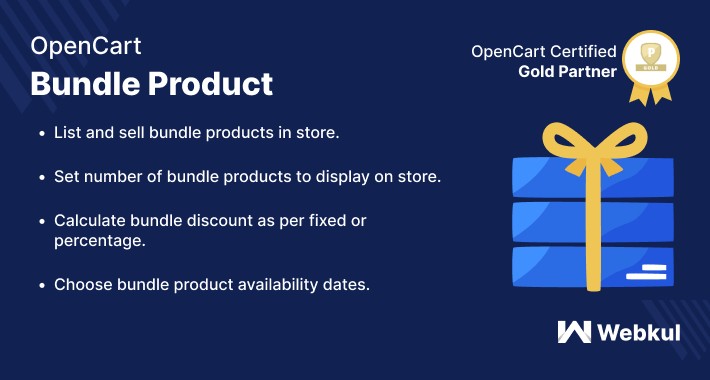
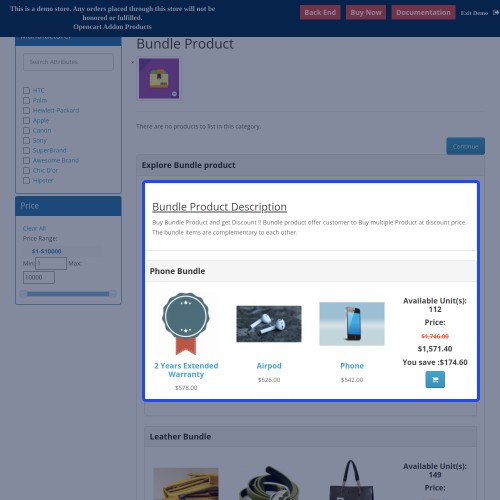
Bundle Product- When several products are sold as one combined product, it is called the bundle product. With the help of the Opencart Bundle Product extension, the admin will be able to create bundle products for its customers. The admin can set the number of bundle products to display in the store. Calculate bundle discount according to the fixed or percent-based method.




Use case
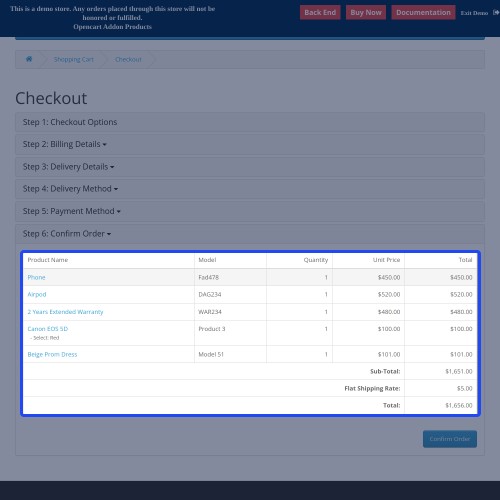
In the Opencart Marketplace store admin needs a plugin that facilitates them to add multiple orders in single order checkout. Bundle product plugin provides this feature to the admin to configure this functionality in their store. This module provides a secure, trusted, and fast checkout method to your customers. You can enable or disable the module as per your requirements. Admin can create multiple bundle products and lists in the store.
Features
Video Tutorial
How to create the bundle product on Opencart Store
Workflow
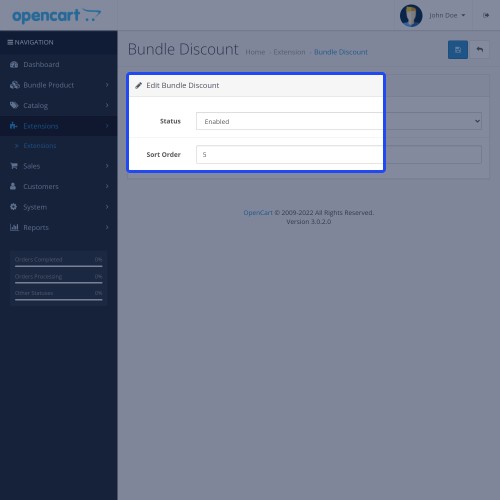
Installation of the Opencart bundle product is easy. After the installation of the module, the admin can configure the module accordingly. From the admin panel, the admin can enable/disable the bundle product.
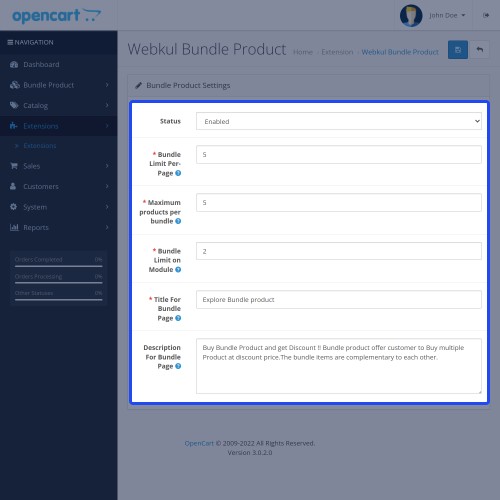
Now from the bundle product settings, The admin can enter the bundle limits per page, Max bundle per page, Bundle limit on module, title, and description.

Here, The admin needs to set the design layout to display the bundles on the products page

From order total, The admin needs to configure order total settings to allow the bundle discount on orders

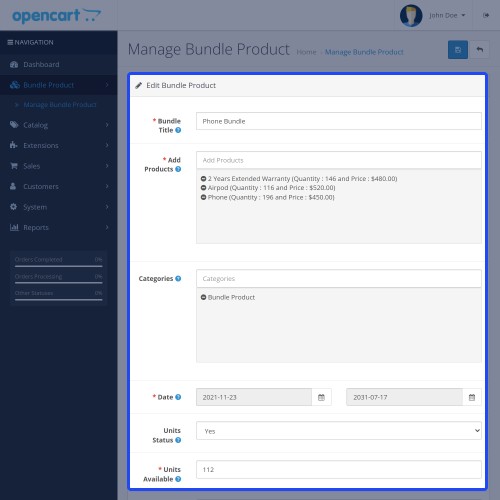
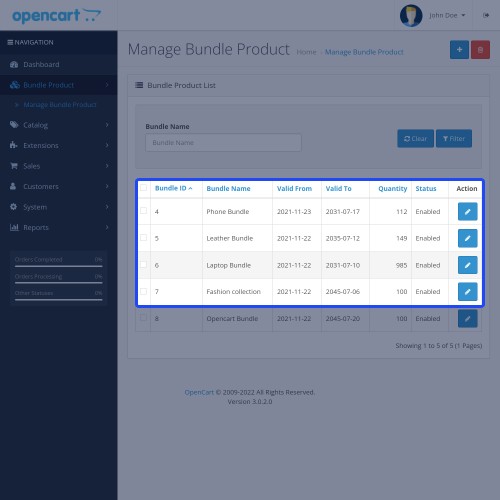
Here in bundle product, The admin needs to enter the details related to the bundle product in the manage bundle product.

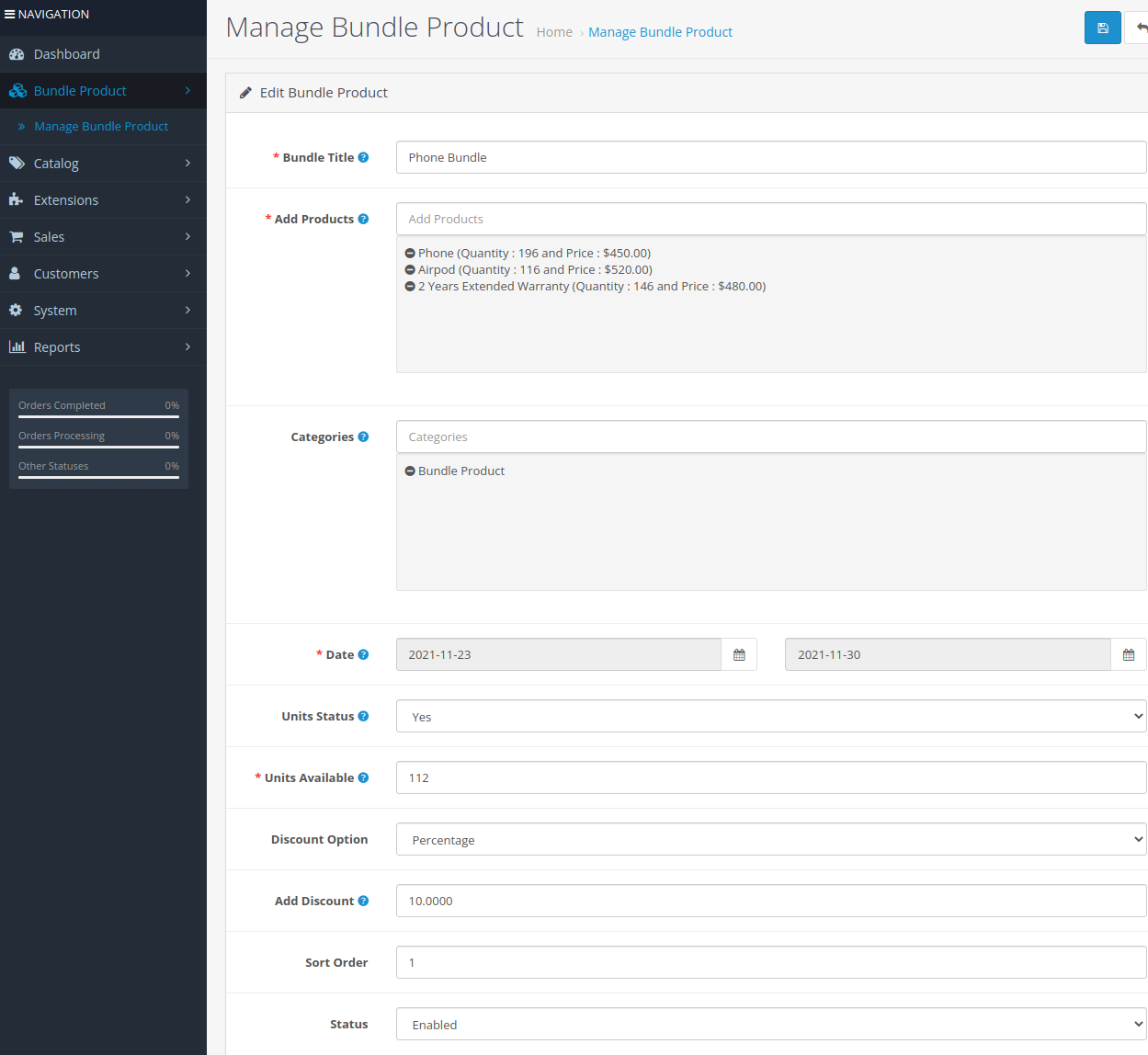
Here, The admin can add the bundle product.



Some Moments Of Appreciation



Support Policy
Use case
In the Opencart Marketplace store admin needs a plugin that facilitates them to add multiple orders in single order checkout. Bundle product plugin provides this feature to the admin to configure this functionality in their store. This module provides a secure, trusted, and fast checkout method to your customers. You can enable or disable the module as per your requirements. Admin can create multiple bundle products and lists in the store.
Features
- Define the number of bundles to show on the bundle page.
- Define the number of bundles to show on a product page.
- Set the front-end title of the bundle product page.
- Display description on the bundle product page.
- Choose the bundle product availability dates.
- Show or hide units available of the bundle product.
- Calculate bundle discount using fixed or percentage method.
- Set the sort order of the bundle products.
- Enable or disable each bundle product status.
- The customers can select the product options in the bundle.
- Show bundle discount value in cart and checkout.
- Supports multiple languages translations.
- The module source code is open for customization.
Video Tutorial
How to create the bundle product on Opencart Store
Workflow
Installation of the Opencart bundle product is easy. After the installation of the module, the admin can configure the module accordingly. From the admin panel, the admin can enable/disable the bundle product.
Now from the bundle product settings, The admin can enter the bundle limits per page, Max bundle per page, Bundle limit on module, title, and description.
Here, The admin needs to set the design layout to display the bundles on the products page
From order total, The admin needs to configure order total settings to allow the bundle discount on orders
Here in bundle product, The admin needs to enter the details related to the bundle product in the manage bundle product.
Here, The admin can add the bundle product.
Some Moments Of Appreciation
Support Policy
What customers say about Opencart Bundle Product

Not working with my theme. No free refunds. Open PayPal depute. Extremely not suggested buy.
~opencart_23
~opencart_23
Price
$79.00
- Developed by OpenCart Partner
- 3 Months Free Support
- Documentation Included
Rating
Compatibility
3.0.0.0, 3.0.1.0, 3.0.1.1, 3.0.1.2, 3.0.1.3, 3.0.2.0, 3.0.3.0, 3.0.3.1, 3.0.3.2, 3.0.3.3, 3.0.3.5, 3.0.3.6, 3.0.3.7, 3.0.3.8, 3.x.x.x, 3.0.3.9
Last Update
19 Jun 2025
Created
1 Jun 2017
60 Sales
15 Comments

Login and write down your comment.
Login my OpenCart Account