Ask For Price Via Email 2.x
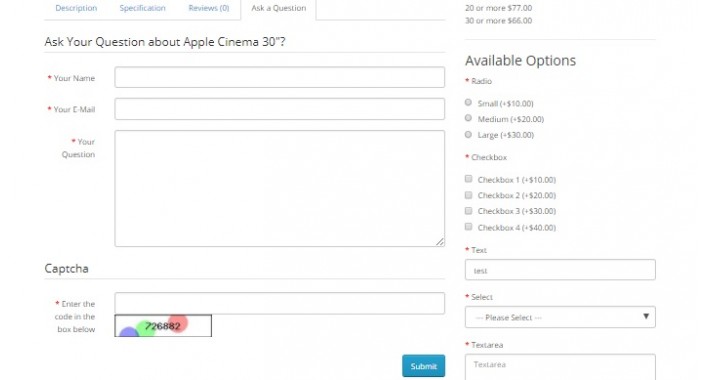
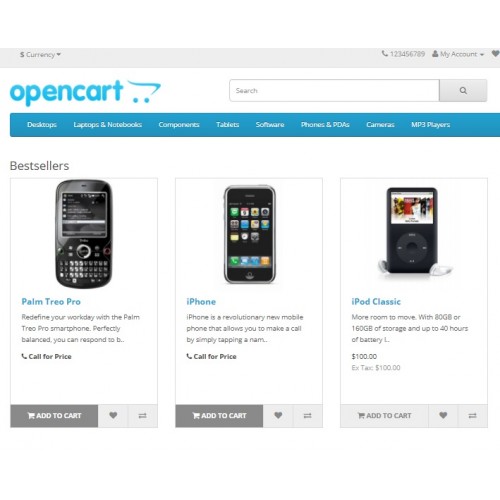
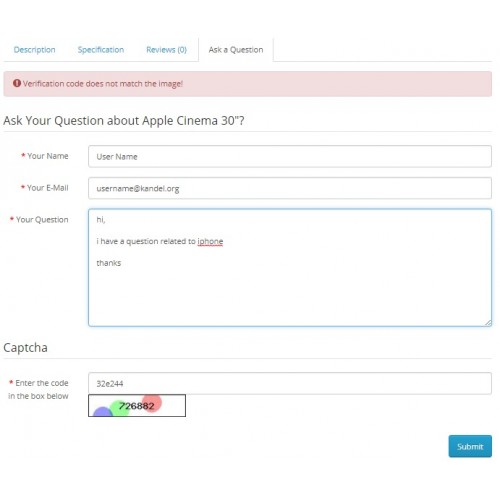

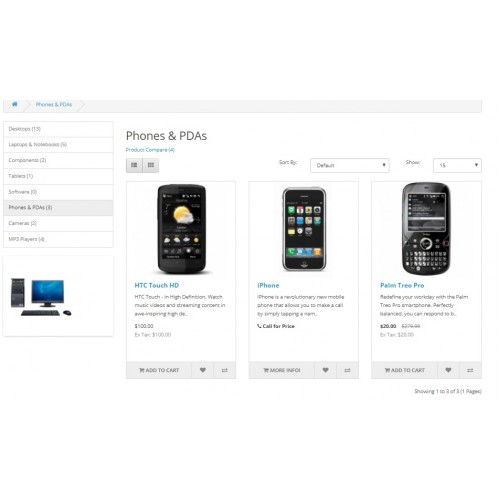
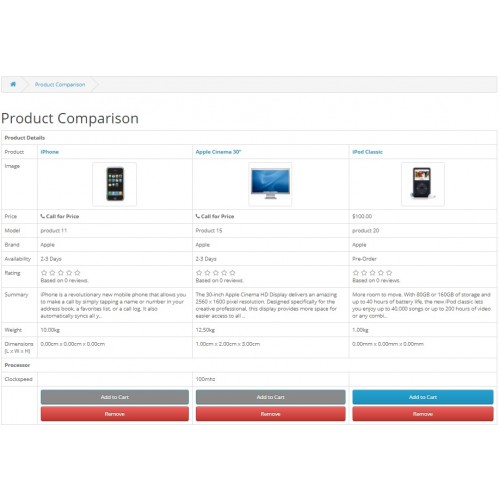
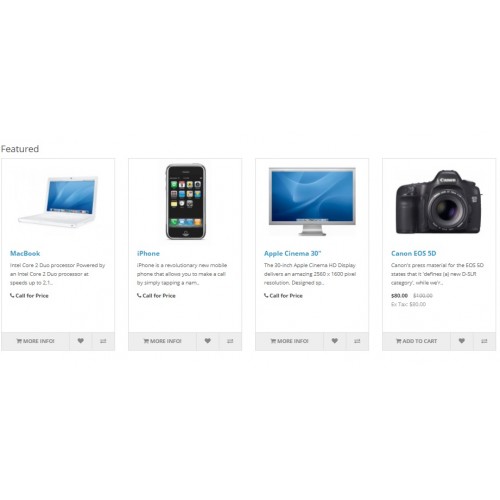
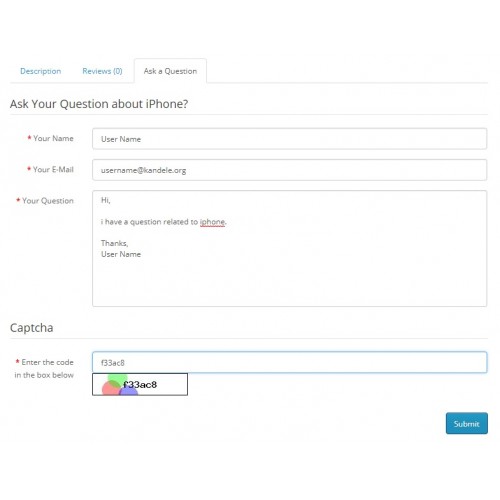
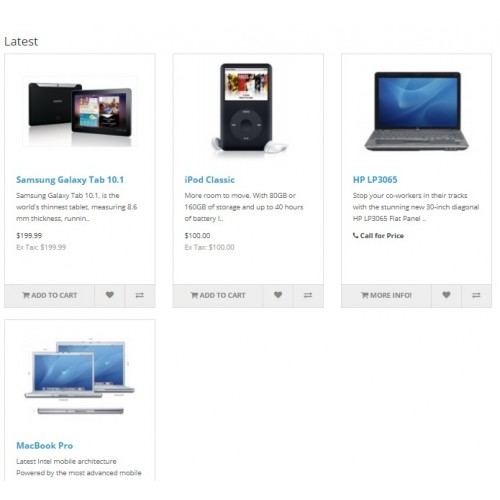
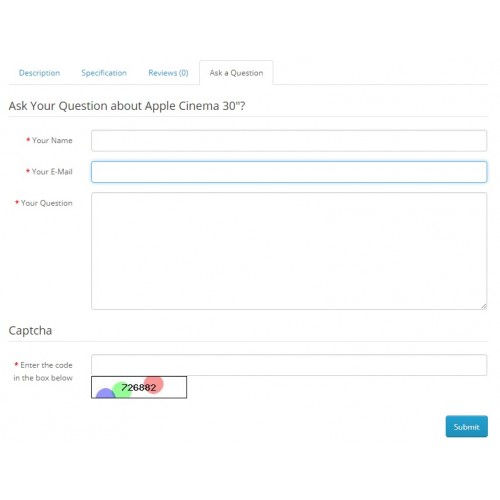
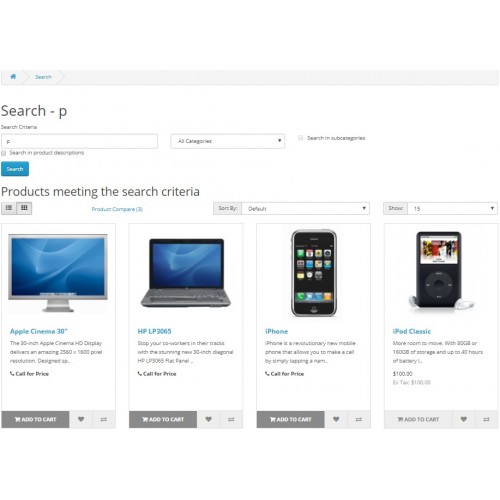
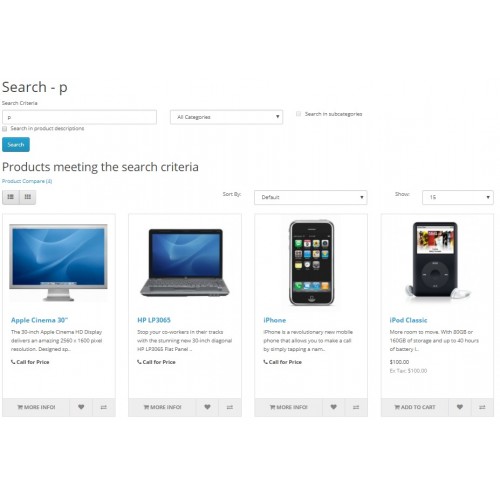
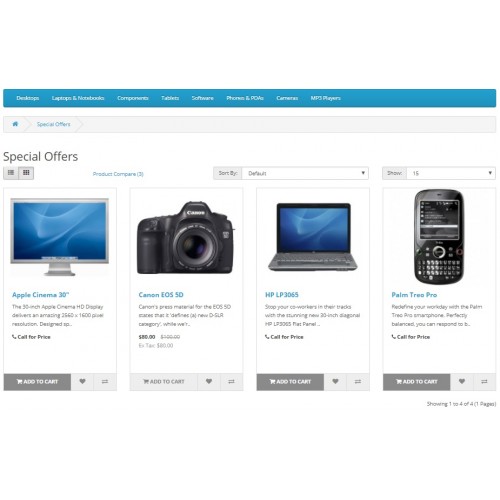
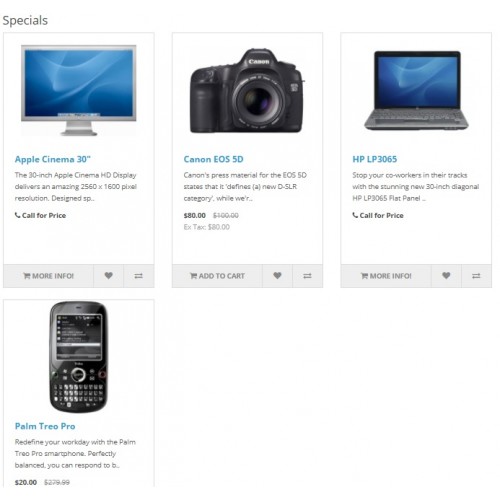
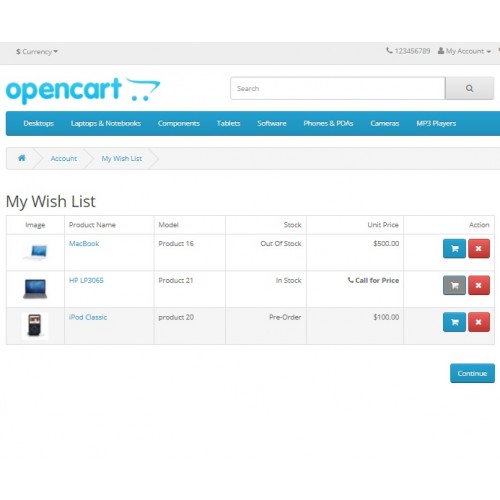
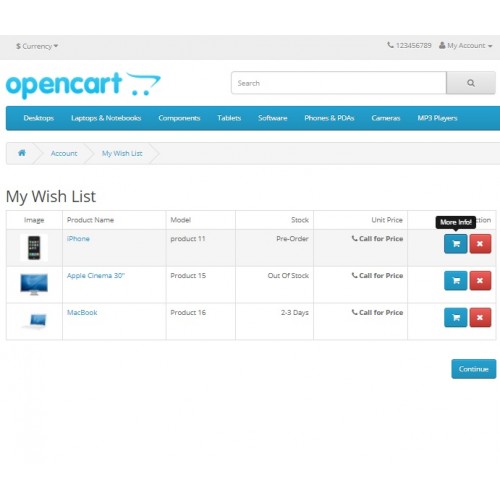
Ask For Price Via Email is a plugin which adds another tab in the product page with tab title "Ask a Question" and display "Call for Price" text in place of price for the products that have 0(zero) price.
You can change the "Ask For Price" and "Ask Your Question" text to any text you want. It makes very easy for customers to ask a question about a product, as they can directly ask question via email from the product page itself by entering all the required information.
In this, "Ask for Price" text is a link which takes to the product description page, and automatically opens "Ask a Question" tab and show "Ask a Question" tab form which reduces costumer effort in contacting you about a product.
It has a option to choose whether "Add to Cart" button for that product will be enabled or disabled, in both the cases user wont be able to add device to cart but if the button is enable then after clicking the "Add to Cart" button user will be navigated to the product description page.
You can change the "Add to Cart" button text to any text you want and it will be reflected in the page only when "Add to cart" enable condition is selected. Default text is "More Info!".
For disabled condition, button will be disbled with "Add to cart" as text and customers won't be able to click the button and won't be able to add that product into the cart.
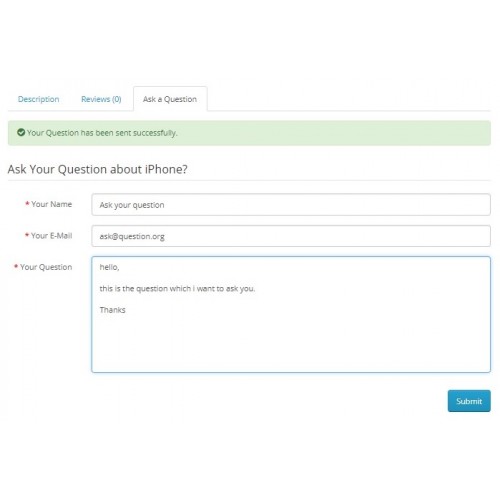
In this, you can change all the default text value like "Ask For Price Via Email about", "Your Name", "Your E-Mail", "Your Question", "Your Question has been sent successfully." to any text's you like.
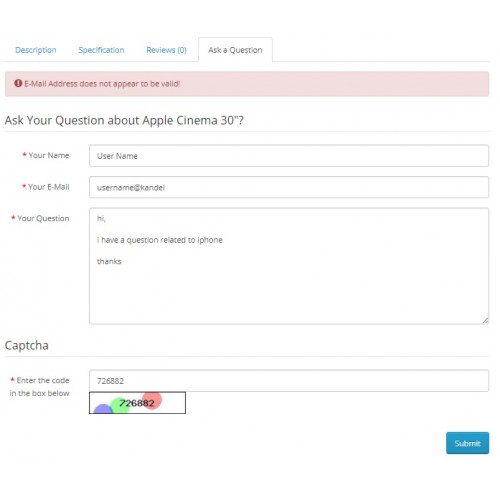
In question text "Ask For Price Via Email about Apple Cinema 30"?" as you can see in the images, only "Ask For Price Via Email about" can be changed and "Apple Cinema 30"?""/product name will be added at the end of changed question text.
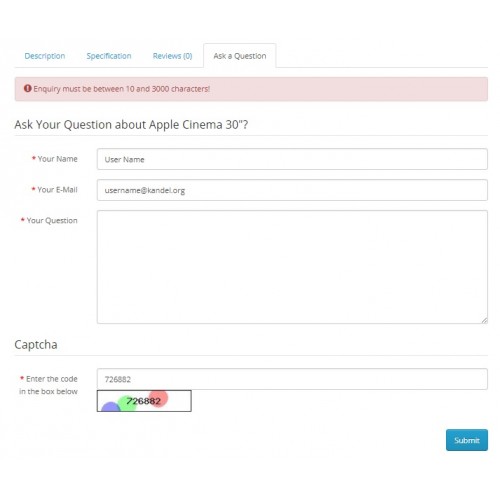
It does all the form validations as well, whether the email format is correct or not, question text length is proper or not and captcha is correct or not.
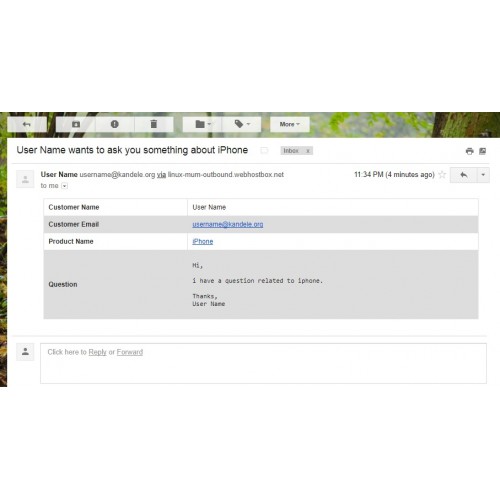
Also you will get all the information related to the product and link to the product in your store automatically in the Contact Email.
It works for all the different type of currencies and for both Grid and List view.
To enable any product for Ask for price condition, you just have to change the price of that product to 0(zero). Once you change price as 0 for a product, then you can see Ask for Price text instead of product's price and Add to cart button will also change according to your settings.
It is a combination of two of our modules Call For Price and Ask Your Question. So you these suits you, you can buy these separately.
It does not overwrite any opencart default files.
For version 3.x, Please use below Link
Ask For Price Via Email 3.x
Full documentation and set up support available.
If you have any query or need any help in installation, feel free to contact us.
Checkout our other plugins by clicking on the below url.
Click here for Other Plugins
You can change the "Ask For Price" and "Ask Your Question" text to any text you want. It makes very easy for customers to ask a question about a product, as they can directly ask question via email from the product page itself by entering all the required information.
In this, "Ask for Price" text is a link which takes to the product description page, and automatically opens "Ask a Question" tab and show "Ask a Question" tab form which reduces costumer effort in contacting you about a product.
It has a option to choose whether "Add to Cart" button for that product will be enabled or disabled, in both the cases user wont be able to add device to cart but if the button is enable then after clicking the "Add to Cart" button user will be navigated to the product description page.
You can change the "Add to Cart" button text to any text you want and it will be reflected in the page only when "Add to cart" enable condition is selected. Default text is "More Info!".
For disabled condition, button will be disbled with "Add to cart" as text and customers won't be able to click the button and won't be able to add that product into the cart.
In this, you can change all the default text value like "Ask For Price Via Email about", "Your Name", "Your E-Mail", "Your Question", "Your Question has been sent successfully." to any text's you like.
In question text "Ask For Price Via Email about Apple Cinema 30"?" as you can see in the images, only "Ask For Price Via Email about" can be changed and "Apple Cinema 30"?""/product name will be added at the end of changed question text.
It does all the form validations as well, whether the email format is correct or not, question text length is proper or not and captcha is correct or not.
Also you will get all the information related to the product and link to the product in your store automatically in the Contact Email.
It works for all the different type of currencies and for both Grid and List view.
To enable any product for Ask for price condition, you just have to change the price of that product to 0(zero). Once you change price as 0 for a product, then you can see Ask for Price text instead of product's price and Add to cart button will also change according to your settings.
It is a combination of two of our modules Call For Price and Ask Your Question. So you these suits you, you can buy these separately.
It does not overwrite any opencart default files.
For version 3.x, Please use below Link
Ask For Price Via Email 3.x
Full documentation and set up support available.
If you have any query or need any help in installation, feel free to contact us.
Checkout our other plugins by clicking on the below url.
Click here for Other Plugins
Price
$30.00
- Developed by OpenCart Community
- 6 Months Free Support
- Documentation Included
Rating
Compatibility
2.0.2.0, 2.0.3.1, 2.1.0.1, 2.1.0.2, 2.0.0.0, 2.0.1.0, 2.0.1.1, 2.3.0.0, 2.3.0.1, 2.3.0.2, 2.2.0.0
Last Update
21 Jun 2025
Created
29 Jul 2017
1 Sales
0 Comments

Login and write down your comment.
Login my OpenCart Account