Filter by options
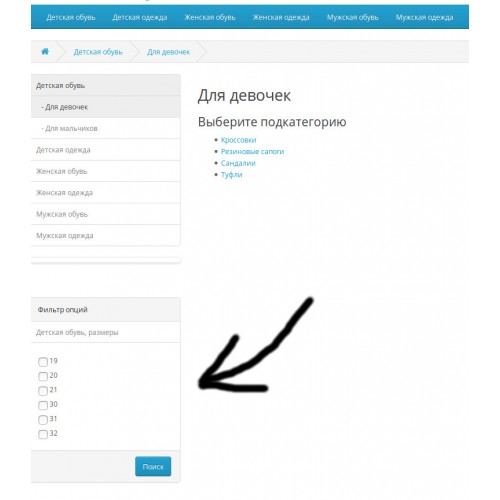
Select product options in current and all child categories and provide filter by it.
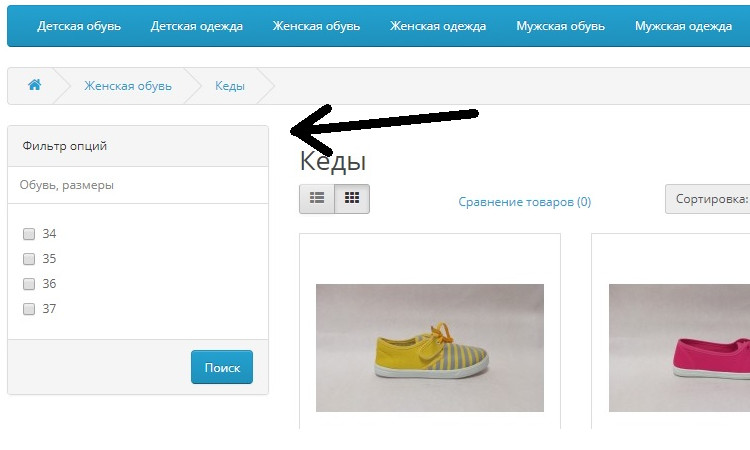
Filter show options as checkboxes.
Languages:
Client view:
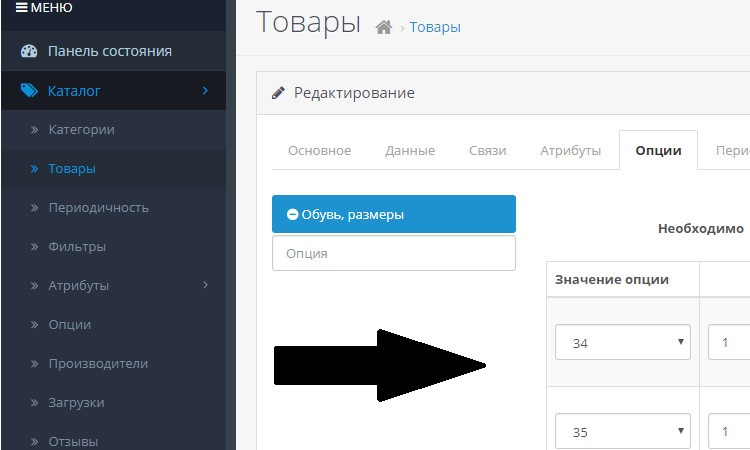
Admin view (just fill in the product options):
Installation steps:
In admin panel go to Extensions =>installer and upload module
Go to Extensions => Extensions. Select modules. In modules list find "Filter by options" module and enable it. Click Edit button, select enable and save
Go to Extensions=>Modifications and click refresh button
Go to Disign => Layouts and Edit "Category" item. Add Filter Options in Column Left block and save.
Filter show options as checkboxes.
Languages:
Russian
English
Client view:
Admin view (just fill in the product options):
Installation steps:
In admin panel go to Extensions =>installer and upload module
Go to Extensions => Extensions. Select modules. In modules list find "Filter by options" module and enable it. Click Edit button, select enable and save
Go to Extensions=>Modifications and click refresh button
Go to Disign => Layouts and Edit "Category" item. Add Filter Options in Column Left block and save.
Download
- Developed by OpenCart Community
- Documentation Included
Rating
Compatibility
3.0.0.0, 3.0.1.0, 3.0.1.1, 3.0.1.2, 3.0.1.3, 3.0.2.0, 4.x.x.x
Last Update
4 Feb 2019
Created
15 Sep 2017
1350 Downloads
17 Comments

Login and write down your comment.
Login my OpenCart Account