Display a video presentation of your product using the embedded
Video presentation
With this plugin, you can display a video presentation of your product using the embedded URL displayed on the product details page.
You have 2 locations to display the video, the first location is next to the 'review' tab, the second location is in the thumbnail image. Here are 2 options, with thumbnail image below video and video with no thumbnail image.
This plugin has documentation for installation, if you do not have vqmod installed, then you can use the second option.
The first option to install this plugin is to copy the xml file to vqmod, the second option is to copy the code into the files specified in the documentation.
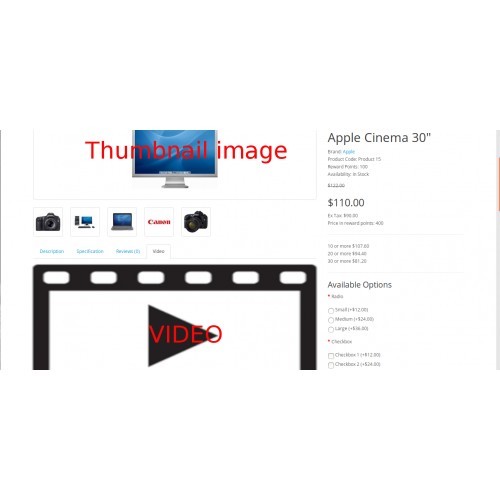
This is an example where display the tab video
http://www.op1.micportal.ro/index.php?route=product/product&product_id=40
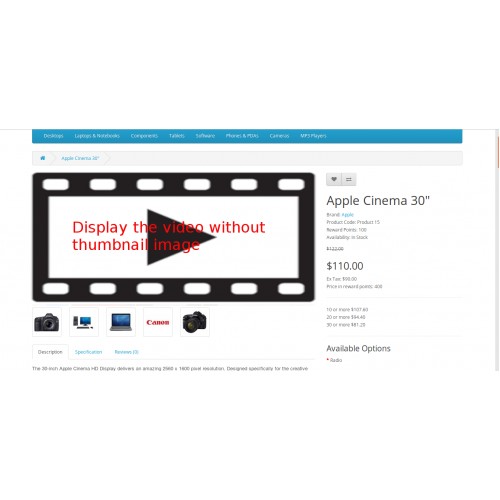
This is an example where display the video without thumbnail image
http://www.op1.micportal.ro/index.php?route=product/product&product_id=42
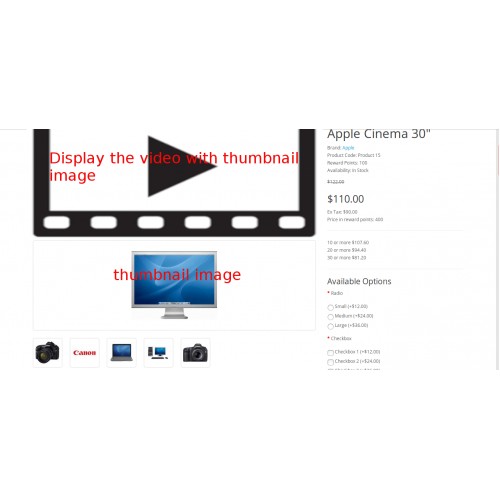
This is an example where display the video with thumbnail image
http://www.op1.micportal.ro/index.php?route=product/product&product_id=43
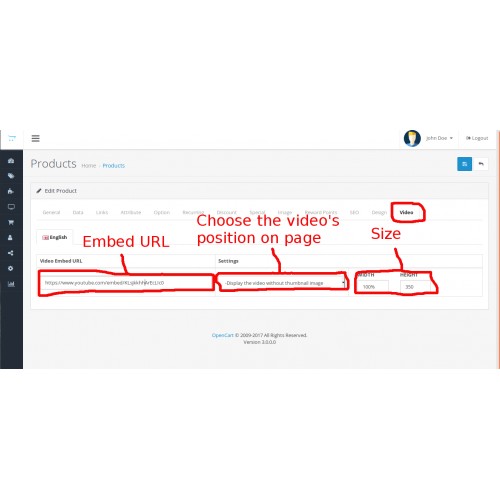
Here you can see how you can manage the video.
Backend = http://www.op1.micportal.ro/admin/index.php?route=catalog/product/edit&user_token=eEaPpZRmZSxksbkGhdLpOJoKTrNAEtGo&product_id=42
USER: demo3
PASS: demo3
If you have trouble with opencart you can find me here at nica.dumitru[@]gmail.com :)
Here You can find my plugins here https://www.opencart.com/index.php?route=marketplace/extension&filter_member=nicu78
With this plugin, you can display a video presentation of your product using the embedded URL displayed on the product details page.
You have 2 locations to display the video, the first location is next to the 'review' tab, the second location is in the thumbnail image. Here are 2 options, with thumbnail image below video and video with no thumbnail image.
This plugin has documentation for installation, if you do not have vqmod installed, then you can use the second option.
The first option to install this plugin is to copy the xml file to vqmod, the second option is to copy the code into the files specified in the documentation.
This is an example where display the tab video
http://www.op1.micportal.ro/index.php?route=product/product&product_id=40
This is an example where display the video without thumbnail image
http://www.op1.micportal.ro/index.php?route=product/product&product_id=42
This is an example where display the video with thumbnail image
http://www.op1.micportal.ro/index.php?route=product/product&product_id=43
Here you can see how you can manage the video.
Backend = http://www.op1.micportal.ro/admin/index.php?route=catalog/product/edit&user_token=eEaPpZRmZSxksbkGhdLpOJoKTrNAEtGo&product_id=42
USER: demo3
PASS: demo3
If you have trouble with opencart you can find me here at nica.dumitru[@]gmail.com :)
Here You can find my plugins here https://www.opencart.com/index.php?route=marketplace/extension&filter_member=nicu78
Price
$30.00
- Developed by OpenCart Community
- Documentation Included
Rating
Compatibility
3.0.0.0, 3.0.1.0, 3.0.1.1, 3.0.1.2, 3.0.1.3, 3.0.2.0, 2.0.0.0, 2.0.1.0, 2.0.1.1, 2.0.2.0, 2.0.3.1, 2.1.0.1, 2.1.0.2, 2.2.0.0, 2.3.0.0, 2.3.0.1
Last Update
30 Apr 2025
Created
25 Sep 2017
0 Sales
2 Comments

Login and write down your comment.
Login my OpenCart Account