Syteg SSP Live Chat

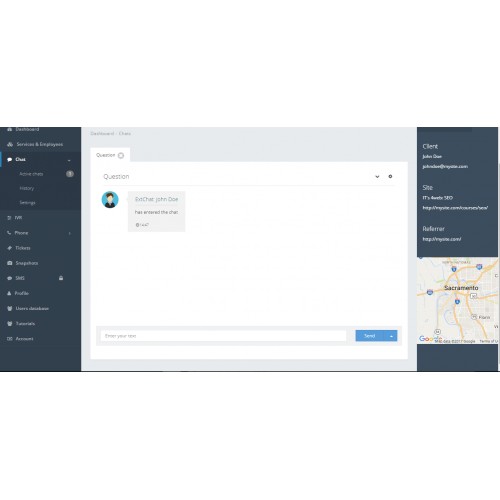

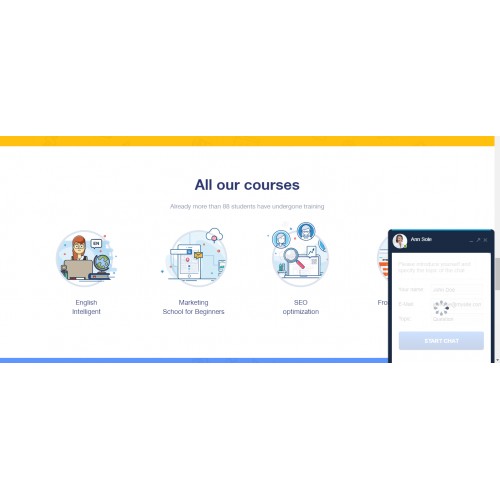
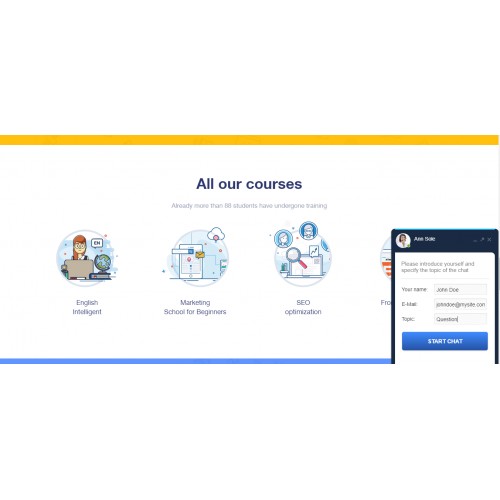
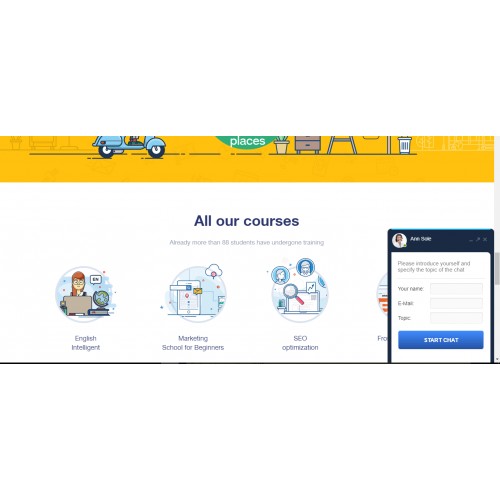
Support your customers via Syteg SSP Live Chat. It is free and user-friendly. Build relationship with your customers through real-time conversation.
Livechat plugin from Syteg SSP has the following features:
Frequently Asked Questions
Installation
Is it free?
Yes. You are welcome to use Livechat plugin from Syteg SSP free of charge.
Do I need to create a syteg account to use the plugin?
Yes. You can create it here.
Livechat plugin from Syteg SSP has the following features:
- Toll free. No cost livechat that can be easily installed
- Fully-adaptive window design
- Offline chat messages to email (if chat operator is not online)
- Change the colors of your message-box theme
- Choose where you want to position the chat box on your website
- Сustomize the message box lookout with own avatar image
- No coding needed. Fully adaptive
- User-friendly and responsive design
- File upload and download for documents and photos
- Contact your visitors via email when they exit the chat
- Receive feedback from your customers
- Receive chat transcript on your email
- Responsive design that adapts to smartphones of any size
Frequently Asked Questions
Installation
- Create an account on syteg.com
- Go to Syteg SSP panel
- Get External Chat line number that you are going to use (You can find your chat line number in Services & Employees Tab).
- Set up the service in plugin
- Sign in to Syteg SSP panel, and start using free Live chat.
- After installing this module to your store click Extentions/Modules to activate module. Add and set up a Chat Line.
- After setting up a Chat Line go to Design/Layouts to add Chat Line to your layout.
- You can install a separate Chat Line for each layout.
Is it free?
Yes. You are welcome to use Livechat plugin from Syteg SSP free of charge.
Do I need to create a syteg account to use the plugin?
Yes. You can create it here.
Download
- Developed by OpenCart Community
- Documentation Included
Rating
Compatibility
3.0.0.0, 3.0.1.0, 3.0.1.1, 3.0.1.2, 3.0.1.3, 3.0.2.0, 4.x.x.x
Last Update
12 Dec 2017
Created
6 Dec 2017
133 Downloads
0 Comments

Login and write down your comment.
Login my OpenCart Account