OpenCart Google Tag Manager
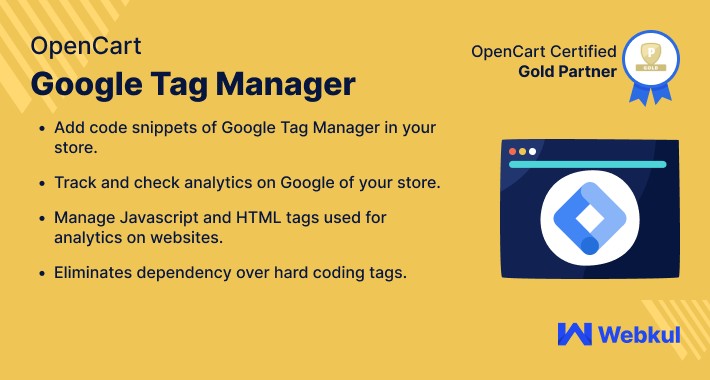
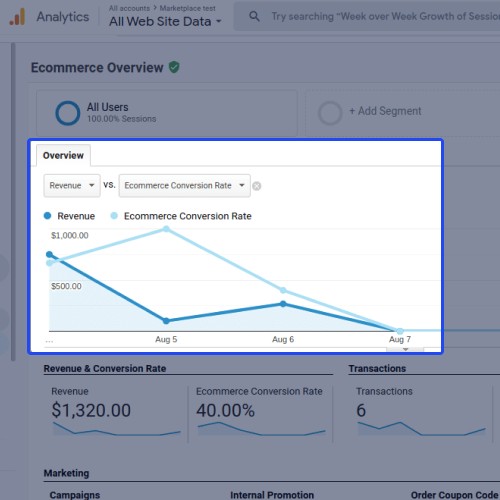
OpenCart Google Tag Manager allows businesses to easily integrate and manage various tracking codes, such as Google Analytics and conversion tracking, in their online store.
It simplifies the process of adding and tracking marketing tags, improving overall website analytics and advertising effectiveness.
UseCase
OpenCart Google Tag Manager helps in tracking user behaviour on an e-commerce website.
With Google Tag Manager integrated into OpenCart, online retailers can easily implement tags for analytics tools like Google Analytics or Facebook Pixel.
By tracking user behaviour, such as page views, clicks, and conversions, retailers can gain valuable insights into their customers' preferences and behaviours.
This allows them to optimize their website's performance, improve marketing campaigns, and make data-driven decisions to enhance the overall shopping experience for their customers.
Features
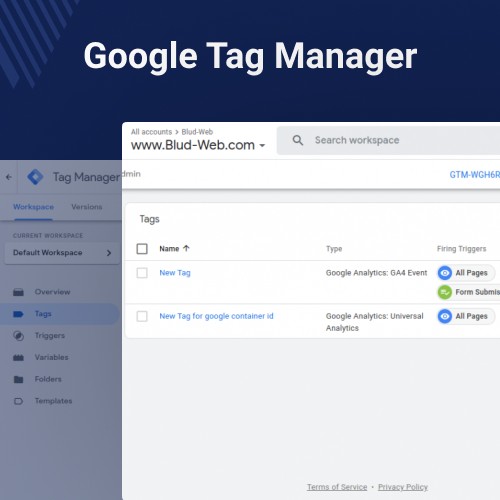
Admins can add Google Tag Manager code snippets to their Opencart website.
The Module works for all websites including Product Pages, Add To Cart, etc.
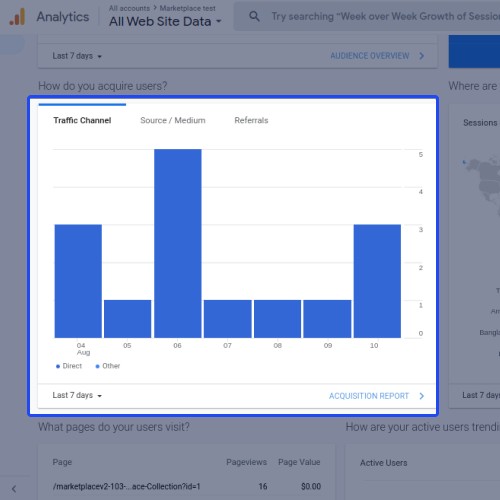
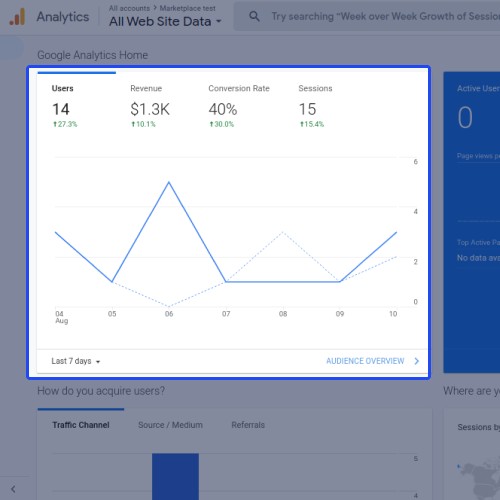
The admin can track and check analytics on Google of their Opencart website.
Admin manages JavaScript and HTML tags for website analytics.
Easily configure the Google Tag Manager within your OpenCart Store.
The admin eliminates the dependency on the hard coding tags.








Backend Workflow
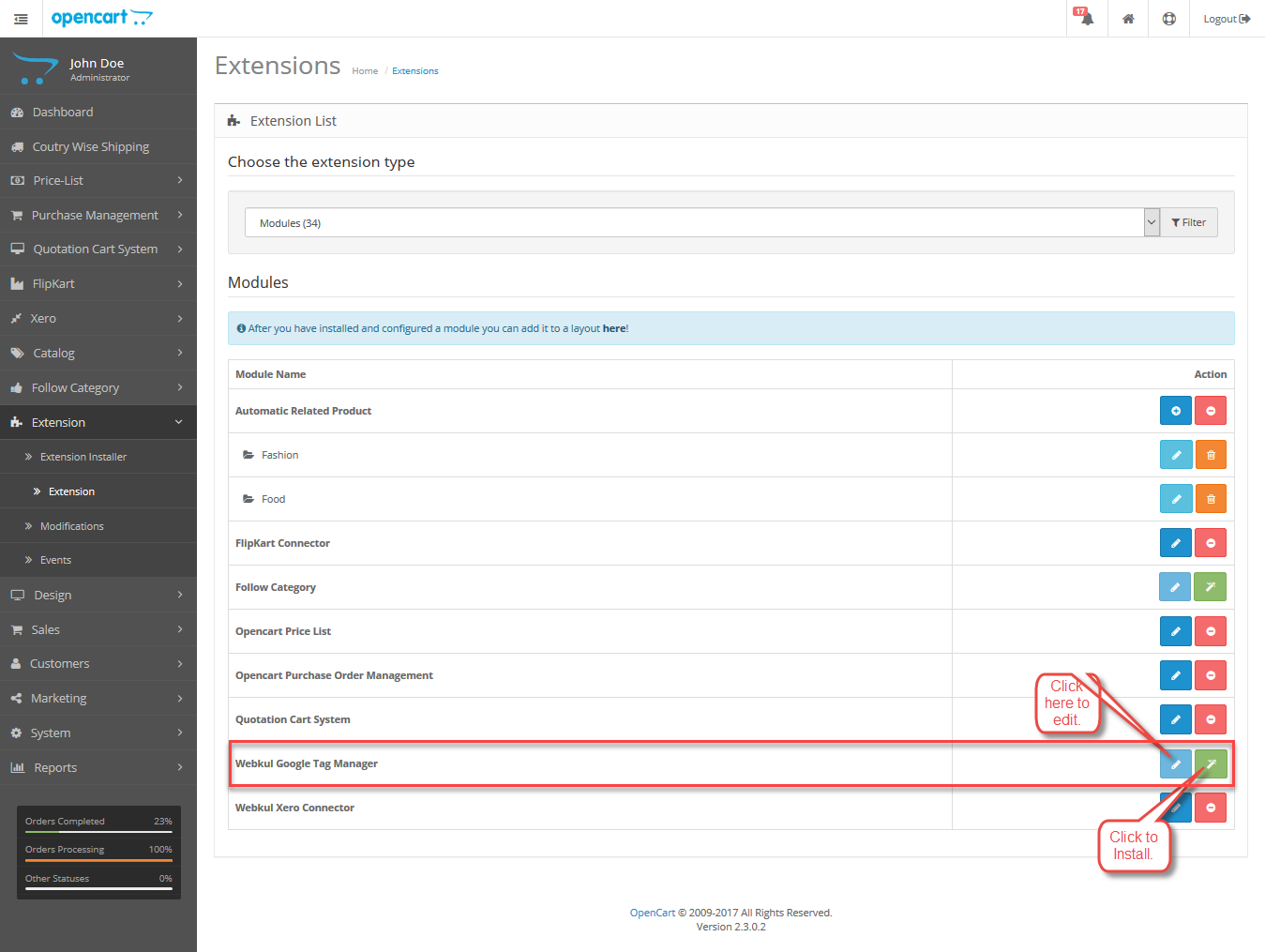
After the successful installation of the extension, the admin can do the settings.
For the same, the admin will navigate through Extensions->Extensions->Modules->Webkul Google Tag Manager and click on edit.
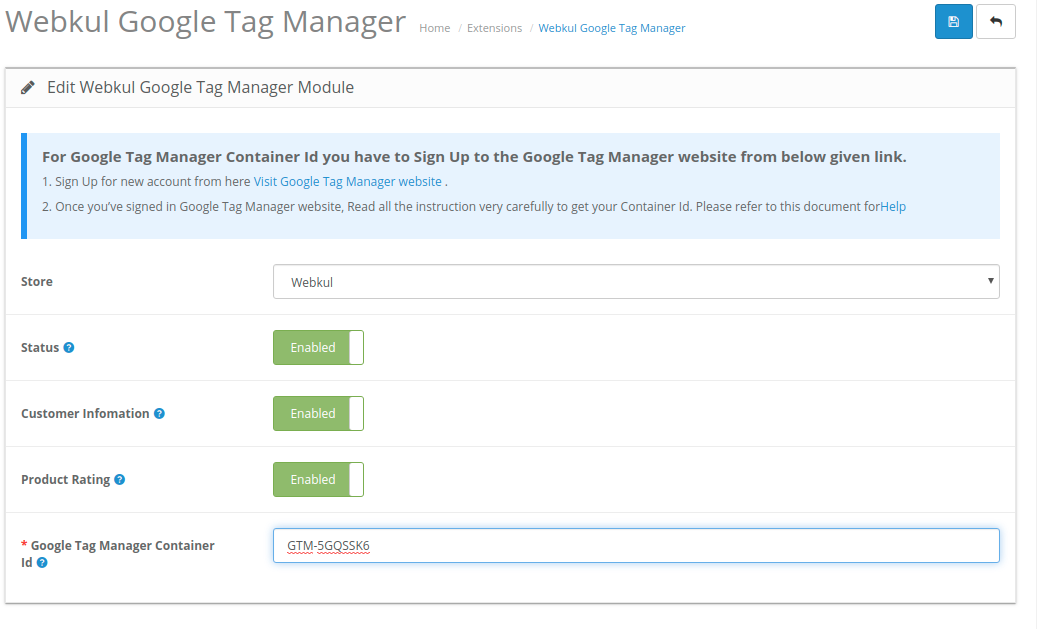
Here, the admin will configure the settings as required.
Frontend Workflow
The admin can easily add code snippets of Google Tag Manager to their Opencart store and can track, and check the Analytics for his store.
The various pages on which the Tag Manager is displayed –
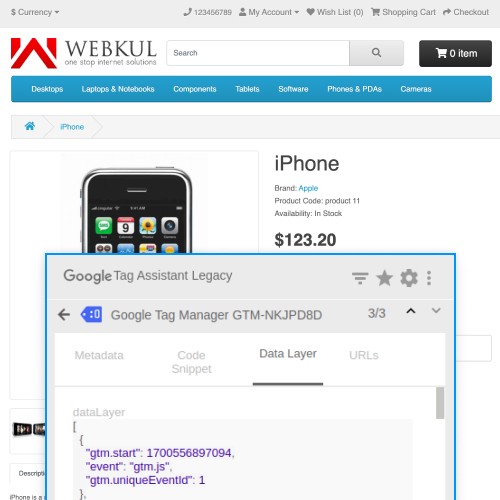
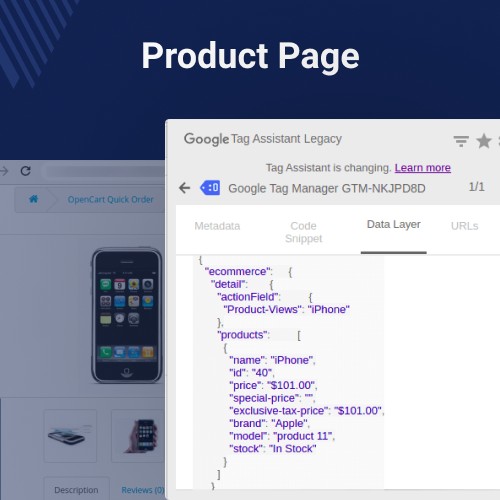
Product Page: On the product page, the data layer shows the current product details.

Customer Registration: The customer can fill in the personal details for the registration process.
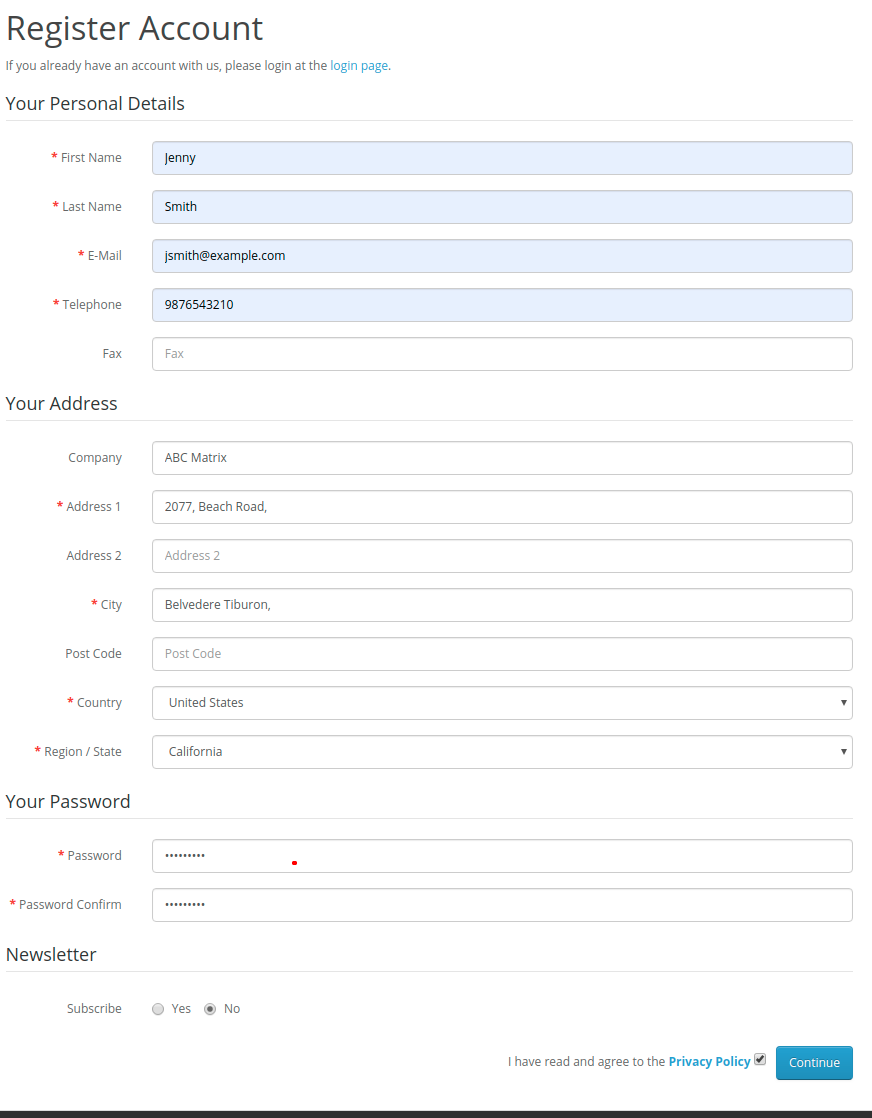
After submitting the details of registration the data layer will show the registration details.

Thus, allowing the data layer to display the event to trigger when the customer registers.
Sign In: Whenever the customer login in with registered credentials it is visible in the tag manager. The customer’s personal details are displayed in the data layer.

Account Information: The customer can change the account information in ‘Edit Your Account Information.
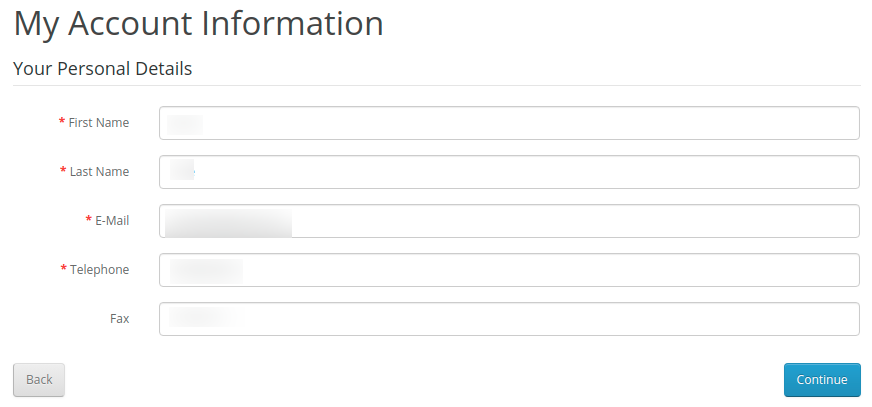
Hence, allow the data layer of the tag manager to display the account information of the customer.

Category Page: The Category page will display the collection of categories.

Hence, allowing the display of category details to be visible in the Data Layer of Google Tag Manager.

Add to Wishlist: When the customer adds a product to the wishlist.
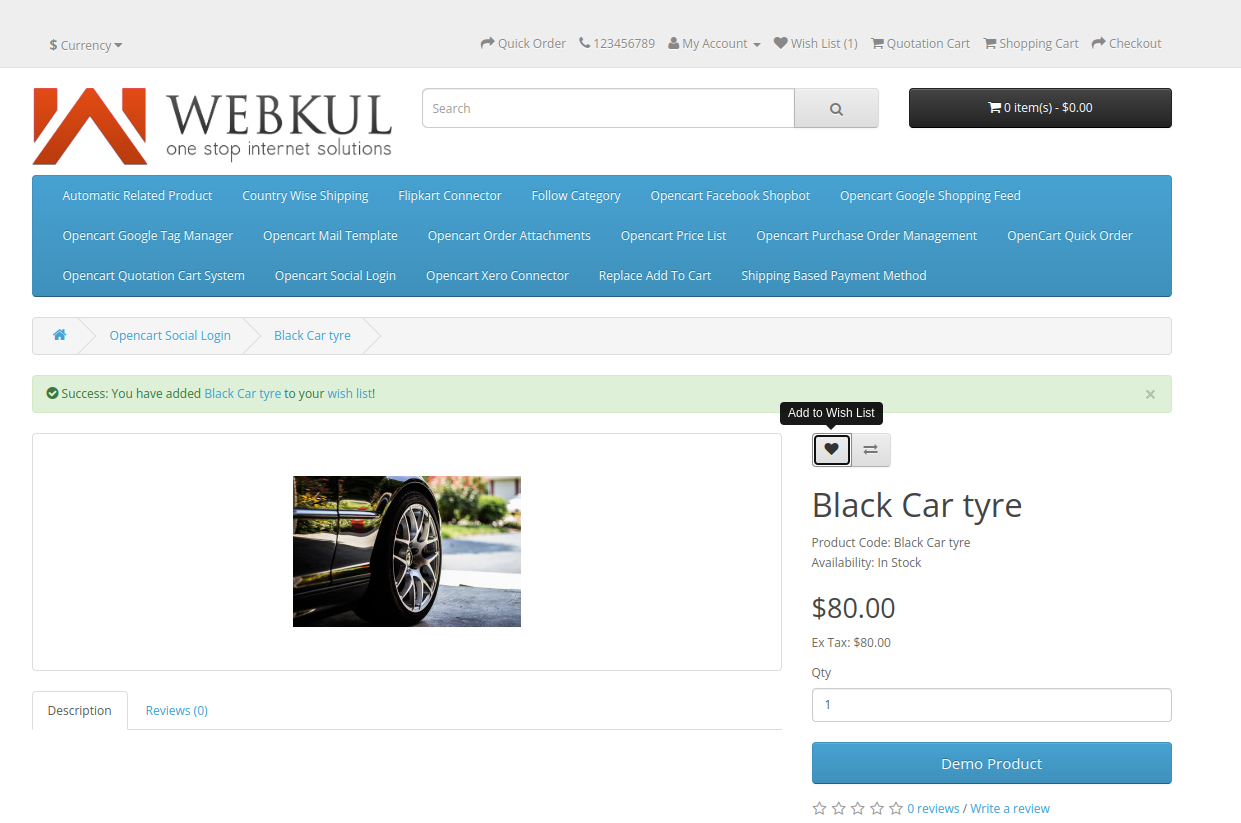
The data layer will display the event triggered by clicking on the ‘Add To WishList’ Button.
It will show all the details of the product including the rating, price, id, and more vital details.

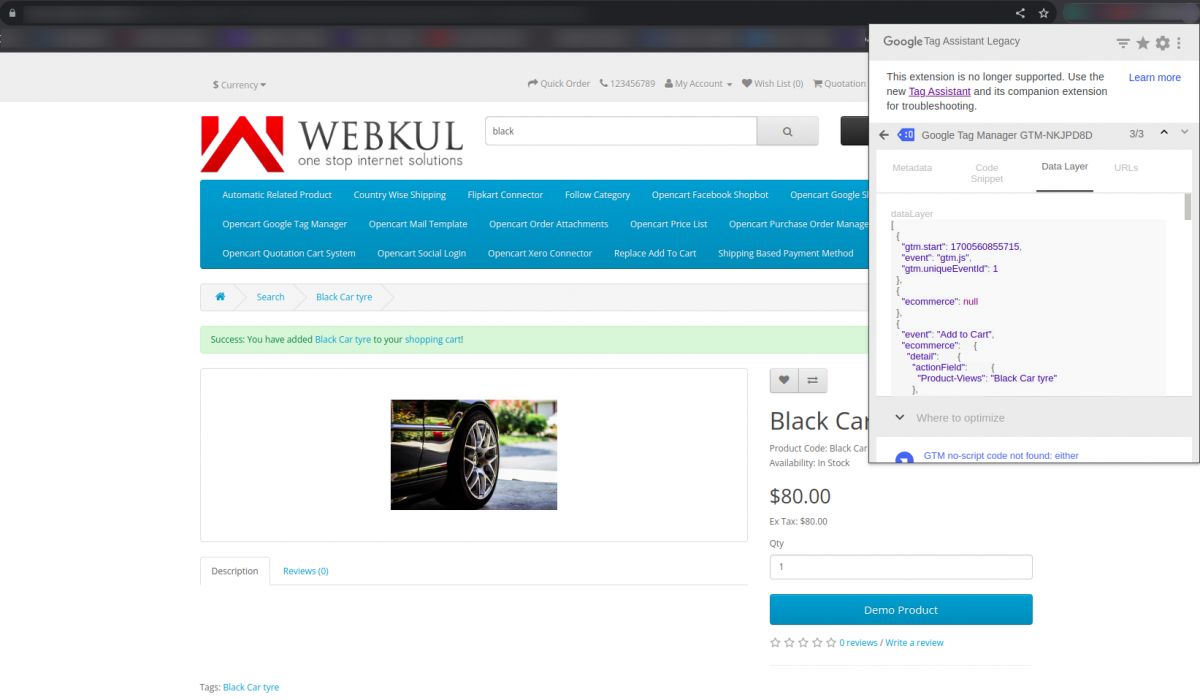
Add to Cart: When adding a product to the cart from the product page, the data layer shows the details of the product added to the cart.
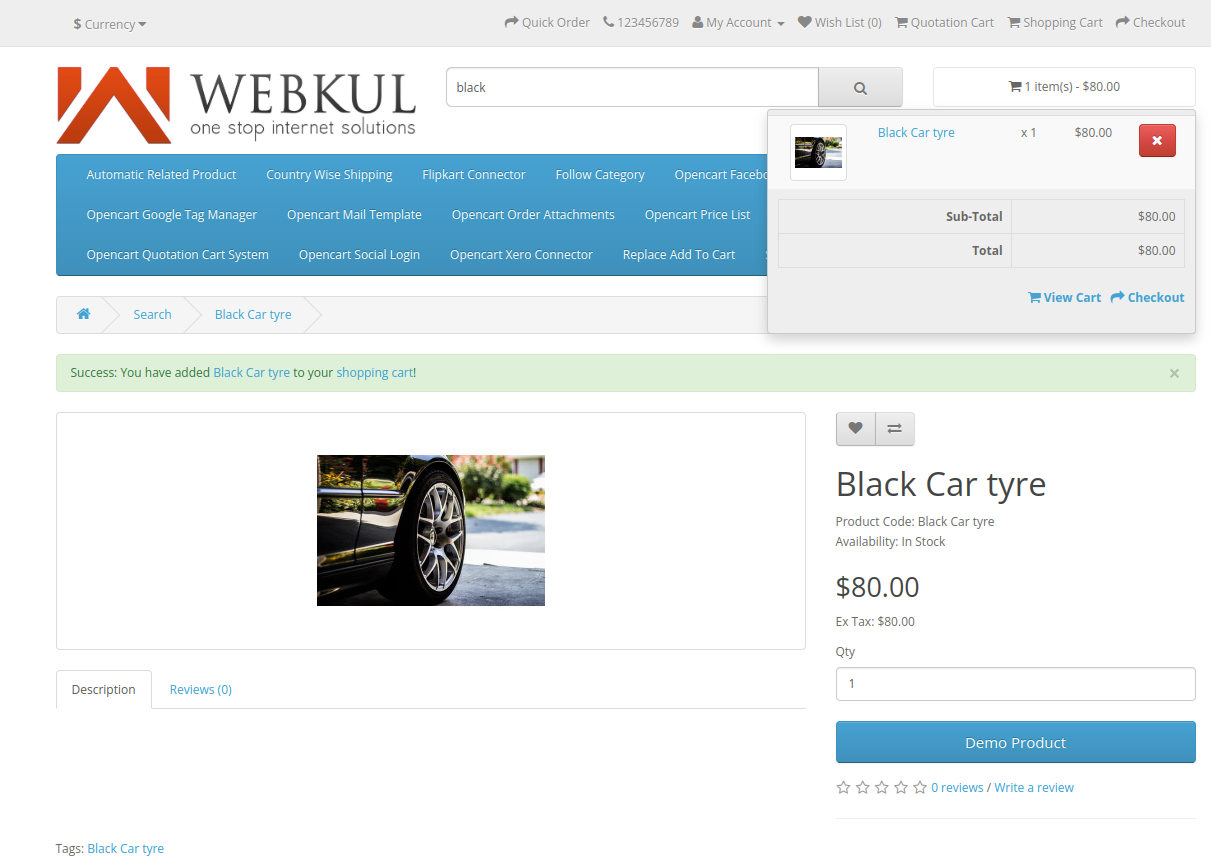
The data layer will display for add to cart page.
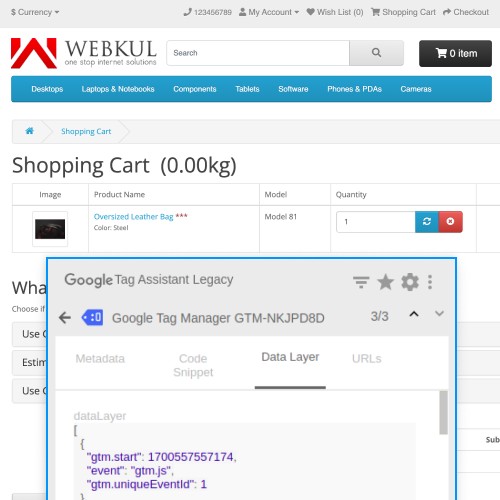
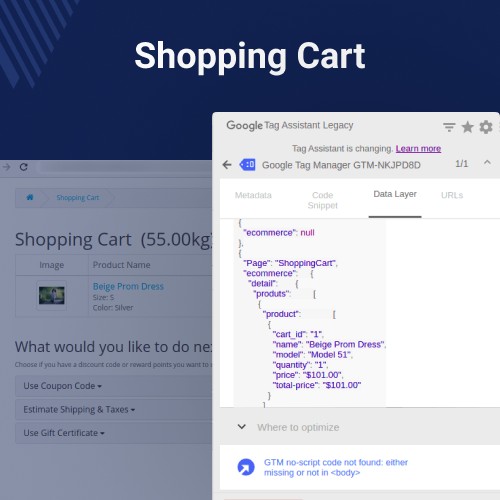
Cart Page: After adding multiple products to the cart and then going to the View Cart section, the data layer displays the details of the products within the shopping cart.
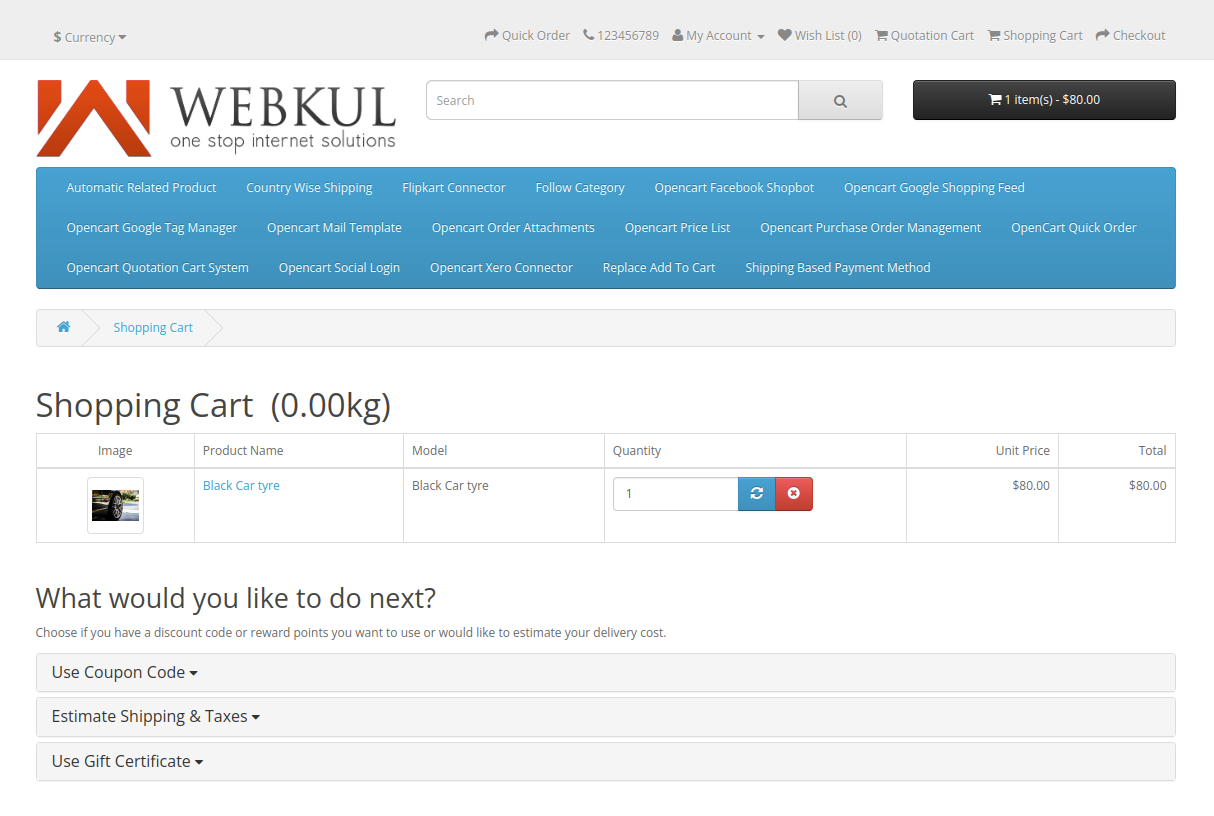
The data layer for the view cart page will be displayed as shown below:

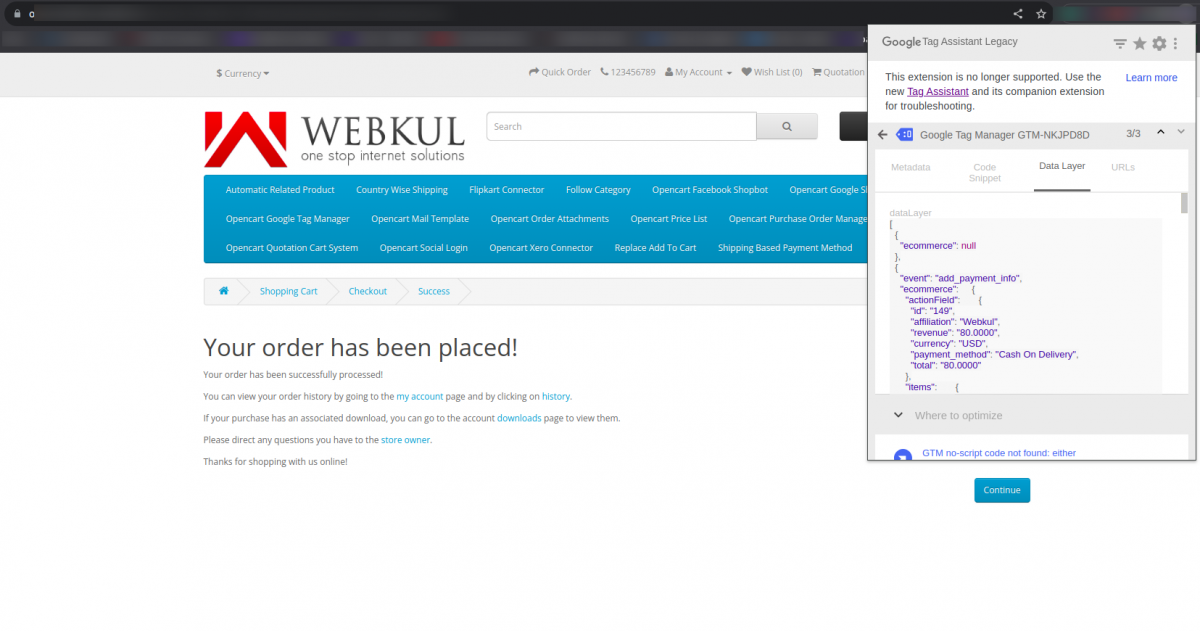
On Order Success: On order success, the data layer shows the purchase details.
Some Moments Of Appreciation


Support Policy
It simplifies the process of adding and tracking marketing tags, improving overall website analytics and advertising effectiveness.
UseCase
OpenCart Google Tag Manager helps in tracking user behaviour on an e-commerce website.
With Google Tag Manager integrated into OpenCart, online retailers can easily implement tags for analytics tools like Google Analytics or Facebook Pixel.
By tracking user behaviour, such as page views, clicks, and conversions, retailers can gain valuable insights into their customers' preferences and behaviours.
This allows them to optimize their website's performance, improve marketing campaigns, and make data-driven decisions to enhance the overall shopping experience for their customers.
Features
Admins can add Google Tag Manager code snippets to their Opencart website.
The Module works for all websites including Product Pages, Add To Cart, etc.
The admin can track and check analytics on Google of their Opencart website.
Admin manages JavaScript and HTML tags for website analytics.
Easily configure the Google Tag Manager within your OpenCart Store.
The admin eliminates the dependency on the hard coding tags.
Backend Workflow
After the successful installation of the extension, the admin can do the settings.
For the same, the admin will navigate through Extensions->Extensions->Modules->Webkul Google Tag Manager and click on edit.
Here, the admin will configure the settings as required.
Frontend Workflow
The admin can easily add code snippets of Google Tag Manager to their Opencart store and can track, and check the Analytics for his store.
The various pages on which the Tag Manager is displayed –
Product Page: On the product page, the data layer shows the current product details.
Customer Registration: The customer can fill in the personal details for the registration process.
After submitting the details of registration the data layer will show the registration details.
Thus, allowing the data layer to display the event to trigger when the customer registers.
Sign In: Whenever the customer login in with registered credentials it is visible in the tag manager. The customer’s personal details are displayed in the data layer.
Account Information: The customer can change the account information in ‘Edit Your Account Information.
Hence, allow the data layer of the tag manager to display the account information of the customer.
Category Page: The Category page will display the collection of categories.
Hence, allowing the display of category details to be visible in the Data Layer of Google Tag Manager.
Add to Wishlist: When the customer adds a product to the wishlist.
The data layer will display the event triggered by clicking on the ‘Add To WishList’ Button.
It will show all the details of the product including the rating, price, id, and more vital details.
Add to Cart: When adding a product to the cart from the product page, the data layer shows the details of the product added to the cart.
The data layer will display for add to cart page.
Cart Page: After adding multiple products to the cart and then going to the View Cart section, the data layer displays the details of the products within the shopping cart.
The data layer for the view cart page will be displayed as shown below:
On Order Success: On order success, the data layer shows the purchase details.
Some Moments Of Appreciation
Support Policy
Price
$55.00
- Developed by OpenCart Partner
- 3 Months Free Support
- Documentation Included
Rating
Compatibility
3.0.0.0, 3.0.1.0, 3.0.1.1, 3.0.1.2, 3.0.1.3, 3.0.2.0, 3.0.3.0, 3.0.3.1, 3.0.3.2, 3.0.3.3, 3.0.3.5, 3.0.3.6, 3.0.3.7, 3.0.3.8, 3.0.3.9, 3.0.4.0, 3.0.4.1
Last Update
30 Jun 2025
Created
21 Dec 2017
285 Sales
23 Comments

Login and write down your comment.
Login my OpenCart Account