OpenCart Elasticsearch

OpenCart Elasticsearch-
With the help of this extension, you will be able to integrate the Elastic Search engine into your OpenCart web store. Elasticsearch is a highly scalable open-source full-text search and analytics engine. It allows you to store, search, and analyze big volumes of data quickly and in near real-time.
ElasticSearch provides search, autocomplete suggestions & Did you mean like features for the customers of your web store. It is generally used as the underlying engine/technology that powers applications that have complex search features and requirements.
It is the fastest search engine that returns the results of the entered query in real time. Further, enhance your customer’s product search experience using the hyperlocal Elasticsearch feature and easily find products of sellers in your location.
Note:
1. Before installing this module, the Elastic Search Engine must be installed on the system and must be running.
2. The Elasticsearch version should have version 7.
3. This module supports all templates and themes including the Journal theme.
4. Opencart Elastic Search module supports the Multi-Store feature of default Opencart.
5. For using the new feature of product search based on the location you need to install Opencart Marketplace Hyperlocal System.




Use Case
If you are facing slow and poor fetching of search results in your e-commerce site. And looking for an alternative solution where you can have quick retrieval then Elasticsearch is that one solution. Elasticsearch is a highly scalable open-source full-text search engine.
Using the Elasticsearch module you can provide your customers with a rich and smooth search experience. This will narrow the search results. And will allows you to search, and analyze big volumes of data very quickly.
Features
Workflow
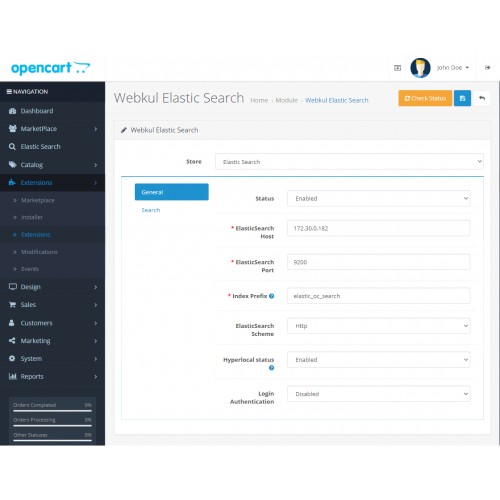
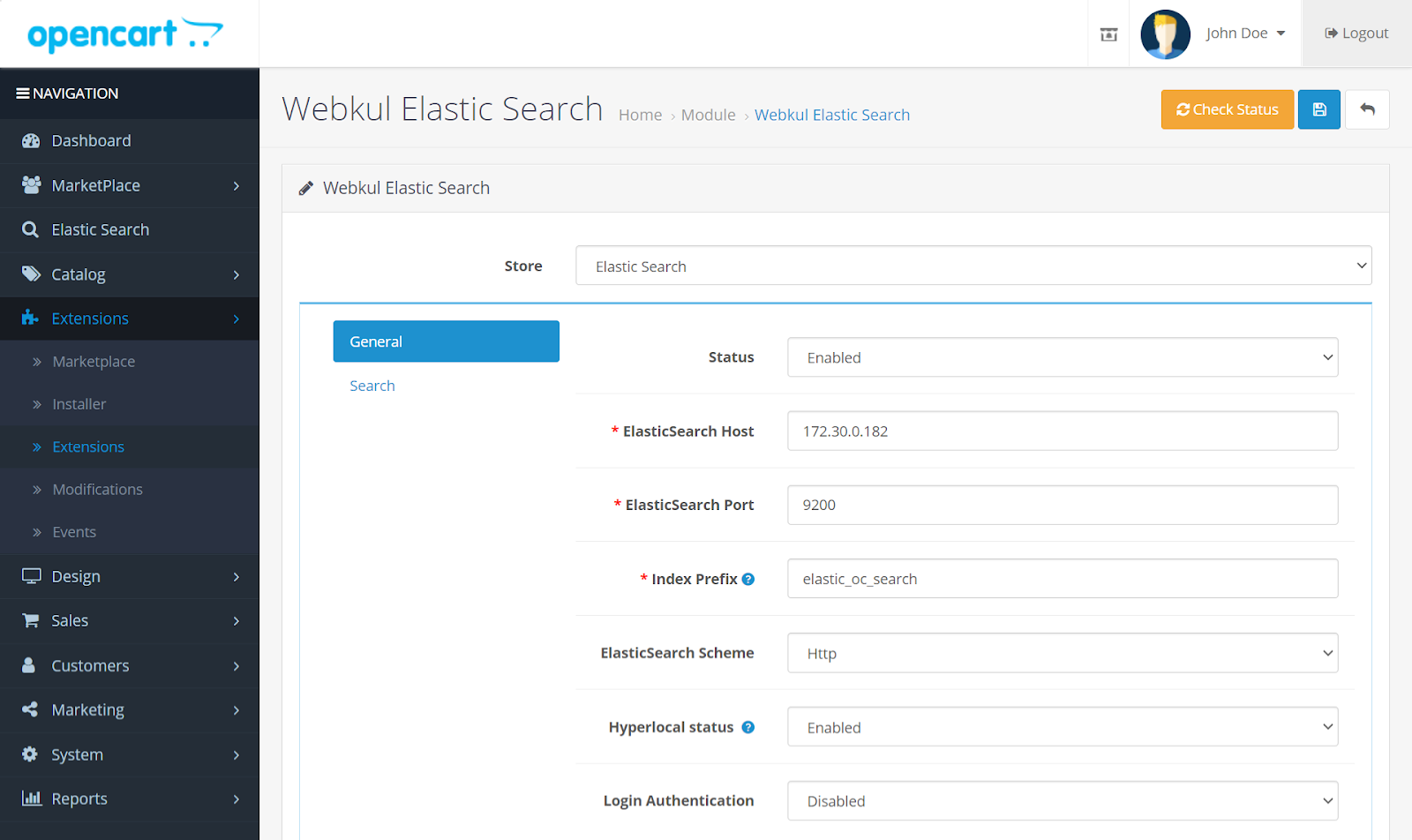
After the module installation, the admin can easily configure the module settings like – Can enable or disable the module, enter the ElasticSearch Host & Port, enter the index prefix, ElasticSearch scheme & Choose to have a Login Authentication for the Elastic Server.
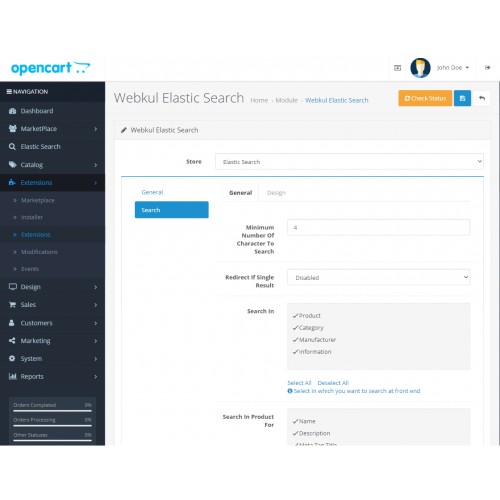
After this, the admin has to configure the settings under the Search tab. Here, you will find two more tabs ‑
General
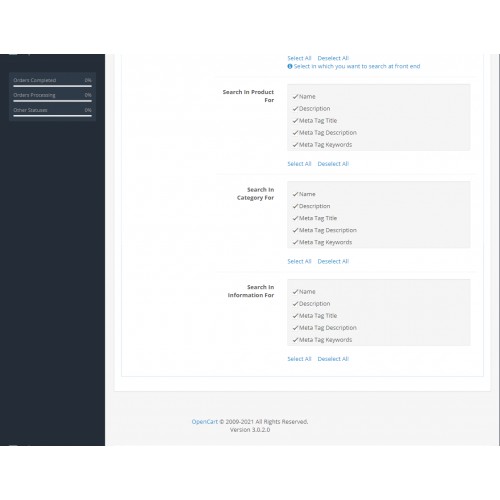
Here, the admin will enter details like the Minimum Number Of Characters To Search on the frontend. Redirect to the respective product or page if there is a single search result. Select the parameter on which customers can search on the front end then based on that particular parameter select on what basis that parameter can be searched.

Design
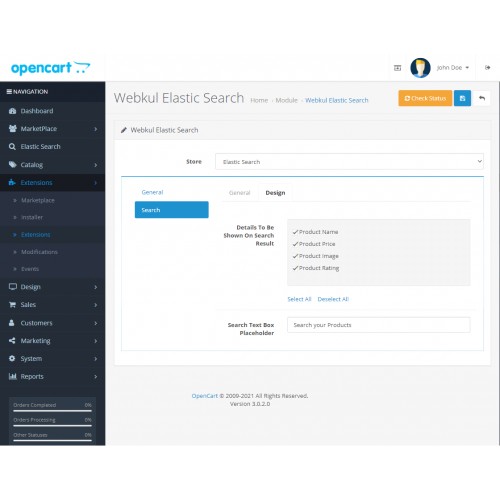
1. Details To Be Shown On Search Result ‑ check the product detail sections that you want to display at the front-end
2. Search Text Box Placeholder ‑ enter the placeholder for the front-end search box.
Finally, you can click the Save button at the top right-hand side to save the configuration settings.

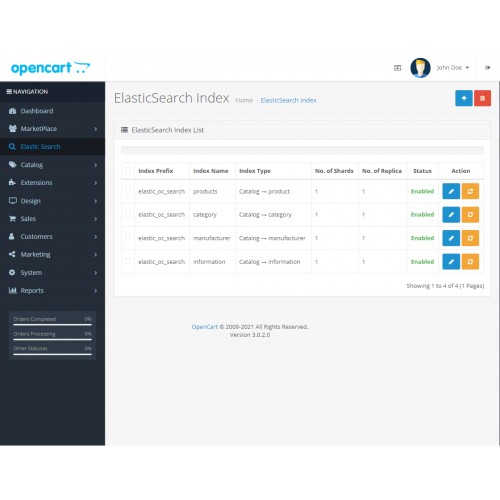
After the successful installation of the extension, the admin will have the Elastic Search menu option visible under the admin side panel. Here, the admin will do the indexing for the elastic search. Admin can add, edit and delete the indexes for products, categories, manufacturers, and information.
Check Elastic Search Data
The admin can click on the Check Elastic Search Data to view the stored data.
It basically shows the type/structure of data stored (allowed to the store) at the elastic search server on the basis of products, categories, manufacturers & information.

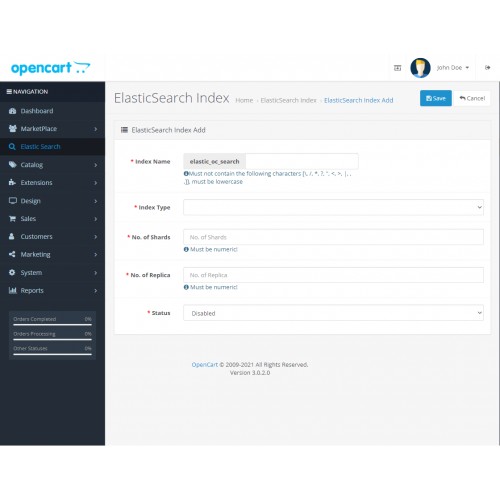
To add an index click on the add button at the top right-hand side.

Now, on the Front-end, the customers can now make use of the Elasticsearch for making the fastest search within your OpenCart web store. The customer can search for products based on the following features like:
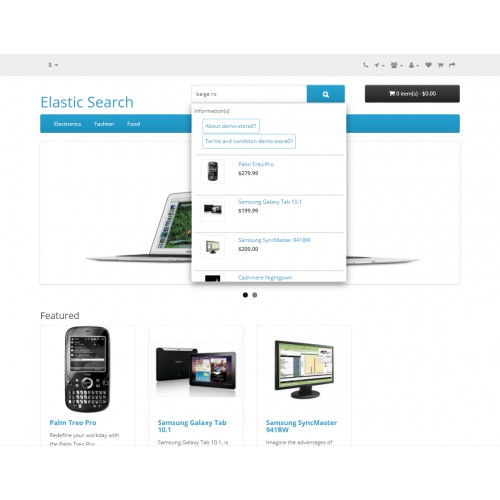
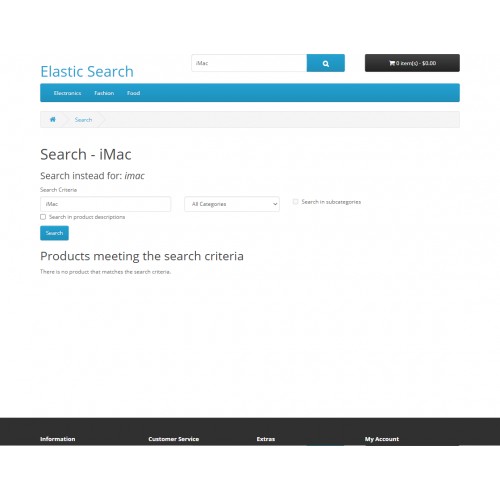
Did You Mean: This feature allows the customers to search for the desired products even if they had mistakenly entered the wrong product name.

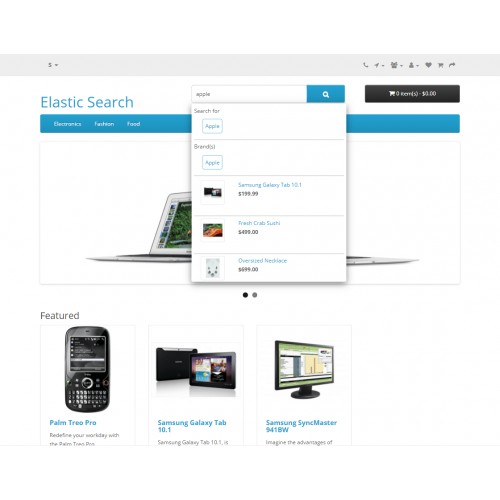
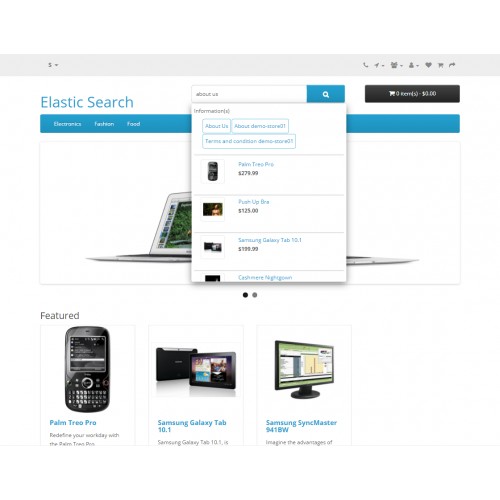
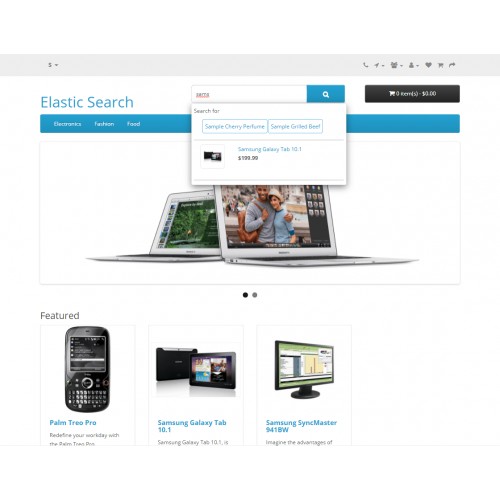
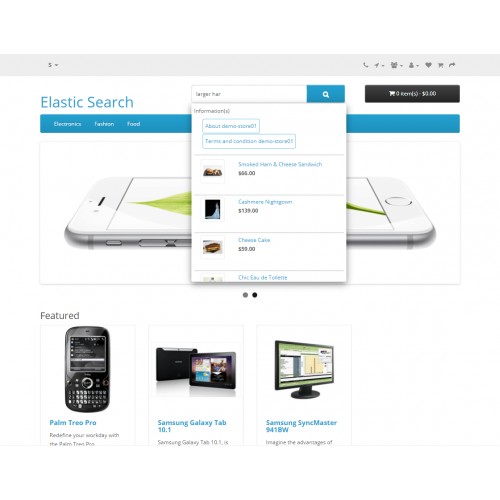
Search Suggestions: When customer searches for a character string suggestions are provided for the entered string. The customer can now click any of the suggestions to redirect to the selected suggestion.

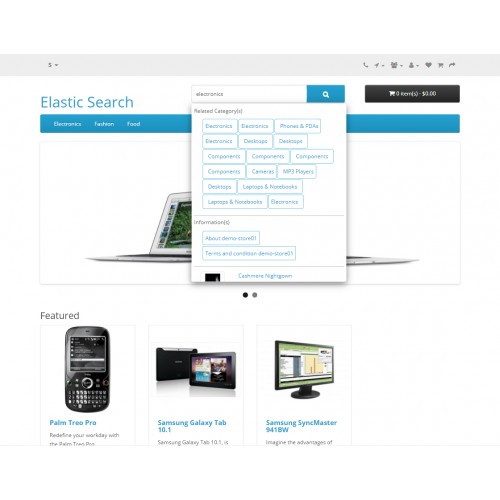
Also, the customer can search their desired products on the basis of Categories, Manufacturer, product information and also on the basis of product tags.
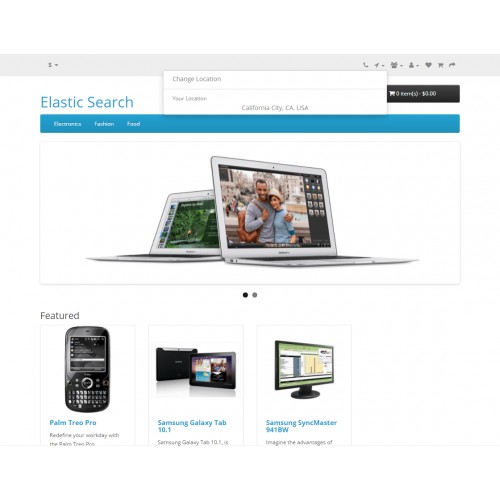
The customer can enter their location also change their location as shown in the below image and click Continue with Location.
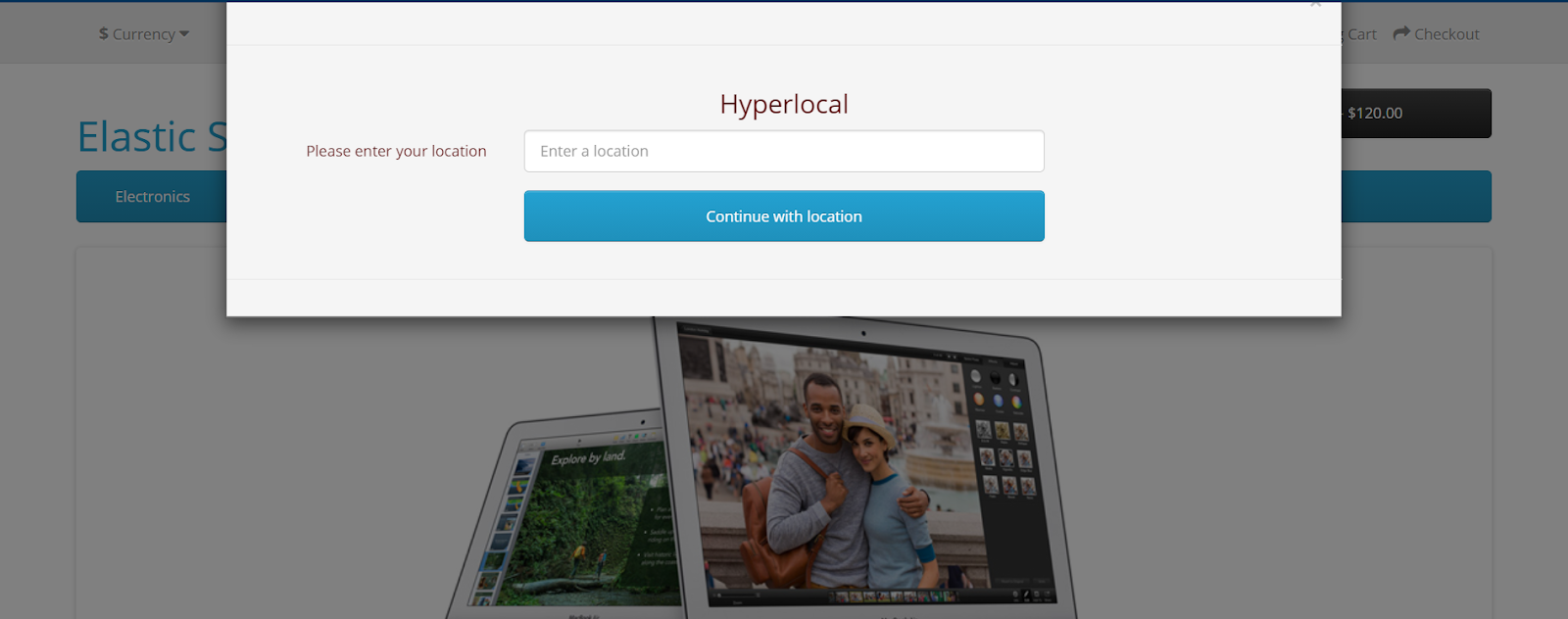
Further, the customer can search for the products and he/she will be shown search results based on their location i.e the product of those seller’s who are present within their region.




Some Moments Of Appreciation



Support Policy
With the help of this extension, you will be able to integrate the Elastic Search engine into your OpenCart web store. Elasticsearch is a highly scalable open-source full-text search and analytics engine. It allows you to store, search, and analyze big volumes of data quickly and in near real-time.
ElasticSearch provides search, autocomplete suggestions & Did you mean like features for the customers of your web store. It is generally used as the underlying engine/technology that powers applications that have complex search features and requirements.
It is the fastest search engine that returns the results of the entered query in real time. Further, enhance your customer’s product search experience using the hyperlocal Elasticsearch feature and easily find products of sellers in your location.
Note:
1. Before installing this module, the Elastic Search Engine must be installed on the system and must be running.
2. The Elasticsearch version should have version 7.
3. This module supports all templates and themes including the Journal theme.
4. Opencart Elastic Search module supports the Multi-Store feature of default Opencart.
5. For using the new feature of product search based on the location you need to install Opencart Marketplace Hyperlocal System.
Use Case
If you are facing slow and poor fetching of search results in your e-commerce site. And looking for an alternative solution where you can have quick retrieval then Elasticsearch is that one solution. Elasticsearch is a highly scalable open-source full-text search engine.
Using the Elasticsearch module you can provide your customers with a rich and smooth search experience. This will narrow the search results. And will allows you to search, and analyze big volumes of data very quickly.
Features
- Admin can replace the MySQL search engine with the Elastic search engine.
- The admin can upload/update products, categories, the manufacturer then information page data to the elastic server.
- Admin can allow Elasticsearch login authentication.
- Store data on the elastic server according to the index types.
- The customer can search data by name, description, and a short description of the Product.
- Has the “Did You Mean” Feature according to which the search engine automatically corrects the keywords if they type incorrectly.
- A customer can search for products base on products, categories, manufacturers, then information.
- Also, a customer can search on the basis of keywords & tags.
- Admin will set up Cron Job for refreshing the ElasticSearch Indexes on the server.
- The Elasticsearch is compatible with Opencart Advanced Layered Navigation.
- The customer will be shown search results based on their location i.e the product of those sellers who are present within their region using the hyperlocal Elasticsearch feature.
Workflow
After the module installation, the admin can easily configure the module settings like – Can enable or disable the module, enter the ElasticSearch Host & Port, enter the index prefix, ElasticSearch scheme & Choose to have a Login Authentication for the Elastic Server.
After this, the admin has to configure the settings under the Search tab. Here, you will find two more tabs ‑
General
Here, the admin will enter details like the Minimum Number Of Characters To Search on the frontend. Redirect to the respective product or page if there is a single search result. Select the parameter on which customers can search on the front end then based on that particular parameter select on what basis that parameter can be searched.
Design
1. Details To Be Shown On Search Result ‑ check the product detail sections that you want to display at the front-end
2. Search Text Box Placeholder ‑ enter the placeholder for the front-end search box.
Finally, you can click the Save button at the top right-hand side to save the configuration settings.
After the successful installation of the extension, the admin will have the Elastic Search menu option visible under the admin side panel. Here, the admin will do the indexing for the elastic search. Admin can add, edit and delete the indexes for products, categories, manufacturers, and information.
Check Elastic Search Data
The admin can click on the Check Elastic Search Data to view the stored data.
It basically shows the type/structure of data stored (allowed to the store) at the elastic search server on the basis of products, categories, manufacturers & information.
To add an index click on the add button at the top right-hand side.
Now, on the Front-end, the customers can now make use of the Elasticsearch for making the fastest search within your OpenCart web store. The customer can search for products based on the following features like:
Did You Mean: This feature allows the customers to search for the desired products even if they had mistakenly entered the wrong product name.
Search Suggestions: When customer searches for a character string suggestions are provided for the entered string. The customer can now click any of the suggestions to redirect to the selected suggestion.
Also, the customer can search their desired products on the basis of Categories, Manufacturer, product information and also on the basis of product tags.
The customer can enter their location also change their location as shown in the below image and click Continue with Location.
Further, the customer can search for the products and he/she will be shown search results based on their location i.e the product of those seller’s who are present within their region.
Some Moments Of Appreciation
Support Policy
What customers say about OpenCart Elasticsearch

I Purchased this extension I am not happy It broke my Journal3 theme lost all my buy now buttons 3 fix attempts finally told me don't work with Journal3 product filters asked for refund they refused I am left $199 search module which cant use. I will never be buying from these guys again ever for me or any of my clients. ALL I CAN SAY DONT BUY DISGUSTED.
~tech365
~tech365
Price
$199.00
- Developed by OpenCart Partner
- 3 Months Free Support
- Documentation Included
Rating
Compatibility
3.0.0.0, 3.0.1.0, 3.0.1.1, 3.0.1.2, 3.0.1.3, 3.0.2.0, 3.0.3.0, 3.0.3.1, 3.0.3.2, 3.0.3.3, 3.0.3.5, 3.0.3.6, 3.0.3.7, 3.0.3.8
Last Update
16 Jun 2025
Created
6 Feb 2018
25 Sales
22 Comments

Login and write down your comment.
Login my OpenCart Account