Imagemanager from ScangalleryPack
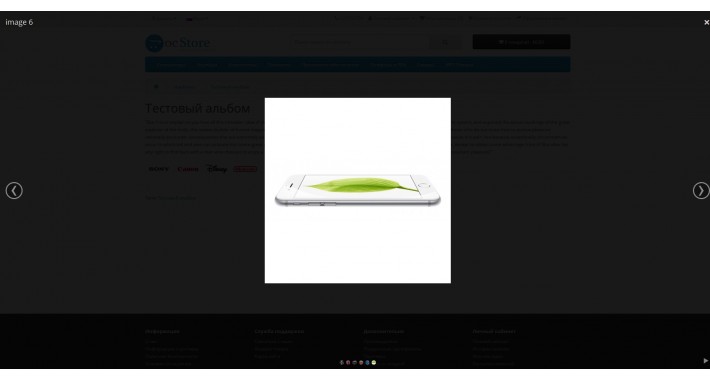
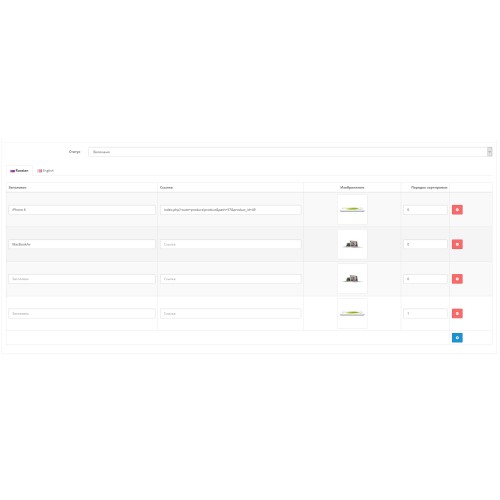
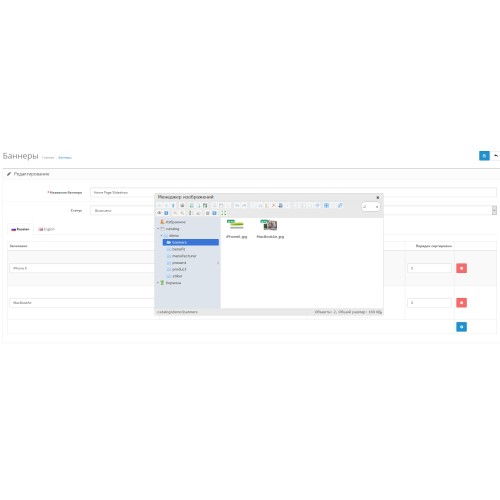
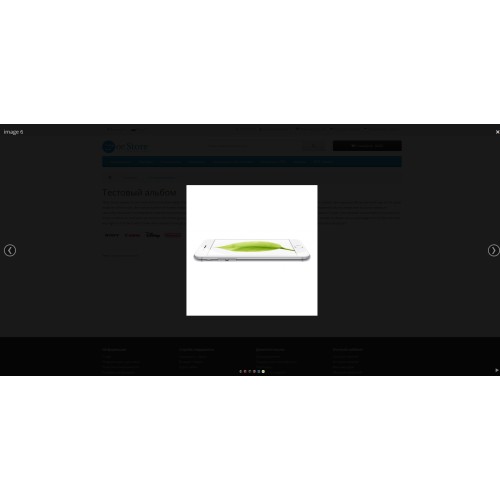
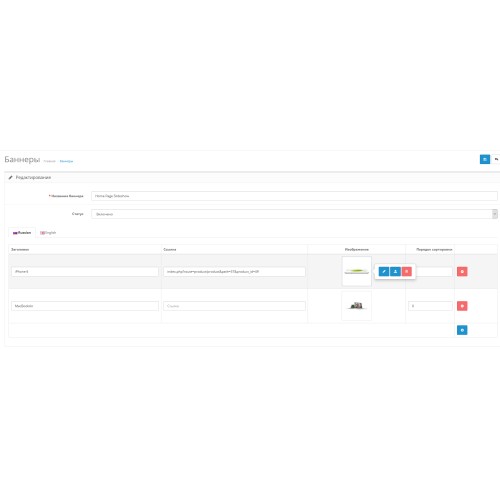
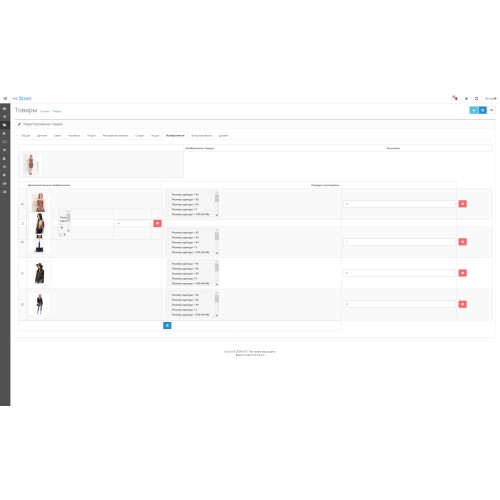
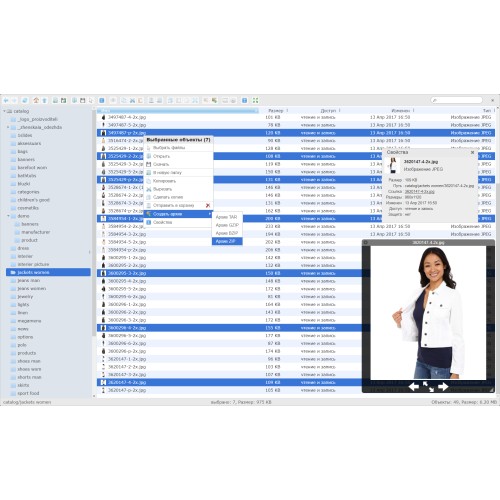
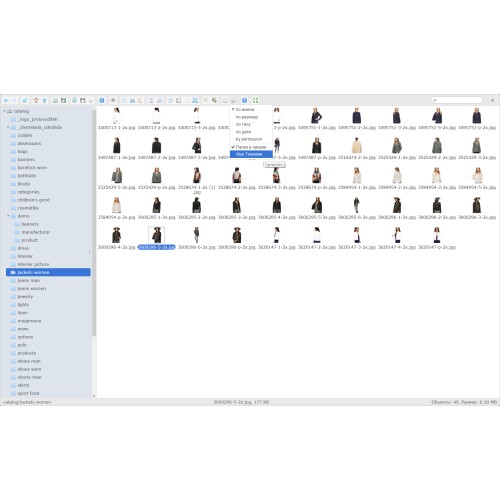
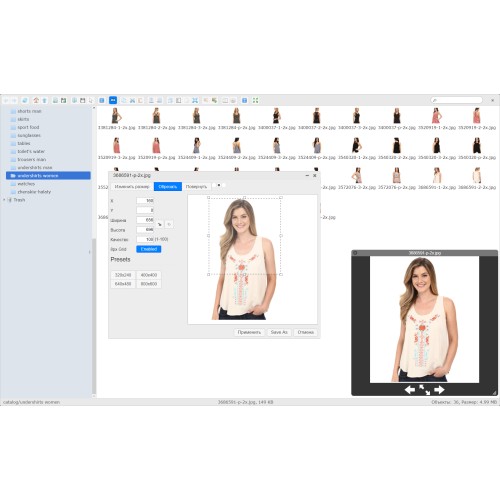
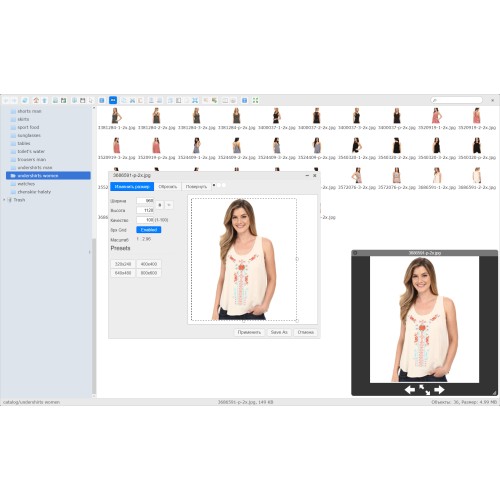
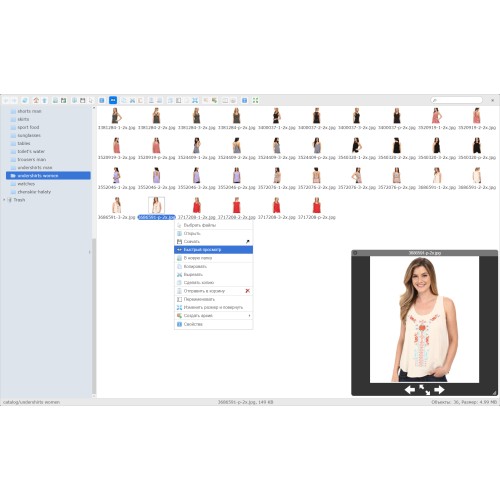
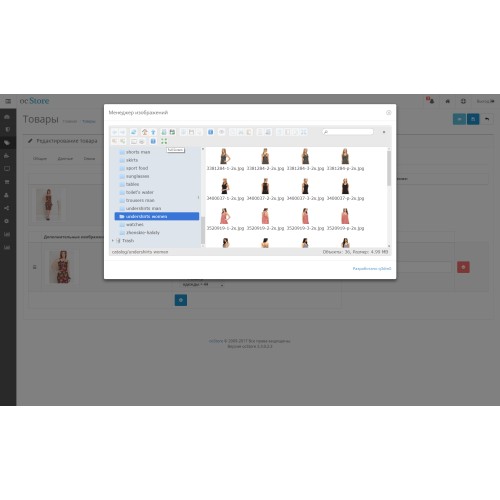
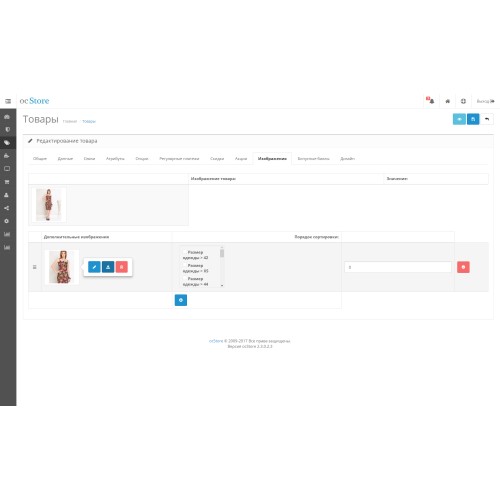
Image manager, which is also an image editor, with sufficient functionality, everything you need to process images on the fly is in it.
This module is an ideal replacement for the built image manager created to save you time.
It supports adding multiple images at the same time, browsing history (keeps last opened folder), there is upload images drag-and-drop method, resizing/rotating, searching for images/folders, and more!
Now the module will be divided into components, now you can install it in the kit:
- ScanGallery - a full-fledged adaptive gallery for organizing your blog, news page or photo gallery with a description of a product or a whole group of products with the ability to combine the gallery and products by tags on the site for a more efficient search for the latter;
- ScanCKEditor – secondary text editor ckeditor version 4.5.5 adapted to the image manager with the ability to batch upload images directly to the editor itself and has the most complete functionality that is possible;
- ScanImagemanager - a full-fledged module with the ability to upload thousands of photos on the fly for your products, banners, process them, drag them in the right order using the drag-n-drop method and more, now you can do it with the new ScangalleryPack package.
imagemanager module based on jquery elFinder filemanager for opencart versions 1.5.X-2.X-3.X;
gallery based on jquery blueimp-gallery of course with multi-loading of images, as well as with simpler search engine optimization of your site, now for each image you can assign your own alt and title directly in admin panel, and of course, a module is integrated into this package image sorting by drag and drop (Sortable module).
full text editor based on CKEditor version 4.5.5 for image manager.
Now the terrible and tedious work of adding images to products and banners on the site is reduced to a minimum, in this version you can:
- batch upload of pictures to the server;
- deleting files to the trash;
- drug-and-drop batch upload of the image to the server;
- image processing (cropping, rotating and other facilities right in your browser window);
- creating, renaming, deleting, moving, copying (pasting), archiving, both images and folders, including batch;
- various options for viewing images and folders, etc.
- multilingualism (two languages (En, Ru) + elFinder languages);
- ease of updating versions (for experienced users!);
- automatic numbering for sorted images;
- no rewriting of opencart system files;
- object method for determining uploading file, now you get rid of unnecessary annoying buttons at the bottom;
- change any image in the admin panel with the usual choice, there is both a built-in manager and an Imagemanager to choose from;
- support adding a watermark to an image, it works "NOT WITH A CACHE" of the image, the watermark is applied immediately when the image is uploaded to the server.
- automatic adjustment of image sizes (height, width) when uploading an image to the server. Works when uploading images higher than established size: 1024 * 768px -> 800 * 600px, based on the plugin's method elFinder AutoResize;
- loading images of summernote text editor (single/batch);
- batch adding images to the banners section (uploading to the server and adding into banner section);
- automatic transliteration of image names, if you have files with cyrillic name files or characters on your server;
- automatic replacement of characters in the names of images, when loading, you can control the replacement of characters;
- support for themes for elfinder (in addition to the standard 4 more)
- test support for quick editing modules, the table of compatible modules will be updated during checks:
--------------------------------------------------------------------------------------------------------------------------------------
AdminQuickEditPRO (replacement of the main image, batch loading of images only by means of the module)
--------------------------------------------------------------------------------------------------------------------------------------
Batch Editor (replacement of the main image, batch loading of images only by means of the module)
--------------------------------------------------------------------------------------------------------------------------------------
You can watch the work of the module in the following video: link
This module is an ideal replacement for the built image manager created to save you time.
It supports adding multiple images at the same time, browsing history (keeps last opened folder), there is upload images drag-and-drop method, resizing/rotating, searching for images/folders, and more!
Now the module will be divided into components, now you can install it in the kit:
- ScanGallery - a full-fledged adaptive gallery for organizing your blog, news page or photo gallery with a description of a product or a whole group of products with the ability to combine the gallery and products by tags on the site for a more efficient search for the latter;
- ScanCKEditor – secondary text editor ckeditor version 4.5.5 adapted to the image manager with the ability to batch upload images directly to the editor itself and has the most complete functionality that is possible;
- ScanImagemanager - a full-fledged module with the ability to upload thousands of photos on the fly for your products, banners, process them, drag them in the right order using the drag-n-drop method and more, now you can do it with the new ScangalleryPack package.
imagemanager module based on jquery elFinder filemanager for opencart versions 1.5.X-2.X-3.X;
gallery based on jquery blueimp-gallery of course with multi-loading of images, as well as with simpler search engine optimization of your site, now for each image you can assign your own alt and title directly in admin panel, and of course, a module is integrated into this package image sorting by drag and drop (Sortable module).
full text editor based on CKEditor version 4.5.5 for image manager.
Now the terrible and tedious work of adding images to products and banners on the site is reduced to a minimum, in this version you can:
- batch upload of pictures to the server;
- deleting files to the trash;
- drug-and-drop batch upload of the image to the server;
- image processing (cropping, rotating and other facilities right in your browser window);
- creating, renaming, deleting, moving, copying (pasting), archiving, both images and folders, including batch;
- various options for viewing images and folders, etc.
- multilingualism (two languages (En, Ru) + elFinder languages);
- ease of updating versions (for experienced users!);
- automatic numbering for sorted images;
- no rewriting of opencart system files;
- object method for determining uploading file, now you get rid of unnecessary annoying buttons at the bottom;
- change any image in the admin panel with the usual choice, there is both a built-in manager and an Imagemanager to choose from;
- support adding a watermark to an image, it works "NOT WITH A CACHE" of the image, the watermark is applied immediately when the image is uploaded to the server.
- automatic adjustment of image sizes (height, width) when uploading an image to the server. Works when uploading images higher than established size: 1024 * 768px -> 800 * 600px, based on the plugin's method elFinder AutoResize;
- loading images of summernote text editor (single/batch);
- batch adding images to the banners section (uploading to the server and adding into banner section);
- automatic transliteration of image names, if you have files with cyrillic name files or characters on your server;
- automatic replacement of characters in the names of images, when loading, you can control the replacement of characters;
- support for themes for elfinder (in addition to the standard 4 more)
- test support for quick editing modules, the table of compatible modules will be updated during checks:
--------------------------------------------------------------------------------------------------------------------------------------
AdminQuickEditPRO (replacement of the main image, batch loading of images only by means of the module)
--------------------------------------------------------------------------------------------------------------------------------------
Batch Editor (replacement of the main image, batch loading of images only by means of the module)
--------------------------------------------------------------------------------------------------------------------------------------
You can watch the work of the module in the following video: link
Price
$35.00
- Developed by OpenCart Community
- Documentation Included
Rating
Compatibility
1.5.3, 1.5.3.1, 1.5.4, 1.5.4.1, 1.5.5, 1.5.5.1, 1.5.6, 1.5.6.1, 1.5.6.2, 1.5.6.3, 1.5.6.4, 2.0.0.0, 2.0.1.0, 2.0.1.1, 2.0.2.0, 2.0.3.1, 2.1.0.1, 2.1.0.2, 2.2.0.0, 2.3.0.0, 2.3.0.1, 2.3.0.2, 3.0.0.0, 3.0.1.0, 3.0.1.1, 3.0.1.2, 3.0.1.3, 3.0.2.0, 3.0.3.0, 3.0.3.1, 3.0.3.2, 3.0.3.3, 3.0.3.5, 3.0.3.6, 3.0.3.7, 3.0.3.8, 3.x.x.x, 3.0.3.9
Last Update
20 Mar 2025
Created
12 Mar 2018
2 Sales
1 Comments

Login and write down your comment.
Login my OpenCart Account