External Admin Module
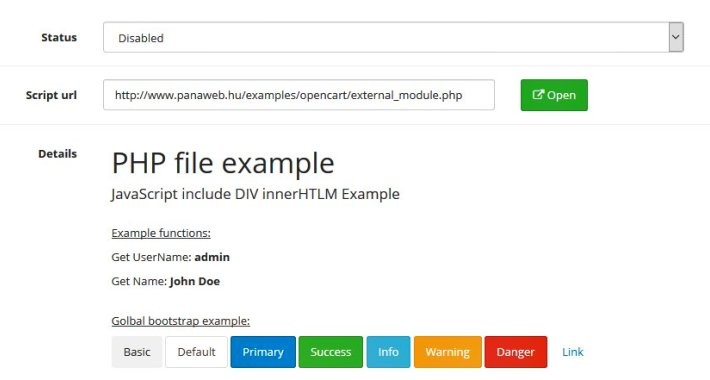
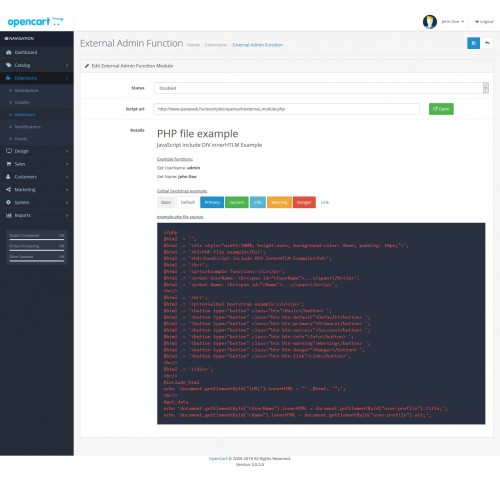
With this module, you can run external source scripts on the opencart admin page.
Test page: http://oc.panaweb.hu/admin/
user: demo
password: demo
Installation (ocmod):
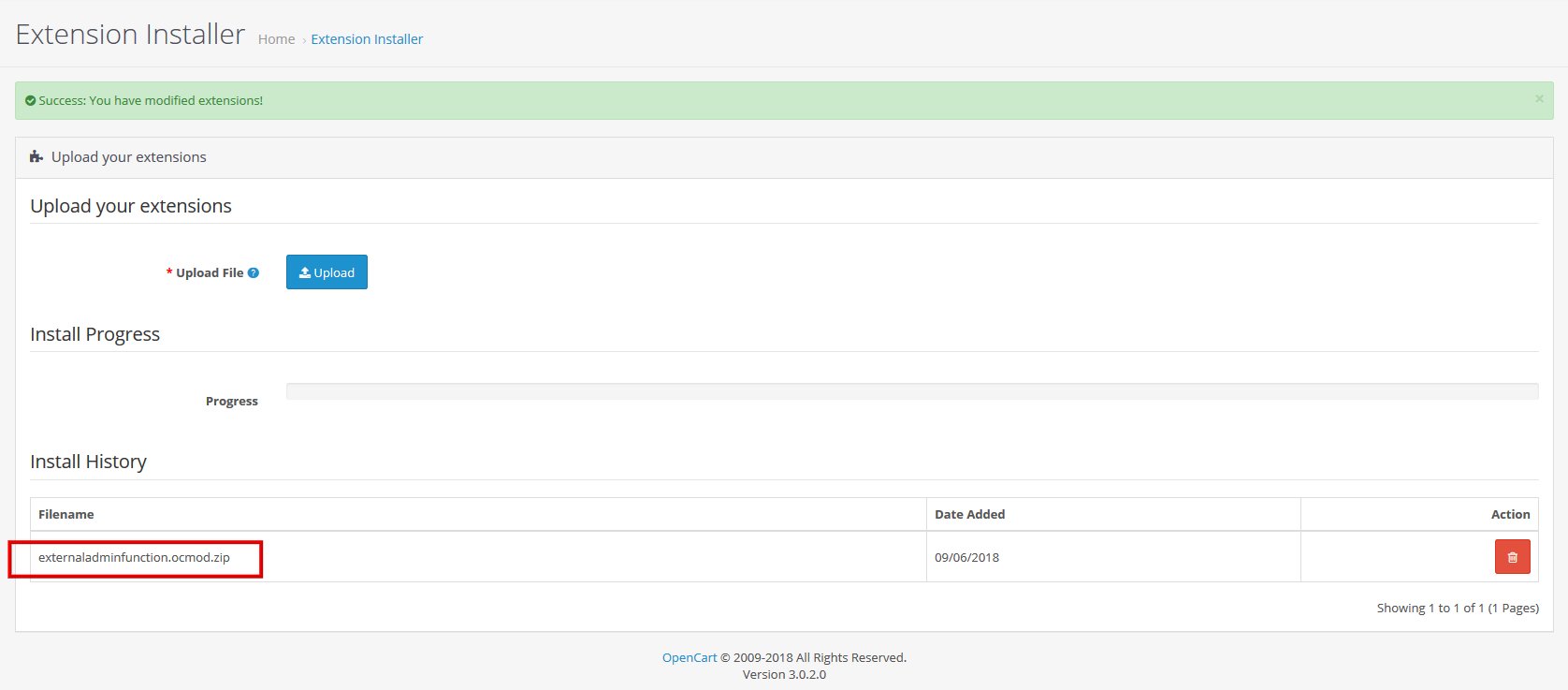
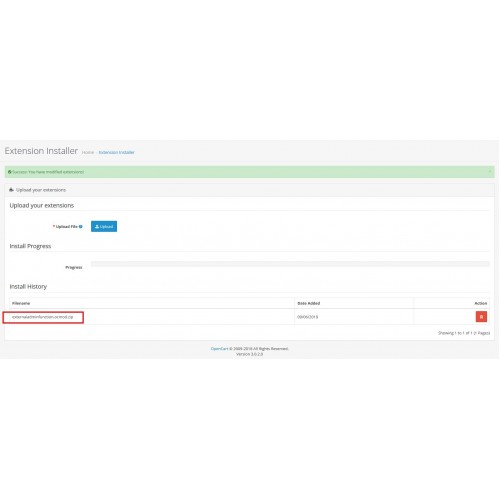
- go to the extension -> install menu
- upload the externaladminfunction.ocmod.zip file
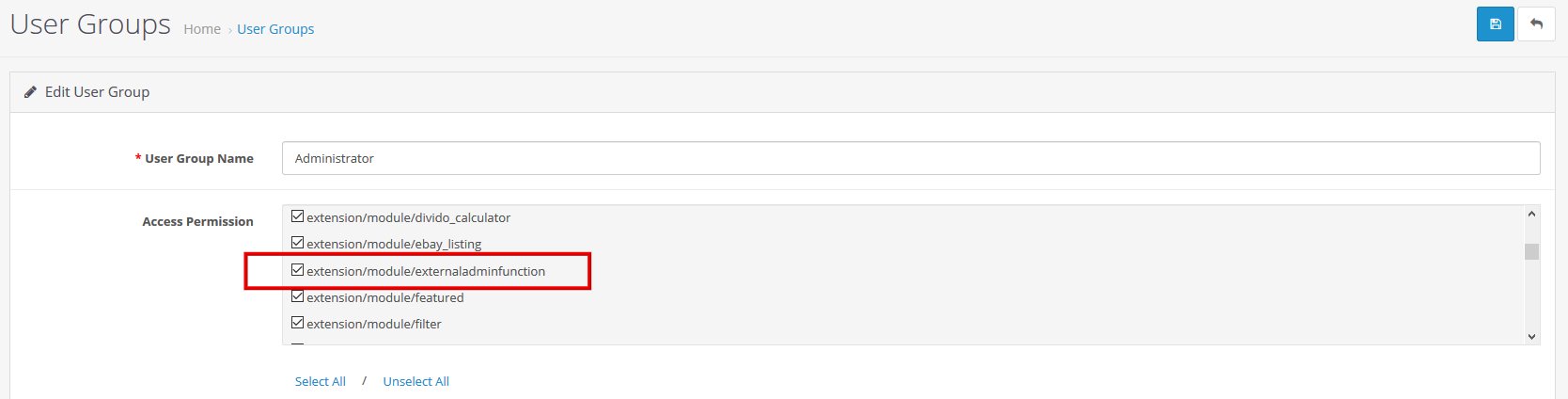
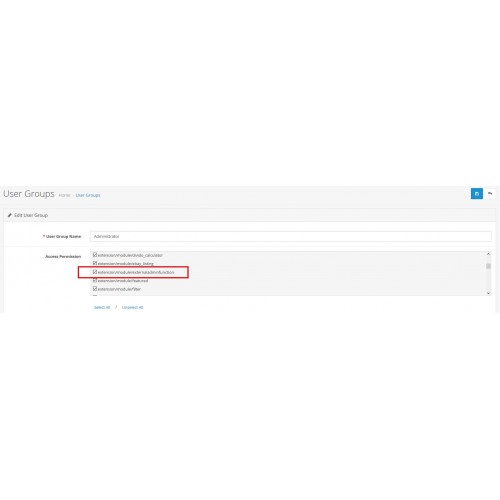
- go to the System -> Users -> User Groups menu
- Administrator -> Edit
- Access Permission Selection -> extension / module / externaladminfunction
- Modify Permission Selection -> extension / module / externaladminfunction
- In the Modifications menu, clear the cache
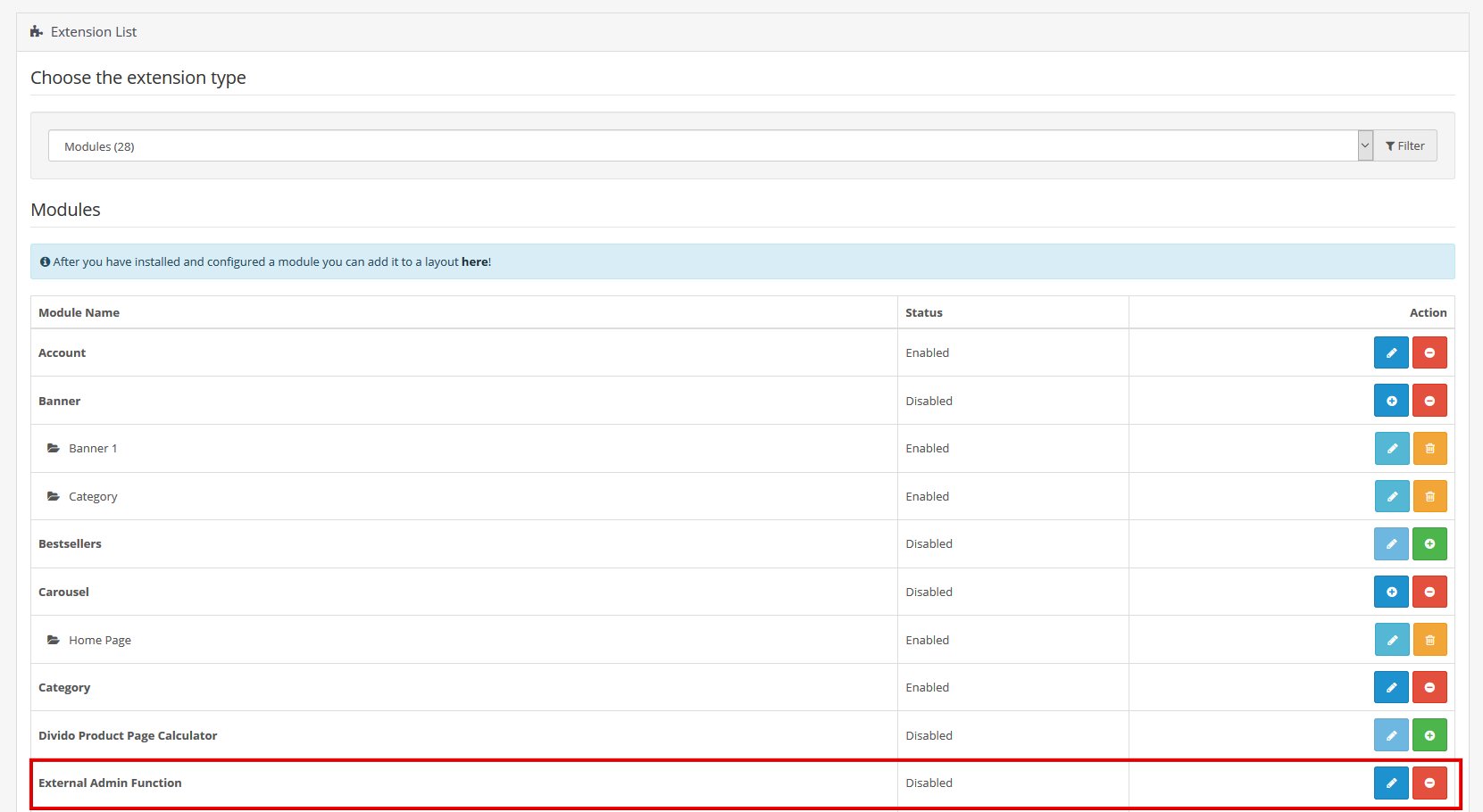
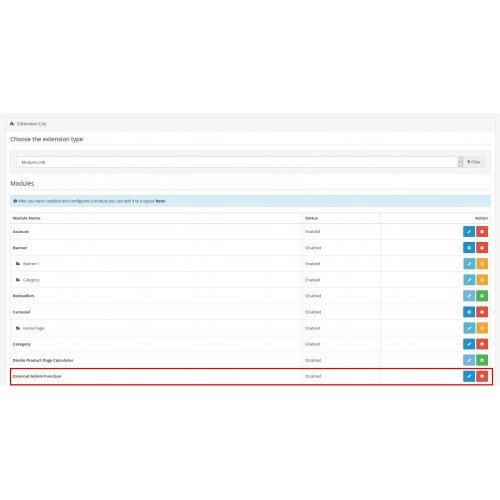
- Enter the Extension menu -> Extension -> Modules menu
- Find the External Admin Function row and install it
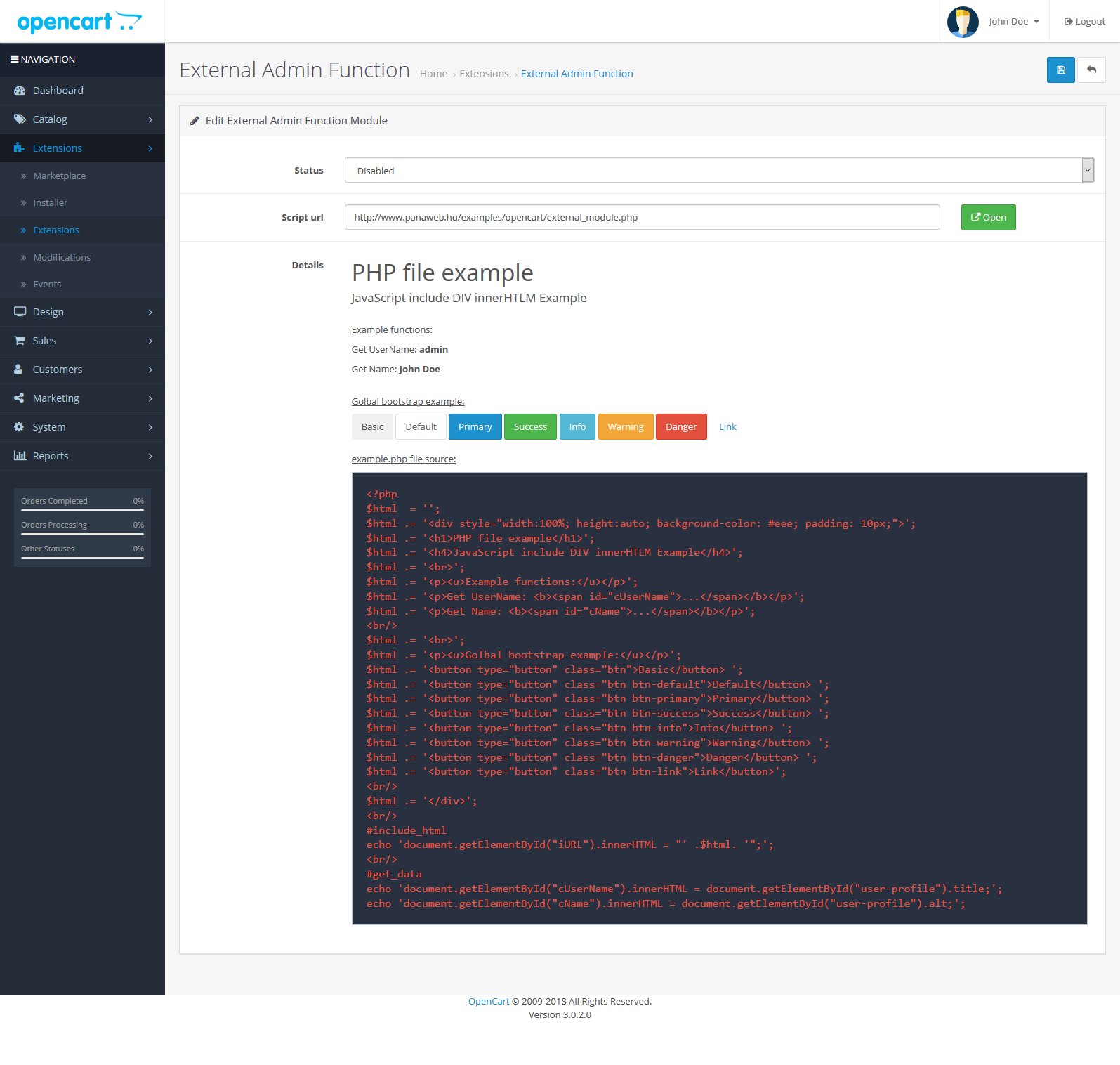
Test page: http://oc.panaweb.hu/admin/
user: demo
password: demo
Installation (ocmod):
- go to the extension -> install menu
- upload the externaladminfunction.ocmod.zip file
- go to the System -> Users -> User Groups menu
- Administrator -> Edit
- Access Permission Selection -> extension / module / externaladminfunction
- Modify Permission Selection -> extension / module / externaladminfunction
- In the Modifications menu, clear the cache
- Enter the Extension menu -> Extension -> Modules menu
- Find the External Admin Function row and install it
Price
$20.00
- Developed by OpenCart Community
- Documentation Included
Rating
Compatibility
3.0.2.0
Last Update
23 Jun 2018
Created
9 Jun 2018
0 Sales
0 Comments

Login and write down your comment.
Login my OpenCart Account