Cashback World - Tracking

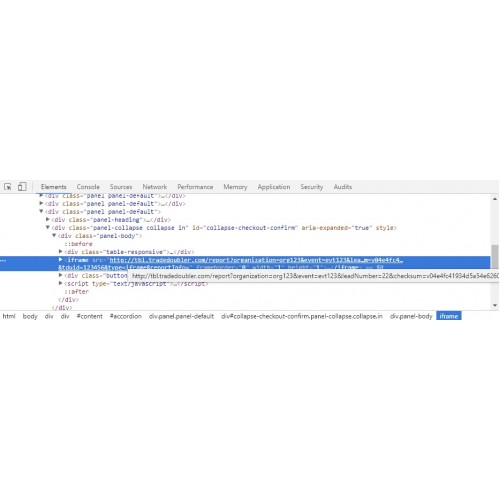
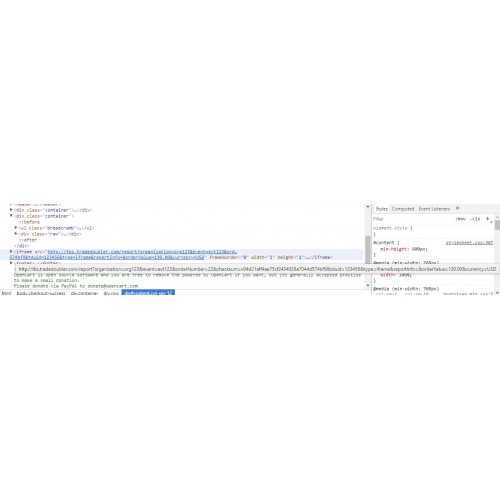
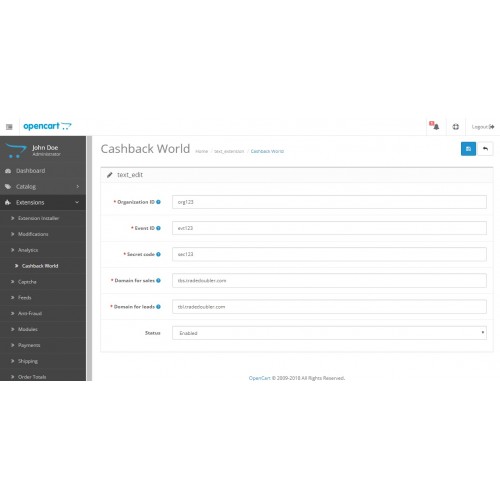
Cashback World tracking pixels extension for tracking leads and sales.
Features
- Settings page
- Choice of lead positioning at register or order confirm
- Choice of order value type (gross/net, with/without delivery)
Automatic Installation
1. Logged in as admin, navigate to Extensions -> Extensions Installer.
2. Click on "Upload" button and find the ZIP archive containing the extension
3. Select and click "Continue"
Manual Installation
1. Extract the ZIP archive
2. Upload the contents of the directory "upload" to your website root path via FTP
3. Logged in as admin, navigate to Extensions -> Extension Installer
4. Click on "Upload" button and find the file cashback-world.ocmod.xml
5. Select and click "Continue"
6 . Refresh the modification cache
Activating Extension
1. Navigate to System -> Users -> User Groups and select your administrator user
2. Select the permissions extension/cbw_tracking
3. Navigate to Extensions -> Cashback World
4. Fill the data provided by Cashback World
Notes:
If you are using VQMOD, place the file install.ocmod.xml in the directory [path_to_your_oc]/vqmod/xml
Troubleshooting
The link to edit the extension is not appearing in the admin sidebar menu?
Go to Extensions -> Modifications and click the refresh button.
Features
- Settings page
- Choice of lead positioning at register or order confirm
- Choice of order value type (gross/net, with/without delivery)
Automatic Installation
1. Logged in as admin, navigate to Extensions -> Extensions Installer.
2. Click on "Upload" button and find the ZIP archive containing the extension
3. Select and click "Continue"
Manual Installation
1. Extract the ZIP archive
2. Upload the contents of the directory "upload" to your website root path via FTP
3. Logged in as admin, navigate to Extensions -> Extension Installer
4. Click on "Upload" button and find the file cashback-world.ocmod.xml
5. Select and click "Continue"
6 . Refresh the modification cache
Activating Extension
1. Navigate to System -> Users -> User Groups and select your administrator user
2. Select the permissions extension/cbw_tracking
3. Navigate to Extensions -> Cashback World
4. Fill the data provided by Cashback World
Notes:
If you are using VQMOD, place the file install.ocmod.xml in the directory [path_to_your_oc]/vqmod/xml
Troubleshooting
The link to edit the extension is not appearing in the admin sidebar menu?
Go to Extensions -> Modifications and click the refresh button.
Price
$25.00
- Developed by OpenCart Community
- 12 Months Free Support
- Documentation Included
Rating
Compatibility
2.3.0.2, 2.1.0.1, 2.1.0.2
Last Update
22 Jan 2019
Created
16 Jun 2018
3 Sales
5 Comments

Login and write down your comment.
Login my OpenCart Account