Featured Category


Username : test21
Password : test21
========================================
Featured Category
========================================
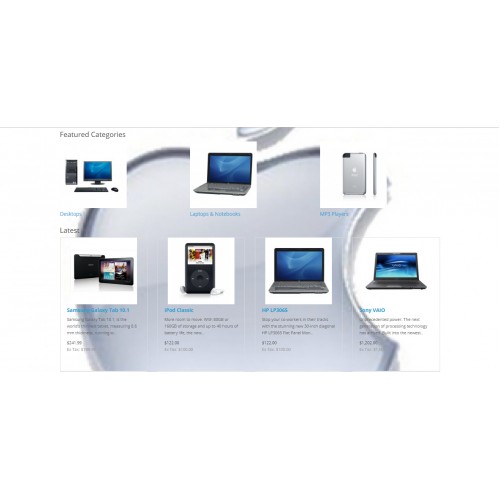
This module is very easy and helpful to show the desired categories in Product Format on the different pages, so that customer can easily go through the categories(indirectly products). So this increase the chance of the product selling.
========================================
Installation Steps
========================================
1.Copy all files/folder to exact loction manually. (Goto step 6)
2.OR with the help of "Extension Installer" below are the steps.
3.Open your admin goto Extensions Tab and click "Extension Installer".
4.Then click on "Upload" button and select the downloaded folder/directory "featuredcategory.ocmod.zip".
5.After that goto "Modification" you can see the file below, now click clear and refresh button.
6.Now goto Extension Tab and select "Extension" then click on dropdown menu and select "Module".
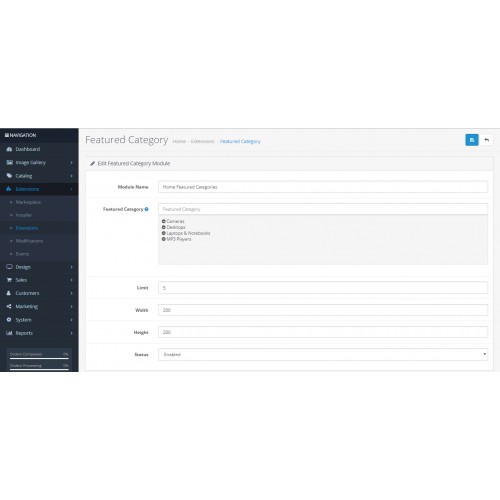
7.Then click on "Install" and "Edit" button then Fill the details and enable the status and then save it.
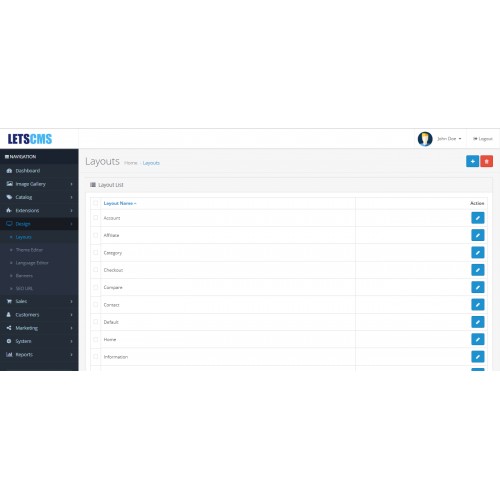
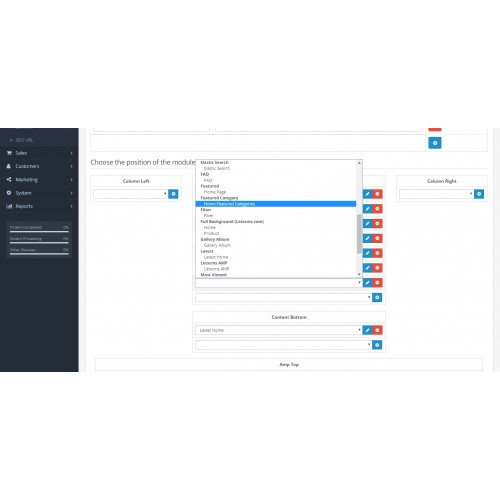
8.Now click on Design Tab and select Layouts and click edit on the desired layout like Home, Category, Product etc.
9.Then you can add the module in any position i.e. "Content Top","Content Bottom","Column Left"and"Column Right", but we recommend "Content Top" or "Content Bottom".
Enjoy and Thanks for downloading.
========================================
Features -
========================================
========================================
Featured Category - Admin Configuration
========================================
After the successful installation of the module, the admin will be able to configure the Featured Category module for use. Admin can do following settings-
========================================
Featured Category on website
========================================
=====================
Free Supports
=====================
Mail: letscmsdev@gmail.com
Skype: jks0586
Whats App: +91-9717478599
Support: 24X7
What customers say about Featured Category

Excellent extension with 1st class support
~lyrical-tees
~lyrical-tees
Download
- Developed by OpenCart Community
- 12 Months Free Support
- Documentation Included
Rating
Compatibility
2.3.0.0, 2.3.0.1, 2.3.0.2, 3.0.0.0, 3.0.1.0, 3.0.1.1, 3.0.1.2, 3.0.1.3, 3.0.2.0, 4.x.x.x
Last Update
12 Jul 2019
Created
26 Jun 2018
2208 Downloads
11 Comments

Login and write down your comment.
Login my OpenCart Account