Filter product by category in admin 3.x.x
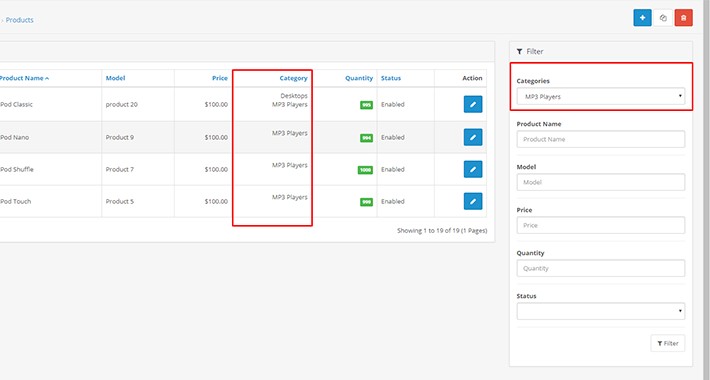
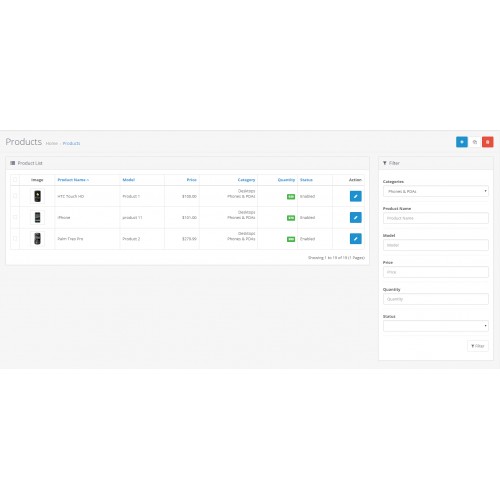
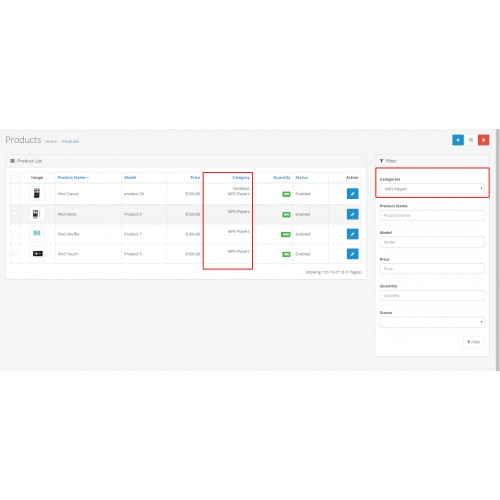
Adds a category filter to the product list page in admin and also adds category column to product list.
You can filter order by selecting category name from autocomplete drop down category list.
Installation:
1. Open OpenCart Admin Panel
2. Extensions > Installer > Upload: download the file
3. See the "Success: You have modified extensions!" message
4. Extensions > Modifications > Refresh
5. Go to Dashboard > Developer Settings > Theme > Refresh
6. Go to Dashboard > Developer Settings > SASS > Refresh
You can filter order by selecting category name from autocomplete drop down category list.
Installation:
1. Open OpenCart Admin Panel
2. Extensions > Installer > Upload: download the file
3. See the "Success: You have modified extensions!" message
4. Extensions > Modifications > Refresh
5. Go to Dashboard > Developer Settings > Theme > Refresh
6. Go to Dashboard > Developer Settings > SASS > Refresh
Price
$20.99
- Developed by OpenCart Community
- 12 Months Free Support
- Documentation Included
Rating
Compatibility
3.0.0.0, 3.0.1.0, 3.0.1.1, 3.0.1.2, 3.0.1.3, 3.0.2.0, 4.x.x.x, 3.0.0.0, 3.0.1.0, 3.0.1.1, 3.0.1.2, 3.0.1.3, 3.0.2.0, 4.x.x.x
Last Update
28 Jun 2018
Created
28 Jun 2018
0 Sales
0 Comments

Login and write down your comment.
Login my OpenCart Account