Alert Manager - manage your notifications

Alert Manager allows you to manage alert notification windows of different types.
Alert example:

Types of Alerts:
Module Features:
DEMO (Opencart 2.0.2.0):
Future plans/work
================
Powered by [b]Leonid Dashko.
>>>>>>>>> My other extensions <<<<<<<<<
Alert example:
Types of Alerts:
- On product page
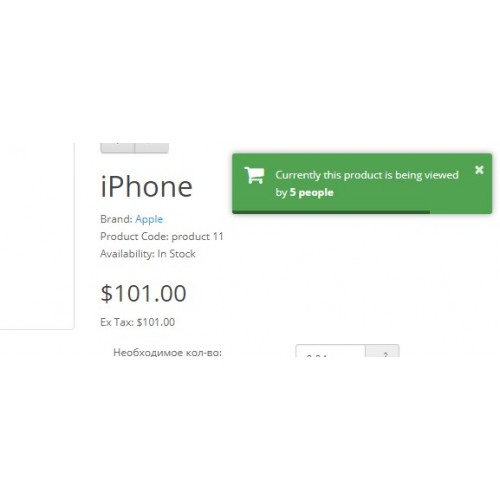
- Besides You, there are # people who are also viewing this product now.
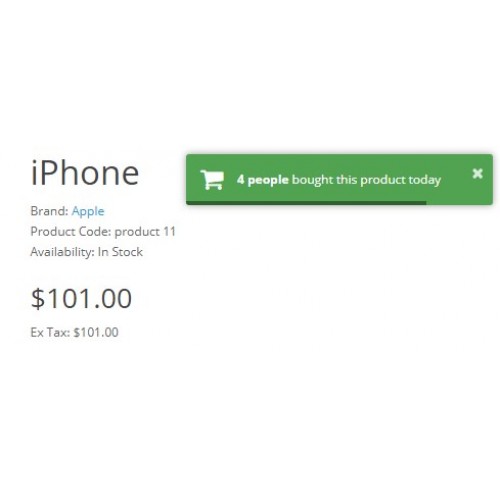
- This product was purchased by # people today.
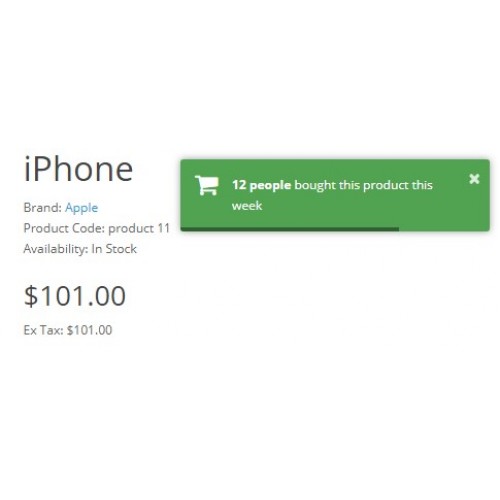
- This product was purchased by # people this week.
- On category page
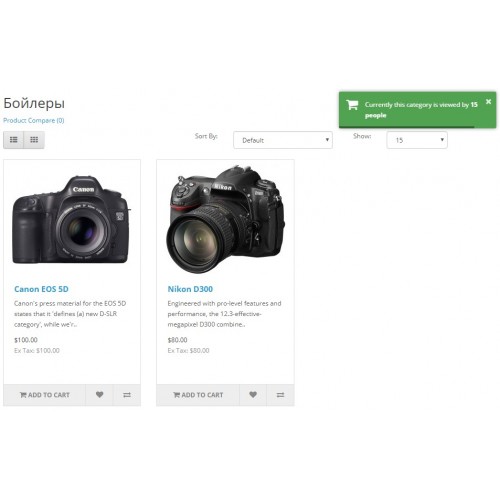
- Currently this category is viewed by # other people.
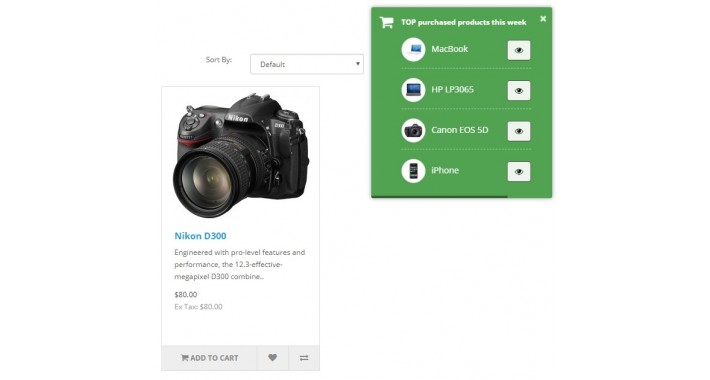
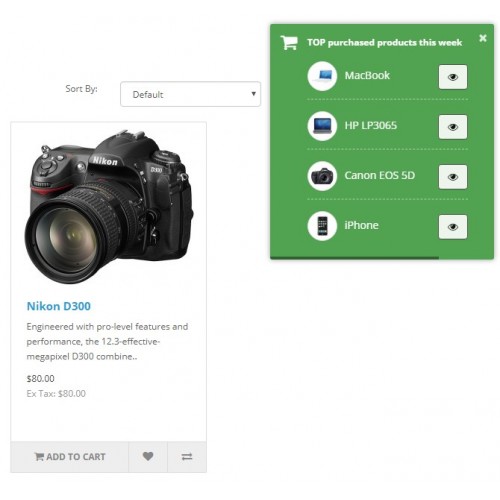
- TOP purchased products this week (together with the links to products)
- On all pages
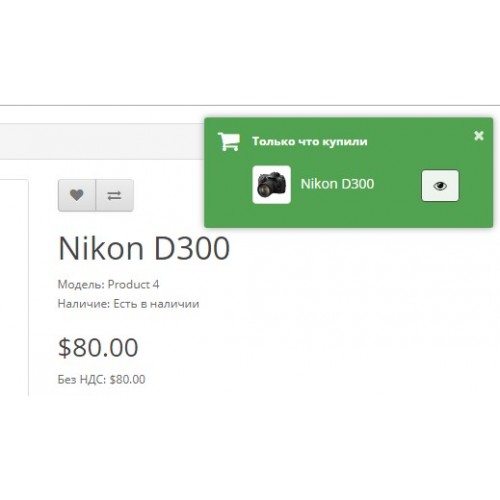
- Someone has just bought this product (together with a link to the product)
- CUSTOM alerts
Module Features:
- General settings
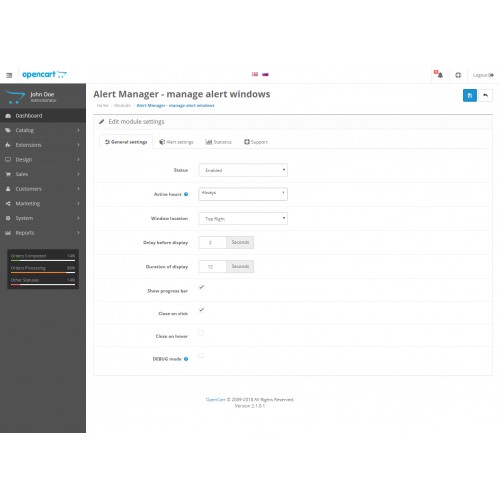
- Set position where alert will be shown (top/bottom + left/center/right)
- Delay before alert is shown (in secs.)
- Alert Duration (in secs.)
- Show progress bar (elapsed time until alert is not closed)
- En/Disable closing alert on hover
- En/Disable closing alert on click
- En/Disable debug mode with general configuration (alerts will be displayed on site, not in the admin panel)
- Alert settings
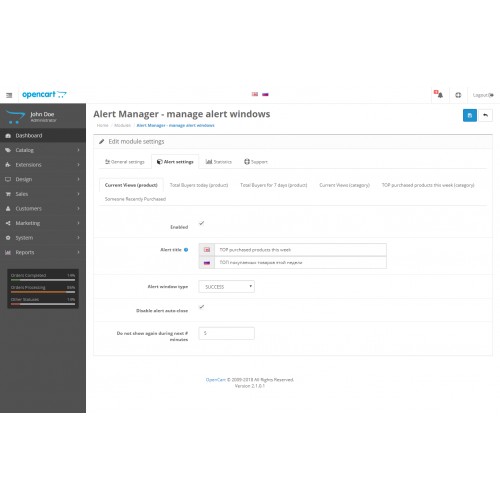
- En/Disable alert
- Restrict by working hours and working weekdays (e.g. don't show any alert at night on Sundays)
- Restrict showing alert by customer group
- Restict shiwing alert only on specified pages (e.g. show only on shopping cart page)
- Set alert title (if not set, will be without title)
- Type of alert window (SUCCESS - green, INFO - blue, WARNING - yellow, ERROR - red)
- Enable alert display without auto-closing
- Ignore showing alert again during the next # minutes
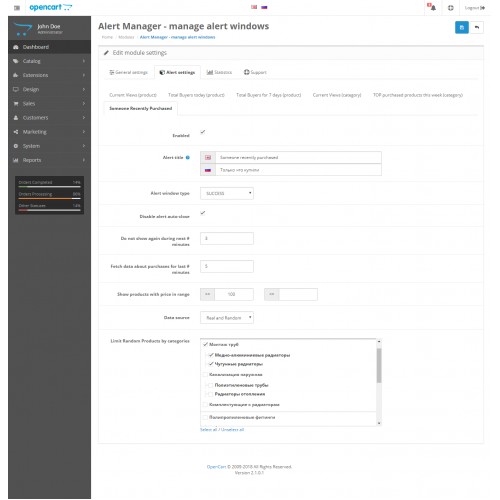
- Set source of data for alert "Someone recently bought"(can be either "real data only" or "real + random data"
- Set interval (in minutes) by which we should search latest purchased product data for alert "Someone recently bought"
- Restrict display products by price range (for alert "Someone recently bought")
- Generate random product from one of the categories. If none is selected, the filter "by categories" will not be applied. (for alert "Someone recently bought")
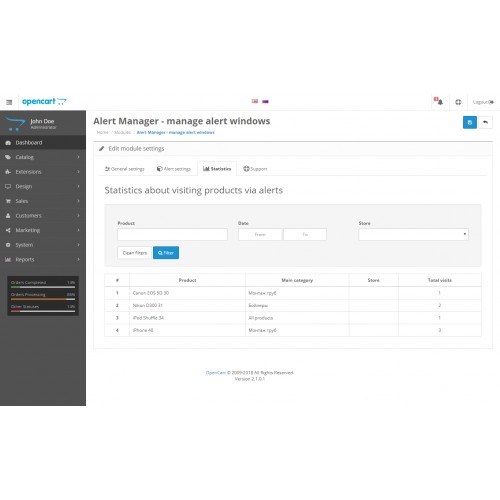
- Collect statistics by referral product visits through alert windows + displaying this statistics in Admin Panel
DEMO (Opencart 2.0.2.0):
- Frontend view (category)
- Frontend view (product)
- Module settings in Admin Panel (login: demo, password: demo)
Future plans/work
-
Add DEMO
- Add support for OC 3.x
- Add possibility to configure colors
- Add possibility to set icons
- Add possibility to create CUSTOM alerts
- Add possibility to restrict display of CUSTOM alerts by site sections (e.g.: category, product page, etc.)
- Add possibility to restrict display of CUSTOM alerts by customer groups
================
Powered by [b]Leonid Dashko.
>>>>>>>>> My other extensions <<<<<<<<<
Download
- Developed by OpenCart Community
- Documentation Included
Rating
Compatibility
3.0.0.0, 3.0.1.0, 3.0.1.1, 3.0.1.2, 3.0.1.3, 3.0.2.0, 4.x.x.x, 3.0.3.0, 3.0.3.1, 3.0.3.2, 3.0.3.3, 3.0.3.5, 3.0.3.6, 2.0.0.0, 2.0.1.0, 2.0.1.1, 2.0.2.0, 2.0.3.1, 2.1.0.1, 2.1.0.2, 2.2.0.0, 2.3.0.0, 2.3.0.1, 2.3.0.2
Last Update
15 Dec 2020
Created
15 Jul 2018
603 Downloads
7 Comments

Login and write down your comment.
Login my OpenCart Account