Gallery Album



Username : demo
Password : demo
========================================
Gallery Album
========================================
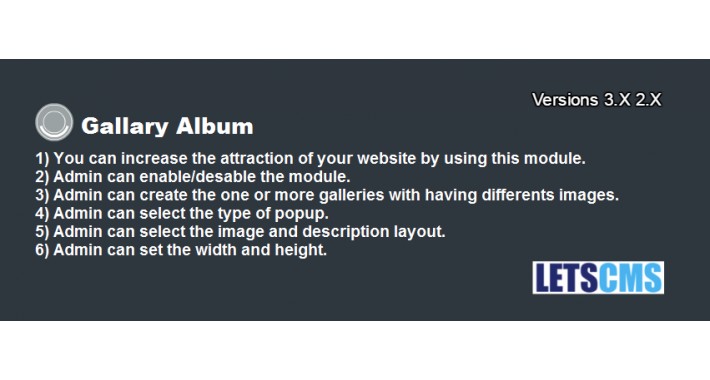
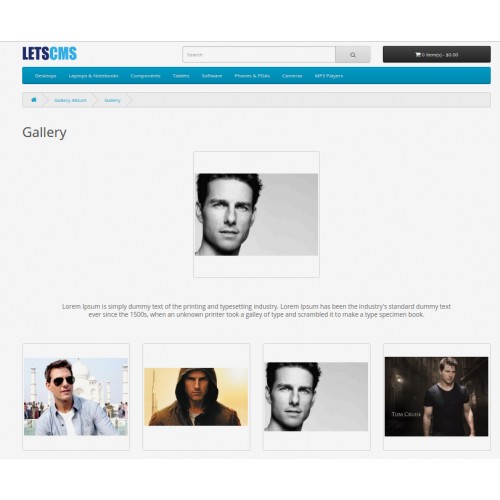
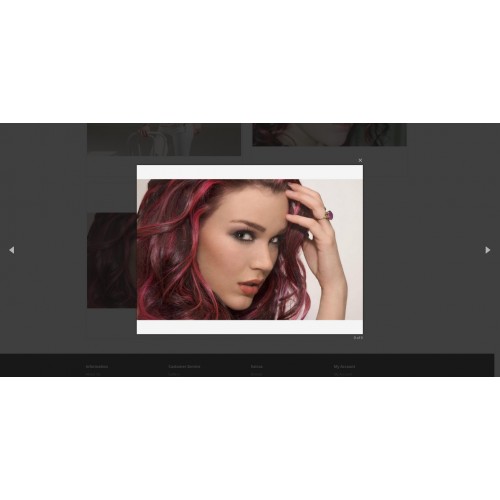
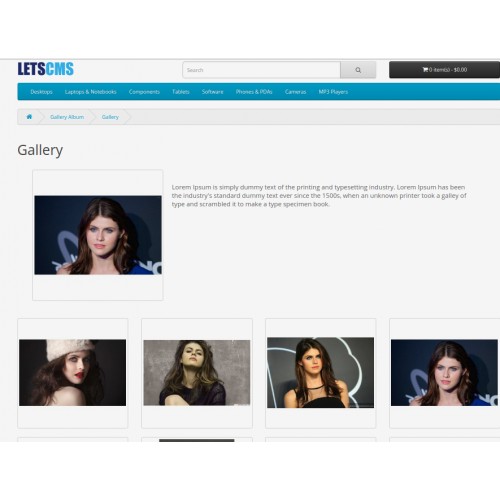
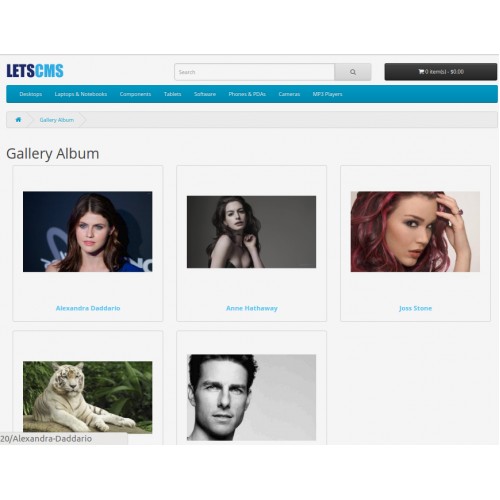
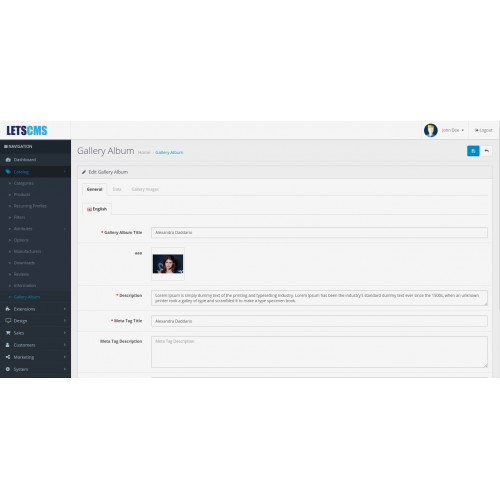
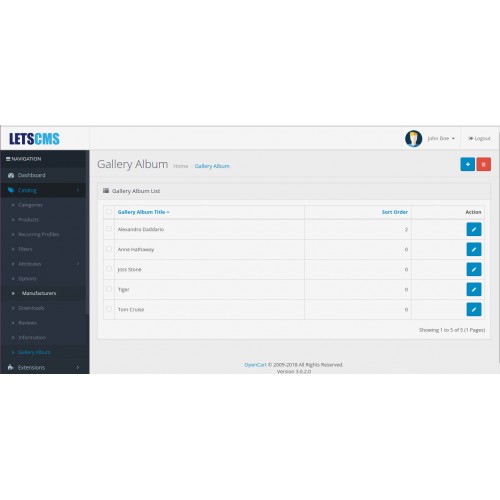
This module is very easy and helpful to show the Gallery Album of your products. It will increase the attraction of your website. With this expansion you can have your display collection pictures on you opencart site where you can include the pictures from administrator Panel. You can add title to every picture, you can add connects too to the title and The pictures will fly up when it clicked.
========================================
Installation Steps
========================================
1.Copy all files/folder to exact loction manually. (Goto step 6)
2.OR with the help of "Extension Installer" below are the steps.
3.Open your admin goto Extensions Tab and click "Extension Installer".
4.Then click on "Upload" button and select the downloaded folder/directory "gallery.ocmod.zip".
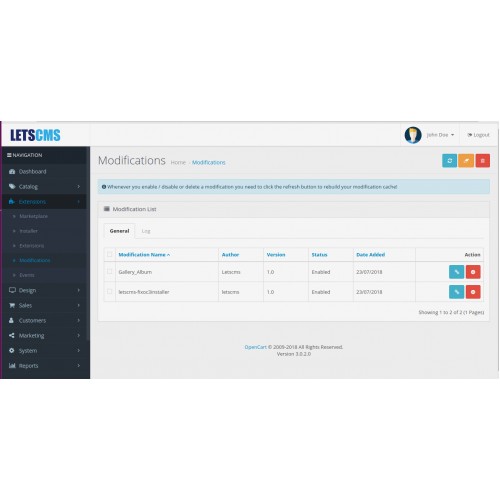
5.After that goto "Modification" you can see the file below, now click clear and refresh button.
6.Now goto Extension Tab and select "Extension" then click on dropdown menu and select "Module".
7.Then click on "Install" and "Edit" button then enable the status and then save it.
8.Now click on "Catalog" you can see Gallery Album Tab click, it shows (You do not have permission to access this page).
9.Now click on "System" then User Groups Tab, click on Select All link of Access Permission and Modify Permission and save it.
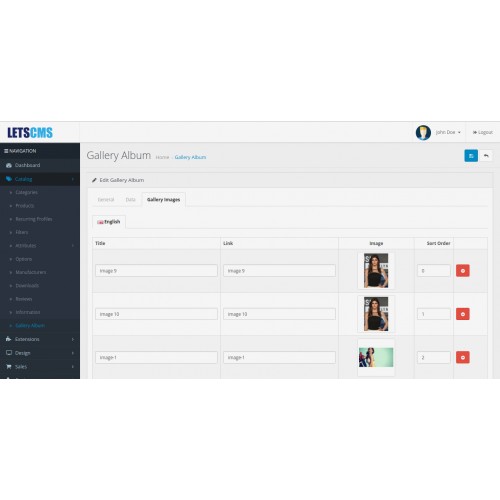
10.At Last goto Gallery Album Tab, click on add button then enable the status and fill the form and save it.
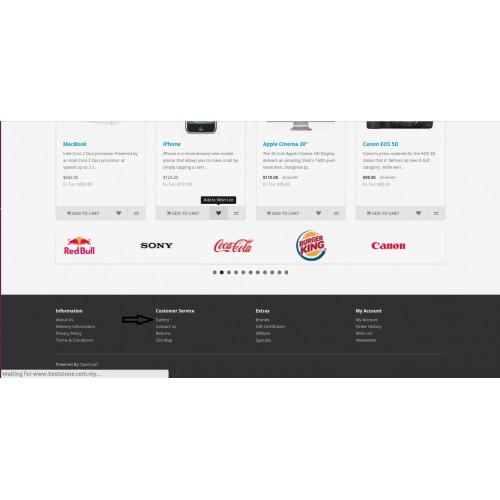
11.You can seen the link of "Gallery Album" in footer under "Customer Services".
Enjoy and Thanks for downloading.
========================================
Features -
========================================
========================================
Admin Configuration
========================================
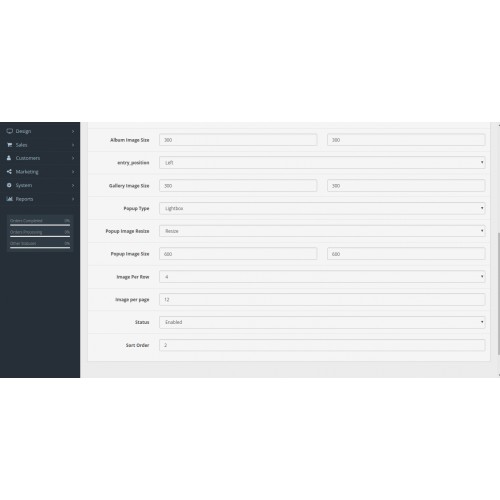
After the successful installation of the module, the admin will be able to configure the module for use. Admin can do following settings-
========================================
On website
========================================
=====================
Free Supports
=====================
Mail: letscmsdev@gmail.com
Skype: jks0586
Whats App: +91-9717478599
Support: 24X7
What customers say about Gallery Album

Внимание, данный модуль перезаписывает файл common.js Если он у Вас с изменениями, тогда можете распрощаться с некоторым функционалом. Как можно было до такого додуматься?!
Attention, this module overwrites the common.js file. If you have it with changes, then you can say goodbye to some functionality. How could you think of such a thing ?!
~sashamaximiv
~sashamaximiv
Download
- Developed by OpenCart Community
- 12 Months Free Support
- Documentation Included
Rating
Compatibility
3.0.0.0, 3.0.1.0, 3.0.1.1, 3.0.1.2, 3.0.1.3, 3.0.2.0, 4.x.x.x, 3.0.3.0, 3.0.3.1, 3.0.3.2, 3.0.3.3, 3.0.3.5, 3.0.3.6, 3.0.3.7, 3.0.3.8, 3.0.0.0, 3.0.1.0, 3.0.1.1, 3.0.1.2, 3.0.1.3, 3.0.2.0, 4.x.x.x
Last Update
29 Jan 2022
Created
24 Jul 2018
1813 Downloads
22 Comments

Login and write down your comment.
Login my OpenCart Account