Opencart Bulk Order Processing
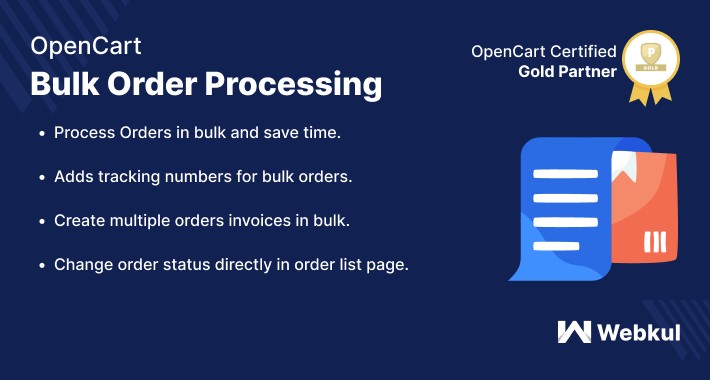
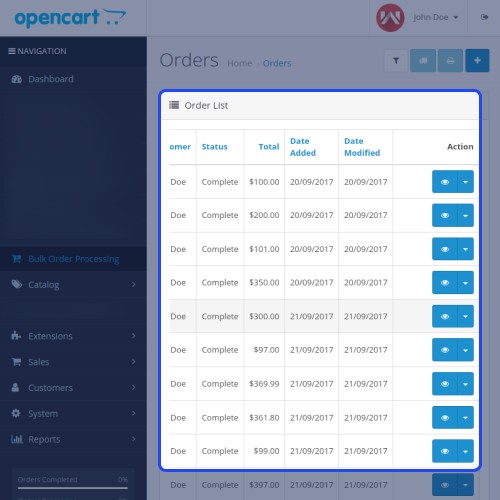
Opencart Bulk Order Processing - allows users to process the orders in bulk in terms of changing the order status, adding tracking numbers for multiple orders, and creating invoices for several orders at a time. Through the Opencart Bulk Processing Module, a user can save a huge amount of time as users will not have to spend hours processing each order separately. Imagine creating invoices or adding a tracking number for one order at a time when there are thousands of products in the order list.
This scenario seems next to impossible and a huge amount of time will be wasted in the same process. Therefore, this extension will simplify processing the orders in bulk and save users time.

Use Case
When there are hundreds of products in the order list, imagine preparing invoices or adding tracking numbers for one order at a time.
This scenario appears improbable, and a significant amount of time will squander in the process. As a result, this plugin will make bulk order processing easier and save users time.



Features
Work Flow
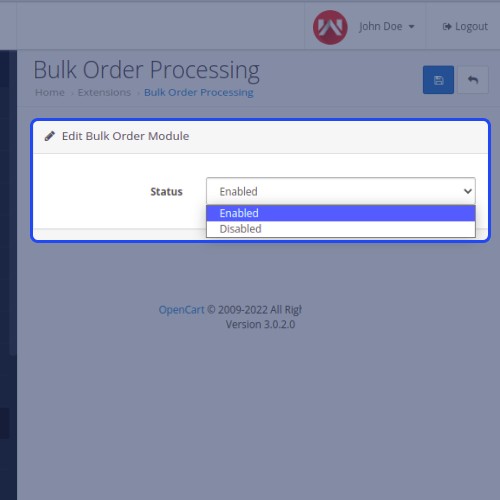
The admin must set up the module after it installs, and then enable it. Admin can change Bulk Order Processing status by selecting 'Enabled' or 'Disabled' from the Status option.

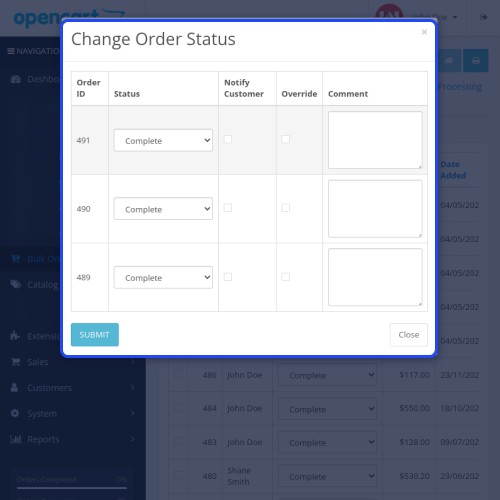
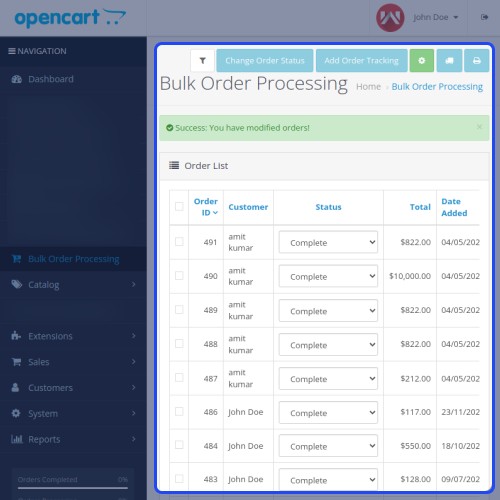
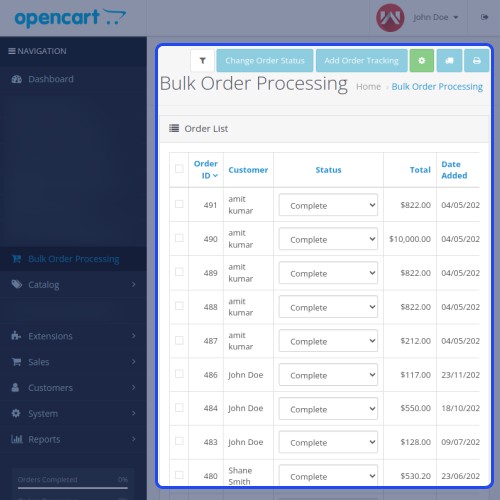
By checking the checkboxes for the orders for which the admin wishes to change the order status, the admin can change the order status.

Customers can notify about the status of their orders by the admin, who can also leave a comment. Customers can be notified by email by the admin.
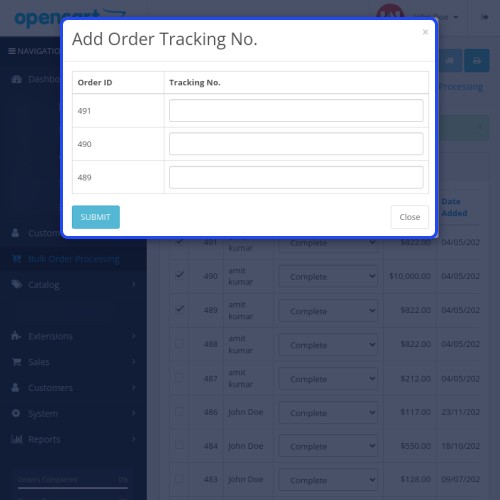
At the same time, the admin can add the tracking numbers of several orders.

The admin can also create invoices for several orders.

After successful login, users can add a product to their cart and proceed to checkout by filling out the billing information, shipping information, delivery method, and payment information.

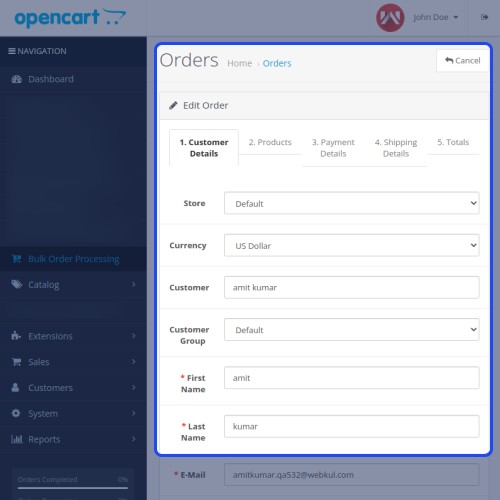
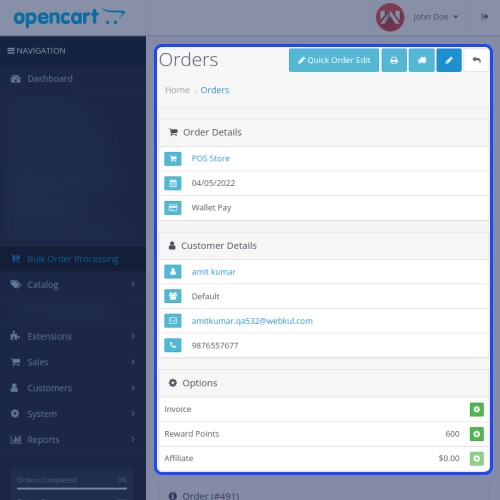
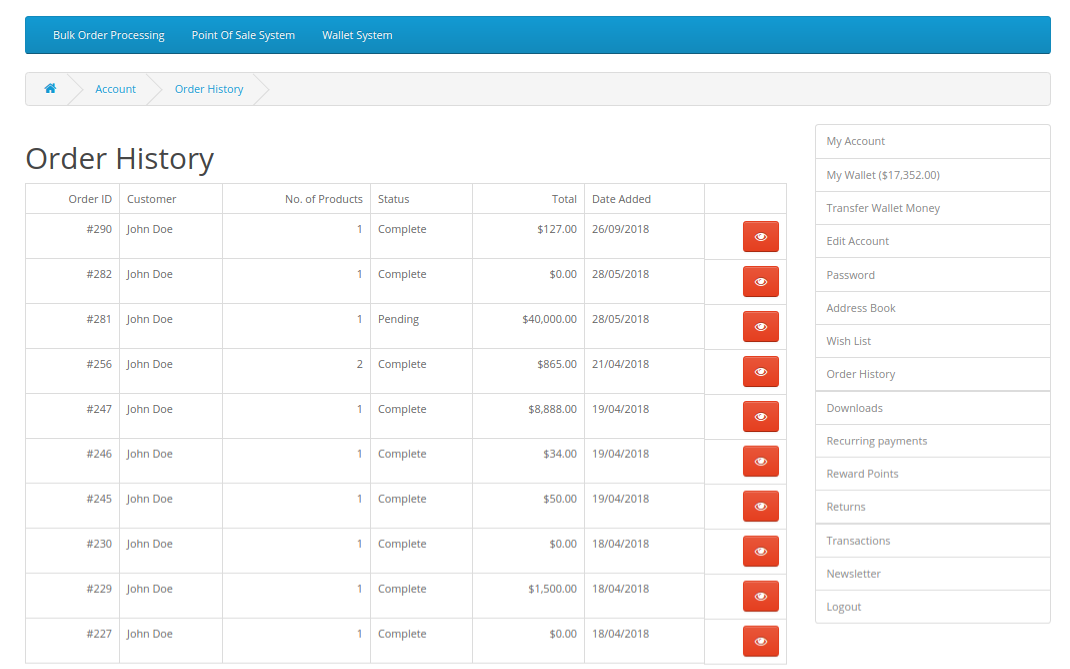
Finally, the user can see the list of orders that place here.




Some Moments Of Appreciation




Support Policy
This scenario seems next to impossible and a huge amount of time will be wasted in the same process. Therefore, this extension will simplify processing the orders in bulk and save users time.
Use Case
When there are hundreds of products in the order list, imagine preparing invoices or adding tracking numbers for one order at a time.
This scenario appears improbable, and a significant amount of time will squander in the process. As a result, this plugin will make bulk order processing easier and save users time.
Features
- An extremely fast process to process the orders in bulk.
- The admin can change the order status of multiple orders at a time.
- The admin adds tracking numbers for bulk orders.
- For multiple orders, the admin can create the invoices in bulk.
- A mail is sent to customers when the invoice is generated through bulk order processing.
- The admin can change the order status of an order directly in the order list page.
- Admin adds the order tracking number directly in the order list page.
- Easy to use and user-friendly especially for those who want to make bulk orders in a Store.
Work Flow
The admin must set up the module after it installs, and then enable it. Admin can change Bulk Order Processing status by selecting 'Enabled' or 'Disabled' from the Status option.
By checking the checkboxes for the orders for which the admin wishes to change the order status, the admin can change the order status.
Customers can notify about the status of their orders by the admin, who can also leave a comment. Customers can be notified by email by the admin.
At the same time, the admin can add the tracking numbers of several orders.
The admin can also create invoices for several orders.
After successful login, users can add a product to their cart and proceed to checkout by filling out the billing information, shipping information, delivery method, and payment information.
Finally, the user can see the list of orders that place here.
Some Moments Of Appreciation
Support Policy
Price
$79.00
- Developed by OpenCart Partner
- 3 Months Free Support
- Documentation Included
Rating
Compatibility
3.0.0.0, 3.0.1.0, 3.0.1.1, 3.0.1.2, 3.0.1.3, 3.0.2.0, 3.0.3.0, 3.0.3.1, 3.0.3.2, 3.0.3.3, 3.0.3.5, 3.0.3.6, 3.0.3.7, 3.0.3.8, 3.0.3.9, 3.0.4.0, 3.0.4.1
Last Update
17 Jul 2025
Created
5 Oct 2018
5 Sales
0 Comments

Login and write down your comment.
Login my OpenCart Account