Opencart Chat
Opencart Chat
This extension allows the OpenCart website owner to provide the feature of chat between the admin and the customers. This chat system is not based on any paid API or a subscription plan, and hence all of the data is stored on the server itself.
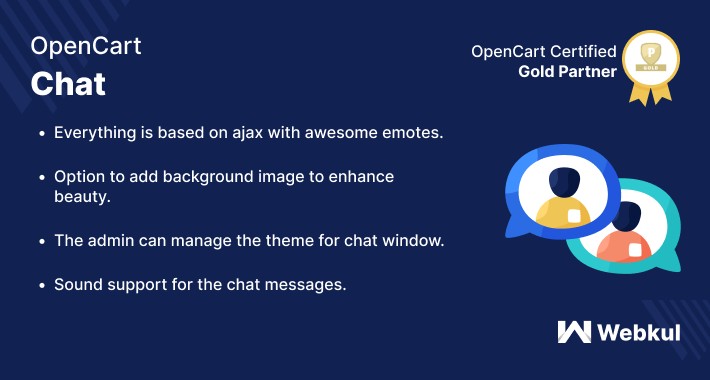
This extension is based on Ajax with lots of awesome emoticons available for use while chatting. Apart from that, the chatbox background can be changed as required.




Use-Case
Now, stop losing your hesitant customers! Chat with your customer in real-time. This chat system extension provides an easy way to integrate your OpenCart website with our Ajax based chat system that does not require any paid API or subscription plan to work.
Using this extension, the customers will be able to chat with the admin without paying any charges and thus making your customers happy. Also, there is no need to open any external application for chatting as the chat window itself is visible to admin and the customer on their respective ends.
Features
Workflow
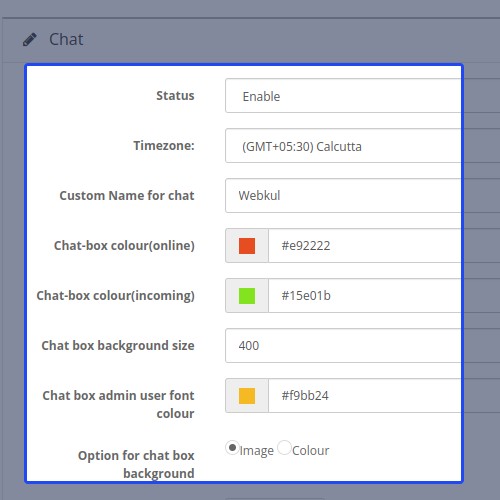
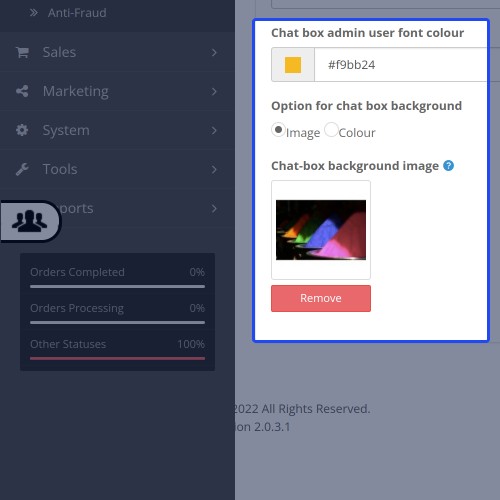
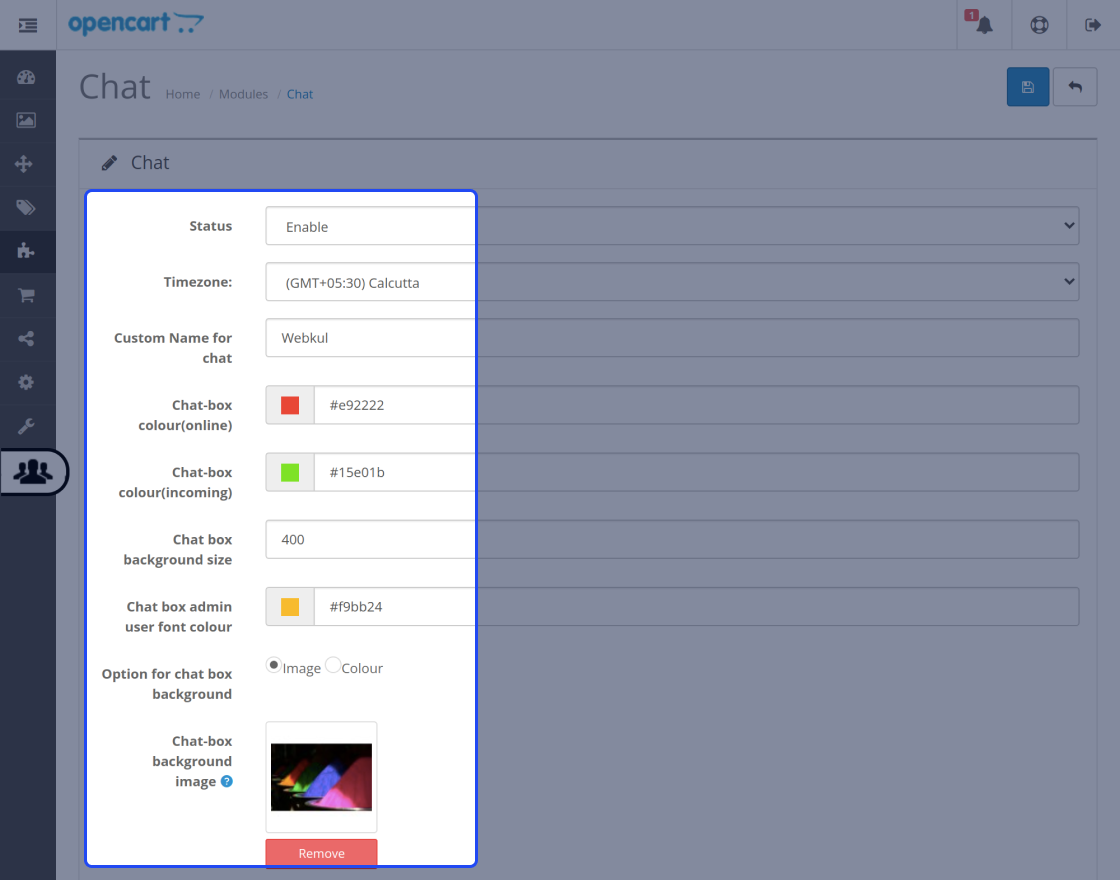
After the successful installation of the extension, the admin will configure the module settings for use. Here, the admin will - enable the status, select the time zone for the chat system, enter a custom name for the chat window. Also, the admin can set the chat-box color(while online), chat-box color(for the incoming message), chat-box background size, select the chat-box background as color or image, and upload the image for the chat-box background.
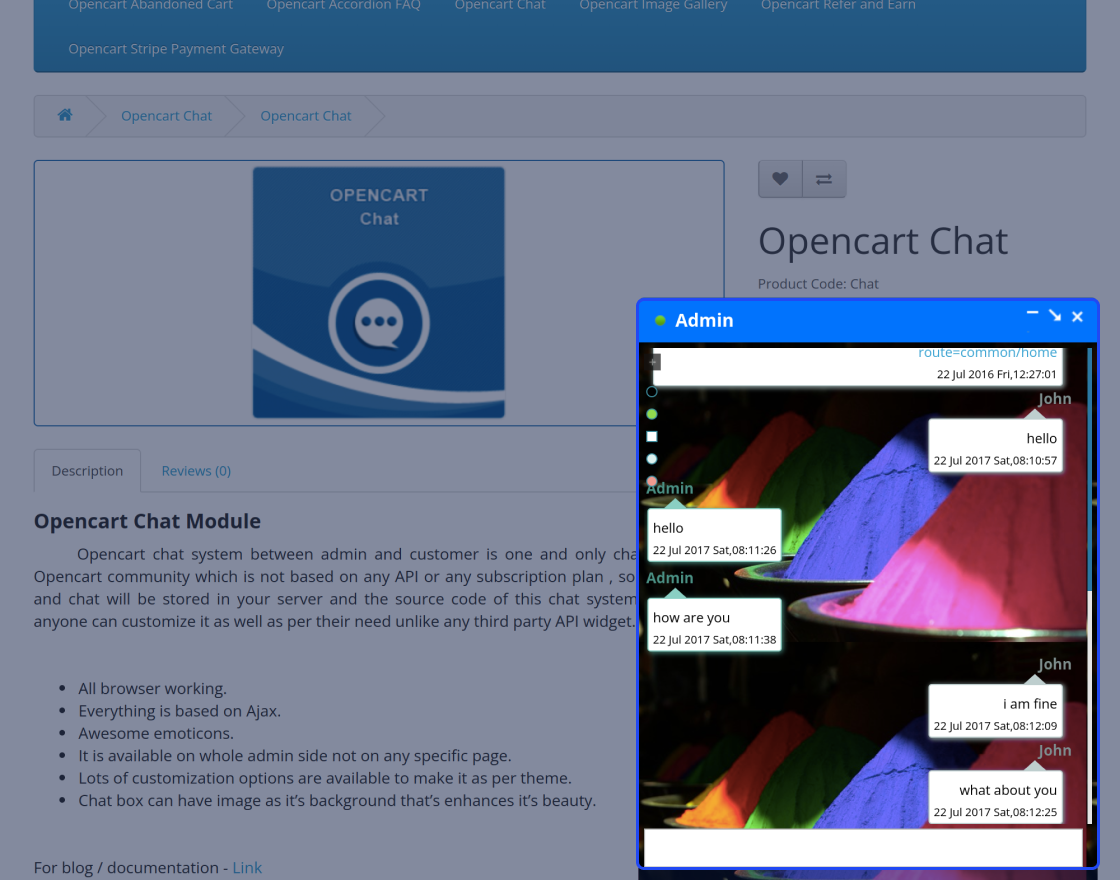
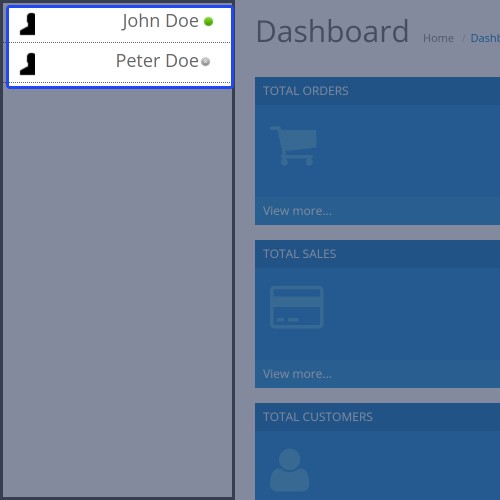
After enabling the chat system, it gets visible to the admin in the backend.
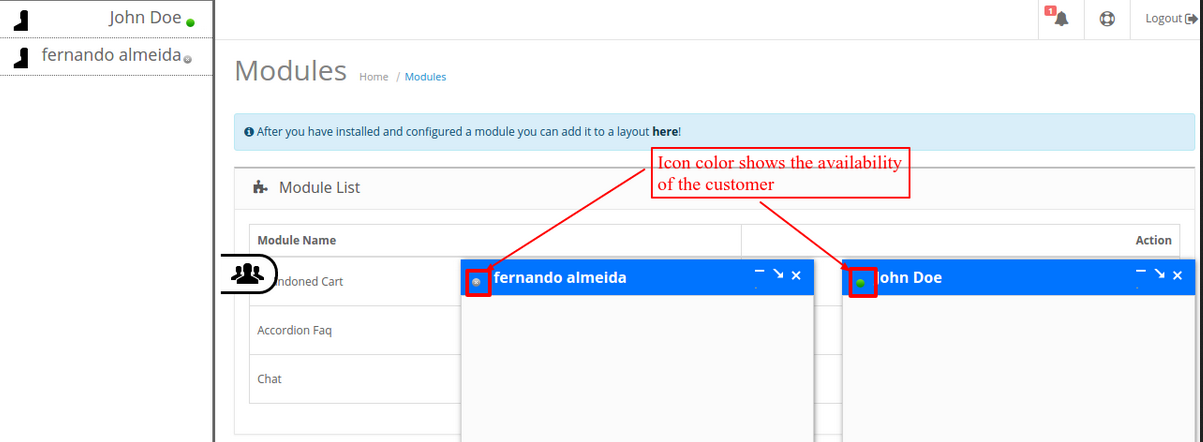
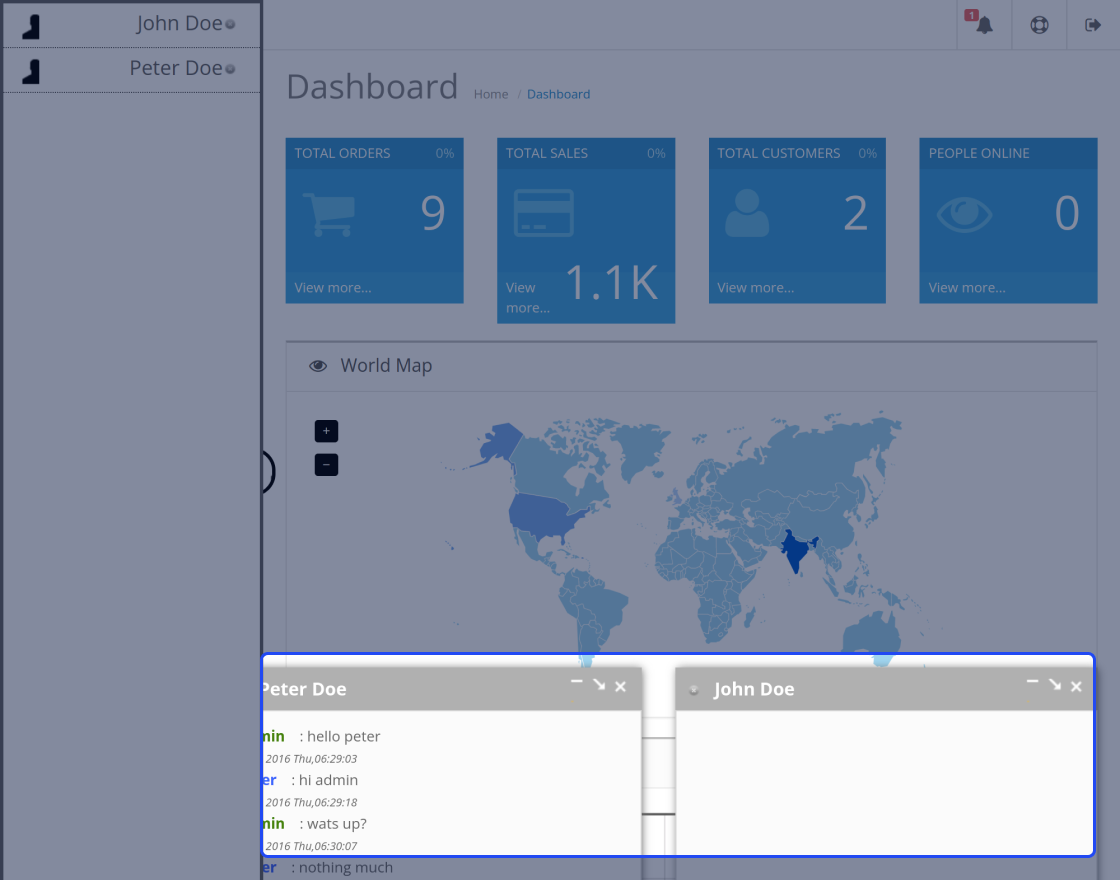
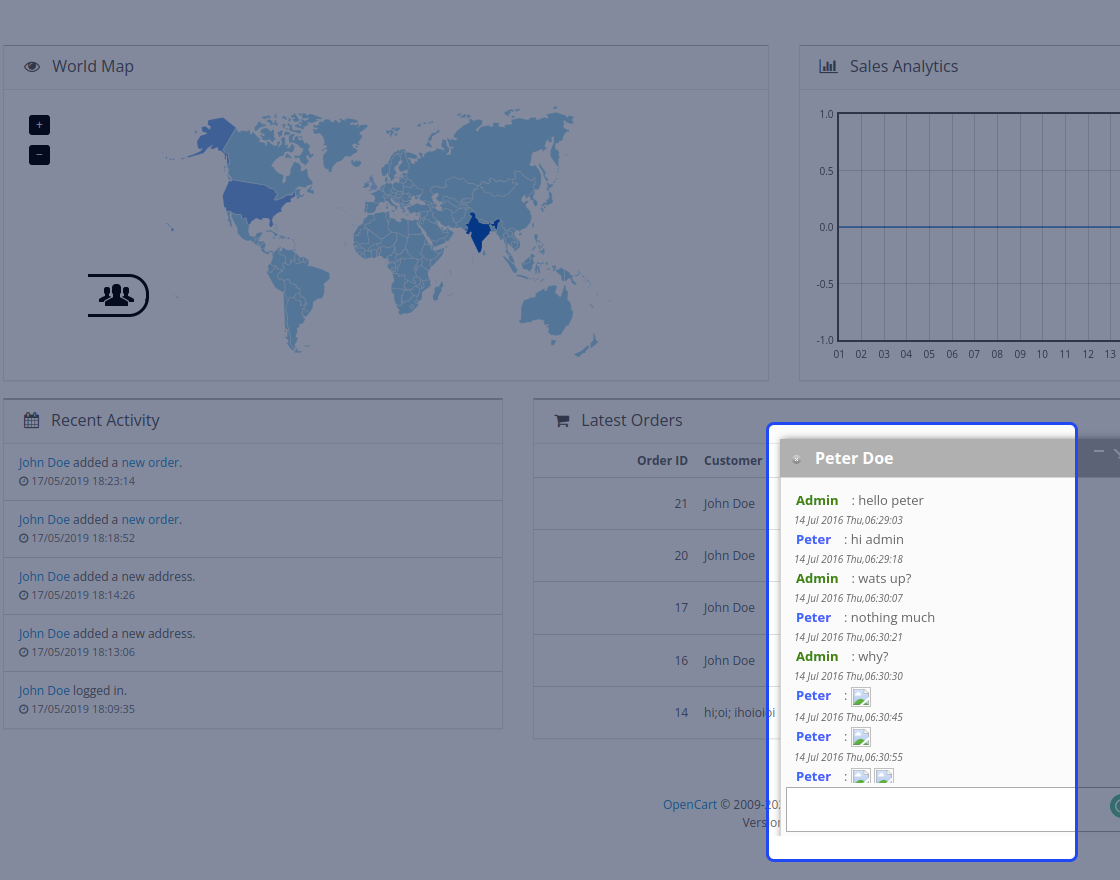
Now, the admin will tap on the chat window to bring up the chat list with the available customers. Also, the color of the chat window icon indicates the availability of a particular customer.
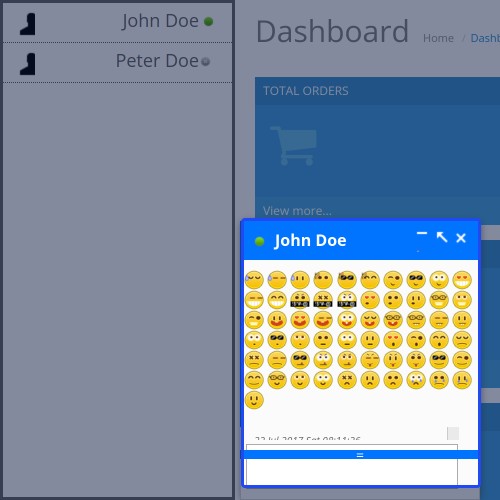
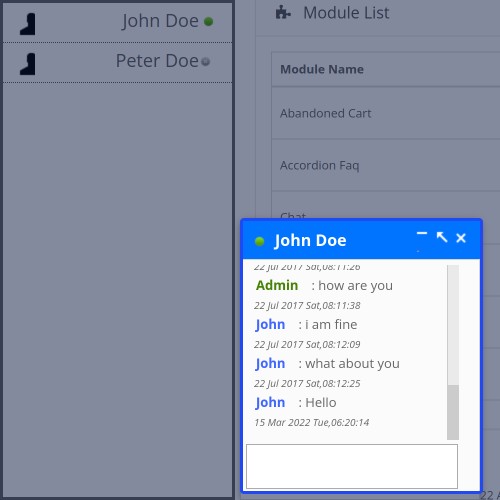
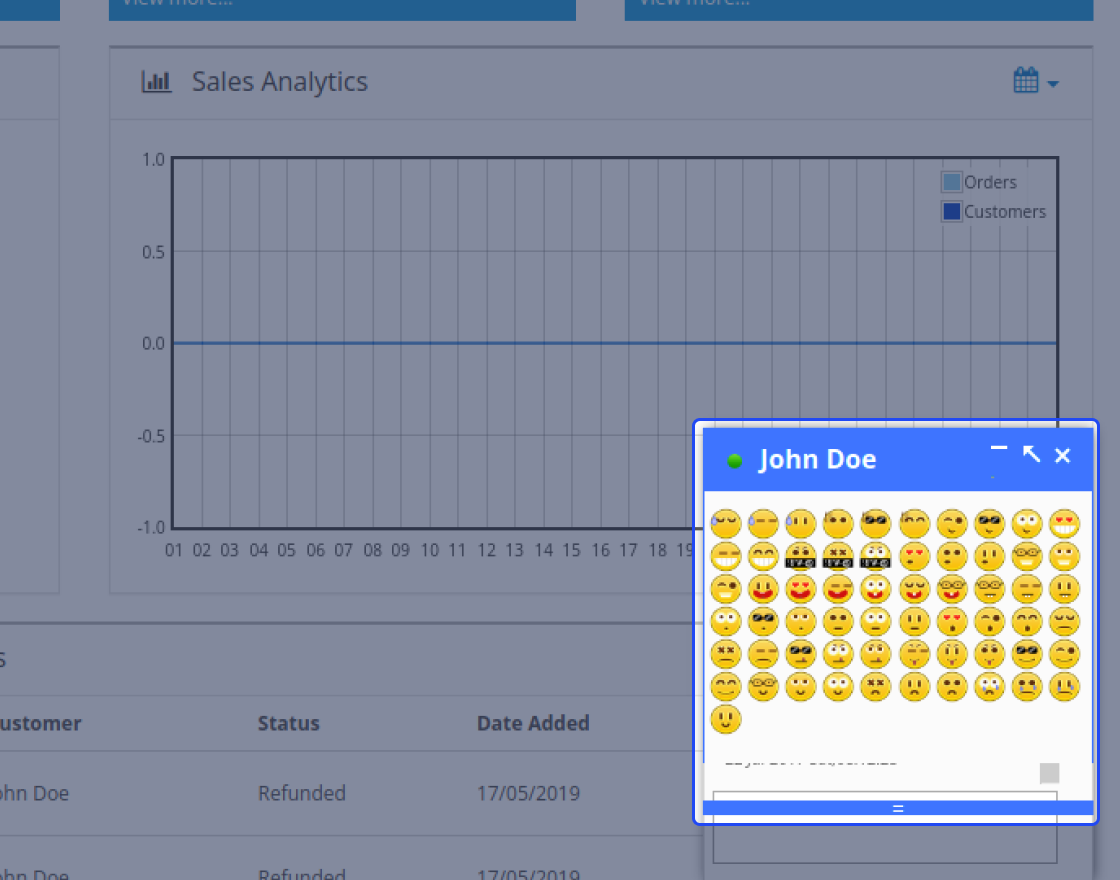
The admin will be able to chat with multiple customers at a time and can make use of the beautiful emoticons in the chat system. The admin can also see the incoming messages notifications from the respective customers.
Also, when a new message appears both the admin and the customers will be able to see that in the title of the web page.
Frontend
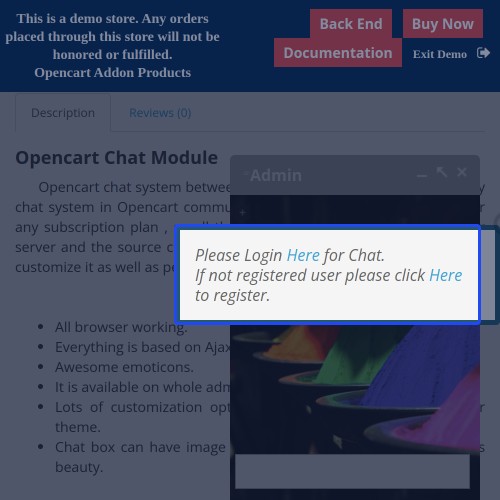
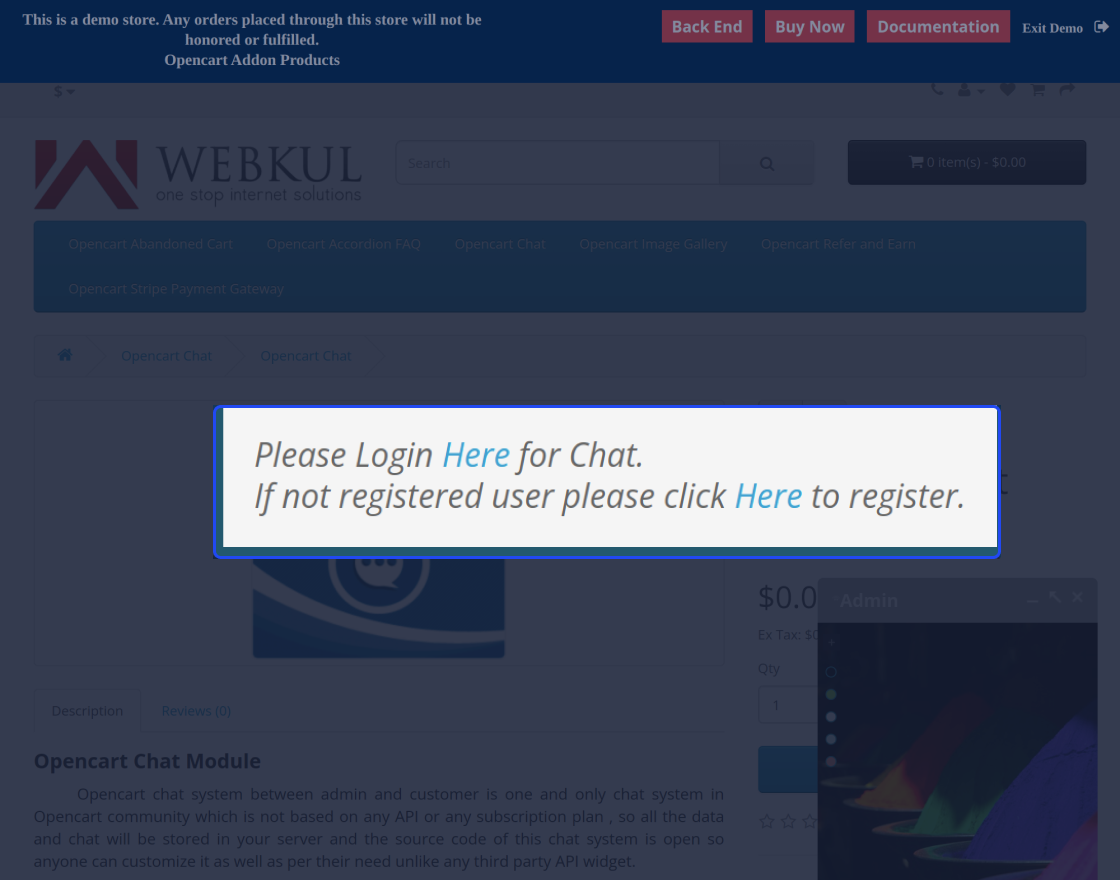
On the frontend, a buyer will help log in to get the chat window for use and after that, the customer can start chatting with the admin.
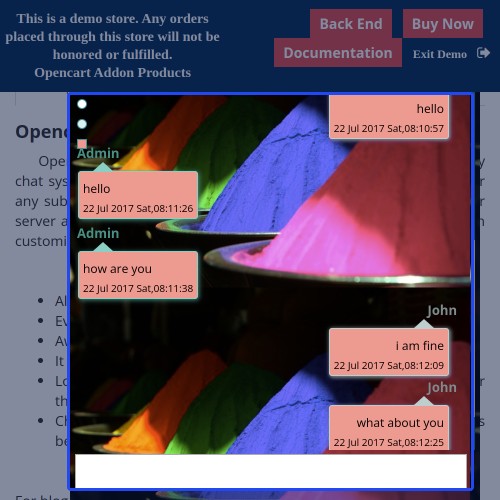
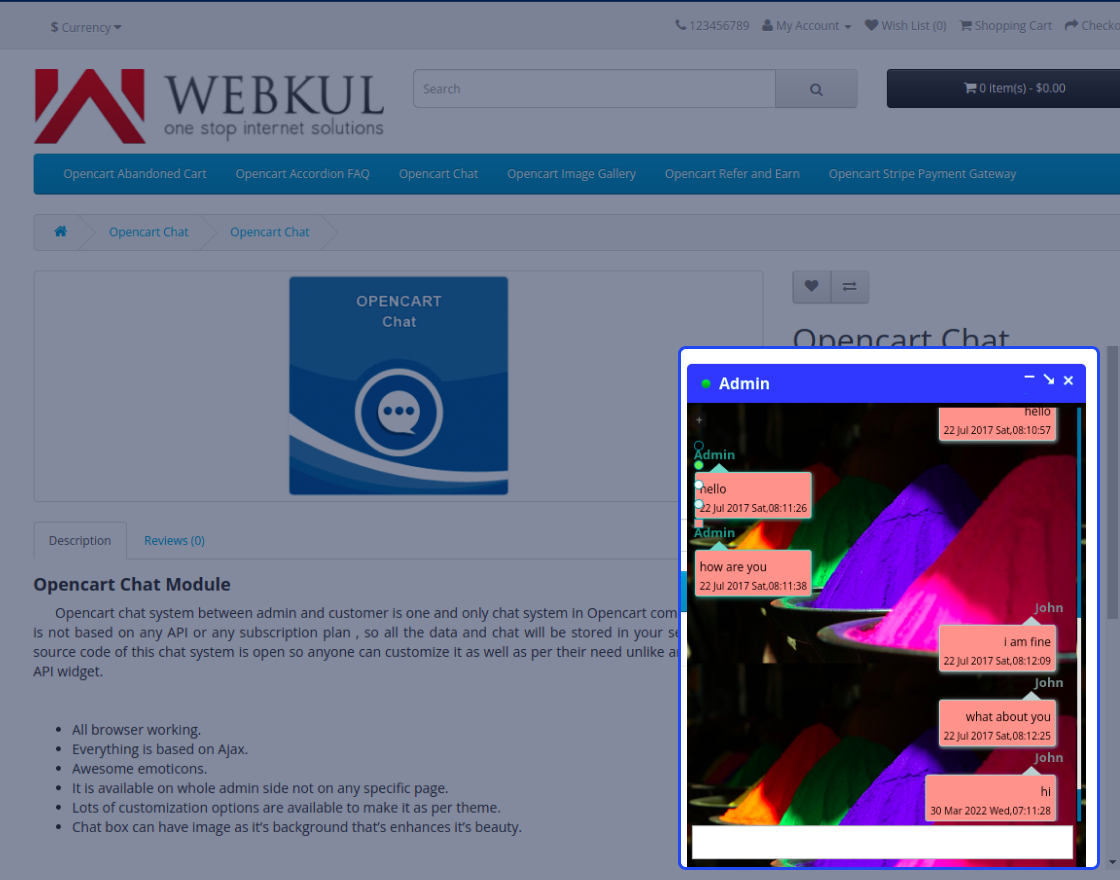
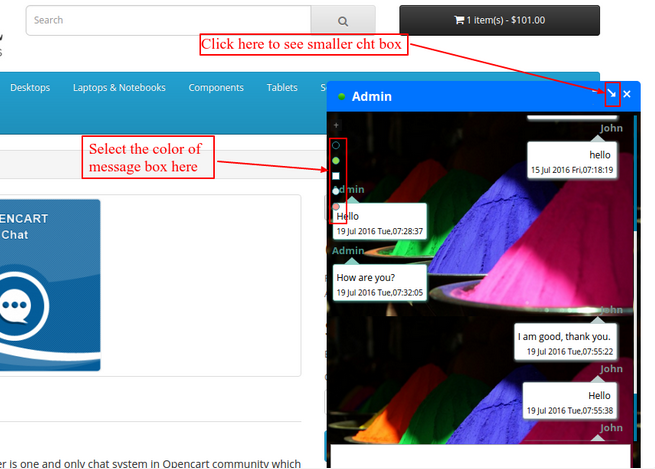
After login, the customer will have the chat window for conversing with the admin regarding the product or any other general queries. The header color of the chat window also changes on both ends when a message arrives.
Awesome emotes are available at the customer's end as well for use.
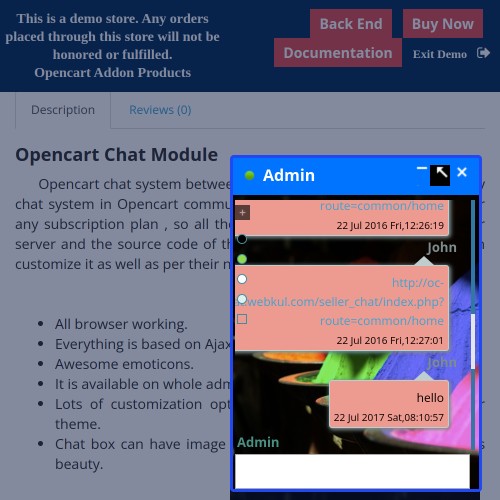
The customers can also change the size of their chat window for a better experience.


Some Moments Of Appreciation



Support Policy
This extension allows the OpenCart website owner to provide the feature of chat between the admin and the customers. This chat system is not based on any paid API or a subscription plan, and hence all of the data is stored on the server itself.
This extension is based on Ajax with lots of awesome emoticons available for use while chatting. Apart from that, the chatbox background can be changed as required.
Use-Case
Now, stop losing your hesitant customers! Chat with your customer in real-time. This chat system extension provides an easy way to integrate your OpenCart website with our Ajax based chat system that does not require any paid API or subscription plan to work.
Using this extension, the customers will be able to chat with the admin without paying any charges and thus making your customers happy. Also, there is no need to open any external application for chatting as the chat window itself is visible to admin and the customer on their respective ends.
Features
- All browsers ranking.
- Everything is based on Ajax.
- Awesome emoticons.
- It is available on the whole admin side not on any specific page.
- Lots of customization options are available to make it as per the theme.
- Chat box can have the image as it’s a background that enhances its beauty.
- Admin can manage the theme for the chat window.
- Sound support for chat message.
- NO Paid API, free from API charge.
Workflow
After the successful installation of the extension, the admin will configure the module settings for use. Here, the admin will - enable the status, select the time zone for the chat system, enter a custom name for the chat window. Also, the admin can set the chat-box color(while online), chat-box color(for the incoming message), chat-box background size, select the chat-box background as color or image, and upload the image for the chat-box background.
After enabling the chat system, it gets visible to the admin in the backend.
Now, the admin will tap on the chat window to bring up the chat list with the available customers. Also, the color of the chat window icon indicates the availability of a particular customer.
The admin will be able to chat with multiple customers at a time and can make use of the beautiful emoticons in the chat system. The admin can also see the incoming messages notifications from the respective customers.
Also, when a new message appears both the admin and the customers will be able to see that in the title of the web page.
Frontend
On the frontend, a buyer will help log in to get the chat window for use and after that, the customer can start chatting with the admin.
After login, the customer will have the chat window for conversing with the admin regarding the product or any other general queries. The header color of the chat window also changes on both ends when a message arrives.
Awesome emotes are available at the customer's end as well for use.
The customers can also change the size of their chat window for a better experience.
Some Moments Of Appreciation
Support Policy
Price
$79.00
- Developed by OpenCart Partner
- 3 Months Free Support
- Documentation Included
Rating
Compatibility
3.0.0.0, 3.0.1.0, 3.0.1.1, 3.0.1.2, 3.0.1.3, 3.0.2.0, 3.0.3.0, 3.0.3.1, 3.0.3.2, 3.0.3.3, 3.0.3.5, 3.0.3.6, 3.0.3.7, 3.0.3.8
Last Update
19 Jun 2025
Created
9 Jan 2019
4 Sales
1 Comments

Login and write down your comment.
Login my OpenCart Account