Product Change Quantity







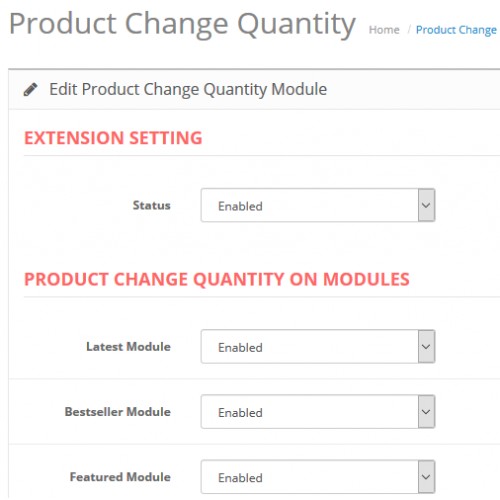

Product Change Quantity
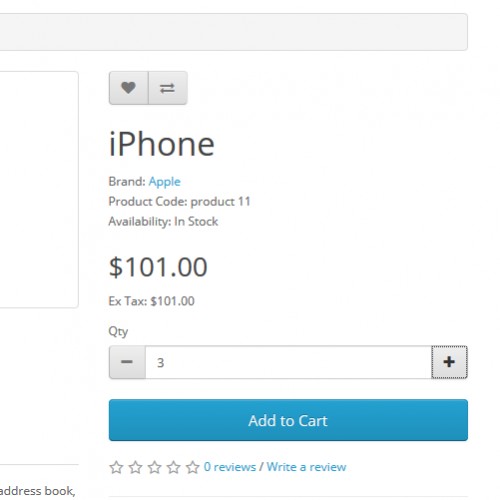
Product change quantity add quantity selector for products in website, admin have control on which page and modules the quantity selector should display. It is useful to users to choose desire product quantities and add product into cart with going to product detail page.
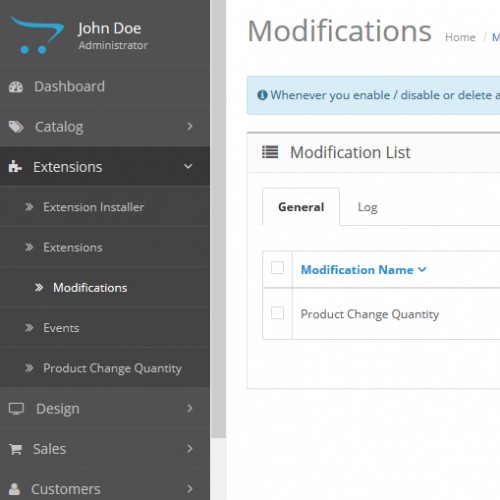
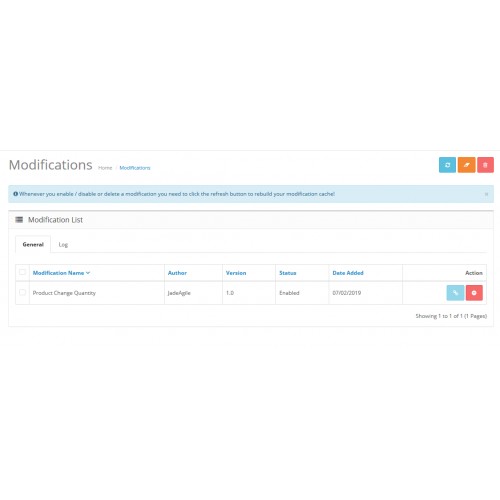
Product Change Quantity OCMOD is easy to install using the new OpenCart Extension Installer Or using VQMOD.
With this extension, users can select desire product quantities at home page,category page, search page, etc.
For example, Product A has no options
Users can add Product A in cart with desire quantities at HOME PAGE, CATEGORY PAGE, SEARCH PAGE, MANUFACTURER PAGE Or in modules like LATEST, BESTSELLER, FEATURED, SPECIAL
This extension helps users to handle product quantities without go to product detail page .
Experience How Extension Works And Look In A Live Website


Admin Login
User: demo
Password: demo

* Compatible with major OpenCart themes
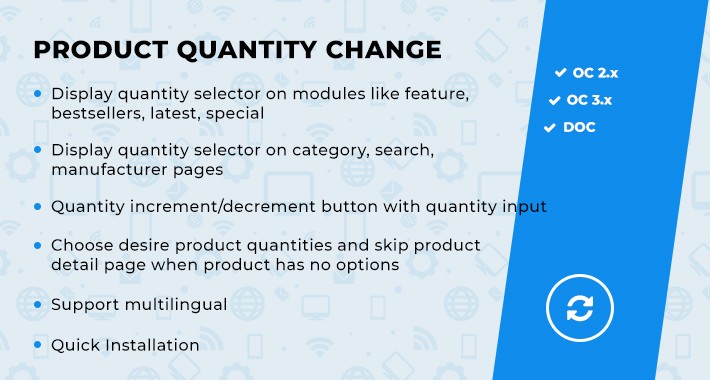
* Display quantity selector on modules like feature, bestsellers, latest, special
* Display quantity selector on category, search, manufacturer pages
* Choose desire product quantities and skip product detail page when product has no options
* Quantity increment/decrement button with quantity input
* Support multilingual
* Use OCMOD XML For Easy Installation
* Use VQMOD XML For vqmod installed Opencart stores
* Quick Installation
* Excellent support
* Simple & easy to use
* Works flawless without issues
* No Core File Modification
QUANTITY SELECTOR PAGES, MODULES
* Home page
* Category page
* Search page
* Manufacturer page
* Product grid/list pages
* Product detail page
* Bestseller module
* Latest module
* Special module
* Featured module








Get In Touch With Us At extensionstudio.oc@gmail.com
What customers say about Product Change Quantity

Perfect extension and great & fast support.
~sofipet
~sofipet
Price
$20.00
- Developed by OpenCart Community
- 12 Months Free Support
- Documentation Included
Rating
Compatibility
2.0.0.0, 2.0.1.0, 2.0.1.1, 2.0.2.0, 2.0.3.1, 2.1.0.1, 2.1.0.2, 2.2.0.0, 2.3.0.0, 2.3.0.1, 2.3.0.2, 3.0.0.0, 3.0.1.0, 3.0.1.1, 3.0.1.2, 3.0.1.3, 3.0.2.0, 4.x.x.x, 3.0.3.0, 3.0.3.1, 3.0.3.2, 3.0.3.3, 3.0.3.5, 3.0.3.6, 3.0.3.7, 3.0.3.8, 3.x.x.x, 3.0.3.9, 3.0.4.0, 3.0.4.1
Last Update
10 Dec 2025
Created
11 Feb 2019
20 Sales
1 Comments

Login and write down your comment.
Login my OpenCart Account