OpenCart Private Shop
This extension allows the online store admin to make the complete store as a private shop or apply the settings to mark the products and categories as private.
Making a web store as private allows to control the sales of the store very easily. This way, the online store admin will be able to restrict the customers to login/register in the store so as to view the store, products, or categories.



Use Case:
There are times when a store owner wants to make his complete webshop, products or categories as private. This is done in order to force the online users to login/register for accessing the store.
Using this extension, the admin can easily create private groups and assign them to products and categories. The customers will be able to request access to the selected private groups and after the admin has approved their request the customer can see the products within the selected private group.
Features :
Workflow:
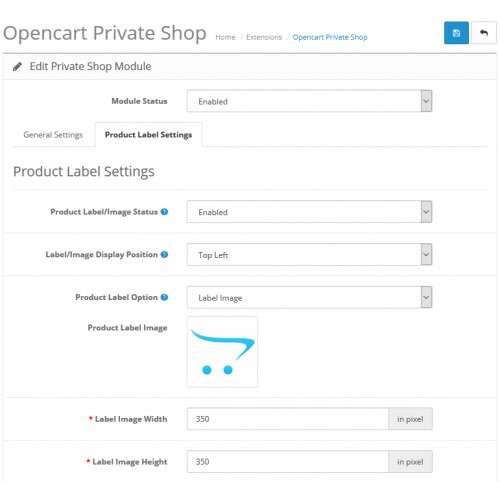
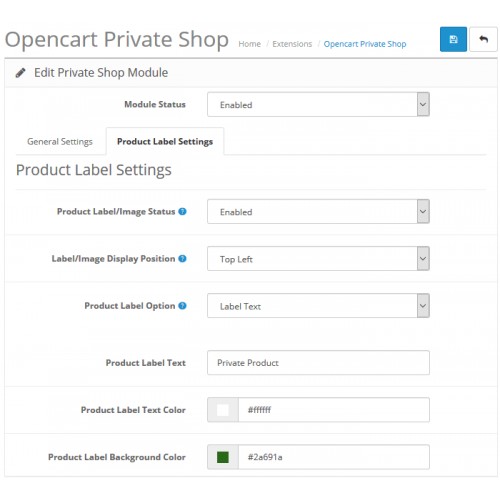
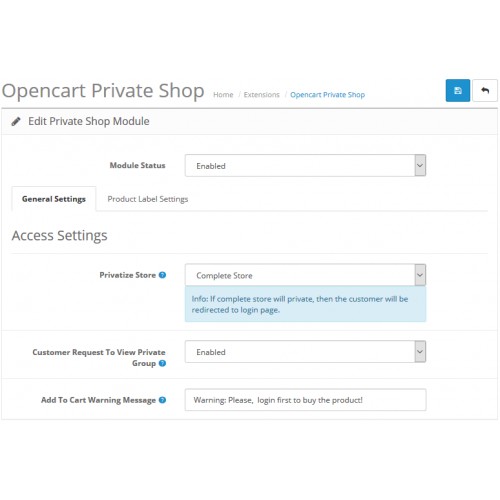
After a successful installation, the admin will configure the module settings to set up the extension for use. Here, the admin will configure the general and the product label settings.
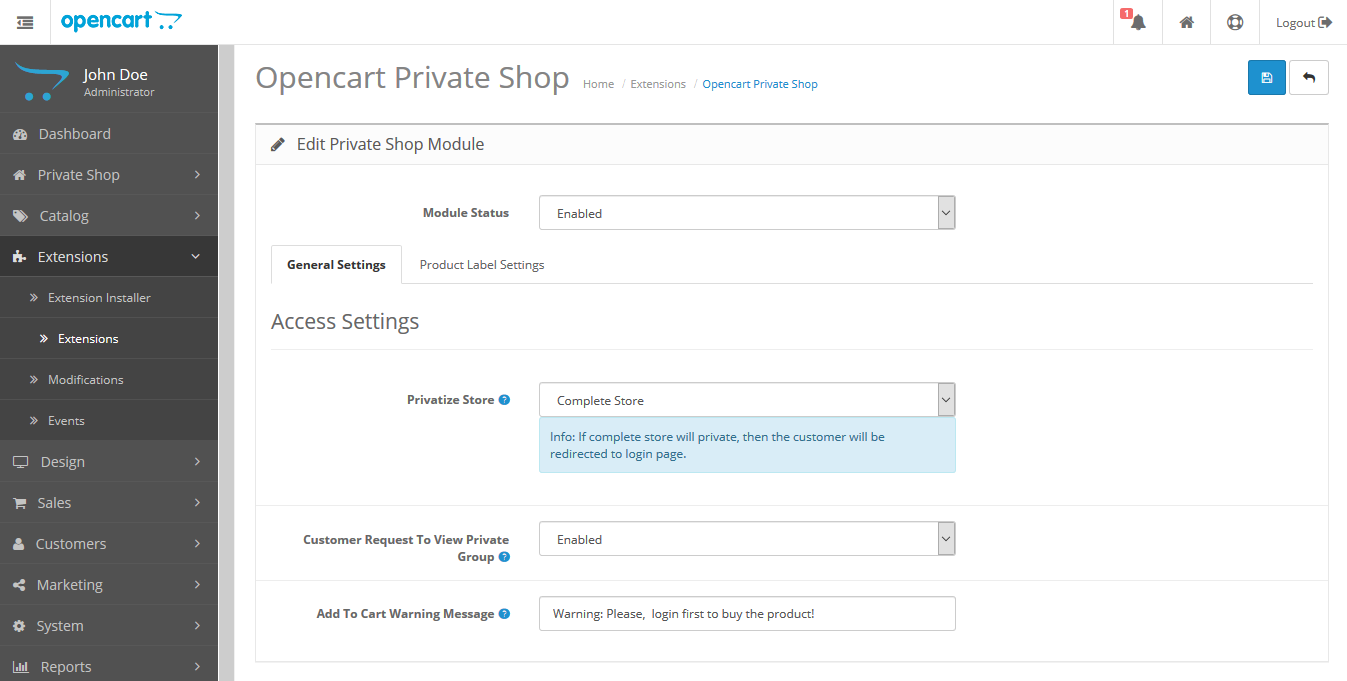
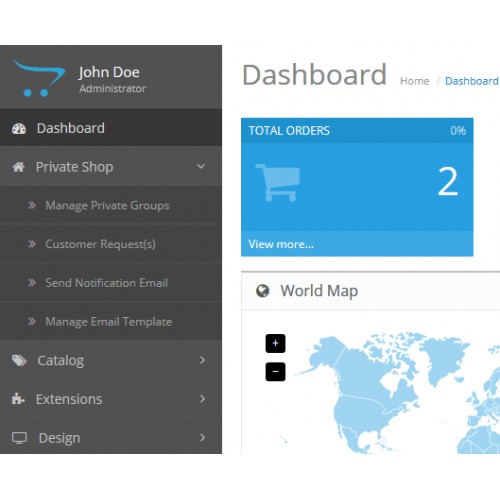
The admin will have the private shop menu option to manage the extension.
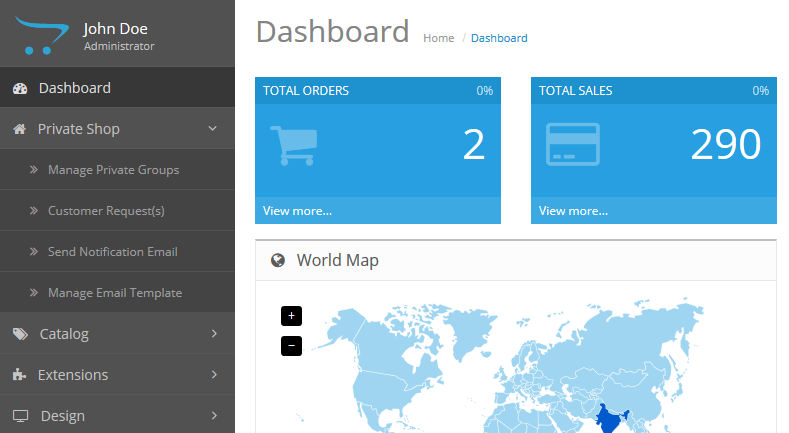
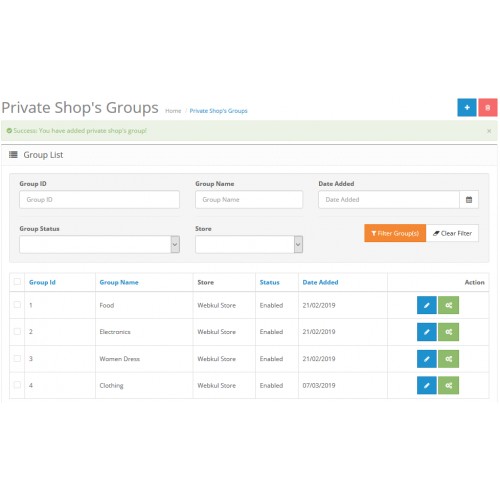
The admin can create and manage private groups.
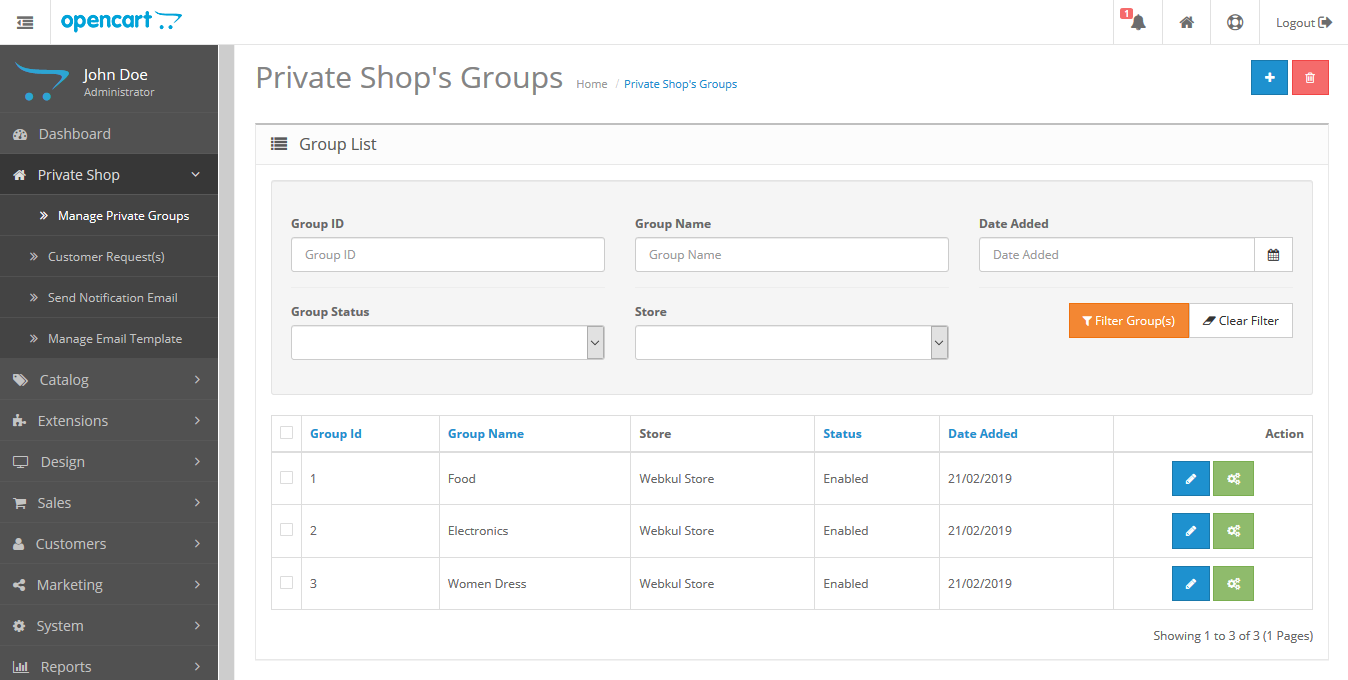
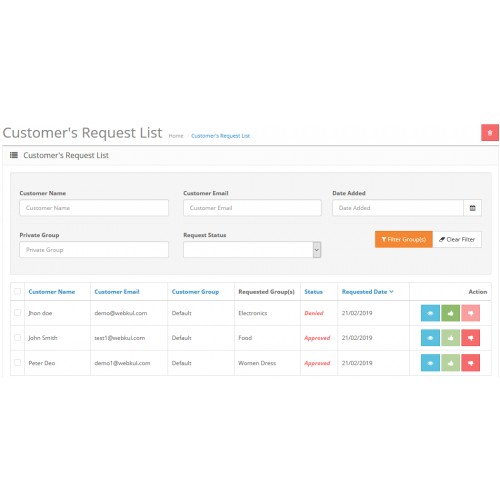
The admin can check/approve the requests sent in by the customers.

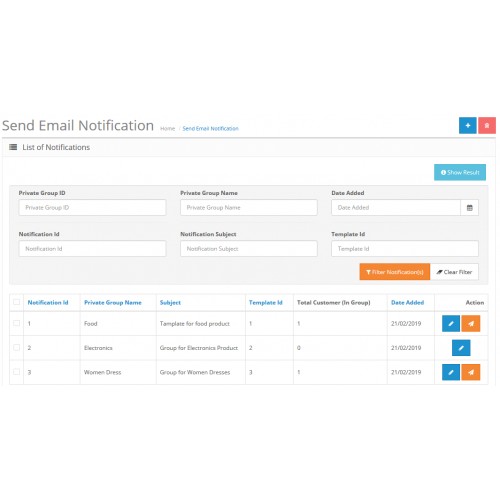
The admin can send email notifications to the created private groups as required.
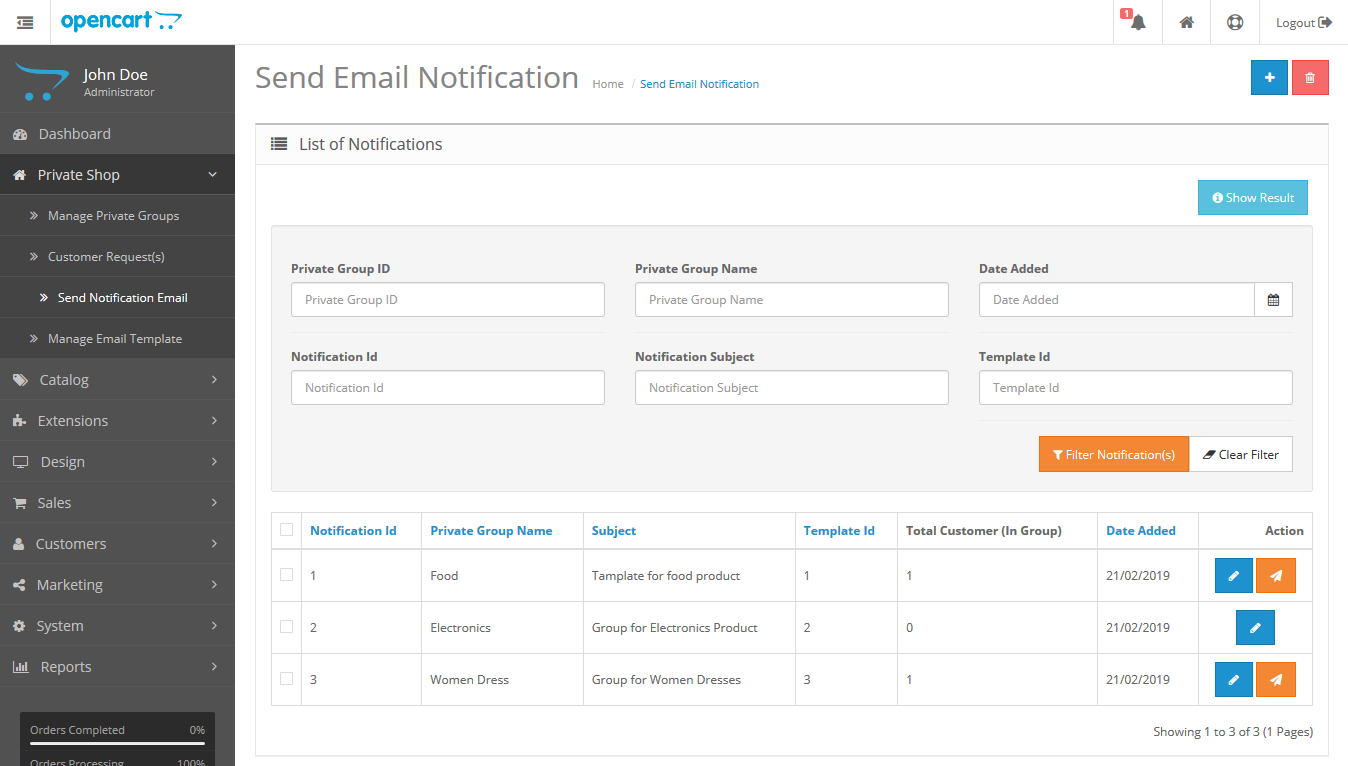
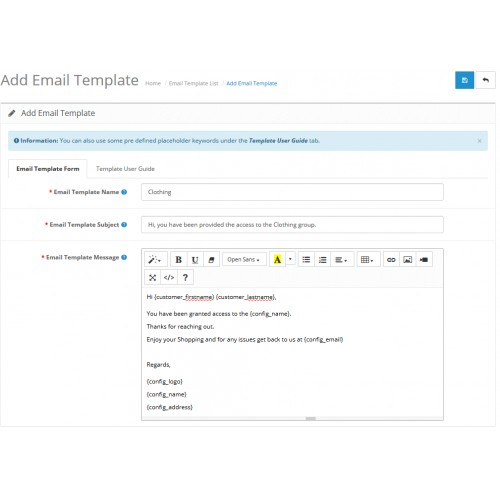
The admin can also manage the email templates.
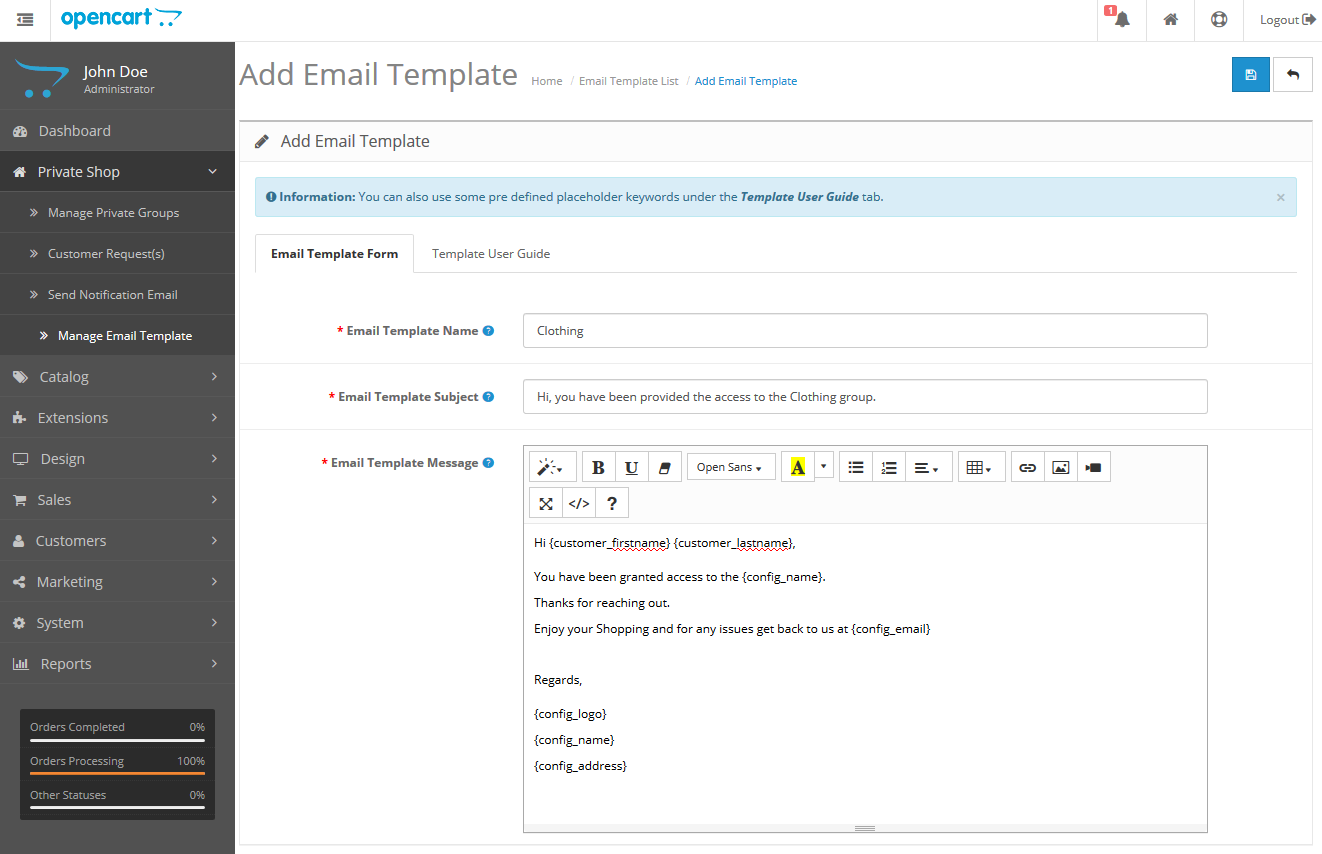
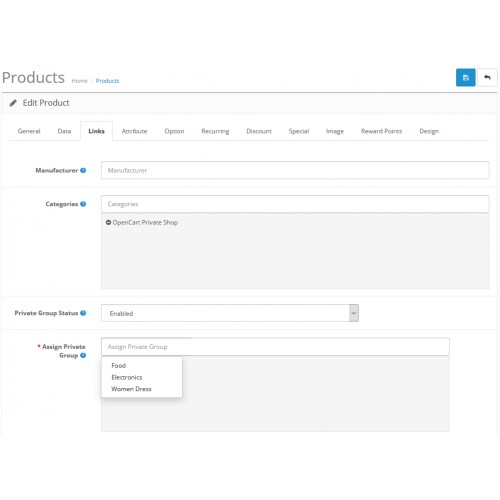
The admin will be able to assign private groups to new or existing products.

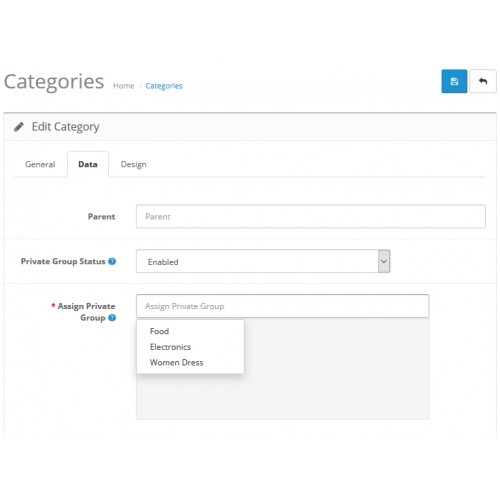
The admin will be able to assign private groups to the categories as well.

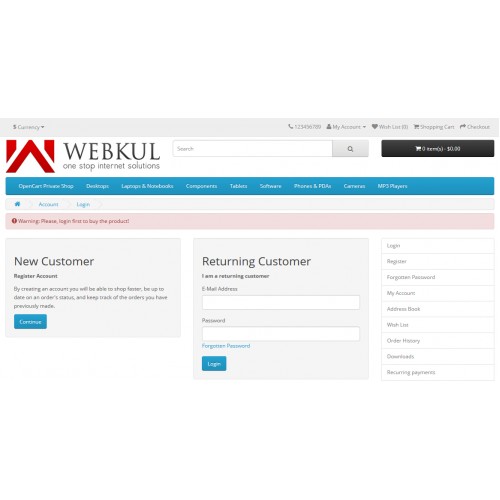
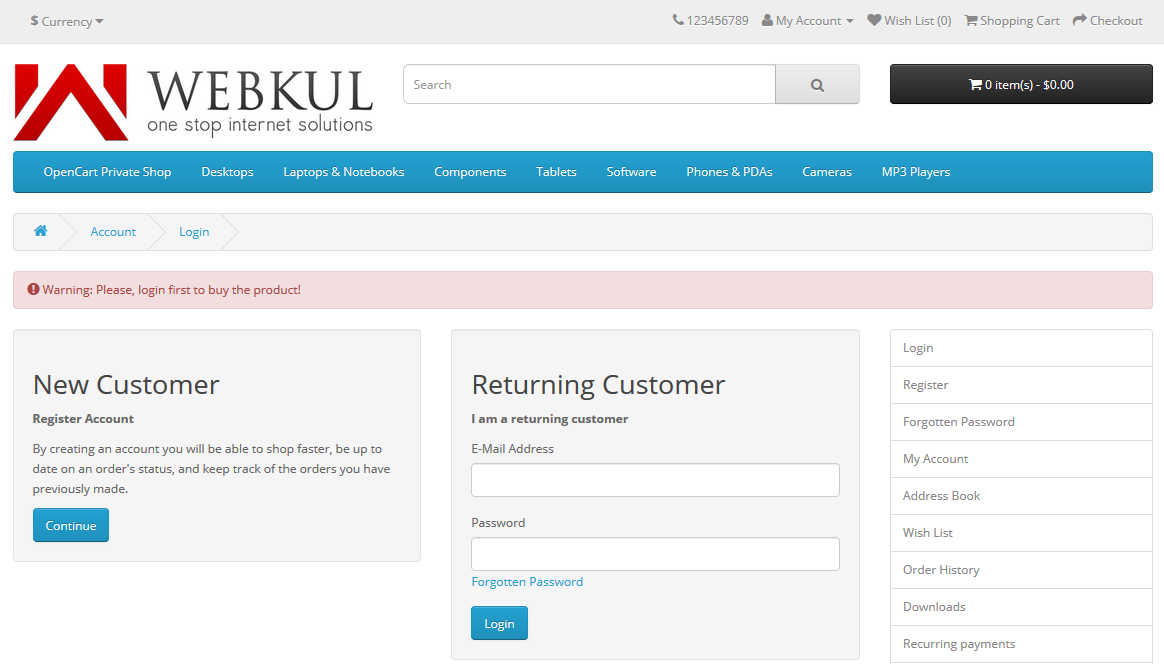
While the admin has set up the configuration to complete shop as private, the guest can not add the products to the cart or check any category. They can see a warning message for the same.
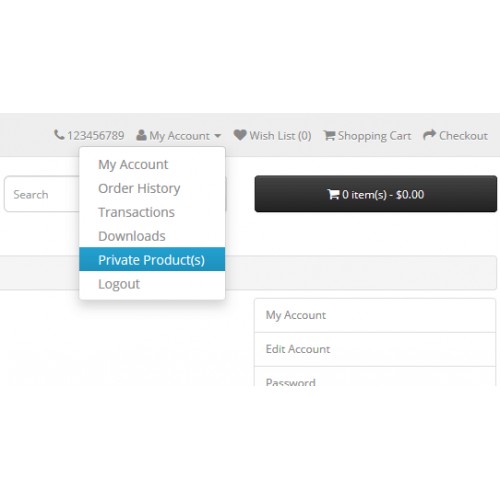
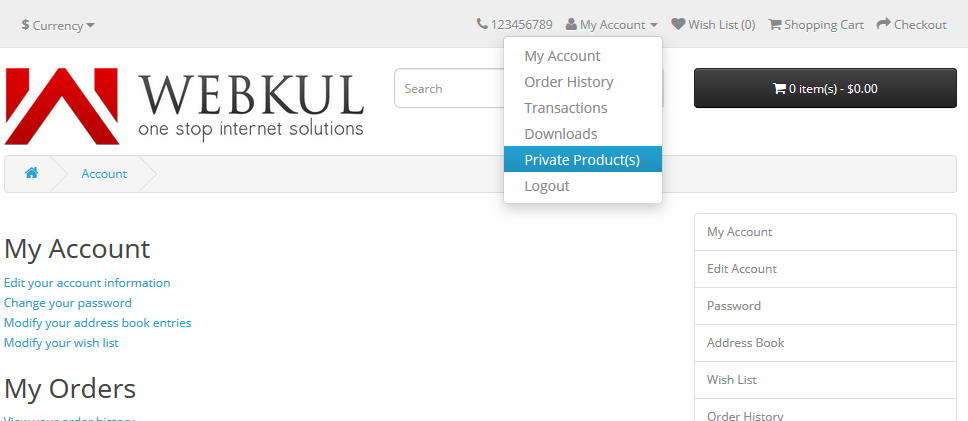
After the guest registers, the guest can request for private group access to the admin under the private product(s) option under their account menu.
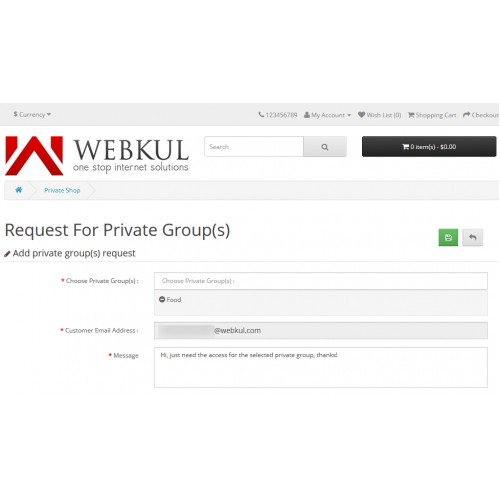
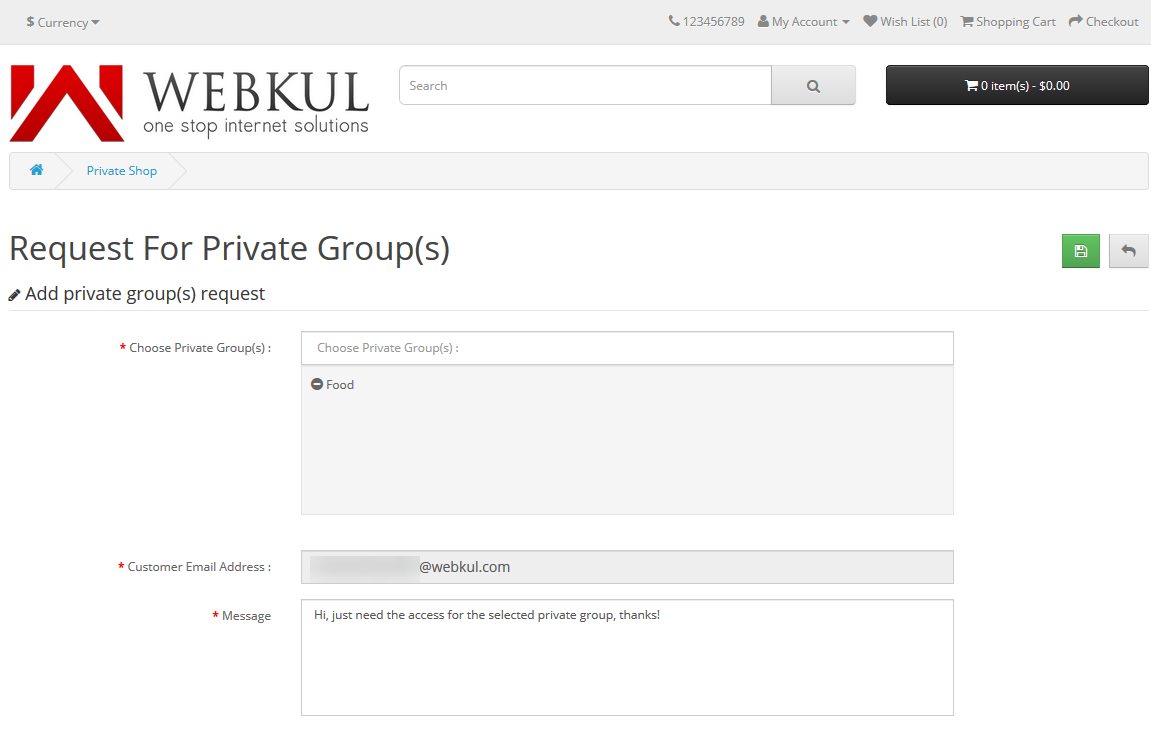
A section to request for the private group appears under the private product(s) section.
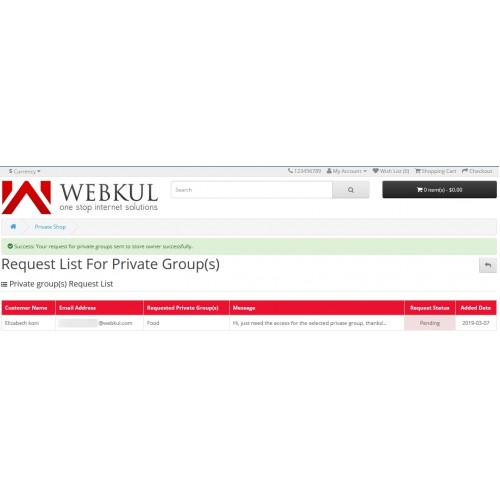
The customers can see their request under the same with the request details.
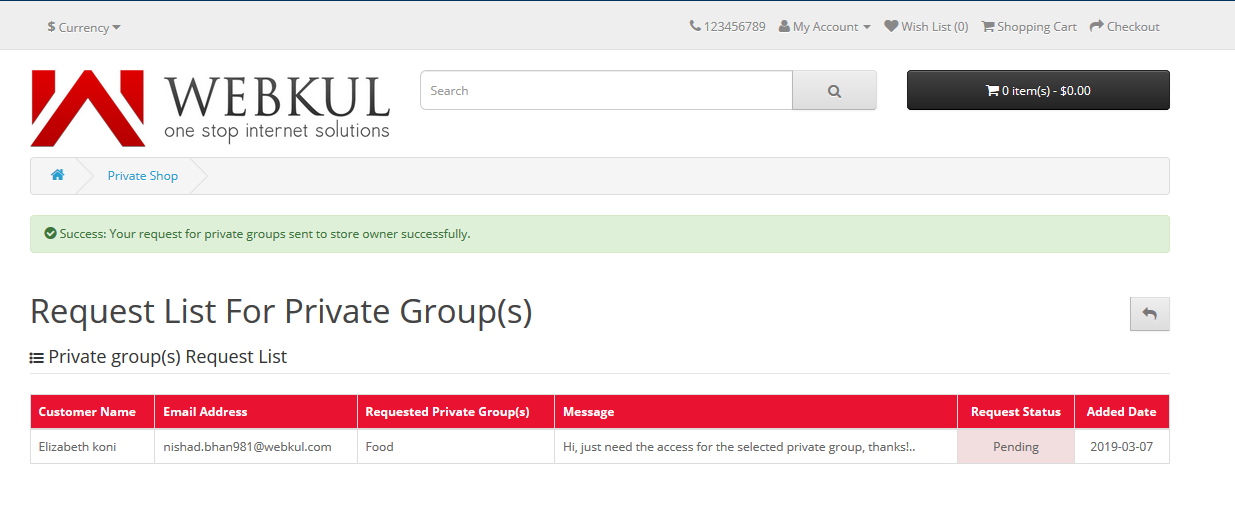
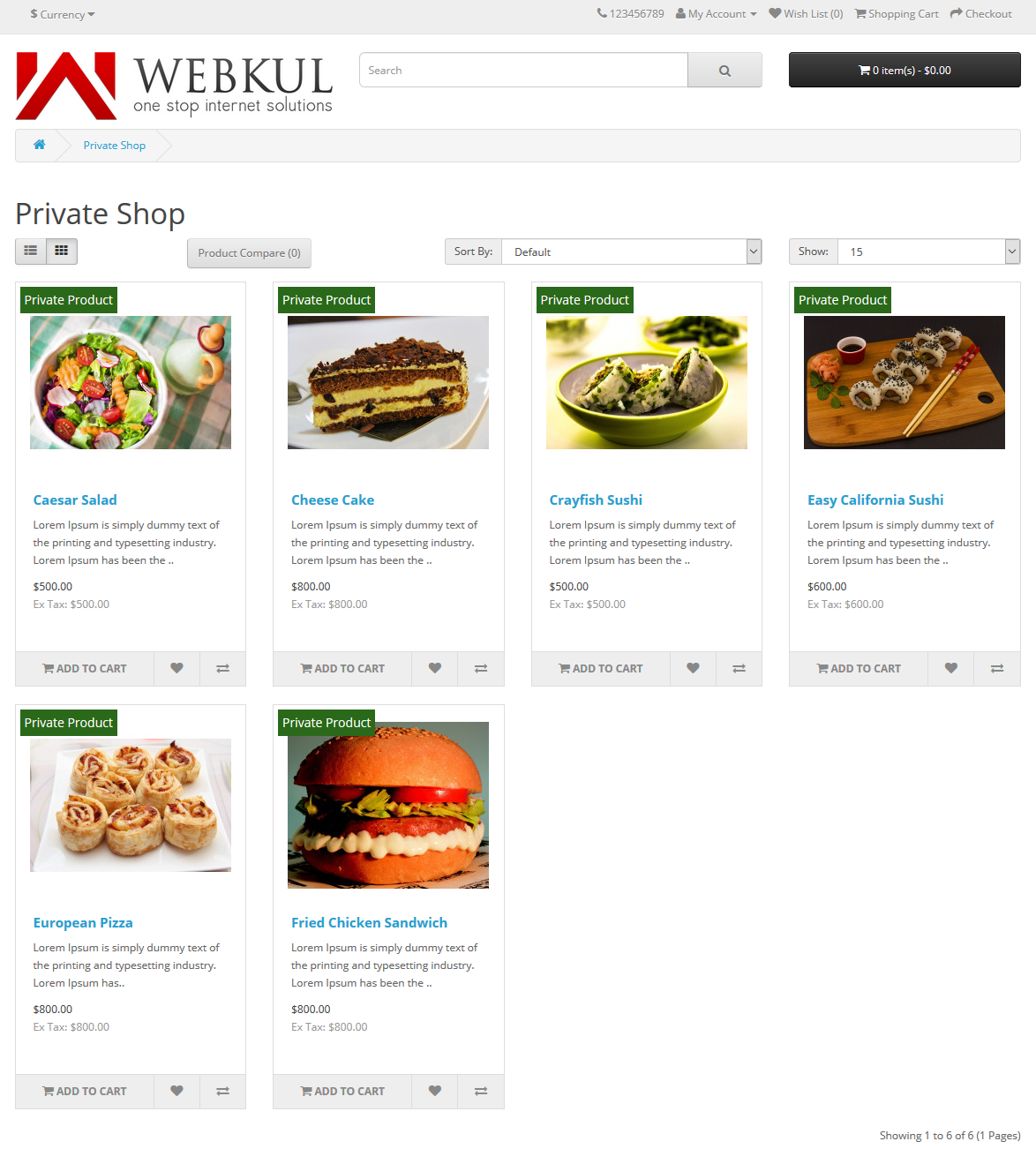
After the approval for the requested private group, the customer will have access to the products of that particular group.



Some Moments Of Appreciation


Support Policy
Making a web store as private allows to control the sales of the store very easily. This way, the online store admin will be able to restrict the customers to login/register in the store so as to view the store, products, or categories.
Use Case:
There are times when a store owner wants to make his complete webshop, products or categories as private. This is done in order to force the online users to login/register for accessing the store.
Using this extension, the admin can easily create private groups and assign them to products and categories. The customers will be able to request access to the selected private groups and after the admin has approved their request the customer can see the products within the selected private group.
Features :
- The admin can enable/disable the extension
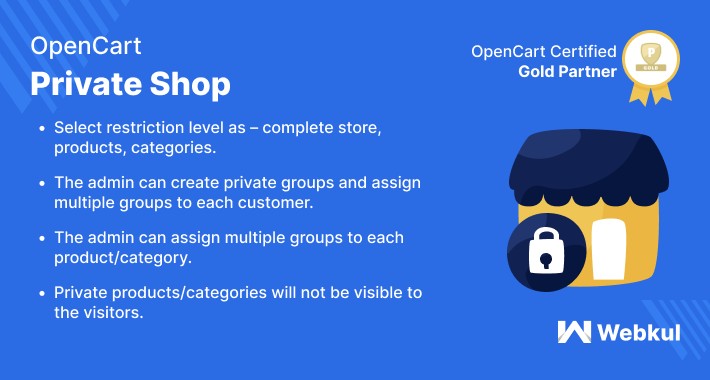
- Select restriction level as – complete store, products, categories
- When the complete shop is private, then the guest can not add the products to the cart
- The guest users can only view the home page and default CMS pages
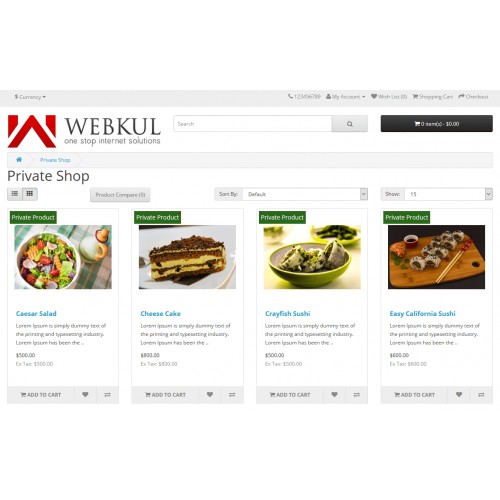
- Private products/categories are not visible to the visitors
- The admin can create private groups
- The admin can assign multiple groups to each customer
- The admin can assign multiple groups to each product/category
- Customers can see their private products/categories according to the private group
- The admin can create each product/category private
- The admin can send email to private group customers
- The admin can change the product label/product label image
Workflow:
After a successful installation, the admin will configure the module settings to set up the extension for use. Here, the admin will configure the general and the product label settings.
The admin will have the private shop menu option to manage the extension.
The admin can create and manage private groups.
The admin can check/approve the requests sent in by the customers.
The admin can send email notifications to the created private groups as required.
The admin can also manage the email templates.
The admin will be able to assign private groups to new or existing products.
The admin will be able to assign private groups to the categories as well.
While the admin has set up the configuration to complete shop as private, the guest can not add the products to the cart or check any category. They can see a warning message for the same.
After the guest registers, the guest can request for private group access to the admin under the private product(s) option under their account menu.
A section to request for the private group appears under the private product(s) section.
The customers can see their request under the same with the request details.
After the approval for the requested private group, the customer will have access to the products of that particular group.
Some Moments Of Appreciation
Support Policy
Price
$119.00
- Developed by OpenCart Partner
- 3 Months Free Support
- Documentation Included
Rating
Compatibility
3.0.0.0, 3.0.1.0, 3.0.1.1, 3.0.1.2, 3.0.1.3, 3.0.2.0, 3.0.3.0, 3.0.3.1, 3.0.3.2, 3.0.3.3, 3.0.3.5, 3.0.3.6, 3.0.3.7, 3.0.3.8, 3.0.3.9, 3.0.4.0, 3.0.4.1
Last Update
30 Jun 2025
Created
9 Mar 2019
8 Sales
3 Comments

Login and write down your comment.
Login my OpenCart Account