Opencart Price Alert

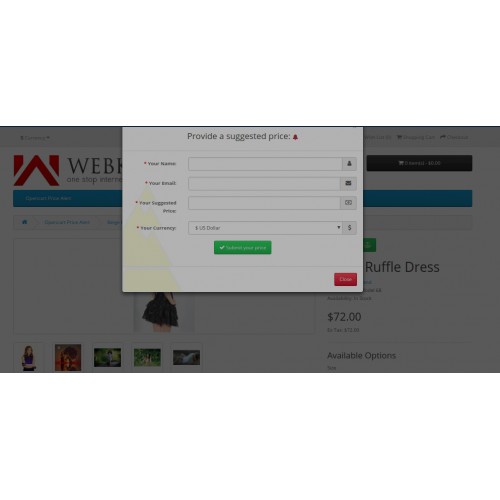
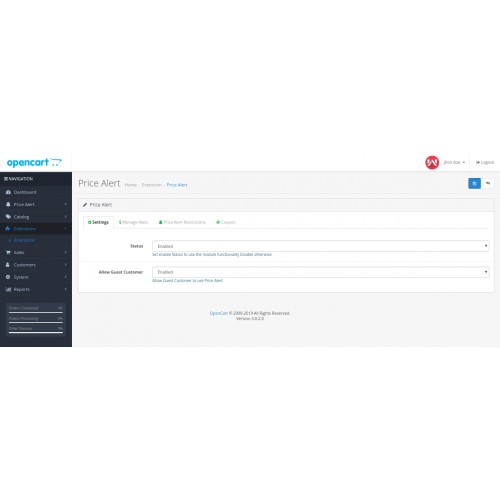
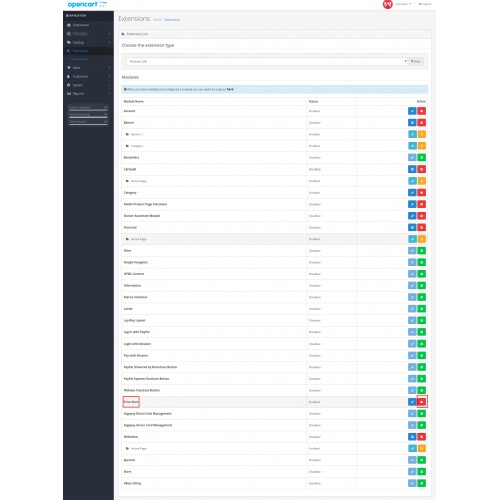
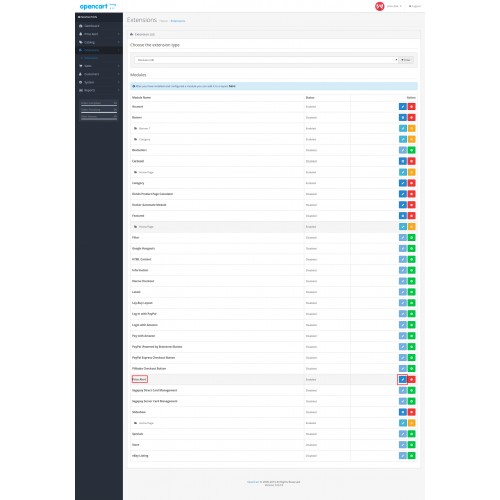
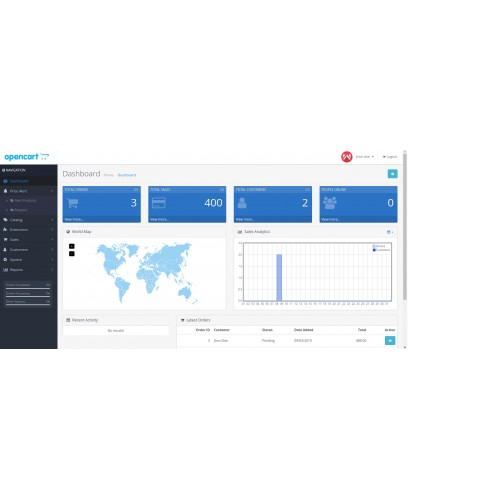
Opencart Price Alert extension allows admin to apply price alert option on a specific product. By which a customer/guest visitor can send a low price request to admin.
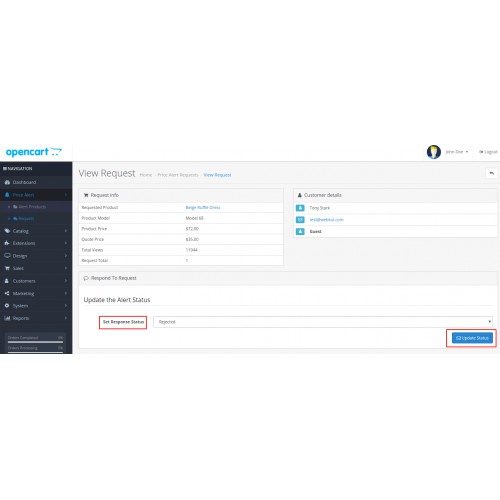
The admin can check all the low price requests of the customers and accept or reject them. For each accepted request, a unique discount code is emailed to the customer which can be applied at the shopping cart.



Use Case:
Most of the customers drop the product due to the high price. For example, a customer saw the price is $350, which is too expensive for him. Now the customer can set up a price alert by using this module.
When the Price of the same product has below or equal with the desired price, then this module sends an email to the customer after accepting price requests from the admin.
Features:
Workflow:
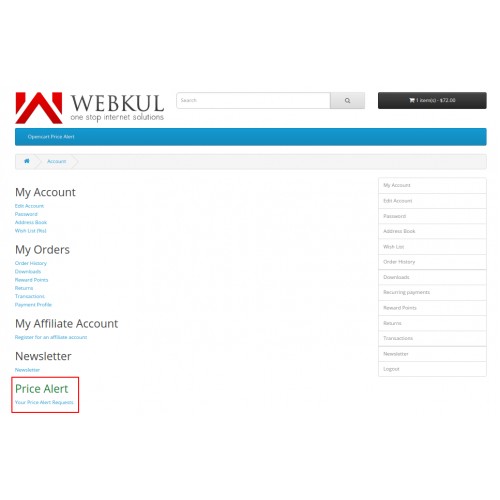
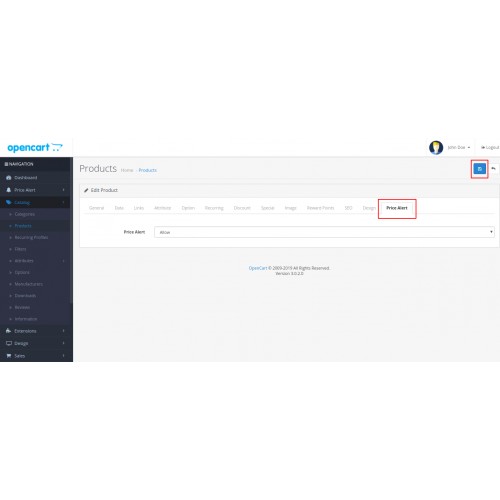
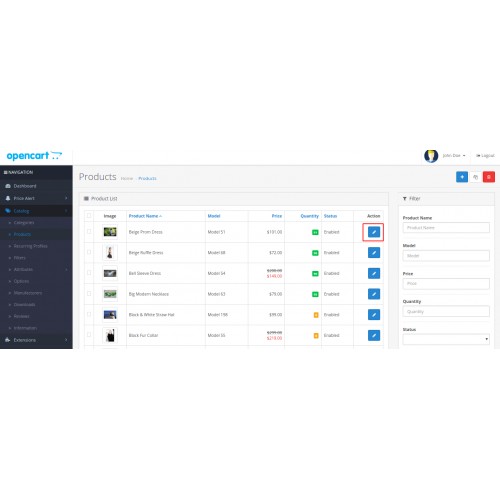
Customer/guest users can suggest price request to admin only for those specific products which have been enabled from admin backend panel as similar in the image below.

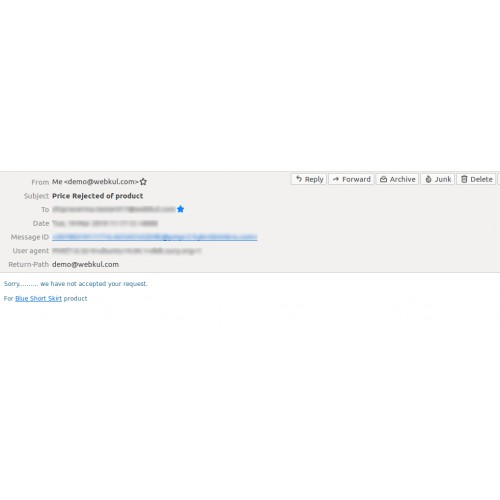
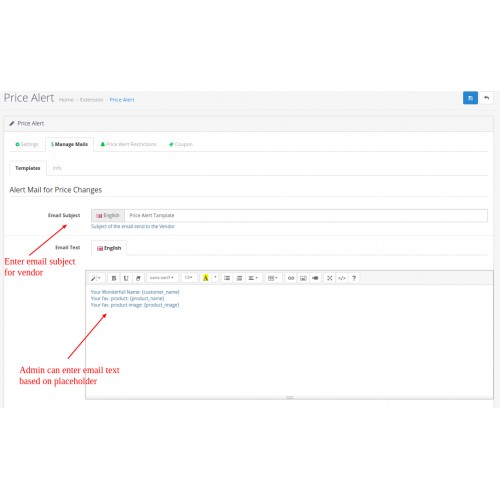
Admin gets the alert email message when the customer sent a low price request likewise in the image below.

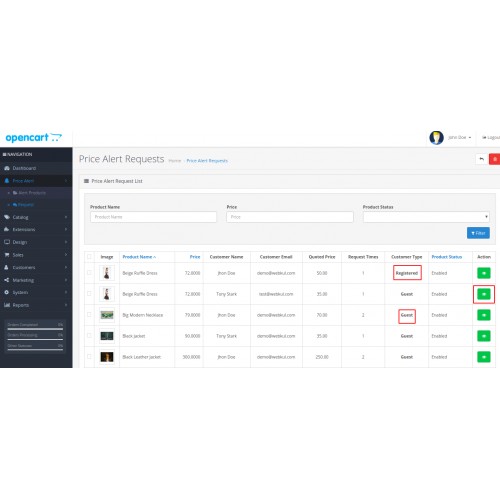
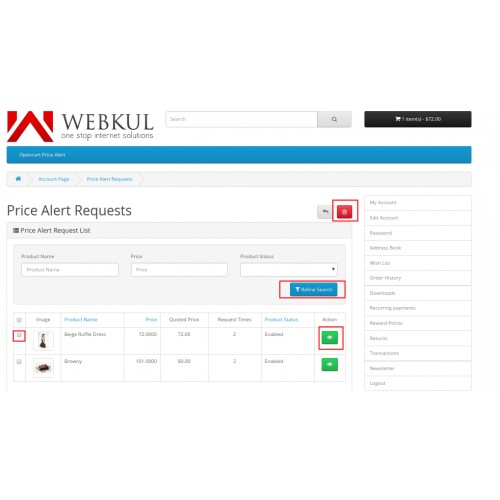
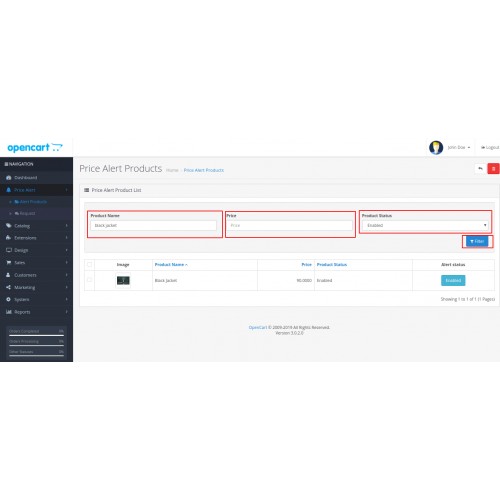
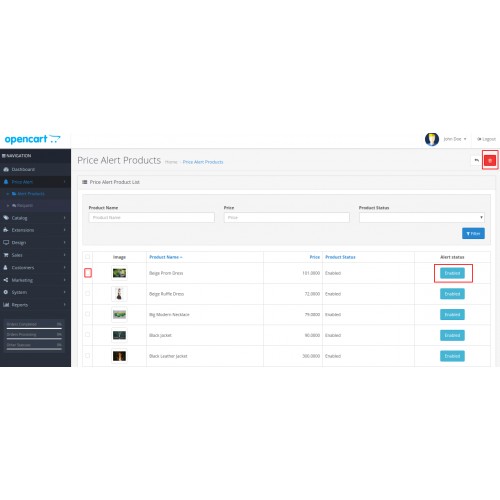
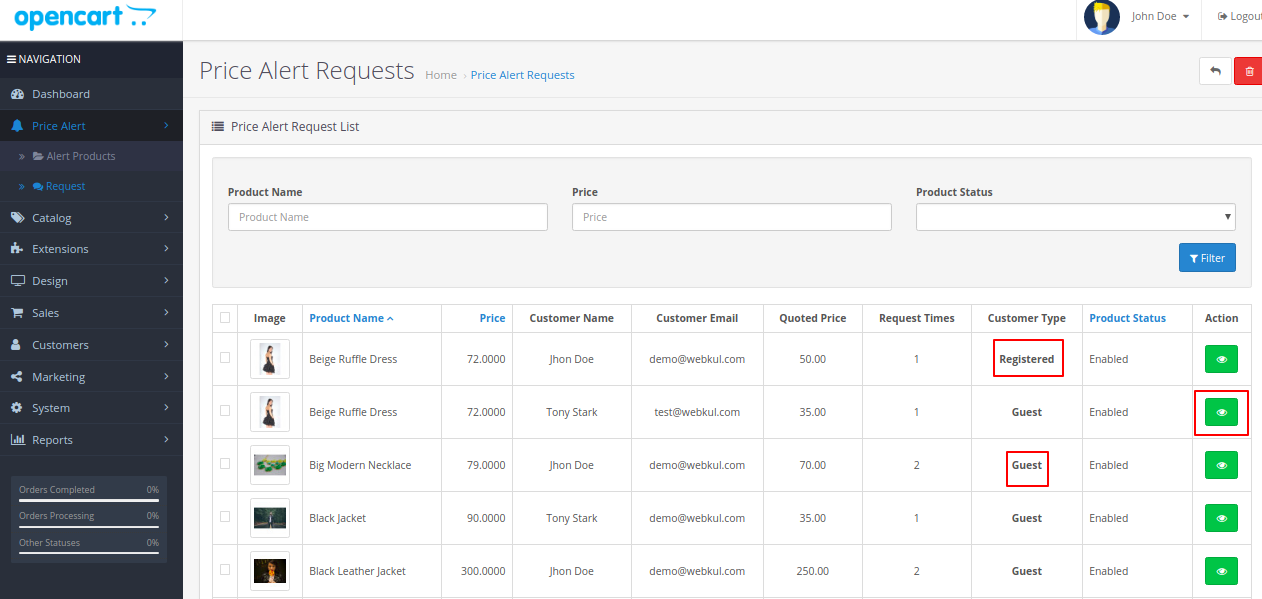
The admin can view the list of price alert products and even admin can check the price requests and accept or reject them from the admin backend shown in the image below.
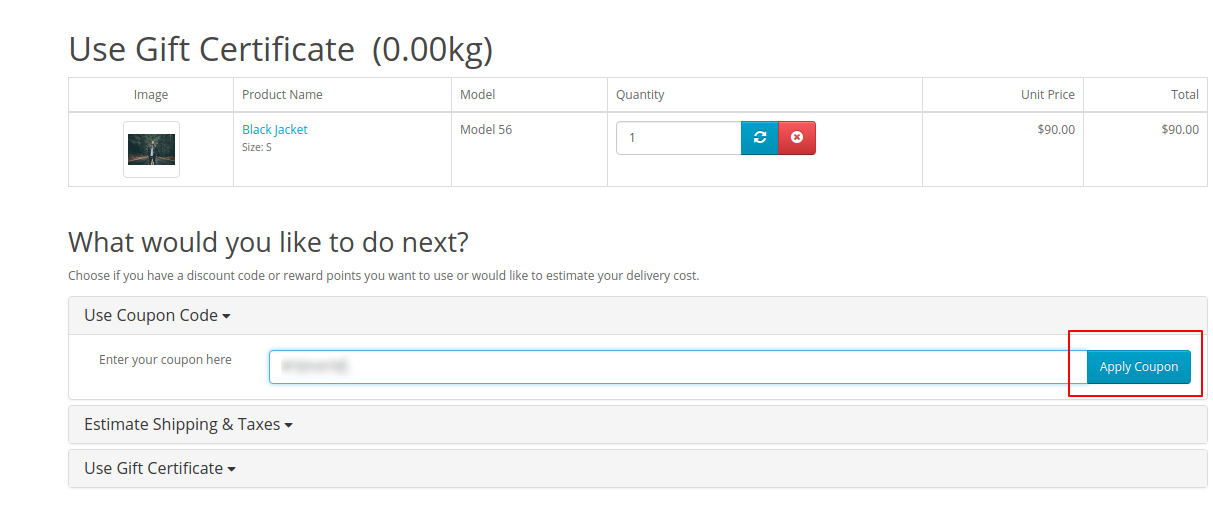
A custom discount code is emailed to the customer after accepting price requests from admin, that code can be applied to the shipping cart to get a discount.




Some Moments Of Appreciation


Support Policy
The admin can check all the low price requests of the customers and accept or reject them. For each accepted request, a unique discount code is emailed to the customer which can be applied at the shopping cart.
Use Case:
Most of the customers drop the product due to the high price. For example, a customer saw the price is $350, which is too expensive for him. Now the customer can set up a price alert by using this module.
When the Price of the same product has below or equal with the desired price, then this module sends an email to the customer after accepting price requests from the admin.
Features:
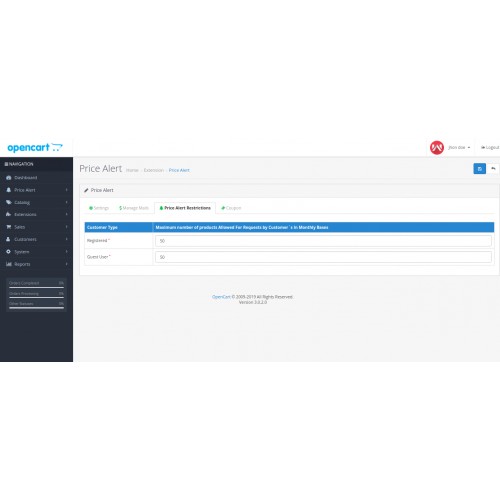
- Enable/disable price alert module
- Allow or disallow guest customers
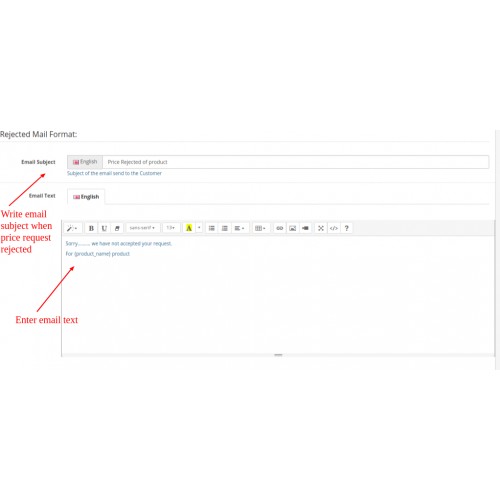
- Configure mail templates – price alert request received, accepted, rejected
- Set the maximum number of products allowed for requests by customers on a monthly bases
- Set the number of days the coupon will be valid after being received
- Give any custom name for the coupon code
- Specify on which products price alert will be available
- Suggest Price icon is shown on top of the product pages
- Admin can identify request coming from either customer or guest visitor
- Admin can set the response status - Accepted or Rejected
- Admin can view the details of the customer like email id, customer name and customer type(Registered/Guest).
Workflow:
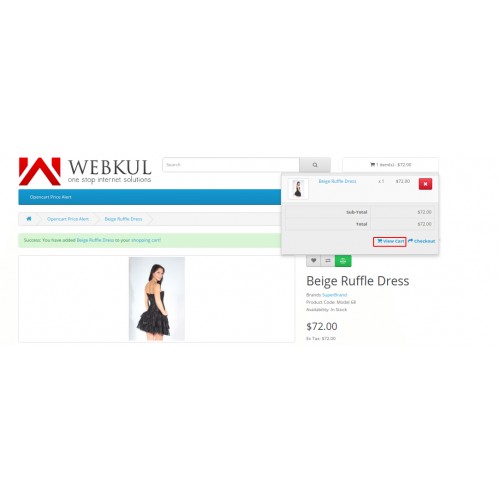
Customer/guest users can suggest price request to admin only for those specific products which have been enabled from admin backend panel as similar in the image below.
Admin gets the alert email message when the customer sent a low price request likewise in the image below.
The admin can view the list of price alert products and even admin can check the price requests and accept or reject them from the admin backend shown in the image below.
A custom discount code is emailed to the customer after accepting price requests from admin, that code can be applied to the shipping cart to get a discount.
Some Moments Of Appreciation
Support Policy
Price
$79.00
- Developed by OpenCart Partner
- 3 Months Free Support
- Documentation Included
Rating
Compatibility
2.0.0.0, 2.0.1.0, 2.0.1.1, 2.0.2.0, 2.0.3.1, 2.1.0.1, 2.1.0.2, 2.2.0.0, 2.3.0.0, 2.3.0.1, 2.3.0.2, 3.0.0.0, 3.0.1.0, 3.0.1.1, 3.0.1.2, 3.0.1.3, 3.0.2.0, 3.0.3.0, 3.0.3.1, 3.0.3.2, 3.0.3.3, 3.0.3.5, 3.0.3.6, 3.0.3.7, 3.0.3.8
Last Update
20 Dec 2023
Created
29 Mar 2019
2 Sales
0 Comments

Login and write down your comment.
Login my OpenCart Account