Hide Product Fields in Admin by SmartiApps
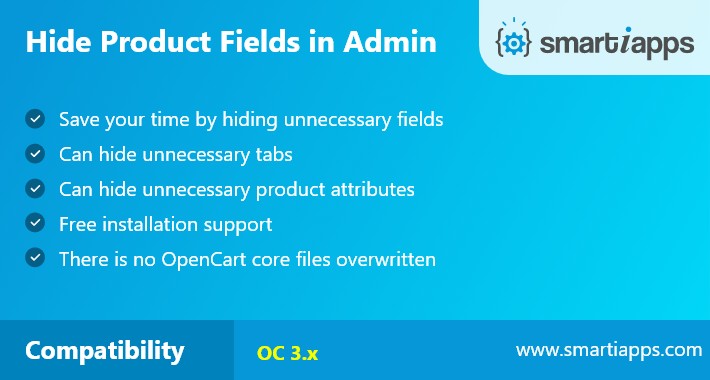
Features:
Demo Link:
Module Settings Demo
Product Page
User Name: demo
Password : demo
How to Install:
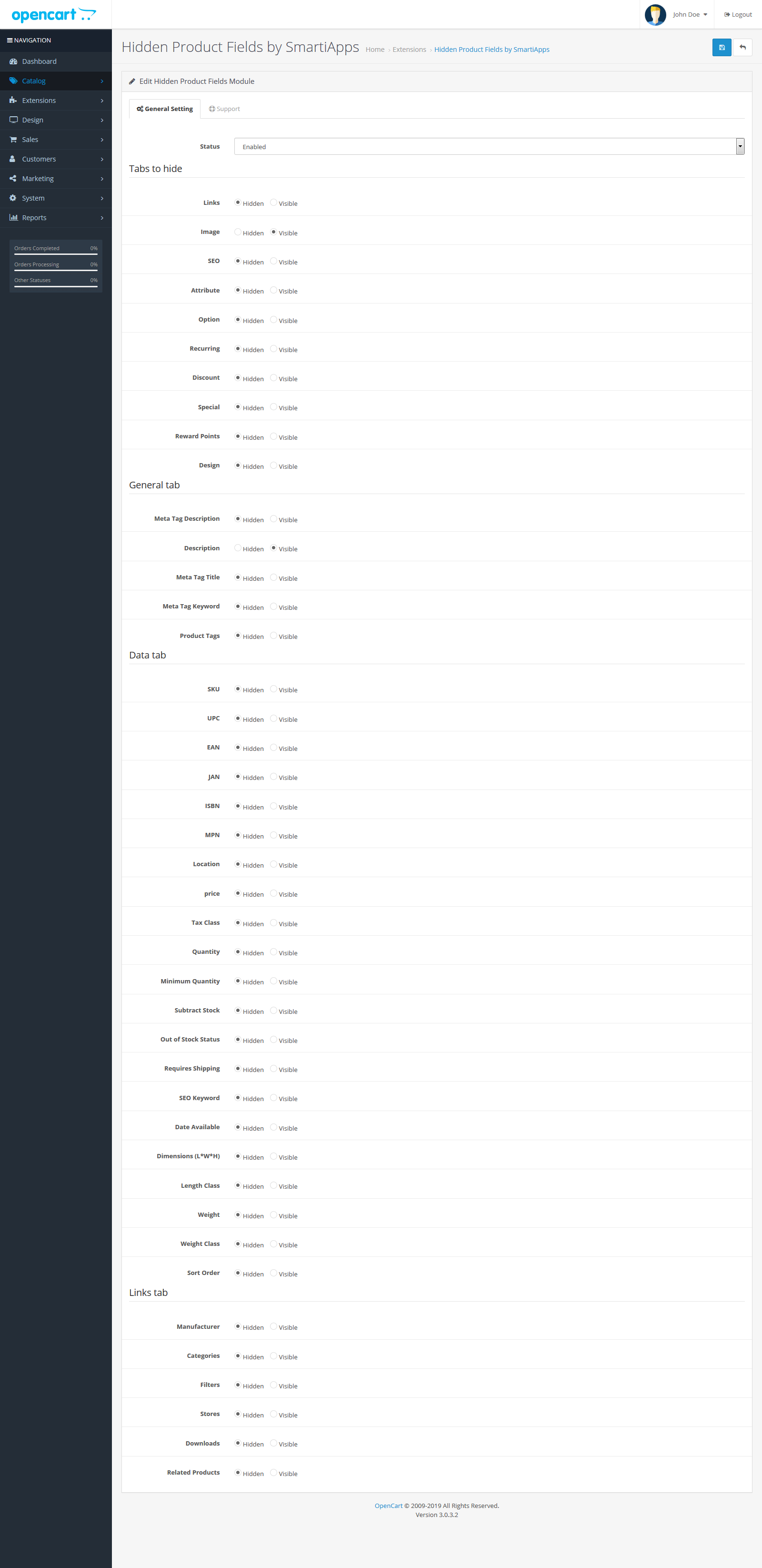
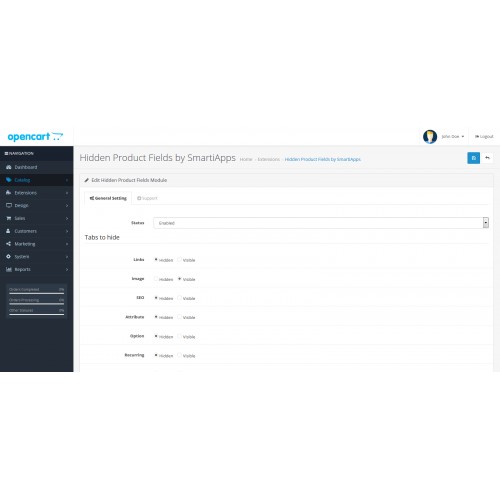
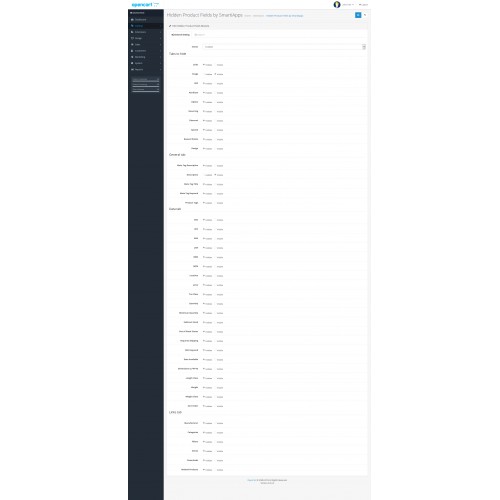
- These tabs can be hidden: Link, Attribute, Option, Recurring, Discount, Special, Reward points, Design.
In General tab, these fields can be hidden: Description, Meta Tag Description, Meta Tag Keywords, Product Tags.
In Data tab, these fields can be hidden: SKU, UPC, JAN, EAN, ISBN, MNP, Location, Price, Quantity, Tax Class, Minimum Quantity, Subtract Stock, Out Of Stock Status, Requires Shipping, SEO Keyword, Date Available, Dimensions, Length Class, Weight, Weight Class, Sort Order.
In Links tab, these can be hidden: Manufacturer, Filters, Stores, Downloads, Related Products.
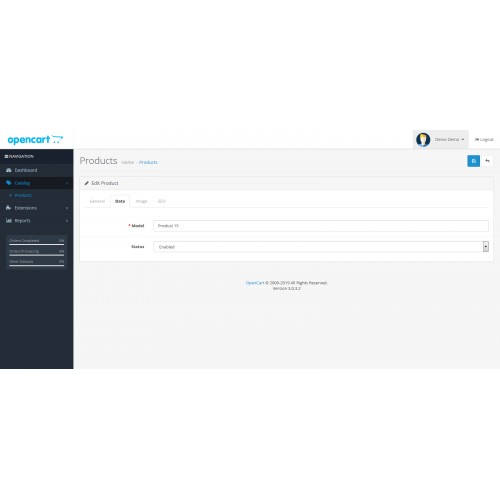
If you hide fields, then the default values will set when you save the product.
No OpenCart core files are overwritten.
Demo Link:
Module Settings Demo
Product Page
User Name: demo
Password : demo
How to Install:
What customers say about Hide Product Fields in Admin by SmartiApps

Awasome feature. Thanks for the extension
~murugan_mca
~murugan_mca
Excellent! Thank you
~vetriselvan
~vetriselvan
Price
$20.00
- Developed by OpenCart Community
- 12 Months Free Support
- Documentation Included
Rating
Compatibility
3.0.0.0, 3.0.1.0, 3.0.1.1, 3.0.1.2, 3.0.1.3, 3.0.2.0, 3.0.3.0, 3.0.3.1, 3.0.3.2, 3.0.3.3, 3.0.3.5, 3.0.3.6
Last Update
28 Sep 2020
Created
3 May 2019
4 Sales
5 Comments

Login and write down your comment.
Login my OpenCart Account