Opencart POS Subdomain
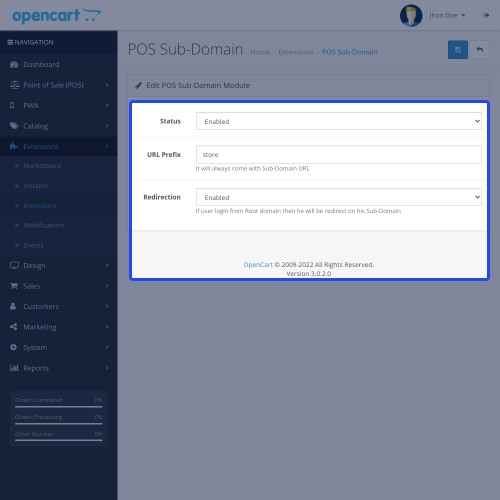
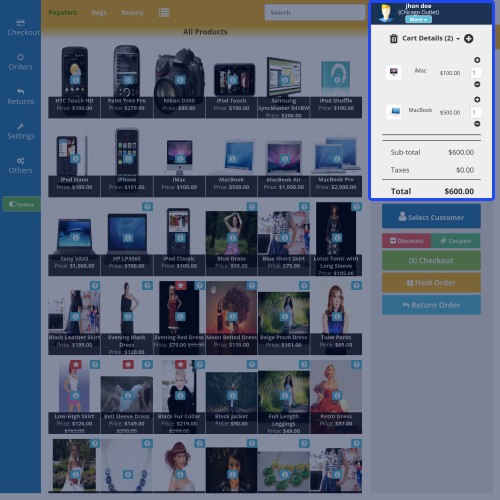
Using Opencart POS Subdomain, the admin easily creates the POS sub-domain URLs. The POS sub-domain URLs will be created on the basis of the POS outlet name.
This way the admin can have a POS sub-domain which can be accessed by POS users for accessing the POS panel/outlets. The admin can also add a prefix for the sub-domain URLs.
Note:
This extension is an add-on to the Opencart Point Of Sale System. Before using this add-on, you must have first installed the OpenCart Point Of Sale System(POS).
For using this module, Wildcard must be configured and mapped to the root folder on your server.



Use Case:
A sub-domain is a subsection of the website that can exist as a new website without having a new domain name. Sub-domains can be used to create memorable URLs for different content areas of your site -
Feature Set:
Work-Flow:
After installing the module, the admin can easily configure the module settings as shown below -
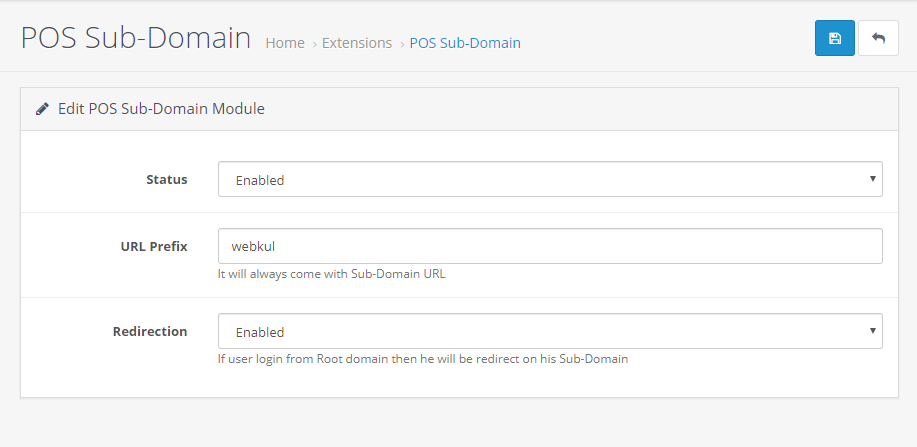
Here, the admin will –
Status – Enable or disable the module as per the choice.
URL Prefix – Enter the prefix for the subdomain URL of the POS.
Redirection – If Enabled then, if user login from root domain will be redirected on the sub-domain. Else, set Disabled.
Once the module is enabled, the subdomain will be created on the basis of POS outlet names. Let’s see how -
Windsor Outlet is a POS outlet. Now, the prefix Webkul and the outlet name Windsor outlet will be added to the POS base link pos-oc.webkul.com – and creates the sub-domain URL as – webkulwindsoroutlet.pos-oc.webkul.com for the POS users assigned the Windsor outlet.
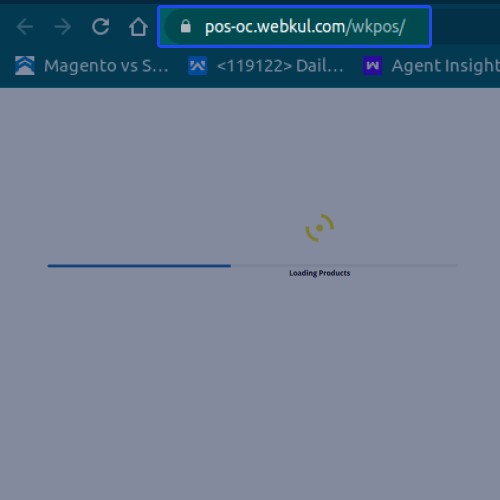
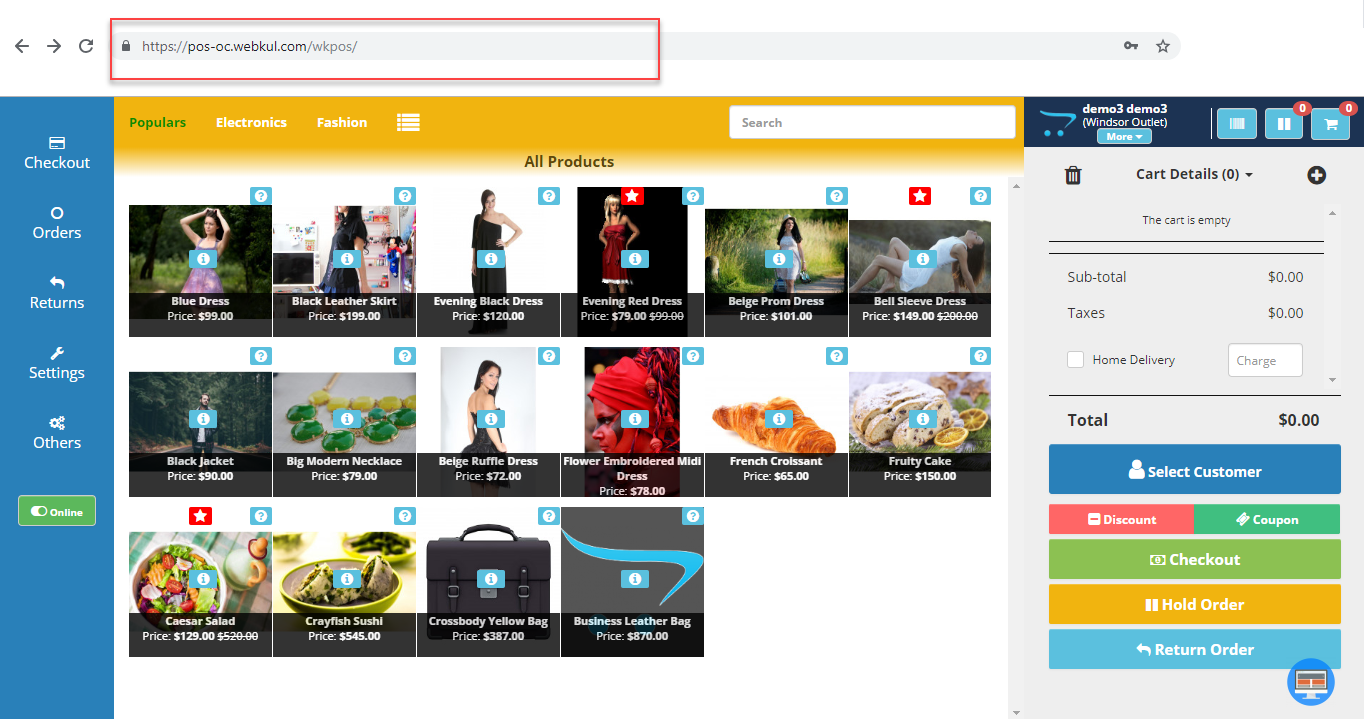
If the POS Sub-Domain module is enabled, then the POS panel login URL will have the sub-domain URL as shown below.
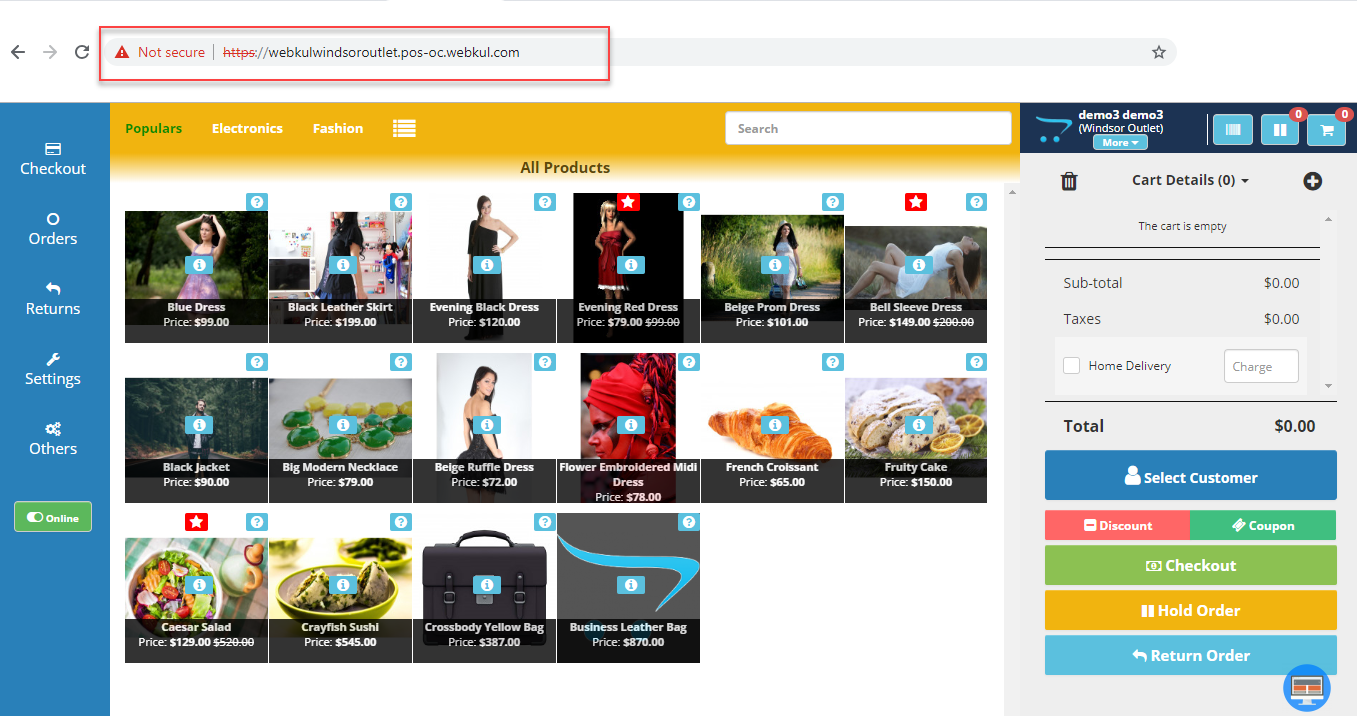
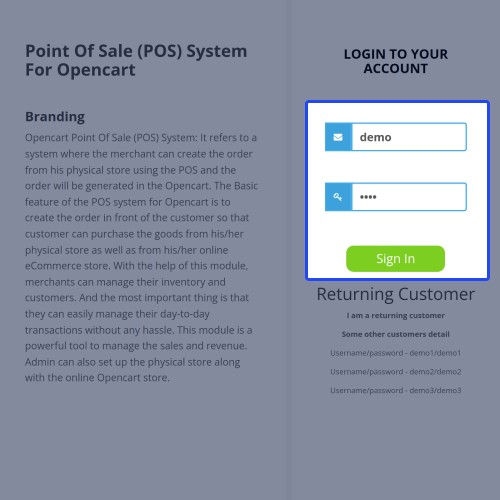
But if the POS Sub-Domain module is disabled, then the POS panel login URL will appear as shown below.



Some Moments Of Appreciation


Support Policy
This way the admin can have a POS sub-domain which can be accessed by POS users for accessing the POS panel/outlets. The admin can also add a prefix for the sub-domain URLs.
Note:
This extension is an add-on to the Opencart Point Of Sale System. Before using this add-on, you must have first installed the OpenCart Point Of Sale System(POS).
For using this module, Wildcard must be configured and mapped to the root folder on your server.
Use Case:
A sub-domain is a subsection of the website that can exist as a new website without having a new domain name. Sub-domains can be used to create memorable URLs for different content areas of your site -
- Similarly, the Opencart POS sub-domain module allows the admin to have the POS sub-domains.
- This module creates memorable sub-domain URLs for each POS outlet.
- The separate web page address will be created for each outlet automatically as per the outlet name.
- Using the module, the sub-domains are very simple to create and the POS users can use them like any other site.
Feature Set:
- Enable or disable the module.
- Every POS outlet gets a unique URL.
- Sub-domain URL is based on the outlet name.
- Redirection is available after the login to the main URL.
- Add any prefix for the sub-domain URLs.
Work-Flow:
After installing the module, the admin can easily configure the module settings as shown below -
Here, the admin will –
Status – Enable or disable the module as per the choice.
URL Prefix – Enter the prefix for the subdomain URL of the POS.
Redirection – If Enabled then, if user login from root domain will be redirected on the sub-domain. Else, set Disabled.
Once the module is enabled, the subdomain will be created on the basis of POS outlet names. Let’s see how -
Windsor Outlet is a POS outlet. Now, the prefix Webkul and the outlet name Windsor outlet will be added to the POS base link pos-oc.webkul.com – and creates the sub-domain URL as – webkulwindsoroutlet.pos-oc.webkul.com for the POS users assigned the Windsor outlet.
If the POS Sub-Domain module is enabled, then the POS panel login URL will have the sub-domain URL as shown below.
But if the POS Sub-Domain module is disabled, then the POS panel login URL will appear as shown below.
Some Moments Of Appreciation
Support Policy
Price
$119.00
- Developed by OpenCart Partner
- 3 Months Free Support
- Documentation Included
Rating
Compatibility
3.0.0.0, 3.0.1.0, 3.0.1.1, 3.0.1.2, 3.0.1.3, 3.0.2.0, 3.0.3.0, 3.0.3.1, 3.0.3.2, 3.0.3.3, 3.0.3.5, 3.0.3.6, 3.0.3.7, 3.0.3.8
Last Update
7 May 2025
Created
8 May 2019
2 Sales
0 Comments

Login and write down your comment.
Login my OpenCart Account