Opencart Buy Button
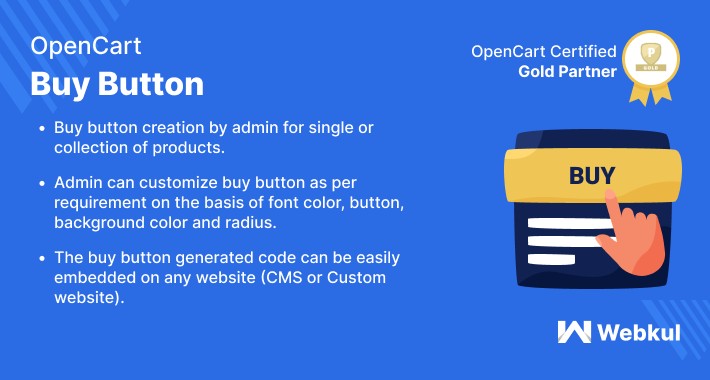
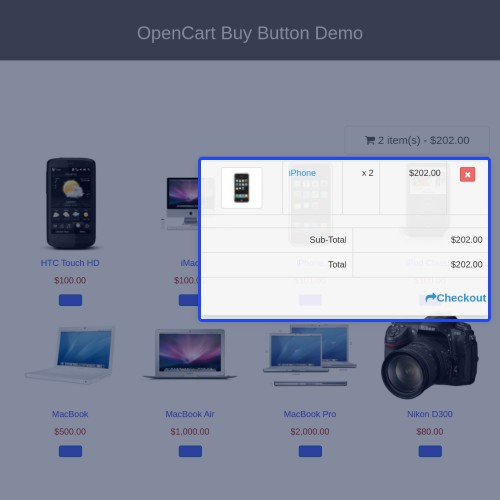
Opencart Buy Button is the perfect solution for the generation or accumulation of maximized revenue. The module can help in showcasing the products on other website or CMS pages. The store here generates a buy button code that can be pasted to any website or CMS page. The embedded code on other websites will allow the store owner to enjoy a wide sales spectrum.
Note:
1. This module supports all templates and themes including the Journal theme.
2. Opencart Buy Button module supports the Multi-Store feature of default Opencart.




Use Case :
The buy button can be customized for single or multiple products to give its customers a variation in the purchase. The buy button, in addition, is powered with a fully-featured cart which allows checkout from default Opencart panel. Apart from effective purchase processing, the module allows the customization of the buy button, cart button, and shopping cart. This allows a consistency of the design on which the code is being pasted.
Features :
Note : The module supports all the Default Opencart Product Types. However, only for Opencart Option Product type, the module supports for- "Select", "Radio" and "Checkbox" option type.
WorkFlow :
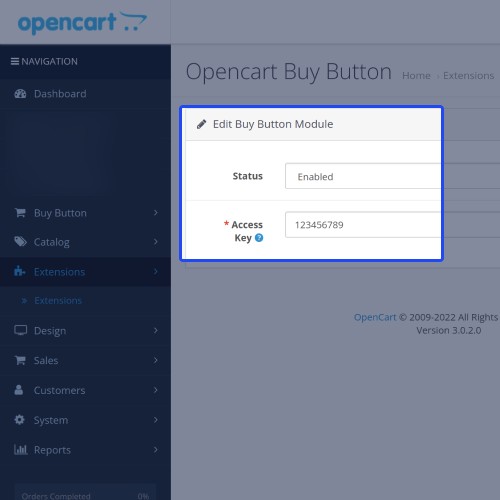
Post successful installation of the module, the admin can enter the access key. This is used to give access to the buy button js.
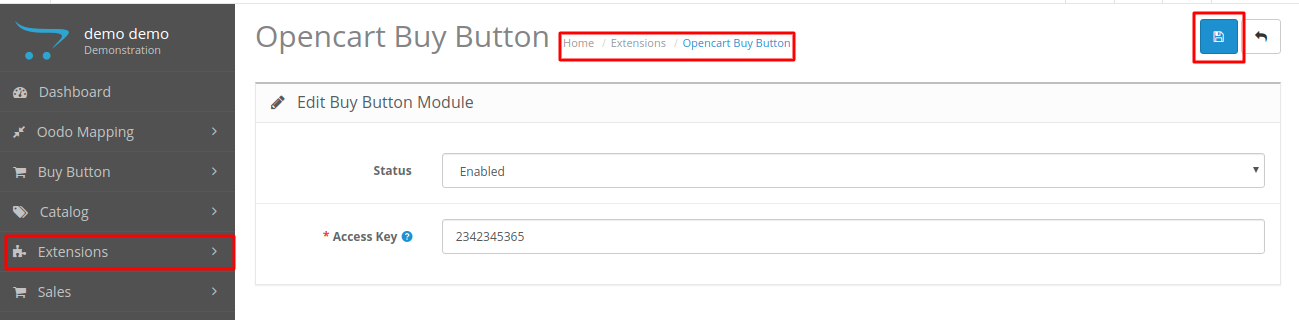
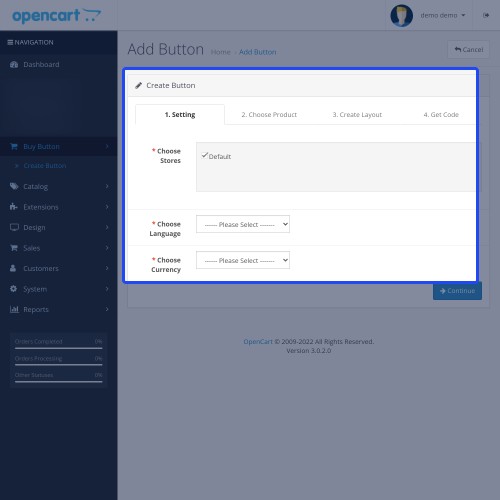
After this, the admin can configure the buy button as per requirement. Where the admin defines the store, language and currency details.

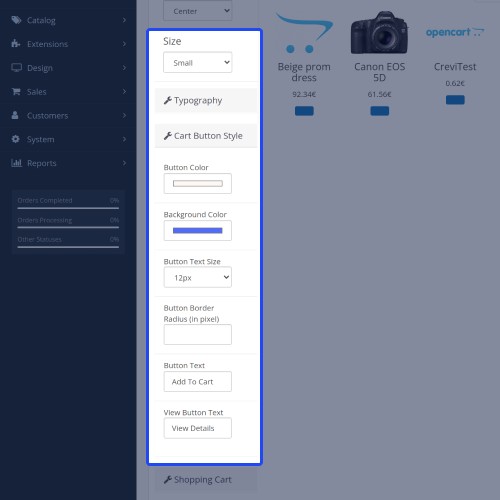
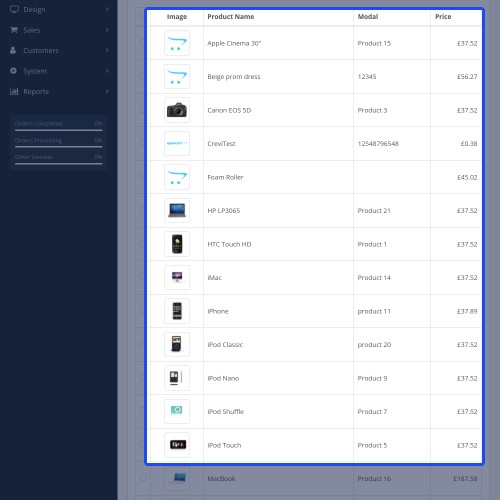
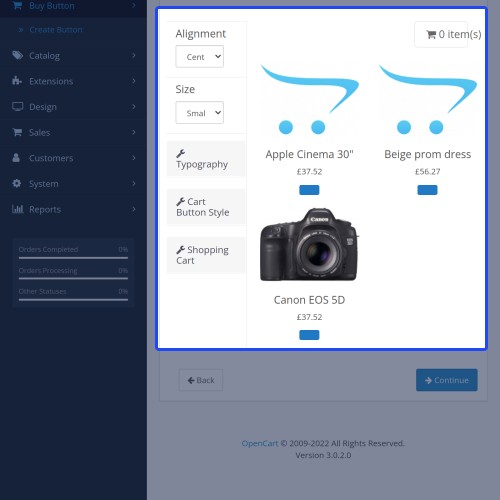
Then admin can choose the set of products for the buy button. The admin can even select the layout wherein to set the alignment, sizing, and appearance of various content on the website.

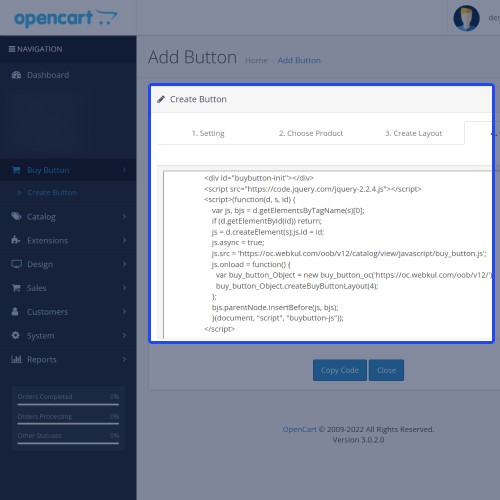
Then a subsequent code is generated which is pasted to any website or CMS page.

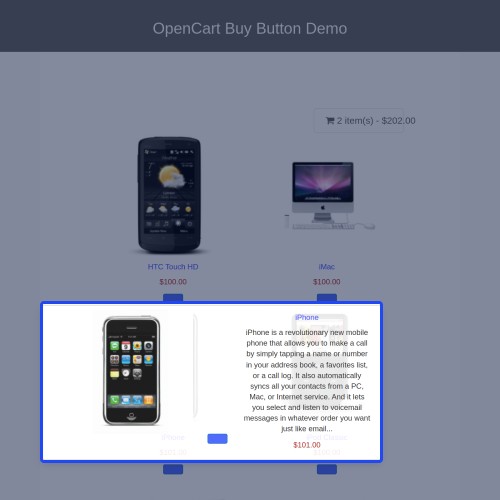
Finally, when the customer visits the website where the code is embedded can process the checkout. However, the checkout process here will take place only on the Default Opencart website.
The benefit of The Module :
With the help of Opencart Buy Button, the store owner can increase the horizon of the product purchase. This is due to the multi-channel selling process where the products are showcased on other websites as well. The module supports all default Opencart product types to give ease to store owners to sell any type of product.



Some Moments Of Appreciation



Support Policy
Note:
1. This module supports all templates and themes including the Journal theme.
2. Opencart Buy Button module supports the Multi-Store feature of default Opencart.
Use Case :
The buy button can be customized for single or multiple products to give its customers a variation in the purchase. The buy button, in addition, is powered with a fully-featured cart which allows checkout from default Opencart panel. Apart from effective purchase processing, the module allows the customization of the buy button, cart button, and shopping cart. This allows a consistency of the design on which the code is being pasted.
Features :
- Admin can create the buy button for a single product or collection of products.
- Admin can customize view(font color, button background color, radius) of the buy button.
- Buy Button comes with its own cart(add, remove, update all operations supported).
- Admin can change all the static text on the buy button and descriptive content.
- Checkout will be done by, default Opencart checkout in a popup window.
- The generated code can be easily embedded on any website(CMS or Custom Websites).
- The module gives support to multiple languages and currency type.
Note : The module supports all the Default Opencart Product Types. However, only for Opencart Option Product type, the module supports for- "Select", "Radio" and "Checkbox" option type.
WorkFlow :
Post successful installation of the module, the admin can enter the access key. This is used to give access to the buy button js.
After this, the admin can configure the buy button as per requirement. Where the admin defines the store, language and currency details.
Then admin can choose the set of products for the buy button. The admin can even select the layout wherein to set the alignment, sizing, and appearance of various content on the website.
Then a subsequent code is generated which is pasted to any website or CMS page.
Finally, when the customer visits the website where the code is embedded can process the checkout. However, the checkout process here will take place only on the Default Opencart website.
The benefit of The Module :
With the help of Opencart Buy Button, the store owner can increase the horizon of the product purchase. This is due to the multi-channel selling process where the products are showcased on other websites as well. The module supports all default Opencart product types to give ease to store owners to sell any type of product.
Some Moments Of Appreciation
Support Policy
Price
$119.00
- Developed by OpenCart Partner
- 3 Months Free Support
- Documentation Included
Rating
Compatibility
3.0.0.0, 3.0.1.0, 3.0.1.1, 3.0.1.2, 3.0.1.3, 3.0.2.0, 3.0.3.0, 3.0.3.1, 3.0.3.2, 3.0.3.3, 3.0.3.5, 3.0.3.6, 3.0.3.7, 3.0.3.8
Last Update
19 Jun 2025
Created
14 May 2019
5 Sales
0 Comments

Login and write down your comment.
Login my OpenCart Account