Export Orders to Excel
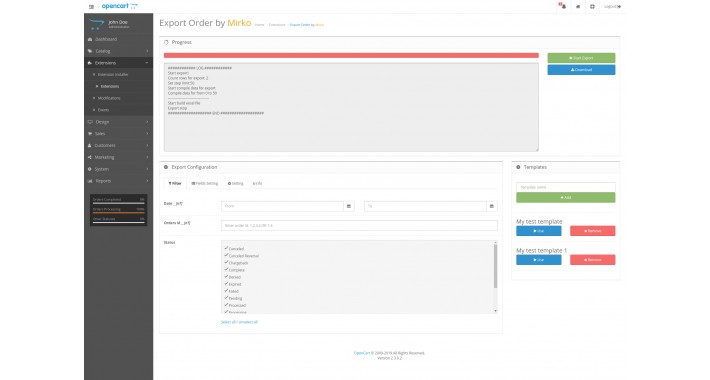
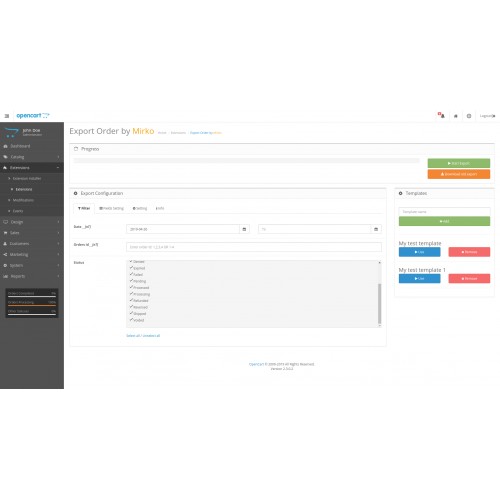
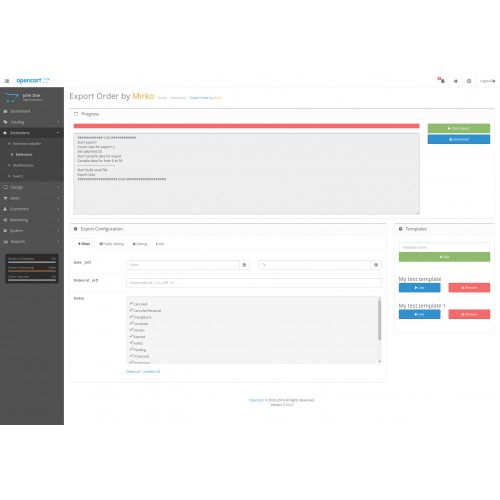
Export of orders. Provides an opportunity to export orders in the Excel format. This module will allow you to analyze and create reports on your orders. The module has a range of options for work: Filter, Templates, Setting fields and Additional settings.
1) Filters: Module is capable of sample of export orders:
Data From and To: You can choose export orders by the date of an order. You can indicate a time horizon from 01.02.2019 to 28.02.2019. Alternatively, you can use only one field, for example: All orders from/to 01.01.2019.
Numbers of orders: You can choose export orders by their Number. It could be done in one of two formats. The first: Number range: You can indicate the orders From and To, it is indicated in 1-100 format that is exported the orders for you from 1 to 100. The second is a list of number. You can indicate specific numbers of the export orders in 1,3,4,5 format.
Important: Two formats is not combined you can make a sample of only one of them.
Order status: You are able to export orders with a certain statuses. You can choose a few statuses, for example: Completed or Cancelled.
This filters are also combined, for example: you can choose Completed orders over a period of time.
2) Templates: Templates enable to retain specific export settings for regular use. All fields are retained on the template besides the fields with a mark [nT]. There are mainly Filter fields.
For adding add a new Template, you have to setup all parameters (Filters, settings…), to enter a template name and to click “Add”.
For reuse of a template, you have to fill in the fields of [nT] if you need it and to click “Use” near the template.
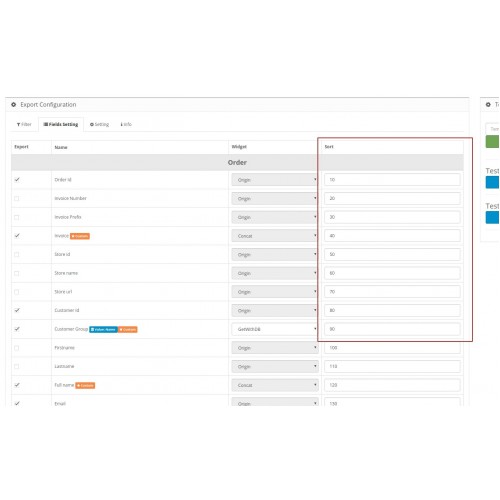
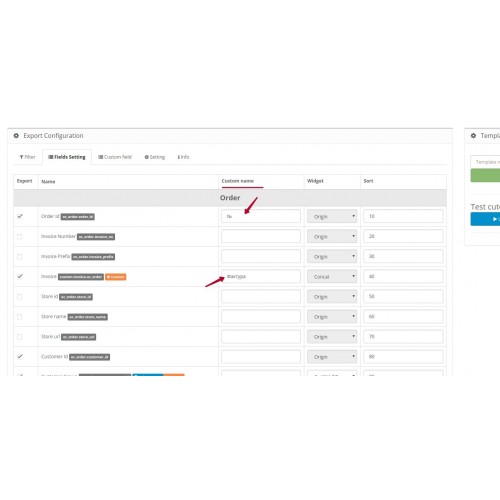
3) Setting fields: You can configure export fields according to this setting fields:
Export: it ticks an export field.
Widget: it lets to choose an export handler. An additional field treatment is available for some fields such as Currency fields or fields that may be ID or Name. Also widgets allow other developers to complement or customize a module in compliance with your requirements.
Sorting: (In developing: Is expected in 3.1.0): it allows to move fields in a target file.
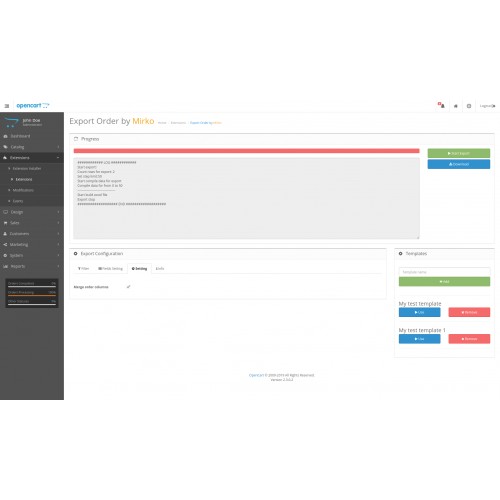
4) Add. settings: Here you can set up other export settings. To date this list is limited but it will be added:
Connect the lockers: it points out to connect export lockers with a few products.
Terms of the license: The license works on the same principle as a one shop to a one domain.
Requirement: to run the module you need:
PHP >= 5.5
PHP Extension: Zip
PHP Extension: XMLWriter
PHP Extension: GD2
1) Filters: Module is capable of sample of export orders:
Data From and To: You can choose export orders by the date of an order. You can indicate a time horizon from 01.02.2019 to 28.02.2019. Alternatively, you can use only one field, for example: All orders from/to 01.01.2019.
Numbers of orders: You can choose export orders by their Number. It could be done in one of two formats. The first: Number range: You can indicate the orders From and To, it is indicated in 1-100 format that is exported the orders for you from 1 to 100. The second is a list of number. You can indicate specific numbers of the export orders in 1,3,4,5 format.
Important: Two formats is not combined you can make a sample of only one of them.
Order status: You are able to export orders with a certain statuses. You can choose a few statuses, for example: Completed or Cancelled.
This filters are also combined, for example: you can choose Completed orders over a period of time.
2) Templates: Templates enable to retain specific export settings for regular use. All fields are retained on the template besides the fields with a mark [nT]. There are mainly Filter fields.
For adding add a new Template, you have to setup all parameters (Filters, settings…), to enter a template name and to click “Add”.
For reuse of a template, you have to fill in the fields of [nT] if you need it and to click “Use” near the template.
3) Setting fields: You can configure export fields according to this setting fields:
Export: it ticks an export field.
Widget: it lets to choose an export handler. An additional field treatment is available for some fields such as Currency fields or fields that may be ID or Name. Also widgets allow other developers to complement or customize a module in compliance with your requirements.
Sorting: (In developing: Is expected in 3.1.0): it allows to move fields in a target file.
4) Add. settings: Here you can set up other export settings. To date this list is limited but it will be added:
Connect the lockers: it points out to connect export lockers with a few products.
Terms of the license: The license works on the same principle as a one shop to a one domain.
Requirement: to run the module you need:
PHP >= 5.5
PHP Extension: Zip
PHP Extension: XMLWriter
PHP Extension: GD2
Price
$20.00
- Developed by OpenCart Community
- Documentation Included
Rating
Compatibility
2.0.0.0, 2.0.1.0, 2.0.1.1, 2.0.2.0, 2.0.3.1, 2.1.0.1, 2.1.0.2, 2.2.0.0, 2.3.0.0, 2.3.0.1, 2.3.0.2
Last Update
21 Jun 2019
Created
1 Jun 2019
5 Sales
0 Comments

Login and write down your comment.
Login my OpenCart Account