Login Popup Modal

What this module does
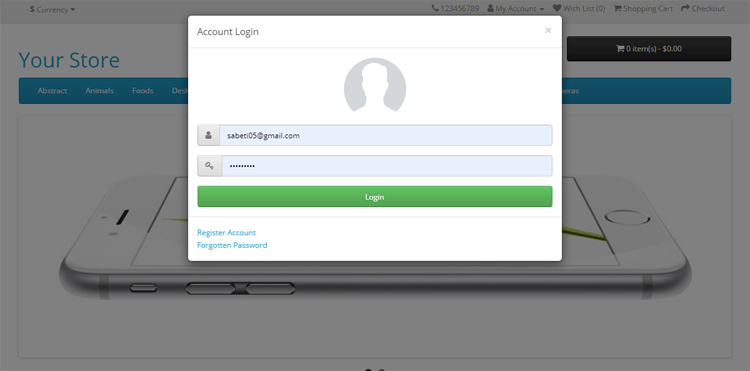
This Module modifies the login link to show the login form as a popup modal. Therefore, customers can log in to their account quickly.
Live Demo
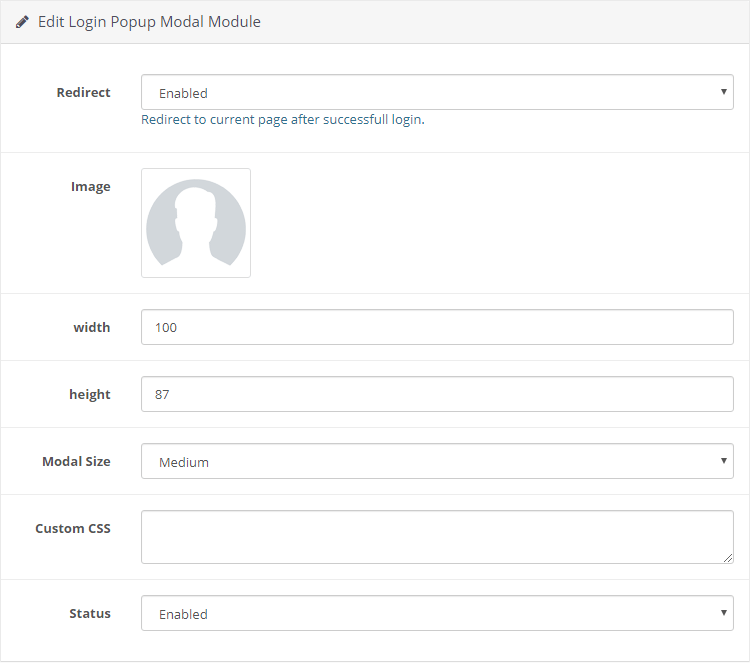
Module settings
Front-end Try to login
Features
- Quick login via popup login form
- Stay at current page after successfull login
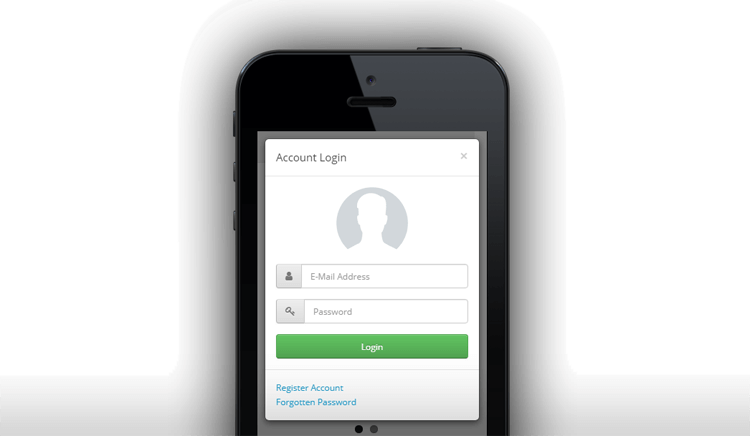
- Responsive and mobile-friendly
- Choose custom image for popup
- Choose modal size: small, medium or large
How to install
- Login to your OpenCart Administration panel
- Go to Extensions > Installer and upload zip file suited for your OpenCart version
- Go to Extensions > Extensions > Modules > Login Popup Modal > install and configure it
Free Installation and Support
support [AT] digitcart.ir
sabeti05 [AT] gmail.com
DigitCart Support
No core files are changed or replaced.
This Module modifies the login link to show the login form as a popup modal. Therefore, customers can log in to their account quickly.
Live Demo
Module settings
Front-end Try to login
Features
- Quick login via popup login form
- Stay at current page after successfull login
- Responsive and mobile-friendly
- Choose custom image for popup
- Choose modal size: small, medium or large
How to install
- Login to your OpenCart Administration panel
- Go to Extensions > Installer and upload zip file suited for your OpenCart version
- Go to Extensions > Extensions > Modules > Login Popup Modal > install and configure it
Free Installation and Support
support [AT] digitcart.ir
sabeti05 [AT] gmail.com
DigitCart Support
No core files are changed or replaced.
Price
$20.00
- Developed by OpenCart Community
- 12 Months Free Support
- Documentation Included
Rating
Compatibility
2.3.0.2, 2.2.0.0, 3.0.0.0, 3.0.1.0, 3.0.1.1, 3.0.1.2, 3.0.1.3, 3.0.2.0, 3.0.3.0, 3.0.3.1, 3.0.3.2, 3.0.3.3, 3.0.3.5, 3.0.3.6, 3.0.3.7, 3.0.3.8, 3.x.x.x, 3.0.3.9, 3.0.4.0, 3.0.4.1, 3.0.5.0
Last Update
26 May 2026
Created
4 Jun 2019
5 Sales
4 Comments

Login and write down your comment.
Login my OpenCart Account