POWR Map
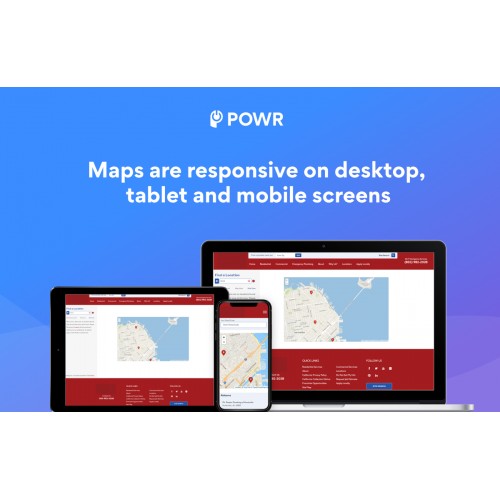

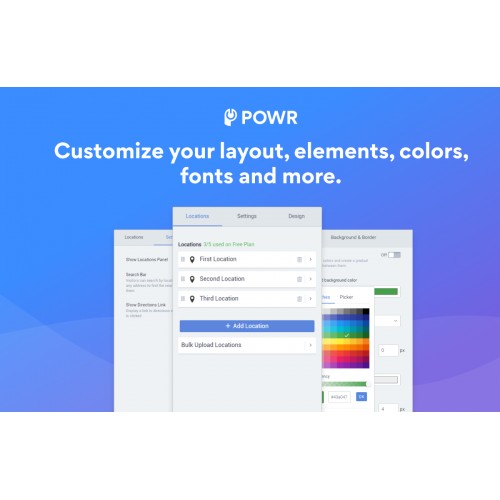

Easily help customers find your stores, events and products in a fully customizable map and store locator right from your Opencart site.
Impress your audience with these Map features:
Upgrade to remove the POWR branding and unlock advanced features, such as:
How to Install POWR Map
Step 1. Install
- For OpenCart 2, install OC-2-POWr-map.ocmod.zip
- For OpenCart 3, install OC-3-POWr-map.ocmod.zip
Step 2: Refresh the Navigation
- Visit Extensions => Modifications => Refresh button in the top right to refresh nav. POWR Map will then appear in the left navigation.
Step 3: Create a Module
- Click Extension => Extensions => Select Modules as the extension type => Find POWR Map and click Edit to create a Map module.
Step 4: Add POWR Map anywhere in a layout
- Click Design => Layouts => Select a page (eg. Home) and add the POWR Map module you have created
You can also manage, create plugins, and get help directly from the POWR Map navigation item.
Fast and Free Customer Support
If you have any questions or need help getting up and running, we’re here to help! Unlike most app providers we offer a Help Center for answers, free support and our awesome team is available 24 hours a day.
Impress your audience with these Map features:
- Add location pins to your map for any address.
- Intuitive location panel lets users jump between multiple locations.
- Add location details to each pin.
- Choose from satellite, roadmap, or hybrid view.
- Select between Open Street Maps or Google Maps as your map provider.
- Customize map size, colors, fonts, and design.
- Supports text in any language.
- Mobile responsive on any device.
Upgrade to remove the POWR branding and unlock advanced features, such as:
- Add a search bar to your Map + Store Locator.
- Automatically show the location nearest to your customer.
- Add your own custom pins to Map + Store Locator.
- Get instant access to 50+ POWR apps.
How to Install POWR Map
Step 1. Install
- For OpenCart 2, install OC-2-POWr-map.ocmod.zip
- For OpenCart 3, install OC-3-POWr-map.ocmod.zip
Step 2: Refresh the Navigation
- Visit Extensions => Modifications => Refresh button in the top right to refresh nav. POWR Map will then appear in the left navigation.
Step 3: Create a Module
- Click Extension => Extensions => Select Modules as the extension type => Find POWR Map and click Edit to create a Map module.
Step 4: Add POWR Map anywhere in a layout
- Click Design => Layouts => Select a page (eg. Home) and add the POWR Map module you have created
You can also manage, create plugins, and get help directly from the POWR Map navigation item.
Fast and Free Customer Support
If you have any questions or need help getting up and running, we’re here to help! Unlike most app providers we offer a Help Center for answers, free support and our awesome team is available 24 hours a day.
Download
- Developed by OpenCart Community
- Documentation Included
Rating
Compatibility
2.0.0.0, 2.0.1.0, 2.0.1.1, 2.0.2.0, 2.0.3.1, 2.1.0.1, 2.1.0.2, 2.2.0.0, 2.3.0.0, 2.3.0.1, 2.3.0.2, 3.0.0.0, 3.0.1.0, 3.0.1.1, 3.0.1.2, 3.0.1.3, 3.0.2.0, 4.x.x.x, 3.0.3.0, 3.0.3.1, 3.0.3.2
Last Update
29 Sep 2021
Created
10 Jul 2019
433 Downloads
2 Comments

Login and write down your comment.
Login my OpenCart Account