POWR Social Media Icons
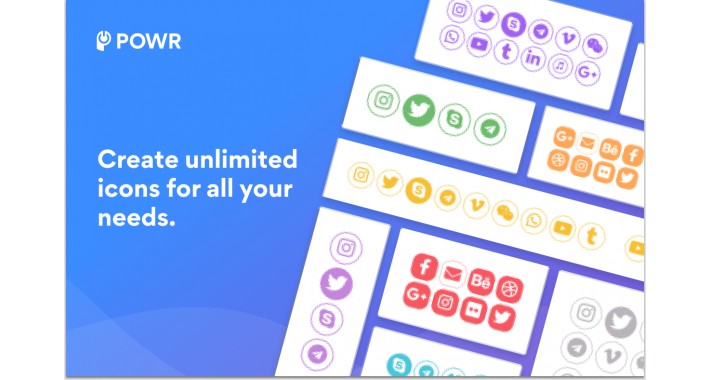


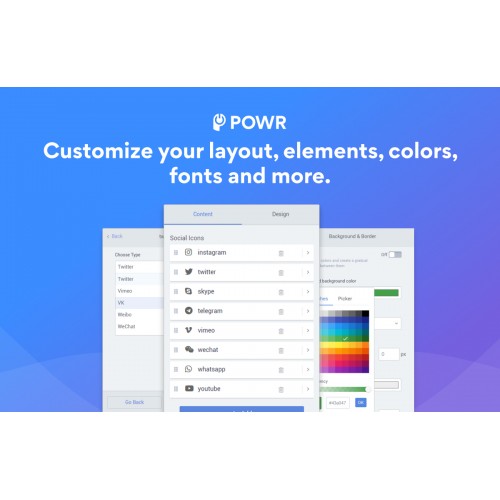

Compare plans side by side, showcase the benefits of an upgrade, or highlight your offer to close more deals, all with this easy-to-use, fully-customizable Social Media Icons!
Impress your audience with these Social Media Icons features:
How to Install POWR Social Media Icons
Step 1. Install
- For OpenCart 2, install OC-2-POWr-social-media-icons.ocmod.zip
- For OpenCart 3, install OC-3-POWr-social-media-icons.ocmod.zip
Step 2: Refresh the Navigation
- Visit Extensions => Modifications => Refresh button in the top right to refresh nav. POWR Social Media Icons will then appear in the left navigation.
Step 3: Create a Module
- Click Extension => Extensions => Select Modules as the extension type => Find POWR Social Media Icons and click Edit to create a Social Media Icons module.
Step 4: Add POWR Social Media Icons anywhere in a layout
- Click Design => Layouts => Select a page (eg. Home) and add the POWR Social Media Icons module you have created
You can also manage, create plugins, and get help directly from the POWR Social Media Icons navigation item.
Fast and Free Customer Support
If you have any questions or need help getting up and running, we’re here to help! Unlike most app providers we offer a Help Center for answers, free support and our awesome team is available 24 hours a day.
Impress your audience with these Social Media Icons features:
- Official social media icons for Facebook, Instagram, Twitter, YouTube, TikTok, Pinterest and 50+ other social sites.
- Fully customize the look of your social media buttons: choose background and fill color, use square or round icons, adjust the size of icons, add hover effects, and display your social media links horizontally or vertically on your page.
- Upload custom social icons to use as buttons to link to any site or profile.
- Add animation effects to your social icons to generate more clicks and grow your following more effectively.
- Social Media Icons are mobile responsive on any device.
- Instant access to all 50 POWR plugins.
How to Install POWR Social Media Icons
Step 1. Install
- For OpenCart 2, install OC-2-POWr-social-media-icons.ocmod.zip
- For OpenCart 3, install OC-3-POWr-social-media-icons.ocmod.zip
Step 2: Refresh the Navigation
- Visit Extensions => Modifications => Refresh button in the top right to refresh nav. POWR Social Media Icons will then appear in the left navigation.
Step 3: Create a Module
- Click Extension => Extensions => Select Modules as the extension type => Find POWR Social Media Icons and click Edit to create a Social Media Icons module.
Step 4: Add POWR Social Media Icons anywhere in a layout
- Click Design => Layouts => Select a page (eg. Home) and add the POWR Social Media Icons module you have created
You can also manage, create plugins, and get help directly from the POWR Social Media Icons navigation item.
Fast and Free Customer Support
If you have any questions or need help getting up and running, we’re here to help! Unlike most app providers we offer a Help Center for answers, free support and our awesome team is available 24 hours a day.
Download
- Developed by OpenCart Community
- Documentation Included
Rating
Compatibility
2.0.0.0, 2.0.1.0, 2.0.1.1, 2.0.2.0, 2.0.3.1, 2.1.0.1, 2.1.0.2, 2.2.0.0, 2.3.0.0, 2.3.0.1, 2.3.0.2, 3.0.0.0, 3.0.1.0, 3.0.1.1, 3.0.1.2, 3.0.1.3, 3.0.2.0, 4.x.x.x, 3.0.3.0, 3.0.3.1, 3.0.3.2
Last Update
29 Sep 2021
Created
10 Jul 2019
760 Downloads
2 Comments

Login and write down your comment.
Login my OpenCart Account