Label Maker – Add Labels to Product Images
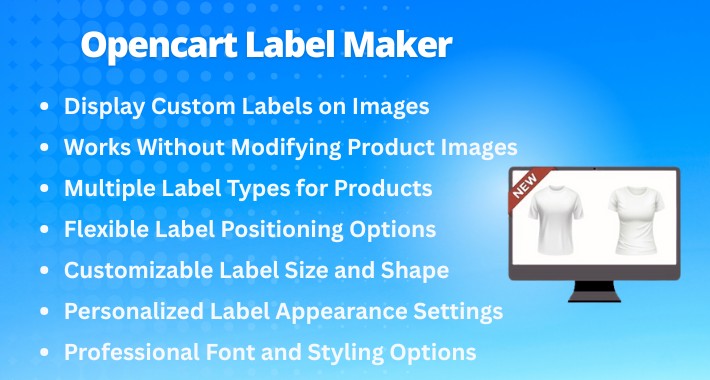
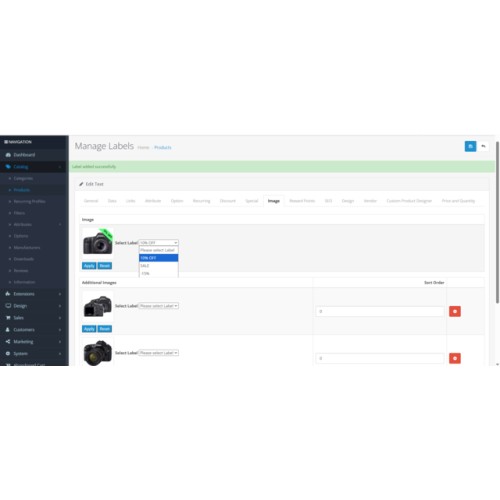
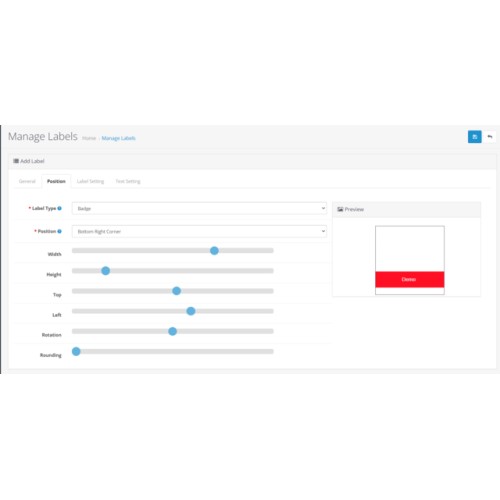
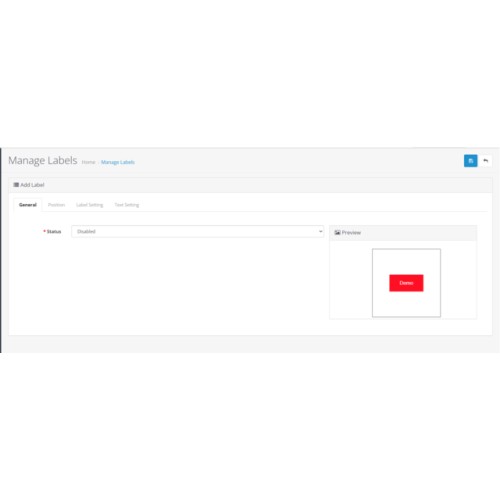
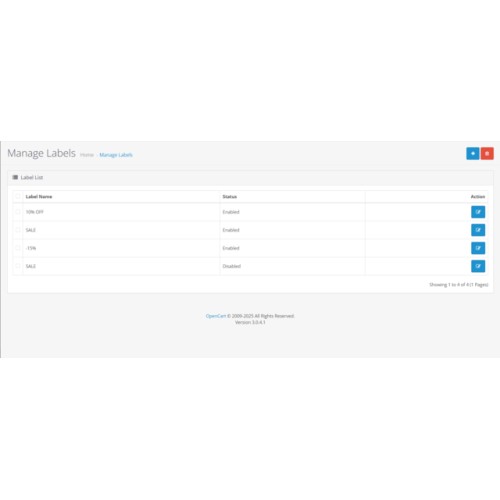

The OpenCart Image Labeller Extension helps you boost sales by adding attractive labels like Hot, Sale, and New to your product images, making them more noticeable and engaging for customers
2. Highlight Products Easily
Labels make important products more visible so customers can spot them quickly.
3. Full Label Customization
You can change label text, color, size, shape, and fonts to match your store design.
4. Multiple Label Styles
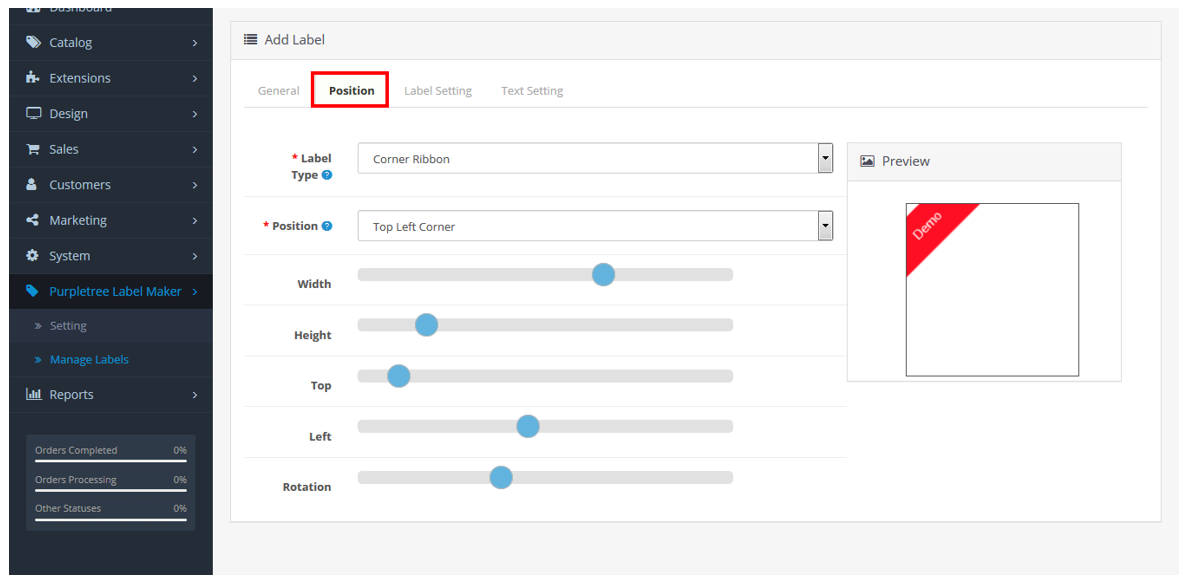
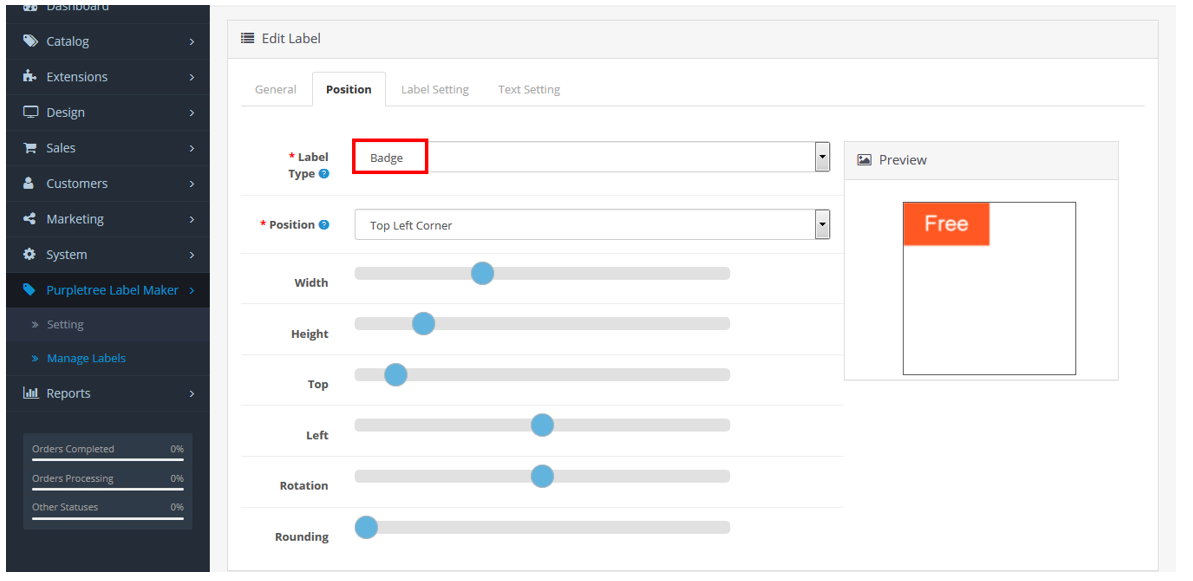
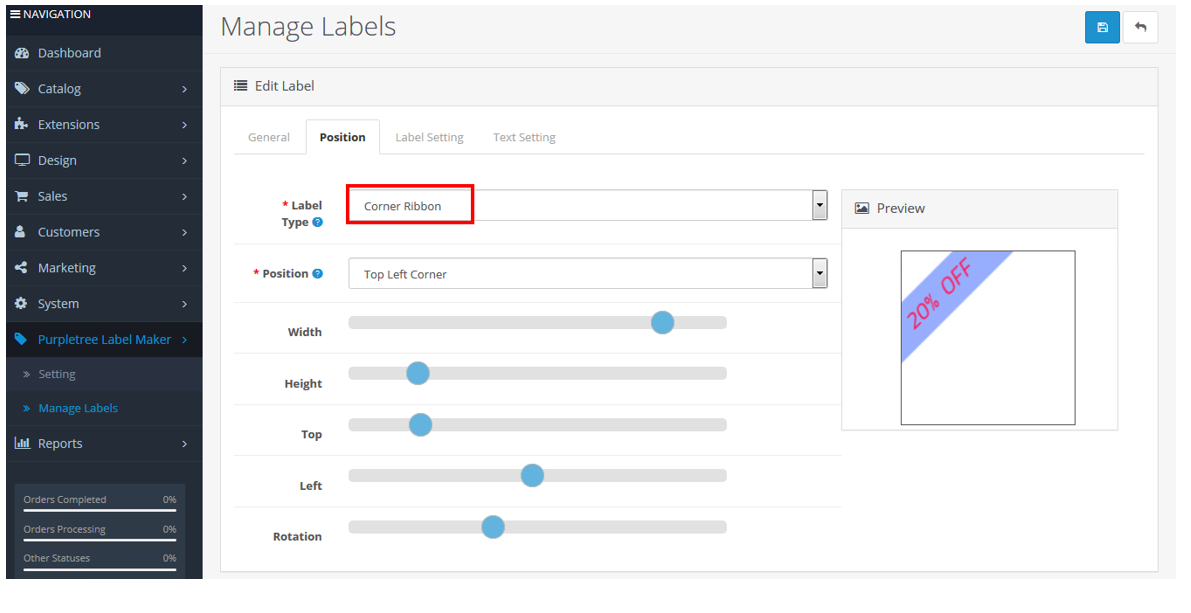
Choose different styles like Badge, Circle Badge, Corner Ribbon, or Normal Ribbon.
5. Flexible Label Position
Place labels anywhere on the image such as Top, Bottom, Left, or Right.
6. Works With All Themes
Compatible with all OpenCart themes, including the Journal theme.
7. Increase Product Visibility
Highlighted products get more attention, which helps increase chances of more sales.

Product Page
Link: Product Page
Admin Panel
Admin Link
username: admin
password: demo123
User Guide: Download user guide.

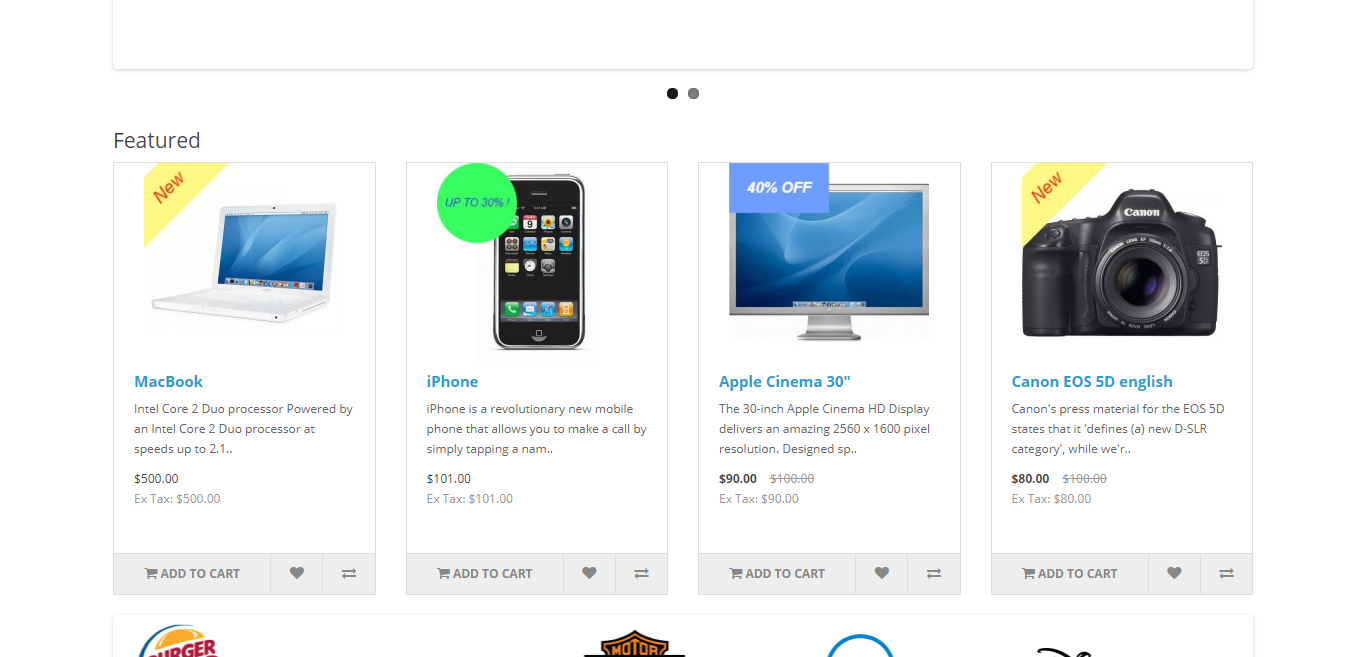
Different Label Styles Available
Badge – Simple promotional tag.
Circle Badge – Round label for modern look.
Corner Ribbon – Diagonal ribbon for highlight offers.
Normal Ribbon – Classic ribbon across the image.
Flexible Label Placement
You can place labels anywhere, such as:
Top
Bottom
Left
Right
Top Left Corner
Top Right Corner
Bottom Left Corner
Bottom Right Corner
Customize Label Size & Shape
Adjust width and height to fit product images.
Change radius for circular shapes.
Rotate labels up to 360° for unique styles.
Customize the Label Look
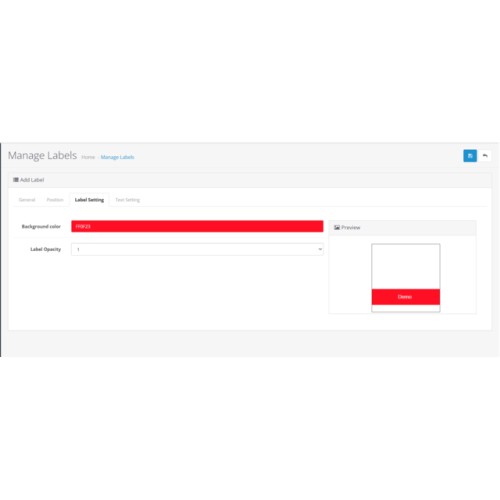
Choose any background color.
Set opacity (transparent or solid).
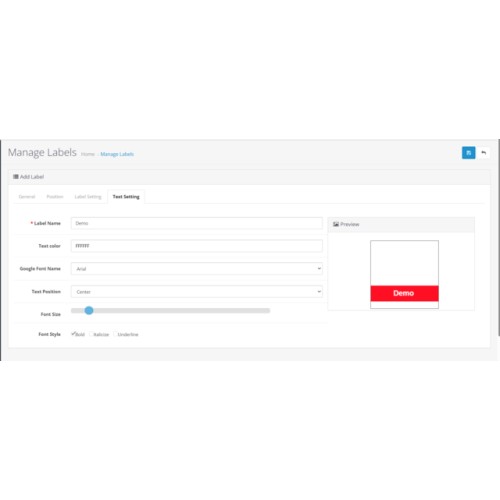
Change text, font, and text color to improve visibility.
Professional Font & Styling Options
Select from various Google fonts.
Add bold, italic, underline, and other text styles
Add Custom Labels on Product Images
You can place labels such as NEW, SALE, DISCOUNT, EXCLUSIVE, and more on product images.
No Need to Edit Product Images
The labels are added automatically on top of your existing product images.
You do not need to manually edit or replace photos.
Works With All OpenCart Themes
Fully compatible with every OpenCart theme, including the Journal theme.
No extra customization required.
All settings can be adjusted using simple sliders and dropdown menus.


To get quick help from our technical staff, raise a ticket using this link.
Note: Our extensions have a licensing policy, explained here.
Price
$29.99
- Developed by OpenCart Partner
- 6 Months Free Support
- Documentation Included
Rating
Compatibility
4.1.0.0, 4.1.0.1, 4.1.0.2, 4.1.0.3, 4.0.0.0, 4.0.1.0, 4.0.1.1, 4.0.2.0, 4.0.2.1, 4.0.2.2, 4.0.2.3, 2.3.0.0, 2.3.0.1, 2.3.0.2, 3.0.0.0, 3.0.1.0, 3.0.1.1, 3.0.1.2, 3.0.1.3, 3.0.2.0, 4.x.x.x, 3.0.3.0, 3.0.3.1, 3.0.3.2, 3.0.3.3, 3.0.3.5, 3.0.3.6, 3.0.3.7, 3.0.3.9, 3.0.4.0, 3.0.4.1, 3.0.5.0
Last Update
21 Apr 2026
Created
2 Nov 2019
15 Sales
3 Comments

Login and write down your comment.
Login my OpenCart Account