Option Image Swap for Journal 2x OC 2.3.x
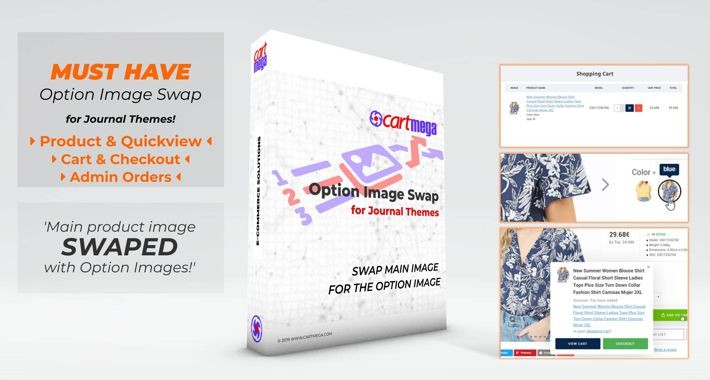

Changes the main product image for the option image if available, for option types Select, Radio and Image with images.
A Journal 3.x version for Opencart 2.3.x version of this extension is also available.
A Journal 3.x version for Opencart 3.x version of this extension is also available.







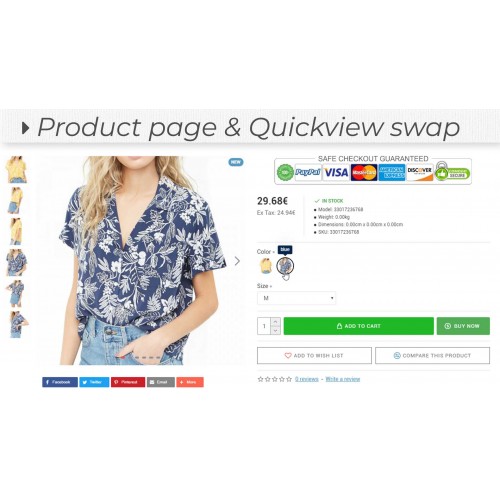
- 1. Product & Quickview Page: When an option with an image is selected, the product image will be swapped for the option image.
The modification functions exactly like alternate images do (which are usually displayed under the main image).
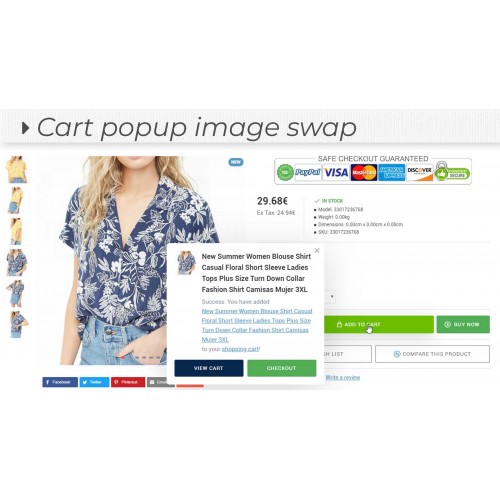
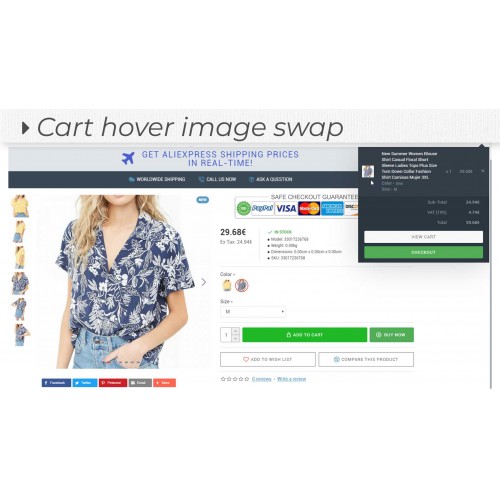
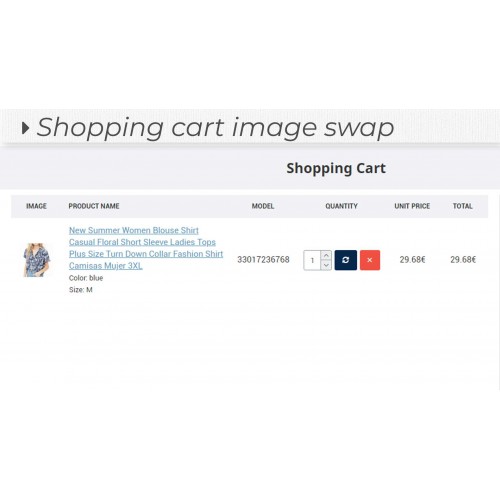
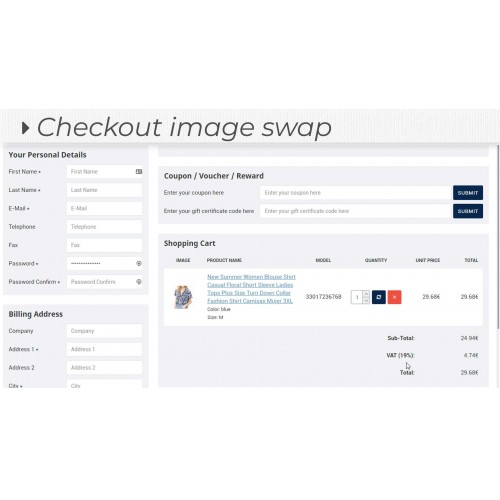
2. Add to Cart: (pop-up, Cart-Hover, Cart and Checkout Pages) Takes the product option image and displays that instead of the main product image.
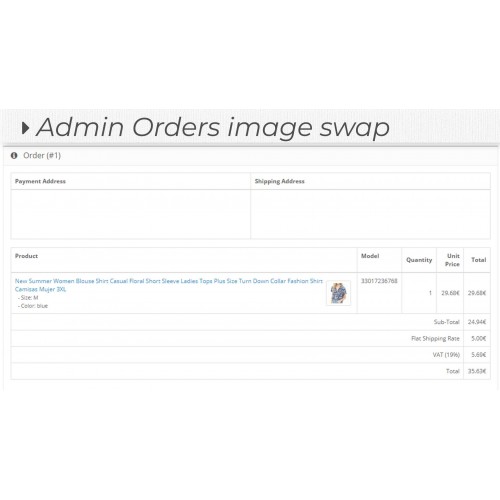
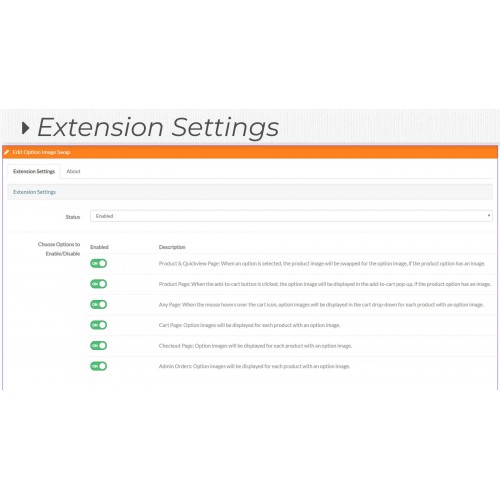
3. Admin Order Page: Takes the product option image purchased and displays it in the sale order page in administration. You can enable/disable specific functionality in the module configuration admin page.
A Journal 3.x version for Opencart 2.3.x version of this extension is also available.
A Journal 3.x version for Opencart 3.x version of this extension is also available.
Price
$24.99
- Developed by OpenCart Community
- 6 Months Free Support
- Documentation Included
Rating
Compatibility
2.3.0.0, 2.3.0.1, 2.3.0.2
Last Update
8 Dec 2019
Created
7 Dec 2019
0 Sales
0 Comments

Login and write down your comment.
Login my OpenCart Account