Upload files in Order History customer and admin
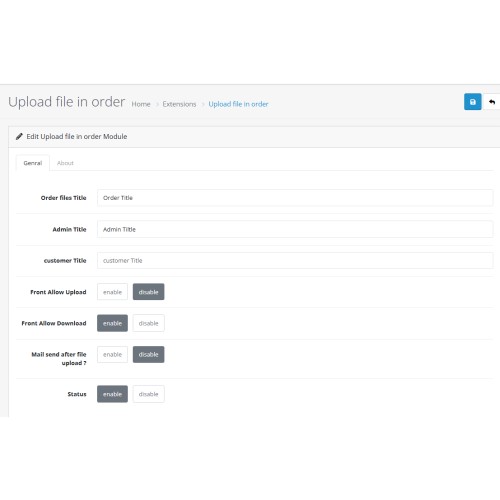
Why This Module Is Useful
This module allows both customers and admins to upload files directly in the Order History, making it ideal for:
Uploading payment proofs, identity documents, or delivery instructions
Enabling admins to send documents (like invoices, license keys, or manuals)
Keeping all communication and files centralized per order
Improving customer support, transparency, and order processing efficiency
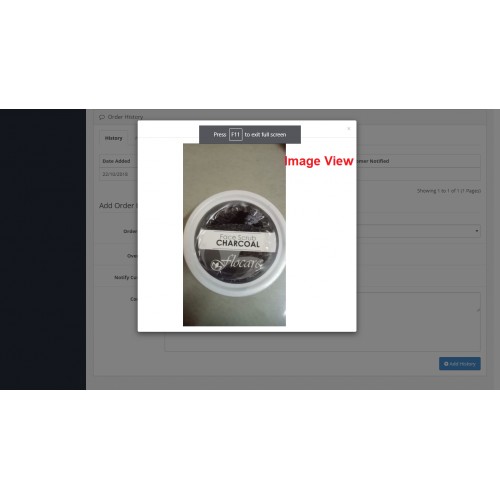
With built-in file preview, email attachment options, it offers a seamless experience for file management within orders.
How It Works:
For Customers:
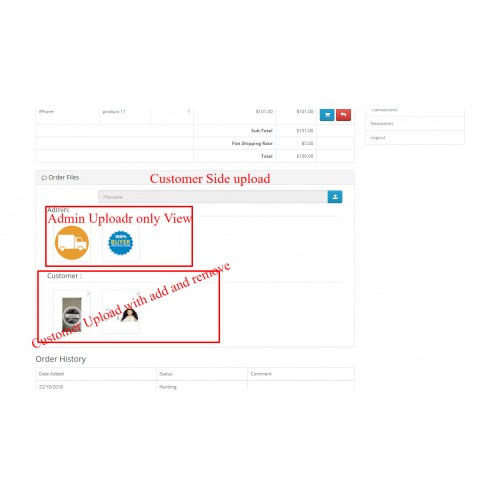
On the "Order Details" page, they’ll see an "Upload File" button. They can select and upload files related to their order.
For Admins:
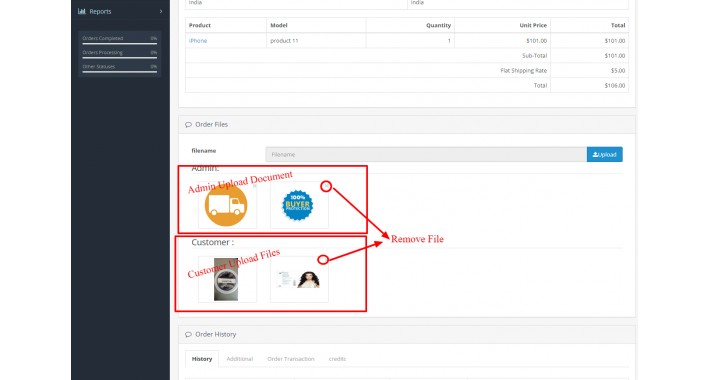
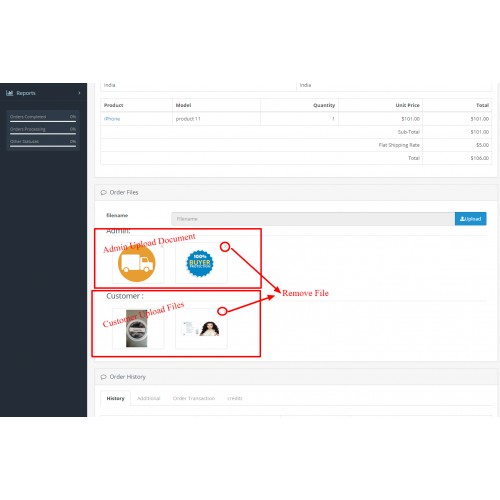
In the order view (Sales → Orders → View), under the “History” section, they can upload and send files to the customer.
Key Features:
* Customer File Upload in Order History:
Customers can upload files (like payment receipts, ID documents, etc.) from their account's Order History page.
* Admin File Attachment in Order History:
Admins can attach files when adding a comment to an order via Sales → Orders → View → Add History.
* File Download Links:
Both customers and admins can view and download uploaded files directly from the order history timeline.
* Email Attachments:
Uploaded files can be automatically attached to the order update email sent to the customer (optional setting).
Frontend Demo Link.

user/pass : test@gmail.com/test
Admin Demo Link.
User/Pass : demo/demo

This module allows both customers and admins to upload files directly in the Order History, making it ideal for:
Uploading payment proofs, identity documents, or delivery instructions
Enabling admins to send documents (like invoices, license keys, or manuals)
Keeping all communication and files centralized per order
Improving customer support, transparency, and order processing efficiency
With built-in file preview, email attachment options, it offers a seamless experience for file management within orders.
How It Works:
For Customers:
On the "Order Details" page, they’ll see an "Upload File" button. They can select and upload files related to their order.
For Admins:
In the order view (Sales → Orders → View), under the “History” section, they can upload and send files to the customer.
Key Features:
* Customer File Upload in Order History:
Customers can upload files (like payment receipts, ID documents, etc.) from their account's Order History page.
* Admin File Attachment in Order History:
Admins can attach files when adding a comment to an order via Sales → Orders → View → Add History.
* File Download Links:
Both customers and admins can view and download uploaded files directly from the order history timeline.
* Email Attachments:
Uploaded files can be automatically attached to the order update email sent to the customer (optional setting).
Frontend Demo Link.
user/pass : test@gmail.com/test
Admin Demo Link.
User/Pass : demo/demo
Price
$30.00
- Developed by OpenCart Community
- 12 Months Free Support
- Documentation Included
Rating
Compatibility
4.0.0.0, 4.0.1.0, 4.0.1.1, 4.0.2.0, 4.0.2.1, 4.0.2.2, 4.0.2.3, 4.1.0.0, 4.1.0.1, 4.1.0.2, 4.1.0.3, 3.0.0.0, 3.0.1.0, 3.0.1.1, 3.0.1.2, 3.0.1.3, 3.0.2.0, 3.0.3.0, 3.0.3.1, 3.0.3.2, 3.0.3.3, 3.0.3.5, 3.0.3.6, 3.0.3.7, 3.0.3.8, 3.0.3.9, 3.0.4.0, 3.0.4.1, 2.0.0.0, 2.0.1.0, 2.0.1.1, 2.0.2.0, 2.0.3.1, 2.1.0.1, 2.1.0.2, 2.2.0.0, 2.3.0.0, 2.3.0.1, 2.3.0.2
Last Update
1 Jul 2025
Created
25 Dec 2019
56 Sales
18 Comments

Login and write down your comment.
Login my OpenCart Account