Top Customer On Admin Dashboard


Features :
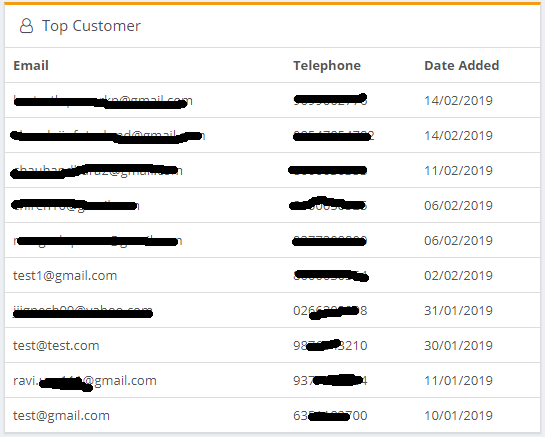
1) Top 10 Customers List On Dashboard
2) Enable / Disable Features For Plugin
3) Customer List With (Email Id, Telephone Number ,Date Added)
4) OCMOD (Does not change source code files)
ADMIN
Installation:
1) Choose version of your opencart
2) Unzip the downloaded ZIP file into a new folder
3) Login to your OpenCart admin panel. Once you do that, go to Extensions -> Extension Installer.
4) Click on the Upload button.
5) Find top-customers-on-admin-dashborad.ocmod.zip on folder and load it.
6) OpenCart will begin the installation of the module along with the OCMod and when the operation is done you will receive the following message - Success: You have installed your extension!
7) Go to Extensions > Modifications and click the [Refresh] button.
8) Go to Extensions -> Extension Installer.
9) Click on the Upload button.
10) Find top-customers-on-admin-dashborad.ocmod.zip on your folder and load it.
11) OpenCart will begin the installation of the module along with the OCMod and when the operation is done you will receive the following message - Success: You have installed your extension!
12) Go to Extensions > Modifications and click the [Refresh] button.
13) Opencart3 Need to Drag And drop folder and the same process for the top-customers-on-admin-dashborad.ocmod.zip upload it.
14) Go to Extensions > Modifications and click the [Refresh] button.
########################################
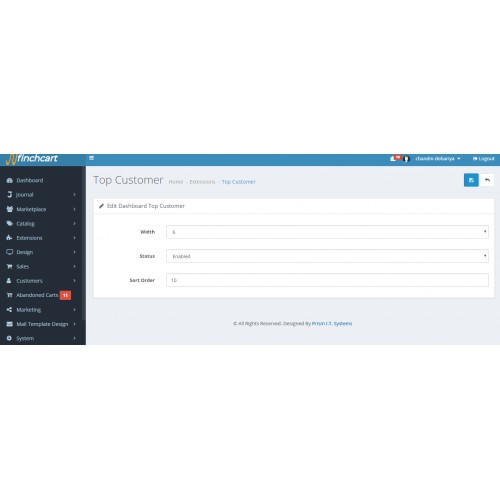
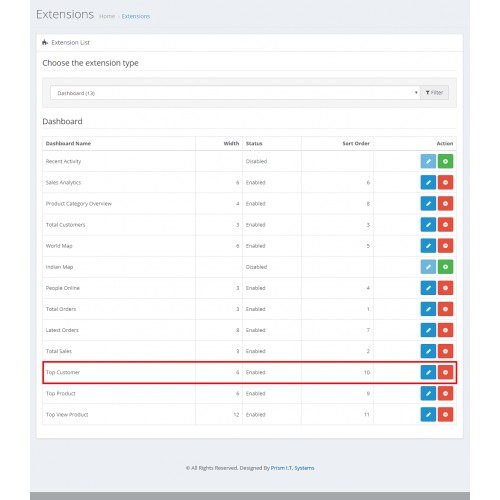
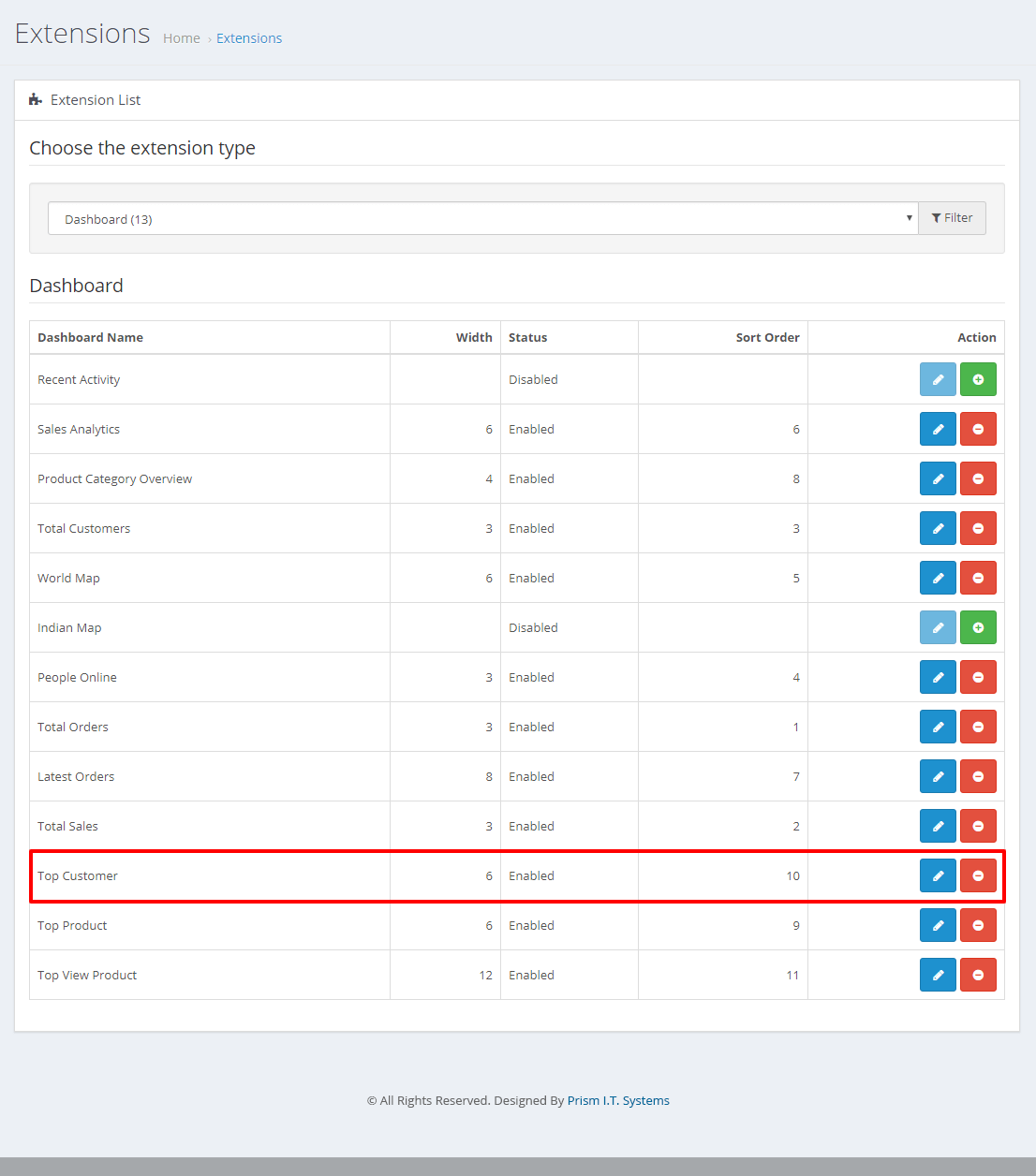
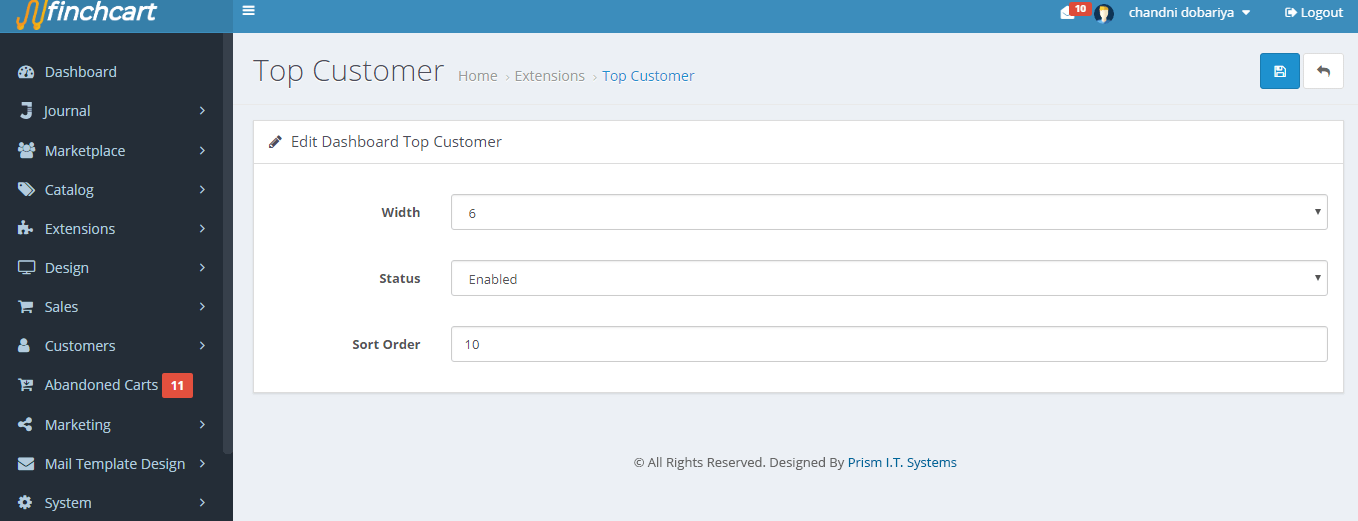
NOTE :- Please Set Chart Layout In "Width 12" For Accurate Format On Dashboard (Admin Panel ->Extension -> Extension -> Dashboard -> Top Customers on Admin dashboard -> Edit and set width = "12")
DONE - Now, You can see Top 10 Customers On Admin Dashboard.

1) Top 10 Customers List On Dashboard
2) Enable / Disable Features For Plugin
3) Customer List With (Email Id, Telephone Number ,Date Added)
4) OCMOD (Does not change source code files)
ADMIN
Installation:
1) Choose version of your opencart
2) Unzip the downloaded ZIP file into a new folder
3) Login to your OpenCart admin panel. Once you do that, go to Extensions -> Extension Installer.
4) Click on the Upload button.
5) Find top-customers-on-admin-dashborad.ocmod.zip on folder and load it.
6) OpenCart will begin the installation of the module along with the OCMod and when the operation is done you will receive the following message - Success: You have installed your extension!
7) Go to Extensions > Modifications and click the [Refresh] button.
8) Go to Extensions -> Extension Installer.
9) Click on the Upload button.
10) Find top-customers-on-admin-dashborad.ocmod.zip on your folder and load it.
11) OpenCart will begin the installation of the module along with the OCMod and when the operation is done you will receive the following message - Success: You have installed your extension!
12) Go to Extensions > Modifications and click the [Refresh] button.
13) Opencart3 Need to Drag And drop folder and the same process for the top-customers-on-admin-dashborad.ocmod.zip upload it.
14) Go to Extensions > Modifications and click the [Refresh] button.
########################################
NOTE :- Please Set Chart Layout In "Width 12" For Accurate Format On Dashboard (Admin Panel ->Extension -> Extension -> Dashboard -> Top Customers on Admin dashboard -> Edit and set width = "12")
DONE - Now, You can see Top 10 Customers On Admin Dashboard.
Download
- Developed by OpenCart Community
- 6 Months Free Support
- Documentation Included
Rating
Compatibility
2.0.0.0, 2.0.1.0, 2.0.1.1, 2.0.2.0, 2.1.0.1, 2.1.0.2, 2.3.0.0, 2.3.0.1, 2.3.0.2, 2.2.0.0, 3.0.0.0, 3.0.1.0, 3.0.1.1, 3.0.1.2, 3.0.1.3, 3.0.2.0, 4.x.x.x, 3.0.3.0, 3.0.3.1, 3.0.3.2, 3.0.3.3, 2.0.3.1
Last Update
22 May 2020
Created
7 Jan 2020
740 Downloads
5 Comments

Login and write down your comment.
Login my OpenCart Account