Viber Chat for OpenCart
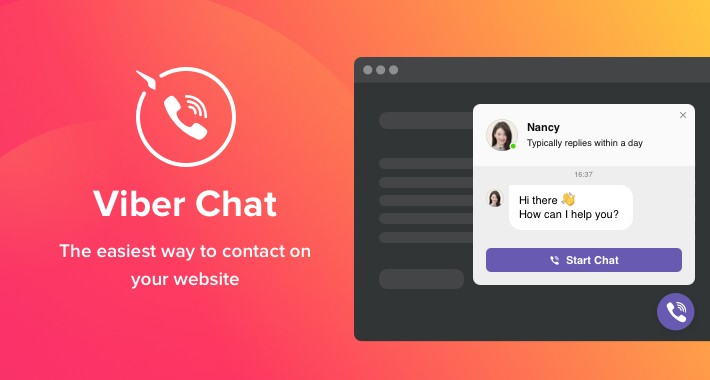
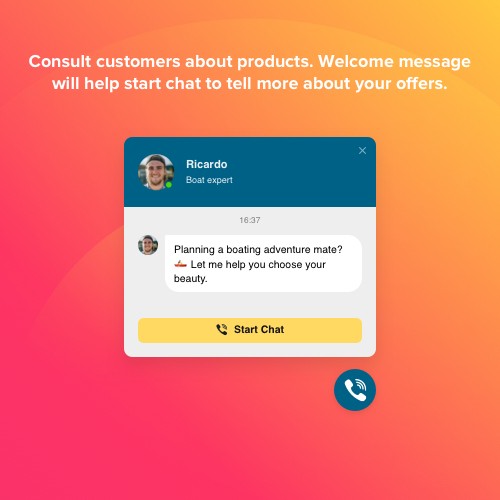
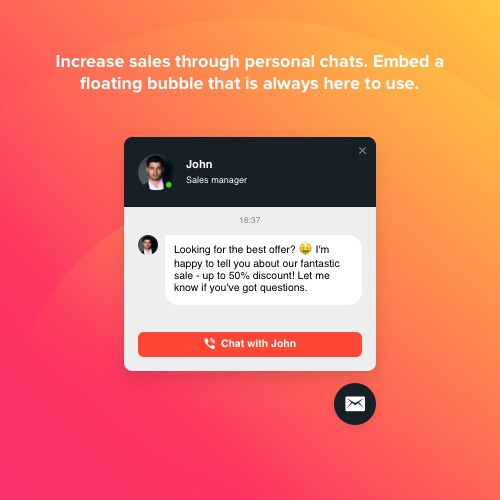
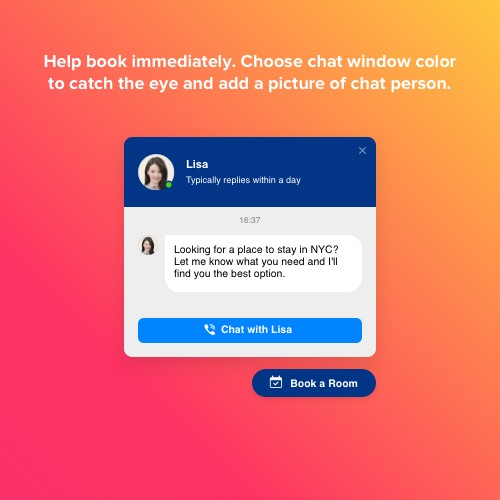
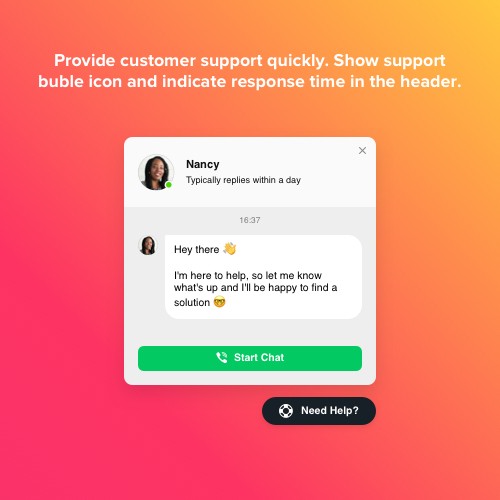
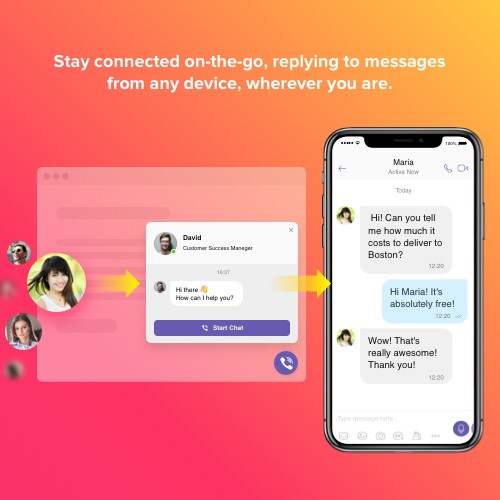
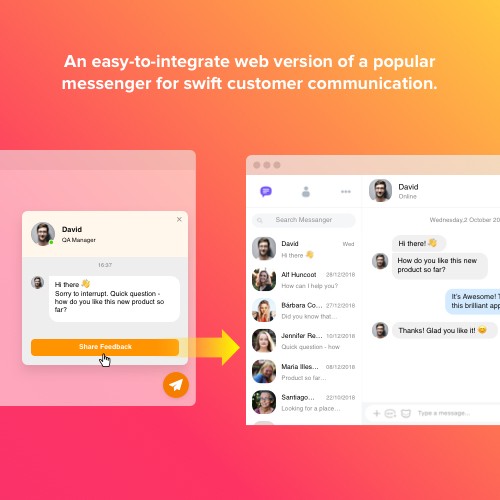
Viber Chat by Elfsight is the handiest possibility for people to contact you and get help from you. You will stay available live in one the most favorite messenger non-stop. Integrate Viber Chat on your website and it can be set to appear on specific pages or for certain groups of visitors, choose chat starting activators, set your welcome text, select icons and more. Using Viber Chat up and running you will stay connected for people anytime and from any place.
Staying simple and fast to contact
Organize a an immediate and handy tool for visitors to get in touch with you via your website
Raising the quality of client support
Organizing a quicker and more targeted connection, leave more people satisfied
Boosting sales via consultations
Send helpful information about what you offer and convince more users to purchase
Increasing the number of leads through direct addressing
Trigger chatting with visitors to discover their queries and spark curiosity about your offers
The quickest way for your users to reach you
With Elfsight Viber Chat you can organize a handy communication channel, that will help|helping|making it super fast for users to address you at once and effortlessly. They will be able to start conversation with you the next moment, through a familiar and comfortable messenger. And you will always stay, answering on-the-go no matter where you are.
Push visitors into chats. Shift them into shoppers. Boost sales.
Whatever services and products you offer, you can offer more via personal communication on your website. You can make every user engaged into a chat and assure more users to order on your site. Elfsight Viber Chat uses chat triggers, which will activate a chat window for a user after a certain amount of time spent on the site or page, or intend to leave. There are several options of chat position, and restrict the chat window to appear only for a particular category of viewers to make it work best.
Flexible design to make it work with your business goal
Our widget includes interface features which help you transform it exactly for your business sphere. Provide client service, consult about your offers, assist to get a booking or place an order – our chat is for all this and even more. Pick chat bubble icon from a library, enter caption text with important information, show company’s logo or pick a photo from our collection, compose a warm welcome message that will help initiate chatting, show message notification, plus more.
This Viber Chat Widget is provided by Elfsight Apps
Elfsight Apps is a cloud-based service featuring apps to improve and diversify your web pages' functionality (for instance, Instagram Feed, YouTube Gallery, Social Icons and more).
This widget functions like a bridge connecting your site and Elfsight Apps Service. It connects the two together. It gets the widget you’ve configured at Elfsight Apps and displays it right on your website.
If you don’t have an Elfsight Apps account yet, setting it up is totally free, and it only takes about one minute.
How to add Viber Chat to OpenCart website
Free installation service
Our Support Team will be glad to help you with the embedding or implement the widget for you. We are waiting for your inquiries at apps@elfsight.com, and we’ll be happy to assist!
Haven’t yet tested our plugin in work? Do it just now on the Viber Chat page!
Support
If you encounter any issues with the Viber Chat or come across questions to ask, do not hesitate to address our clients support staff. We are always delighted to help!
Staying simple and fast to contact
Organize a an immediate and handy tool for visitors to get in touch with you via your website
Raising the quality of client support
Organizing a quicker and more targeted connection, leave more people satisfied
Boosting sales via consultations
Send helpful information about what you offer and convince more users to purchase
Increasing the number of leads through direct addressing
Trigger chatting with visitors to discover their queries and spark curiosity about your offers
The quickest way for your users to reach you
With Elfsight Viber Chat you can organize a handy communication channel, that will help|helping|making it super fast for users to address you at once and effortlessly. They will be able to start conversation with you the next moment, through a familiar and comfortable messenger. And you will always stay, answering on-the-go no matter where you are.
Push visitors into chats. Shift them into shoppers. Boost sales.
Whatever services and products you offer, you can offer more via personal communication on your website. You can make every user engaged into a chat and assure more users to order on your site. Elfsight Viber Chat uses chat triggers, which will activate a chat window for a user after a certain amount of time spent on the site or page, or intend to leave. There are several options of chat position, and restrict the chat window to appear only for a particular category of viewers to make it work best.
Flexible design to make it work with your business goal
Our widget includes interface features which help you transform it exactly for your business sphere. Provide client service, consult about your offers, assist to get a booking or place an order – our chat is for all this and even more. Pick chat bubble icon from a library, enter caption text with important information, show company’s logo or pick a photo from our collection, compose a warm welcome message that will help initiate chatting, show message notification, plus more.
This Viber Chat Widget is provided by Elfsight Apps
Elfsight Apps is a cloud-based service featuring apps to improve and diversify your web pages' functionality (for instance, Instagram Feed, YouTube Gallery, Social Icons and more).
This widget functions like a bridge connecting your site and Elfsight Apps Service. It connects the two together. It gets the widget you’ve configured at Elfsight Apps and displays it right on your website.
If you don’t have an Elfsight Apps account yet, setting it up is totally free, and it only takes about one minute.
How to add Viber Chat to OpenCart website
- Get the extension and install it to the website.
Find a desired version of the widget and download its file. Next, install it to your site via «Extension Installer» in the control panel.
- Shape your own extension.
Visit the «Extensions» section and apply sorting by module to open Viber Chat. Now you can enter selected data and customize the look. Get your installation code from the popup notification. Copy this code.
- Add the extension on the store.
Define the area you plan to integrate the plugin to and add the saved code there.
- You’re done! .
Open OpenCart website, to check your results!
Free installation service
Our Support Team will be glad to help you with the embedding or implement the widget for you. We are waiting for your inquiries at apps@elfsight.com, and we’ll be happy to assist!
Haven’t yet tested our plugin in work? Do it just now on the Viber Chat page!
Support
If you encounter any issues with the Viber Chat or come across questions to ask, do not hesitate to address our clients support staff. We are always delighted to help!
Download
- Developed by OpenCart Community
- Documentation Included
Rating
Compatibility
3.0.0.0, 3.0.1.0, 3.0.1.1, 3.0.1.2, 3.0.1.3, 3.0.2.0, 4.x.x.x, 3.0.3.0, 3.0.3.1, 3.0.3.2, 3.0.3.7, 3.0.3.8, 2.3.0.2, 2.0.0.0, 2.0.1.0, 2.0.1.1, 2.0.2.0, 2.0.3.1, 2.1.0.1, 2.1.0.2, 2.2.0.0
Last Update
30 Jan 2023
Created
12 Feb 2020
447 Downloads
3 Comments

Login and write down your comment.
Login my OpenCart Account