Radio Player for OpenCart

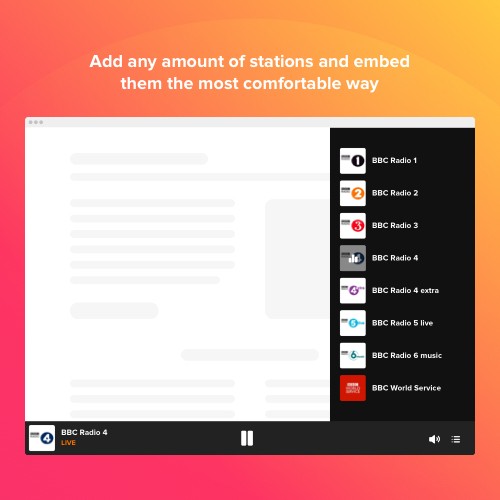
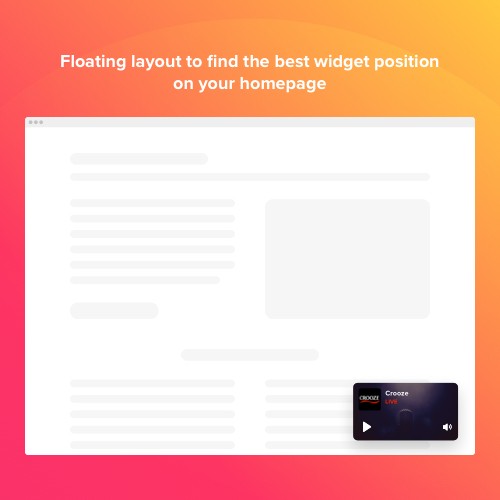
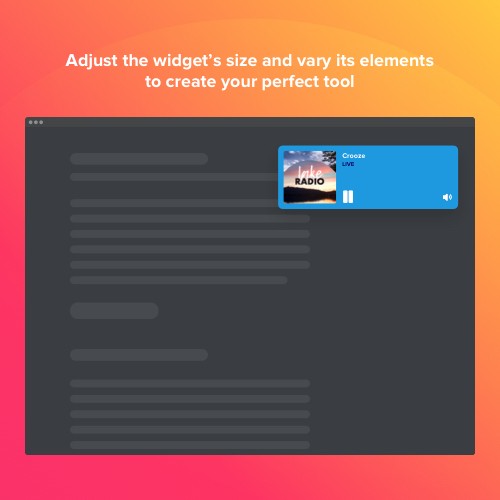
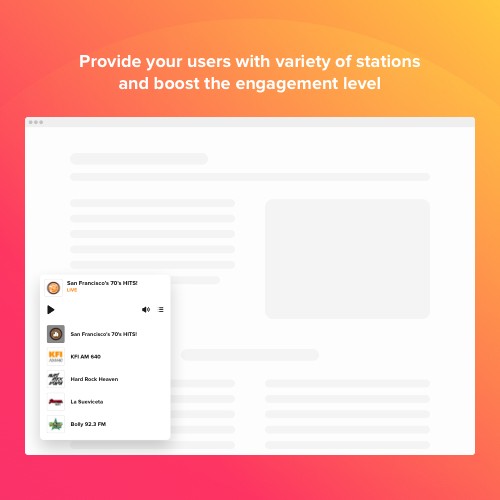
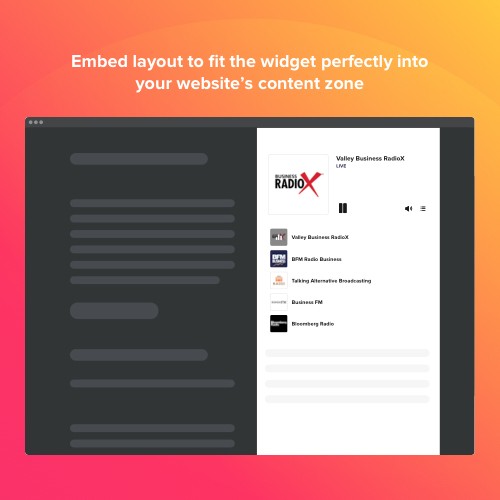
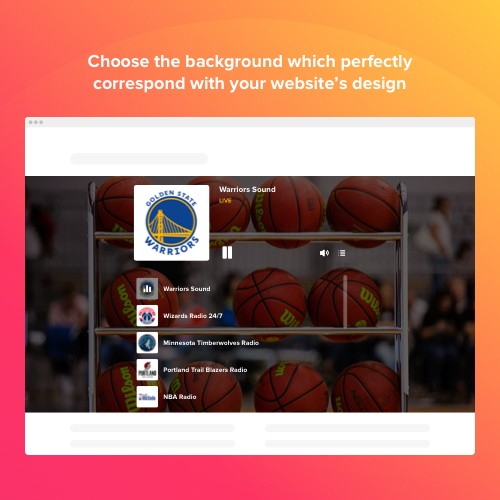
Elfsight Radio Player is a simple extension allowing you to stream radio stations directly on the pages of your site. The extension is highly adjustable: you may alter its placement, embedding it in any place on the page, alter its size, do over the background and all other elements to mix it with your site’s design, use dark color scheme, display images and display or conceal three other player components, for example, heading, status and others. Include as many stations as you want to entertain your audience, turn the autoplay on and don’t hesitate - your audience won’t quit your site in a rush!
Get loyal users easily
Each radio show contains useful information or the Radio tracks selection given in an accessible way which makes visitors come back to you for more
Shape an amazing atmosphere
Supply your audience with a admirable playlist that will totally comply with your site's design
Boost the user experience
Give your users more control over the stations you've added on your web page and they won't leave you in a hurry
Variegate your content and stand out of the crowd
Embedding an enjoyable tool with various radio shows right on your site can help you with increasing time your visitors spend on your site. Let them choose from different stations you’ve chosen for them or create only one stream which blends with your content the best. Establish a lifelong friendship with your visitors and don't hesitate they will be back for more!
A user-friendly player for your web page
With our customizable extension you’ll be able to shape an engaging feature that will surely draw users’ attention. You may incorporate an unlimited number of stations, turn on the autoplay to make an acquaintance with your website remarkable and put the player anyplace on the page.
Make your Radio Player apparent or neat
We suggest various design opportunities that will help you make your player noticeable and descriptive. Incorporate title and station status or switch them off to shape a minimalistic player. Alter its elements to make it correlate with website's style. The dark color scheme is available to assist you with making trendy addition to your website in just a few clicks.
This Radio Player extension is provided by Elfsight Apps
Elfsight Apps is a cloud-based service offering apps to extend and diversify your page functionality (for example, Instagram Feed, YouTube Gallery, Social Icons and many more).
This extension acts as a bridge connecting your website and Elfsight Apps Service, connecting them together. It takes the extension you’ve configured at Elfsight Apps and displays it directly on your website.
In case you haven't got an Elfsight Apps account, setting it up is totally free of charge, and it only takes you about one minute.
How to add Radio Player to OpenCart website
Free installation service
Our Support Team will be happy to help with the setup or integrate the extension for you. We are waiting for your requests at apps@elfsight.com, and we’ll be delighted to assist!
Still haven’t tried our extension in work? Do it right now on the Radio Player page!
Support
In case you encounter any issues with the Radio Player or encounter questions, do not hesitate to address our clients support staff. Our specialists are always pleased to assist!
Get loyal users easily
Each radio show contains useful information or the Radio tracks selection given in an accessible way which makes visitors come back to you for more
Shape an amazing atmosphere
Supply your audience with a admirable playlist that will totally comply with your site's design
Boost the user experience
Give your users more control over the stations you've added on your web page and they won't leave you in a hurry
Variegate your content and stand out of the crowd
Embedding an enjoyable tool with various radio shows right on your site can help you with increasing time your visitors spend on your site. Let them choose from different stations you’ve chosen for them or create only one stream which blends with your content the best. Establish a lifelong friendship with your visitors and don't hesitate they will be back for more!
A user-friendly player for your web page
With our customizable extension you’ll be able to shape an engaging feature that will surely draw users’ attention. You may incorporate an unlimited number of stations, turn on the autoplay to make an acquaintance with your website remarkable and put the player anyplace on the page.
Make your Radio Player apparent or neat
We suggest various design opportunities that will help you make your player noticeable and descriptive. Incorporate title and station status or switch them off to shape a minimalistic player. Alter its elements to make it correlate with website's style. The dark color scheme is available to assist you with making trendy addition to your website in just a few clicks.
This Radio Player extension is provided by Elfsight Apps
Elfsight Apps is a cloud-based service offering apps to extend and diversify your page functionality (for example, Instagram Feed, YouTube Gallery, Social Icons and many more).
This extension acts as a bridge connecting your website and Elfsight Apps Service, connecting them together. It takes the extension you’ve configured at Elfsight Apps and displays it directly on your website.
In case you haven't got an Elfsight Apps account, setting it up is totally free of charge, and it only takes you about one minute.
How to add Radio Player to OpenCart website
- Get the extension and install it to the website.
Find a desired version of the extension and download its file. Next, install it to your site via «Extension Installer» in the control panel.
- Shape your own extension.
Visit the «Extensions» section and apply sorting by module to open Radio Player. Now you can enter selected data and customize the look. Get your installation code from the popup notification. Copy this code.
- Add the extension on the store.
Define the area you plan to integrate the extension to and add the saved code there.
- You’re done! .
Open OpenCart website, to check your results!
Free installation service
Our Support Team will be happy to help with the setup or integrate the extension for you. We are waiting for your requests at apps@elfsight.com, and we’ll be delighted to assist!
Still haven’t tried our extension in work? Do it right now on the Radio Player page!
Support
In case you encounter any issues with the Radio Player or encounter questions, do not hesitate to address our clients support staff. Our specialists are always pleased to assist!
Download
- Developed by OpenCart Community
- Documentation Included
Rating
Compatibility
2.0.0.0, 2.0.1.0, 2.0.1.1, 2.0.2.0, 2.0.3.1, 2.1.0.1, 2.1.0.2, 2.2.0.0, 2.3.0.2, 3.0.0.0, 3.0.1.0, 3.0.1.1, 3.0.1.2, 3.0.1.3, 3.0.2.0, 4.x.x.x, 3.0.3.0, 3.0.3.1, 3.0.3.2, 3.0.3.7, 3.0.3.8
Last Update
30 Jan 2023
Created
12 Feb 2020
144 Downloads
0 Comments

Login and write down your comment.
Login my OpenCart Account