QR Code for OpenCart
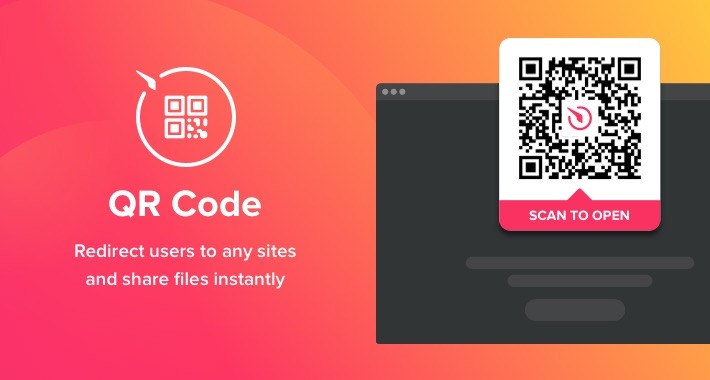
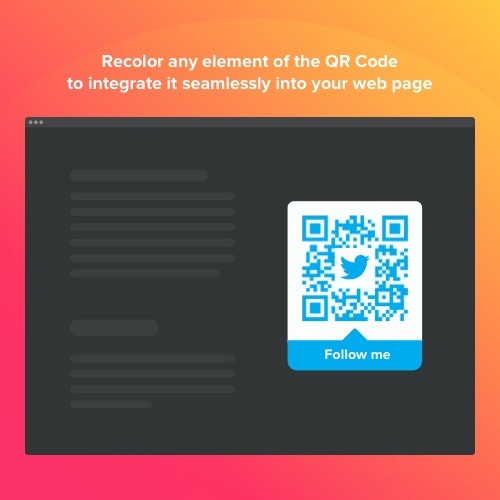
Elfsight QR Code is an impressive tool allowing you quickly redirect your visitors to any site, share a link, your location, email, file and more. The plugin is extremely adjustable: you may attach a title, caption, choose the most suiting icon and logo using our library or create your own, recolor the text, background, frame and change the size the way it suits your website. All you need to do is start forming the tool - the installation is a breeze and won’t require coding skills.
Streamline the content usage for your users
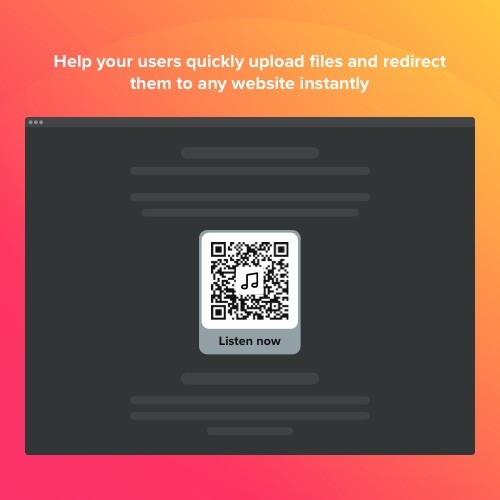
Let the users of your website thoroughly study the longreads, ebooks, video content and other useful files you’ve created for them
Share the info instantly
A QR Code may be a quick way to supply audience with data if your resources are limited
Engage the audience with your brand
Employing the QR Code, incorporate exclusive and entertaining content that will grab the attention of your users
Immediate access in just a few clicks
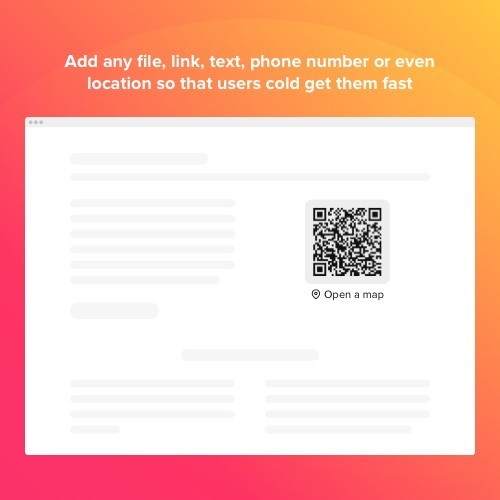
Employing our QR Code, you can make it simpler for your audience to contact you, upload files, find locations and many more. Readdress them to any web pages, share your email and contacts, social media profiles, messengers data and Wi-Fi profiles in 1-2-3. Just Pick the type of information you want to share and fill in all the crucial data!
Build a extraordinarily informative feature
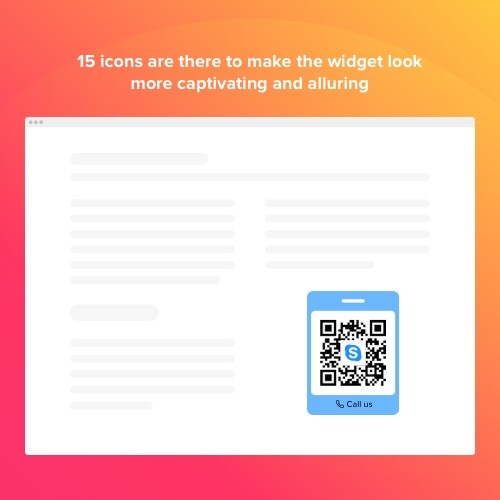
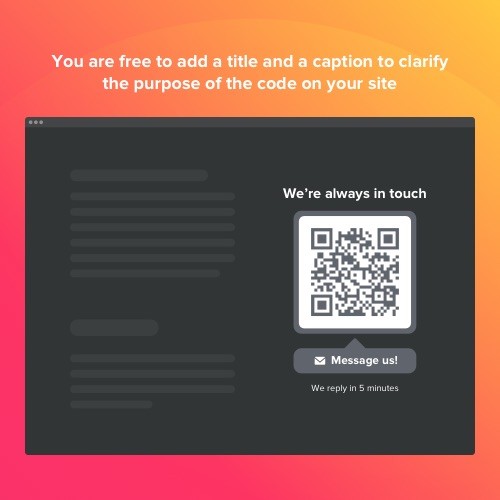
There are lots of details you can add into your tool like texts, icons or logos. Attach a caption and title to keep your audience informed about the information they’re going to get. There are 8 logos applicable so that users could see which social media platform or messenger they are sent to. And to make the tool look more captivating, you are always free to adjoin an enticing switchable icon, picking it right from our collection.
Find the frame that suits you best
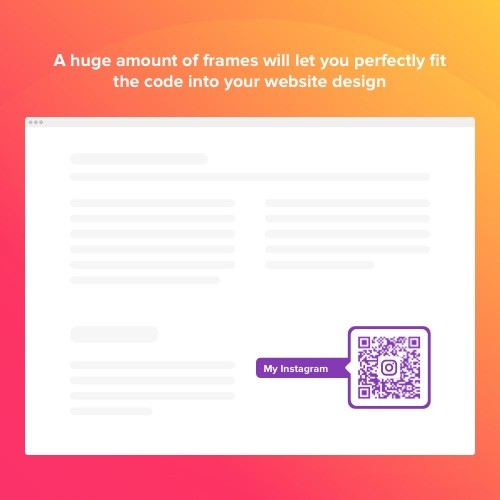
We submit you eight frames for your QR Code widget. They are used to demonstrate your info the most telling way and get the visitors' attention. The only thing you’ve are to do is to pick the frame that accompaniments your web page the best.
This QR Code Widget is provided by Elfsight Apps
Elfsight Apps is a cloud-based service service that features apps to improve and diversify your web pages' functionality (for example, Instagram Feed, YouTube Gallery, Social Icons and many more).
This widget acts as a bridge connecting your site and Elfsight Apps Service. It connects them together. It takes the widget that you have configured at Elfsight Apps and displays it straight on your website.
In case you haven't got an Elfsight Apps account yet, you can set it up totally free of charge, and it only will take about a minute.
How to add QR Code to OpenCart website
Free installation service
Our Customer Help Team will be happy to help with the setup or implement the widget for you. We are waiting for your inquiries at apps@elfsight. Com, and we’ll be happy to help!
Still haven’t checked our widget in work? Do it right now on the QR Code page!
Support
When you have any problems with the QR Code or encounter questions to ask, do not hesitate to address our clients support team. Our specialists are always pleased to help!
Streamline the content usage for your users
Let the users of your website thoroughly study the longreads, ebooks, video content and other useful files you’ve created for them
Share the info instantly
A QR Code may be a quick way to supply audience with data if your resources are limited
Engage the audience with your brand
Employing the QR Code, incorporate exclusive and entertaining content that will grab the attention of your users
Immediate access in just a few clicks
Employing our QR Code, you can make it simpler for your audience to contact you, upload files, find locations and many more. Readdress them to any web pages, share your email and contacts, social media profiles, messengers data and Wi-Fi profiles in 1-2-3. Just Pick the type of information you want to share and fill in all the crucial data!
Build a extraordinarily informative feature
There are lots of details you can add into your tool like texts, icons or logos. Attach a caption and title to keep your audience informed about the information they’re going to get. There are 8 logos applicable so that users could see which social media platform or messenger they are sent to. And to make the tool look more captivating, you are always free to adjoin an enticing switchable icon, picking it right from our collection.
Find the frame that suits you best
We submit you eight frames for your QR Code widget. They are used to demonstrate your info the most telling way and get the visitors' attention. The only thing you’ve are to do is to pick the frame that accompaniments your web page the best.
This QR Code Widget is provided by Elfsight Apps
Elfsight Apps is a cloud-based service service that features apps to improve and diversify your web pages' functionality (for example, Instagram Feed, YouTube Gallery, Social Icons and many more).
This widget acts as a bridge connecting your site and Elfsight Apps Service. It connects them together. It takes the widget that you have configured at Elfsight Apps and displays it straight on your website.
In case you haven't got an Elfsight Apps account yet, you can set it up totally free of charge, and it only will take about a minute.
How to add QR Code to OpenCart website
- Get the extension and install it to the website.
Find a desired version of the widget and download its file. Next, install it to your site via «Extension Installer» in the control panel.
- Shape your own extension.
Visit the «Extensions» section and apply sorting by module to open QR Code. Now you can enter selected data and customize the look. Get your installation code from the popup notification. Copy this code.
- Add the extension on the store.
Define the area you plan to integrate the plugin to and add the saved code there.
- You’re done! .
Open OpenCart website, to check your results!
Free installation service
Our Customer Help Team will be happy to help with the setup or implement the widget for you. We are waiting for your inquiries at apps@elfsight. Com, and we’ll be happy to help!
Still haven’t checked our widget in work? Do it right now on the QR Code page!
Support
When you have any problems with the QR Code or encounter questions to ask, do not hesitate to address our clients support team. Our specialists are always pleased to help!
Download
- Developed by OpenCart Community
- Documentation Included
Rating
Compatibility
2.0.0.0, 2.0.1.0, 2.0.1.1, 2.0.2.0, 2.0.3.1, 2.1.0.1, 2.1.0.2, 2.2.0.0, 2.3.0.2, 3.0.0.0, 3.0.1.0, 3.0.1.1, 3.0.1.2, 3.0.1.3, 3.0.2.0, 4.x.x.x, 3.0.3.0, 3.0.3.1, 3.0.3.2, 3.0.3.7, 3.0.3.8
Last Update
30 Jan 2023
Created
12 Feb 2020
440 Downloads
0 Comments

Login and write down your comment.
Login my OpenCart Account