Restaurant Menu for OpenCart
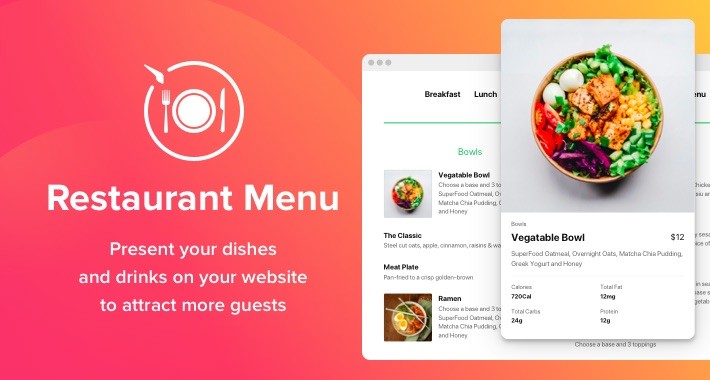
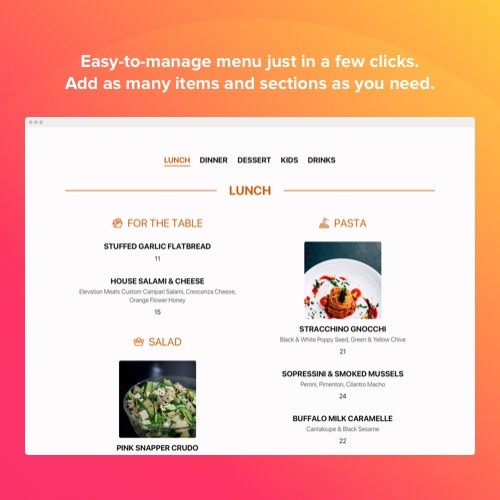
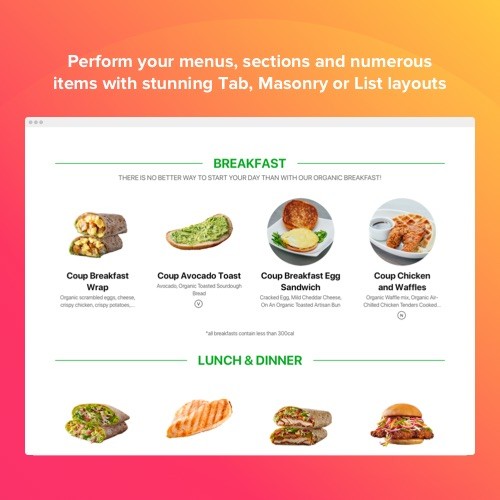
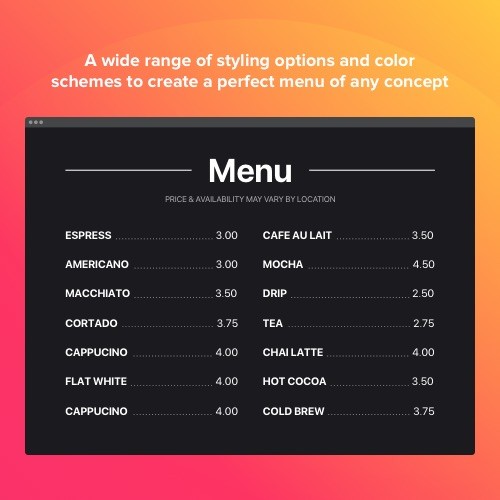
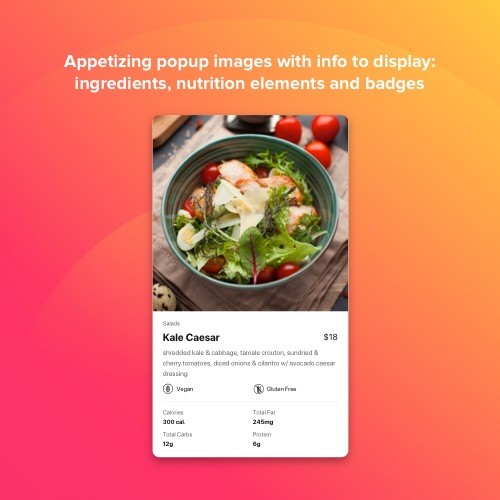
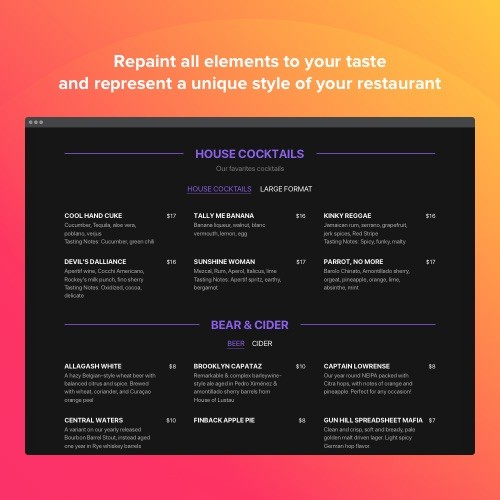
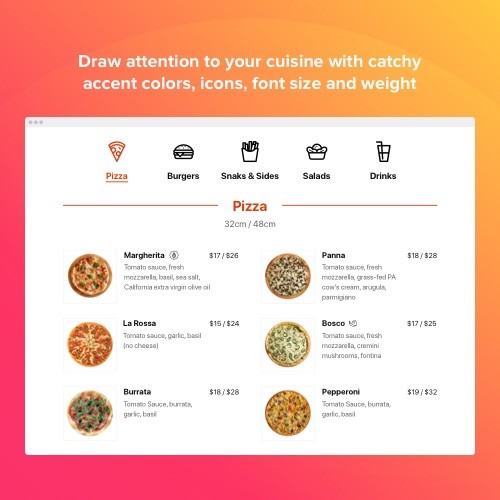
The Restaurant Menu is a user-friendly tool for displaying your diversity of items right on your site. It is a great way to inform your potential clients about your diversity, tell about an original concept and mesmerize them with appetizing meal photos. The plugin is a rather user-tailored. Thanks to it you can present a vast quantity of menu pages with a amazing range of items. Or just create a brief list of the products you serve. Feel free to choose light, dark scheme or adjust settings you need, recoloring all elements. Besides, your menu can be always relevant: you can update pricing, a list of items, add new beverages or even menus in a couple of seconds! Just start creating your fascinating menu right at the moment.
Benefits
Present your food and drinks
Use the efficient and stylish trends to share with your users a stunning menu
More reservations - more profit
Сonvince website visitors to become your guests and taste delicious meals or beverages in your cafe
Always right menu
Easy-to-use editor let you make some changes in your menu any moment you wish. Make pricing different or add new items just in a couple of seconds.
Features
Even complicated menu just in a few clicks
No matter if you run a nice cafeteria or a healthy gastropub, to integrate a menu on your site is not complicated anymore. Create a short list or a huge one with different kinds of meals, splitted into sections or even a wide range of several menus. Choose the best variant and compile a mesmerizing menu with more description as you like: photos, pricing, captions, a nutritional info and many other options.
Represent uniqueness of your cuisine
What is the most valuable in your restaurant? Your items, of course! Tempting meals photos, appetizing descriptions, helpful details for your visitors: ingredients and allergens info, provided by 20 icons. Let your users imagine delicious flavour of each item and not to miss a chance to become a guest in your restaurant or cafe!
This OpenCart Restaurant Menu extension is provided by Elfsight Apps
Elfsight Apps is a cloud-based service that features apps to extend and diversify your website functionality (for instance, Instagram Feed, YouTube Gallery, Social Icons and others).
This widget acts as a bridge between your website and Elfsight Apps Service, connecting the two together. Then it takes the widget you’ve configured at Elfsight Apps and displays it right on your website.
If you don’t have an Elfsight Apps account yet, setting it up is totally free, and it only takes you about a minute.
How to add Restaurant Menu to OpenCart website
Free installation service
Our Support Team will be happy to help you with the setup or install the widget for you. We are waiting for your requests at apps@elfsight.com, and we’ll be happy to help!
Support
As soon as you have any issues with the Restaurant Menu for OpenCart or have questions to ask, feel free to address our customer support. We are always delighted to assist!
Haven’t yet tested our widget in work? Do it just now on the Restaurant Menu page!
Benefits
Present your food and drinks
Use the efficient and stylish trends to share with your users a stunning menu
More reservations - more profit
Сonvince website visitors to become your guests and taste delicious meals or beverages in your cafe
Always right menu
Easy-to-use editor let you make some changes in your menu any moment you wish. Make pricing different or add new items just in a couple of seconds.
Features
Even complicated menu just in a few clicks
No matter if you run a nice cafeteria or a healthy gastropub, to integrate a menu on your site is not complicated anymore. Create a short list or a huge one with different kinds of meals, splitted into sections or even a wide range of several menus. Choose the best variant and compile a mesmerizing menu with more description as you like: photos, pricing, captions, a nutritional info and many other options.
Represent uniqueness of your cuisine
What is the most valuable in your restaurant? Your items, of course! Tempting meals photos, appetizing descriptions, helpful details for your visitors: ingredients and allergens info, provided by 20 icons. Let your users imagine delicious flavour of each item and not to miss a chance to become a guest in your restaurant or cafe!
This OpenCart Restaurant Menu extension is provided by Elfsight Apps
Elfsight Apps is a cloud-based service that features apps to extend and diversify your website functionality (for instance, Instagram Feed, YouTube Gallery, Social Icons and others).
This widget acts as a bridge between your website and Elfsight Apps Service, connecting the two together. Then it takes the widget you’ve configured at Elfsight Apps and displays it right on your website.
If you don’t have an Elfsight Apps account yet, setting it up is totally free, and it only takes you about a minute.
How to add Restaurant Menu to OpenCart website
- Get the extension and install it to the website.
Find a desired version of the widget and download its file. Next, install it to your site via «Extension Installer» in the control panel.
- Shape your own extension.
Visit the «Extensions» section and apply sorting by module to open Restaurant Menu. Now you can enter selected data and customize the look. Get your installation code from the popup notification. Copy this code.
- Add the extension on the store.
Define the area you plan to integrate the plugin to and add the saved code there.
- You’re done! .
Open OpenCart website, to check your results!
Free installation service
Our Support Team will be happy to help you with the setup or install the widget for you. We are waiting for your requests at apps@elfsight.com, and we’ll be happy to help!
Support
As soon as you have any issues with the Restaurant Menu for OpenCart or have questions to ask, feel free to address our customer support. We are always delighted to assist!
Haven’t yet tested our widget in work? Do it just now on the Restaurant Menu page!
Download
- Developed by OpenCart Community
- Documentation Included
Rating
Compatibility
2.0.0.0, 2.0.1.0, 2.0.1.1, 2.0.2.0, 2.0.3.1, 2.1.0.1, 2.1.0.2, 2.2.0.0, 2.3.0.2, 3.0.0.0, 3.0.1.0, 3.0.1.1, 3.0.1.2, 3.0.1.3, 3.0.2.0, 4.x.x.x, 3.0.3.0, 3.0.3.1, 3.0.3.2, 3.0.3.7, 3.0.3.8
Last Update
30 Jan 2023
Created
12 Feb 2020
585 Downloads
0 Comments

Login and write down your comment.
Login my OpenCart Account