Restaurant & Bar POS
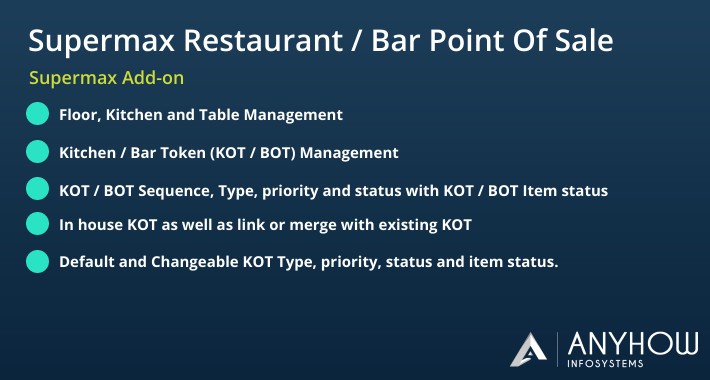
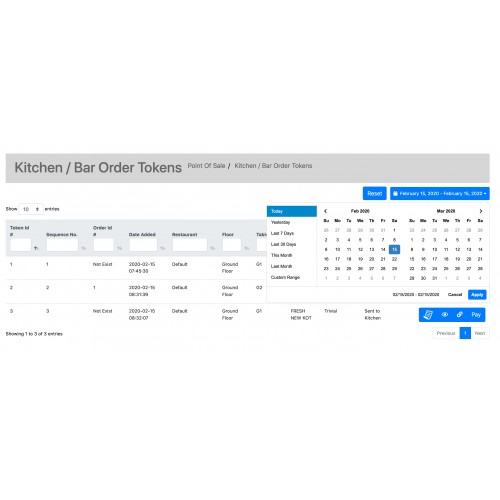

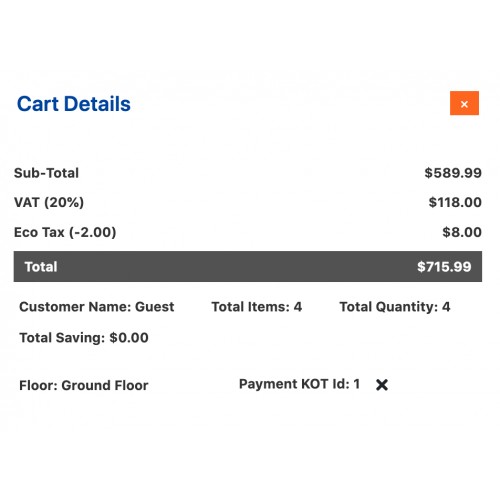
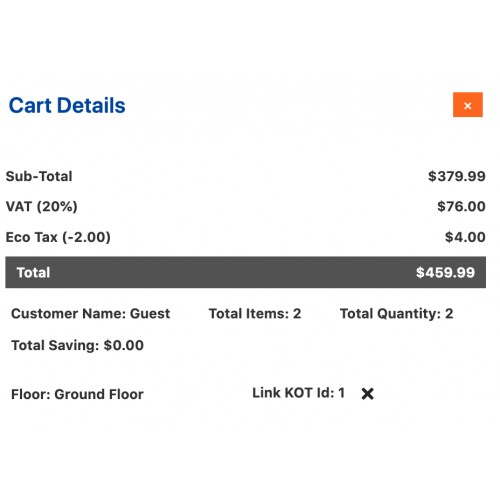
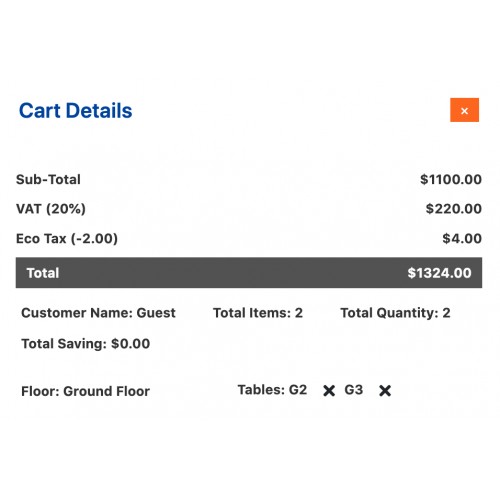

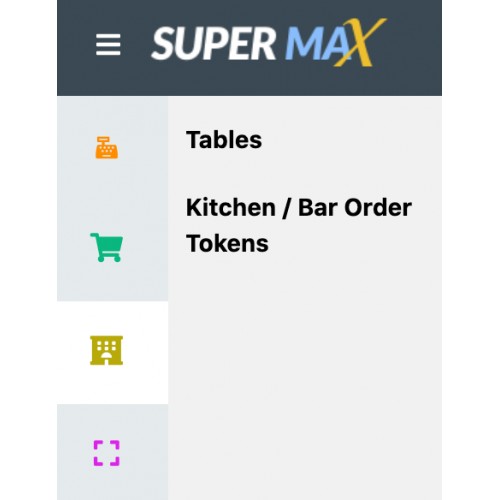
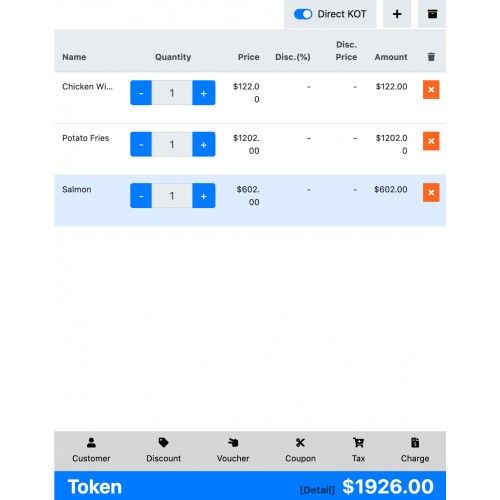








With the help of the Supermax Restaurant and Bar Point of Sale extension admin can manage his physical restaurant and bar in a single window.
Supermax Restaurant and Bar Point of Sale extension is an add-on of Supermax point of Sale Module. To use this module you must have to install Supermax Point of Sale (POS).
Main Features
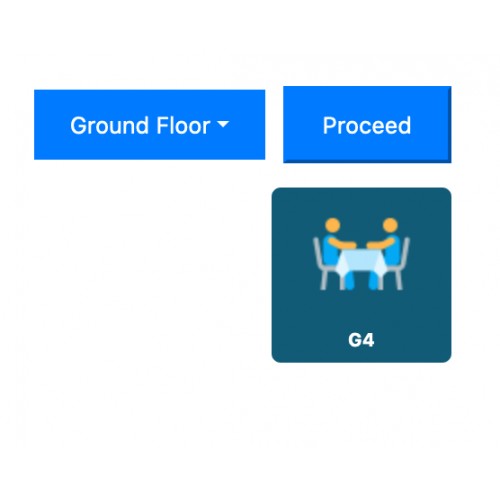
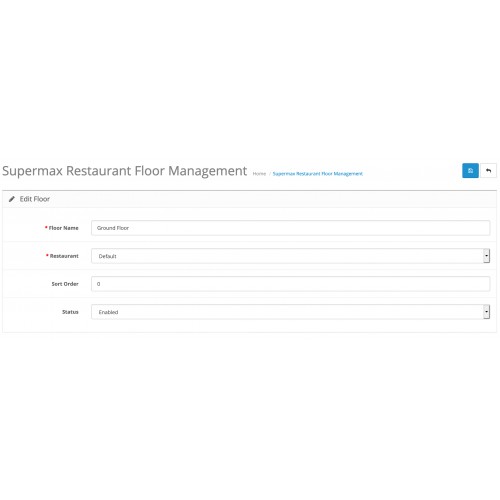
- Admin can create unlimited restaurant floors, kitchens, and tables. And he can assign a table to the respective floor as well as floor to kitchen.
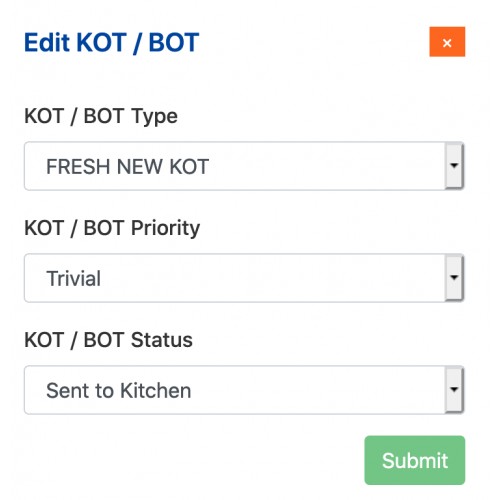
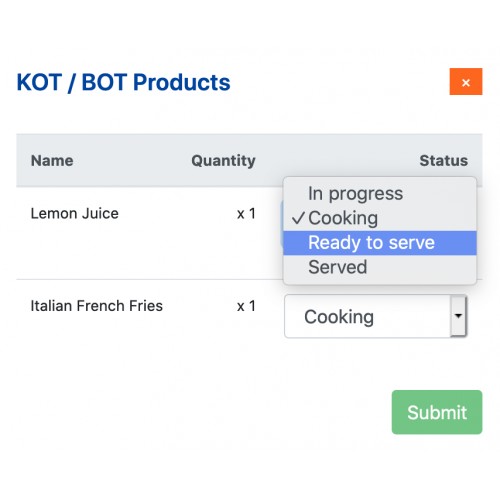
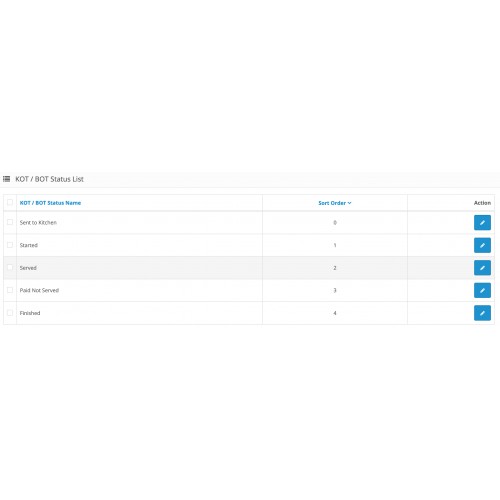
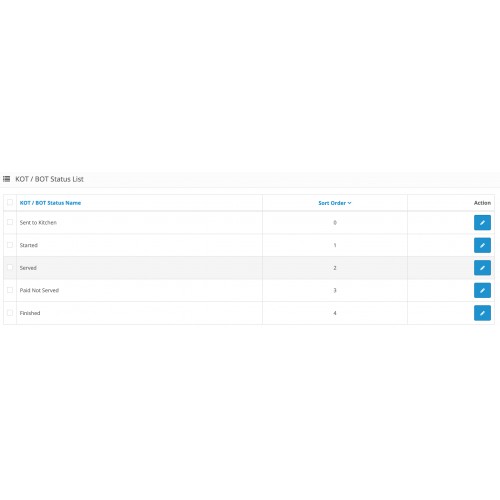
- Admin can create unlimited KOT / BOT types, priorities, status and KOT item/product status.
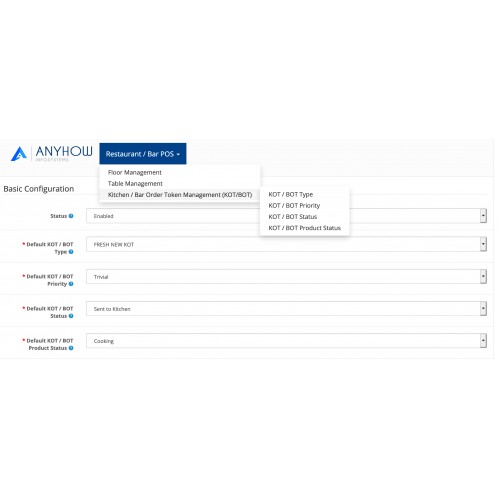
- Admin can set default KOT type, priority, status and item status KOT.
- If pos multi-user add-on is integrated then admin can assign floors to respective store/restaurant.
- Admin can set KOT types and statuses for merging/linking related KOTs to each other.
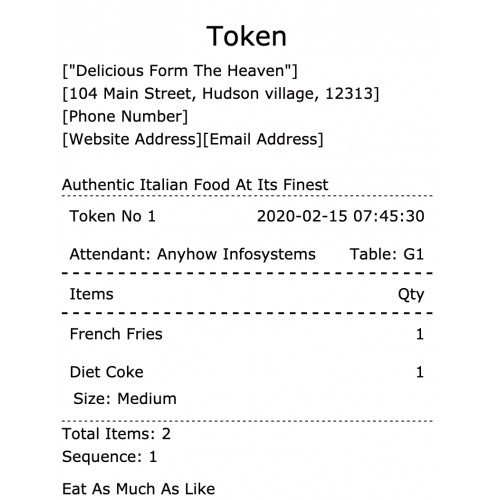
- Admin can set KOT receipt width and font size as well as token header and footer notes.
- POS Users can select tables respective to floors.
- POS user can merge multiple tables and generate KOT/BOT.
- POS user can generate KOT directly without choosing any table Ex: in house KOT or for open/self-service restaurant.
- POS user can generate KOT by linking/merging with existing or ongoing KOT.
- POS user change KOT as well as KOT item status.
- POS user can place the order for KOT and the system automatically merge and link related KOTs at the time of order placing.
Steps to follow before checking demo
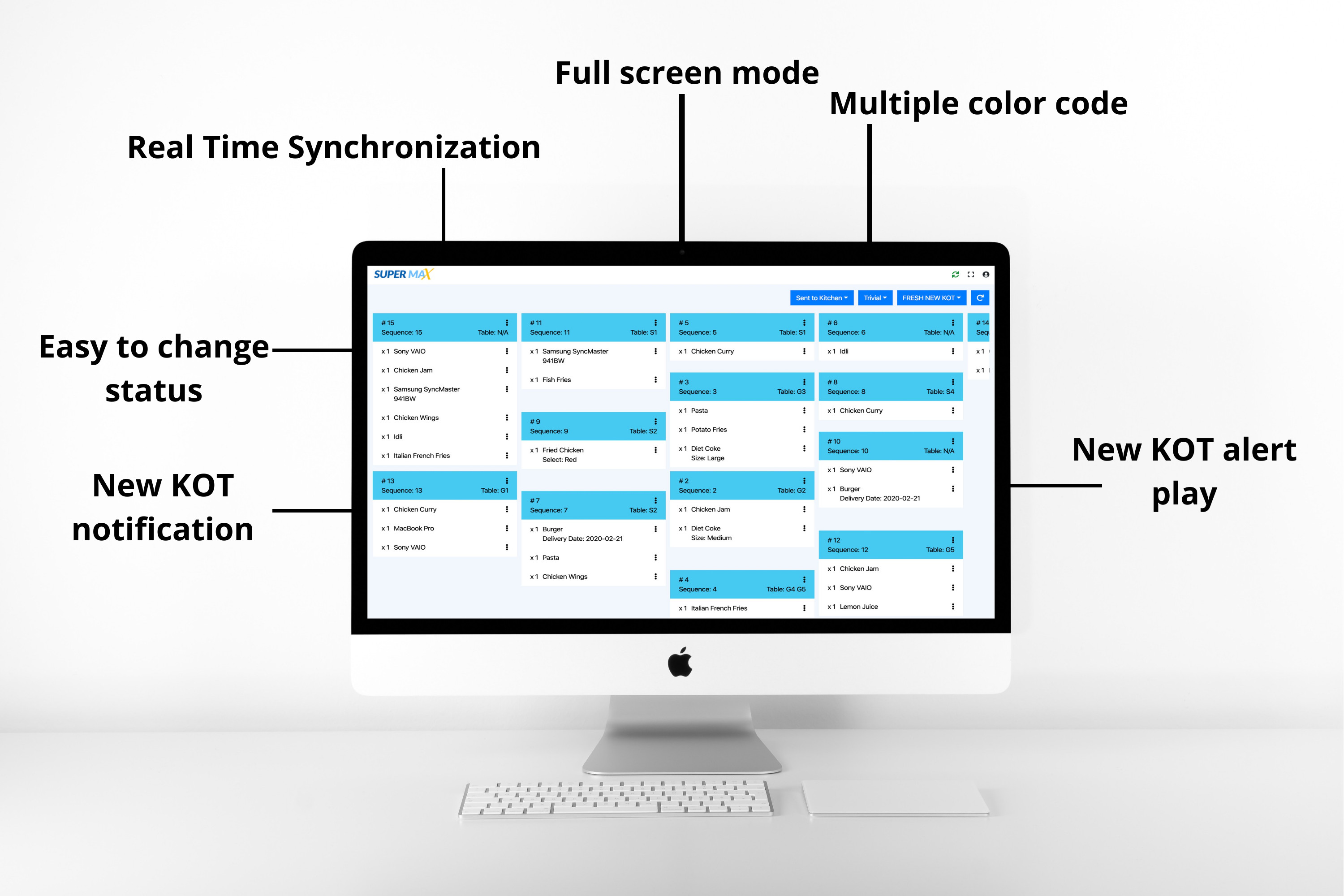
- Make sure you have opened supermax restaurant POS and Kitchen display systems(KDS) in two different browsers and KDS should be open in google chrome browser. This should be followed when you go for a real-time sync process.
- After login enables the real-time sync process by clicking the sync button on the right side of the top. You will not see any KOT's until any KOT generated for the current day.
- Go to the POS terminal other browser and creates one KOT.
- If your system sound is not in mute then you can hear a beep sound as well as welcome screen for new KOT in the KDS.
- make any changes to KOT like status, type or item status and see KDS will be updated automatically according to the changes.
- For horizontal scrolling use shift+mouse wheel in keyboard

Upcomming Features or Add-ons
- Restaurant waiter management app
- Restaurant chef management app
- Table booking and reservation system
- Hotel Management System


Support is provide from Monday to Friday only.
Please always provide a detailed problem description with admin access to the store and FTP.
All 3 points in the same order:
- Store
- url
- login
- password
- FTP Account
- host
- username
- password
- Detailed problem description
Remember to backup files and database before, because sometimes some settings can be changed. After backup please don’t change anything in store.
Extension support includes:
- Availability of the agent to answer questions only extension related
- Answering technical questions about item’s features
- Assistance with reported bugs and issues
However, Extension support does not include
- Free Customization services
- Updation Services
- web hosting or server configuration / services
NOTE- In order to fix your issues we will need your web store admin + FTP credentials. Once we finish up the work you can change your credentials. Supermax POS terminal will be provided without the source code and Supermax POS terminal build will be provided respective to opencart installed website, after the purchase. Please share your opencart installed website link to support@anyhowinfo.com, to get the terminal build. A sub-domain must be used to placing the POS terminal build to avoid domain storage and cache issue. Sub-domain must have https enabled if opencart installed store has https enabled.
Price
$99.00
- Developed by OpenCart Community
- 3 Months Free Support
- Documentation Included
Rating
Compatibility
2.3.0.2, 3.0.0.0, 3.0.1.0, 3.0.1.1, 3.0.1.2, 3.0.1.3, 3.0.2.0, 4.x.x.x, 3.0.3.0, 3.0.3.1, 3.0.3.2, 3.0.3.3, 3.0.3.5, 3.0.3.6, 3.0.3.7, 3.0.3.8, 4.0.0.0, 4.0.1.0, 4.0.1.1, 3.x.x.x, 4.0.2.0, 4.0.2.1, 4.0.2.2, 4.0.2.3, 3.0.3.9, 3.0.4.0, 4.1.0.0, 4.1.0.1, 4.1.0.2, 4.1.0.3
Last Update
30 Apr 2026
Created
15 Feb 2020
4 Sales
0 Comments

Login and write down your comment.
Login my OpenCart Account